Executive Overview
When it comes to high-end mobile computing, the market rarely sees a device that defies categorization quite as aggressively as the 2026 Razer Blade 18. While officially designated as a gaming laptop, this colossal machine serves a dual purpose. It is engineered with such ferocious computing capability that it blitzes through professional creative workflows as effortlessly as it renders real-time digital environments and science-fiction spaceships.
It is menacing in its matte black shell, put together with the structural precision of an architectural monument, and almost as heavy. The price tag is equally astronomical, commanding a luxury investment that requires sign-off from a company accountant or bank manager. Yet, for elite digital artists, 3D modellers, video editors, and game developers who are willing to splash the cash, there are vanishingly few portable PCs better equipped to calculate, edit, and process at extreme speeds.
In this exhaustive review, we unpack everything you need to know about the 2026 Razer Blade 18—examining its cutting-edge specifications, design philosophy, extensive benchmarking results, and whether its exorbitant price tag is justified for creative professionals.
Detailed Specifications
To understand the immense computing power of the 2026 Razer Blade 18, one must look closely at the hardware sheet. Razer has loaded this chassis with top-tier silicon from Intel and Nvidia, creating a powerhouse designed to handle the most intensive multi-threaded workloads imaginable.
| Component | Specification |
|---|---|
| CPU | Intel Core Ultra 9 290HX Plus |
| NPU | Intel AI Boost |
| Graphics (GPU) | Nvidia GeForce RTX 5090 (24GB VRAM) |
| Memory (RAM) | 32GB DDR5 |
| Storage | 2TB NVMe PCIe SSD, built-in SD card reader |
| Screen Size | 18 inches |
| Panel Type | Dual-Mode IPS |
| Resolution | 3840 x 2400 (4K UHD+) |
| Refresh Rate | 240Hz (Scales to 440Hz in 1920 x 1200 mode) |
| Colour Gamut (Measured) | 98% DCI-P3, 89% Adobe RGB, 100% sRGB |
| Brightness (Measured) | 615 nits |
| Ports | 1x Thunderbolt 5, 1x Thunderbolt 4, 3x USB 3.2 Gen 2 Type-A, 1x 2.5Gb Ethernet, 1x HDMI 2.1, 1x 3.5mm audio jack |
| Wireless Connectivity | Wi-Fi 7, Bluetooth 5.4 |
| Dimensions | 28 x 275 x 400 mm |
| Weight | 3.2 kg (7.05 lbs) |
Design, Build, and Display
A Masterclass in Industrial Design (With Substantial Bulk)
Opening the packaging of an 18-inch desktop replacement laptop always feels like a ritualistic event. The retail box for the Razer Blade 18 arrives festooned with branding logos for Intel, Thunderbolt, and THX Spatial Audio, yet manages a surprisingly slim profile.
The laptop itself follows suit. While it is certainly not the thickest 18-inch machine on the market, it artfully disguises its considerable bulk through a stepped chassis design. The edges taper down to a slimmer profile over the first few centimetres, while the middle section thickens to accommodate the heavy-duty cooling vents required to exhaust thermal energy.

There is, however, no getting around the weight: at 3.2kg (roughly three times the weight of ultra-light alternatives like the Geekom X14 Pro), this is fundamentally a desktop replacement. It is a machine designed to be moved from a studio desk to a home office, rather than tossed casually into a backpack for a cross-country flight.
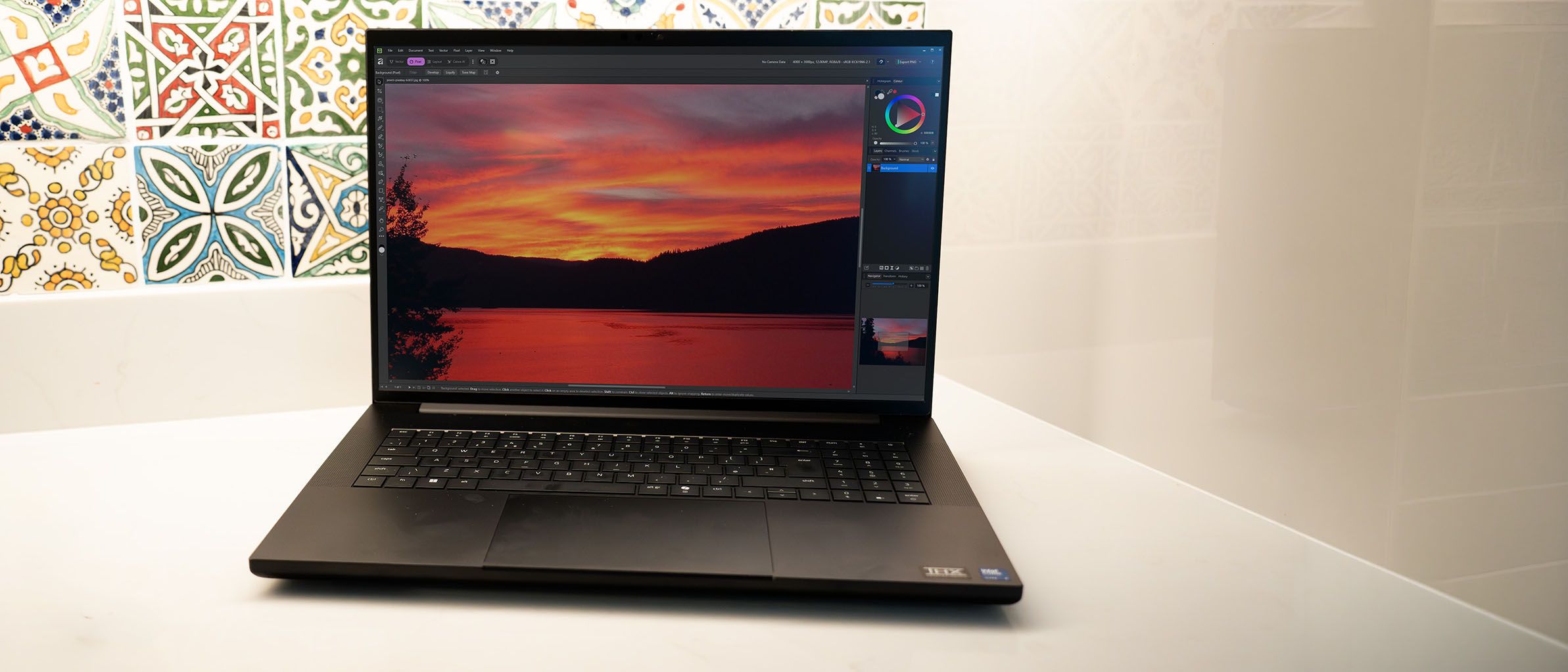
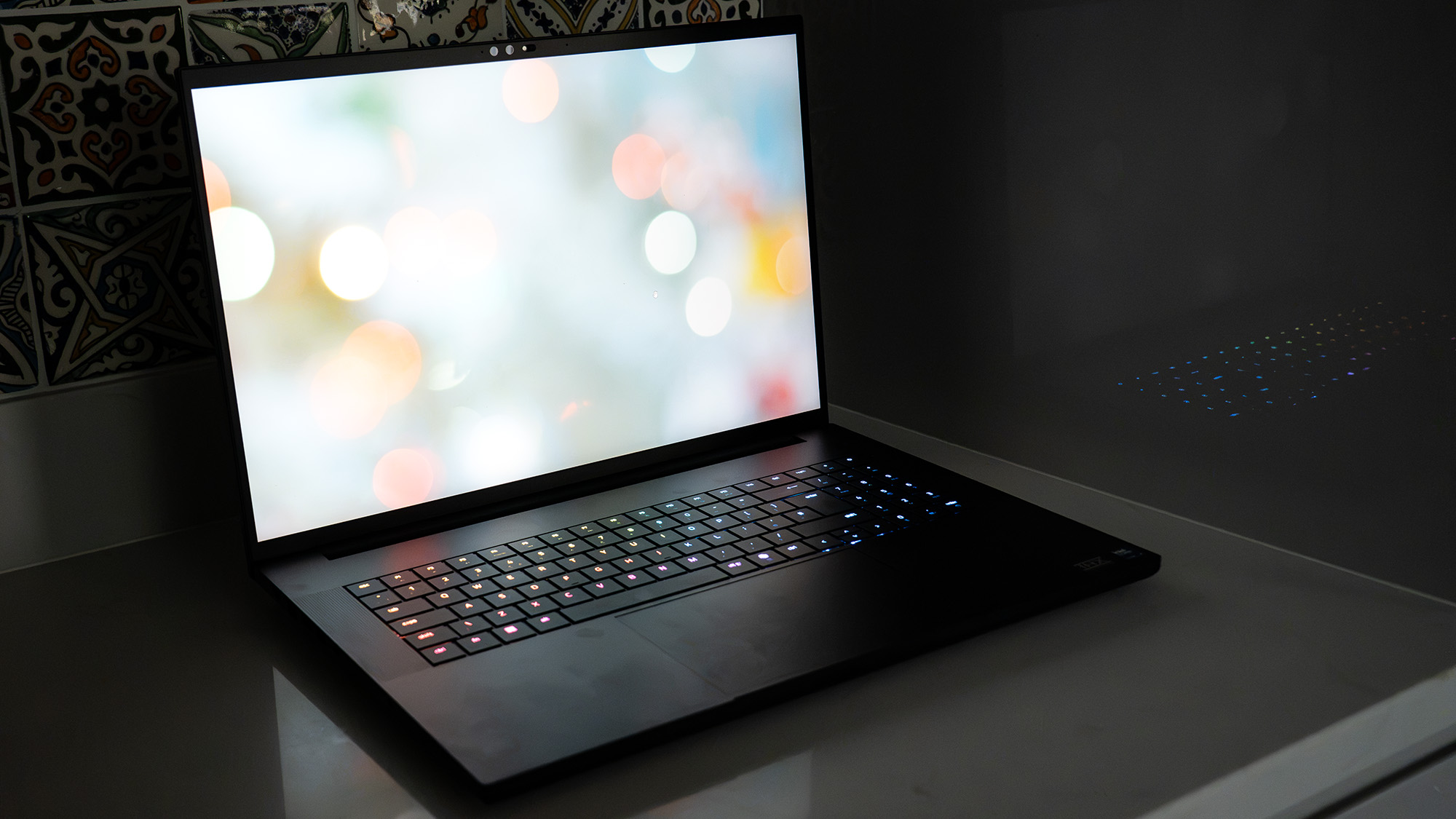
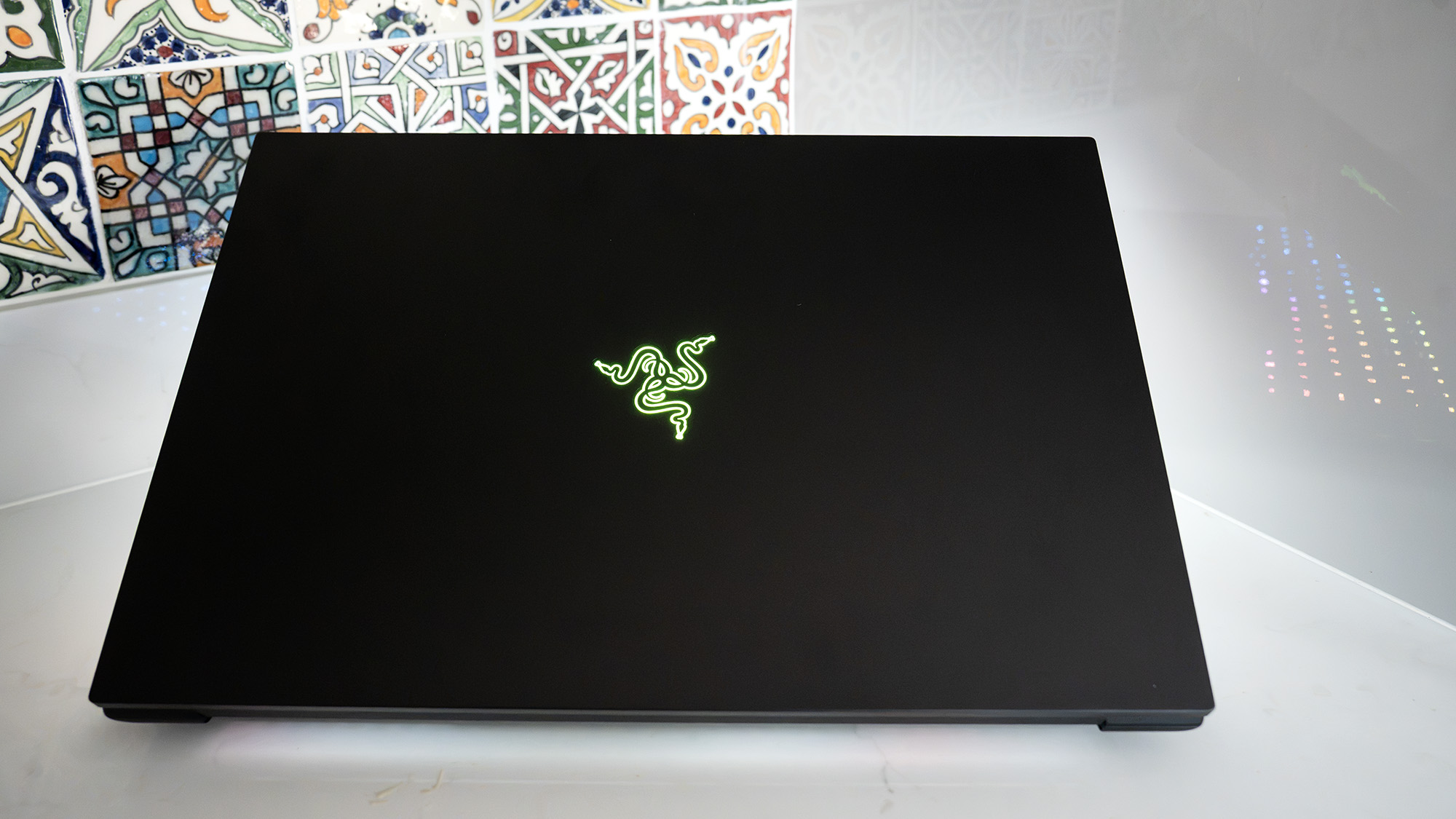
Razer’s signature design language remains intact: a stark, matte black aluminum shell accented by subtle, vibrant green flashes hidden inside the USB ports and illuminating the tri-snake logo on the rear lid. When powered off, the screen and keyboard blend seamlessly into the dark chassis. Press the power button, however, and the per-key customizable RGB backlighting springs to life, offering everything from subtle solid white lighting to dynamic, multi-zone light shows.
Design Score: 4/5
The Dual-Mode Display: A Visual Feast
The 18-inch display is an absolute marvel of modern engineering. Offering a native 4K resolution (3840 x 2400) across its expansive 16:10 aspect ratio, it delivers an immersive canvas for video timelines, digital canvases, and complex 3D viewports.
Brightness scales up to an incredible 615 nits, ensuring that reflections are easily combated even in sunlit studio spaces. Colour accuracy is exceptional, covering 98% of the DCI-P3 spectrum, 89% of Adobe RGB, and a full 100% of the sRGB gamut. This puts it ahead of competitors like the MSI Crosshair 16 HX in both colour fidelity and screen real estate.
Gamers and video professionals alike will appreciate the innovative Dual-Mode IPS panel. By pressing a hotkey to halve the resolution down to 1920 x 1200, the refresh rate doubles from an already swift 240Hz to an blistering 440Hz. While video editors may wonder who needs 440Hz, competitive gamers and high-framerate motion designers will find plenty to love.
Features and Connectivity
Thunderbolt 5 Arrives in Full Force
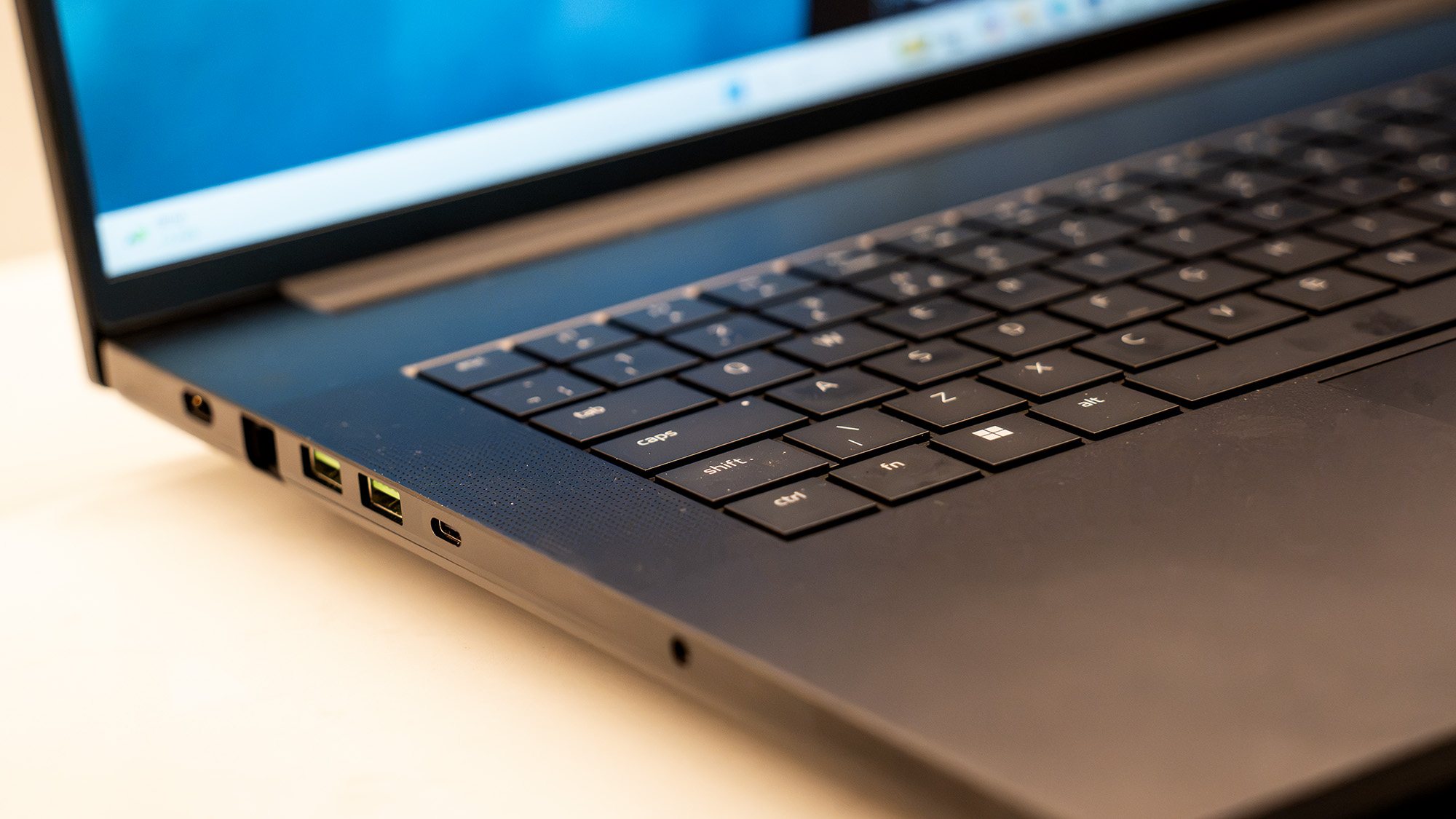
Razer has built a reputation for aggressively adopting cutting-edge interconnect standards. The Blade 18 is one of the few laptops outside of the Apple MacBook Pro ecosystem to feature the blazing-fast Thunderbolt 5 standard, sitting alongside a traditional Thunderbolt 4 port.
An important technical nuance for creative professionals: when routing video output via Thunderbolt to an external monitor, the Thunderbolt 5 port connects directly to the dedicated Nvidia GPU. Conversely, the Thunderbolt 4 port links to the processor’s integrated graphics core—a configuration that can bottleneck graphics-heavy applications if you accidentally plug your primary display into the wrong port. Unfortunately, Razer provides no visual indicator symbols on the chassis to easily distinguish between the two ports on opposite sides of the laptop. Buyers are advised to reserve the primary TB5 port for ultra-fast external storage arrays like the LaCie Rugged Pro 5 SSD, and rely on the dedicated HDMI 2.1 port for external displays.
Comprehensive Ports and Surprising Battery Longevity
Total connectivity spans five USB ports, including the two Thunderbolts, three USB 3.2 Gen 2 Type-A ports, a 2.5Gb Ethernet jack, an SD card reader (crucial for photographers), and a 3.5mm audio combo jack. Power delivery relies on a massive power brick connecting via an L-shaped two-pin plug—care must be taken to orient it correctly so it doesn’t partially obstruct the nearby Ethernet port. Networking is fully future-proofed with Wi-Fi 7 and Bluetooth 5.4.

Audio output is handled by a six-speaker array tuned with THX Spatial Audio. While these speakers perform admirably compared to typical laptop audio, creative professionals mixing audio will still opt for studio monitoring headphones or external monitors.
Surprisingly, battery life on light workloads defies expectations. During standard looping video playback tests, the Blade 18 clocked in at over eight hours. This impressive longevity is achieved by cleanly shifting workloads onto the Intel Core Ultra processor’s efficient cores and integrated graphics chip while keeping the power-hungry Nvidia GPU dormant. Naturally, pushing the machine during rendering or gaming sessions will cause battery reserves to drain rapidly, but the idle efficiency highlights significant architectural strides made by Intel.
Feature Score: 4/5
Supporting Context & Metrics: Benchmarking Performance
To evaluate the true creative and computational competency of the 2026 Razer Blade 18, we subjected it to a rigorous suite of industry-standard benchmarking tools.
- Geekbench 6: Evaluates single-core and multi-core CPU power, alongside GPU performance for image processing and video editing. Geekbench AI measures machine learning and AI-boosted workflows.
- Cinebench: Tests the raw rendering muscle of the CPU and GPU using Maxon’s Cinema 4D and Redshift engines.
- UL Procyon: Assesses AI image generation performance via Stable Diffusion, Microsoft Office productivity speed, and battery longevity.
- Topaz Video AI: Stresses the hardware’s ability to upscale video files and generate high-fidelity slow-motion sequences.
- PugetBench for Creators: Benchmarks deep application performance inside Adobe Photoshop and Adobe Premiere Pro, focusing on media encoding and transcoding.
- ON1 Resize AI: Measures batch processing efficiency by resizing high-resolution photos to 200%.
Benchmark Results & Real-World Processing Power
The raw performance delivered by the Intel Core Ultra 9 290HX Plus—an early 2026 addition to the Arrow Lake family—combined with the flagship Nvidia GeForce RTX 5090 (24GB VRAM) is nothing short of breathtaking.
At the time of writing, the Razer Blade 18 claims the crown as the highest-scoring laptop and sits as the second-fastest computer overall in Creative Bloq’s Geekbench 6 GPU leaderboard, holding its own against heavyweights like the Alienware 16 Area-51 and Dell Pro Max 18 Plus.
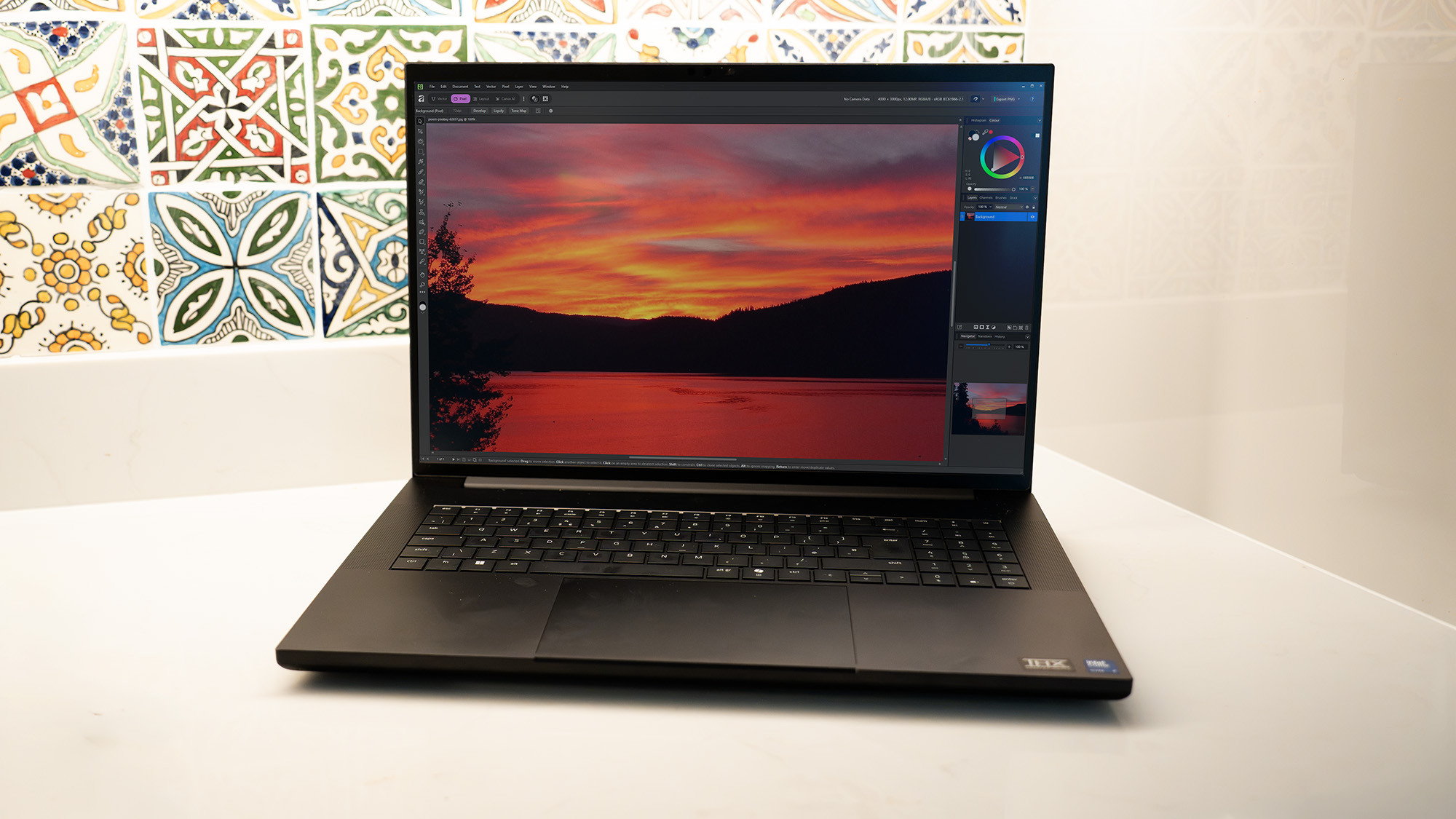
The Core Ultra 9 290HX Plus introduces critical architectural enhancements over second-generation silicon, including accelerated latency reduction between the CPU and memory controller, and support for Intel’s Binary Optimization Tool. While tailored primarily for gaming, these optimisations translate directly into workstation tasks. Cinebench rendering times are astonishingly fast, Topaz Video AI upscaling runs smoothly without stuttering, and PugetBench Photoshop scores rank among the highest ever recorded on a portable system.
The thermal demands of these components are immense. Razer manages the heat through an internal vapour chamber covering the CPU, advanced thermal interface gels, and a triple-fan cooling array. However, this power comes at a cost: under full load, the fans spin up to a very noticeable roar. While the laptop manages thermal throttling entirely on its own, users working in quiet studio environments will want to invest in noise-cancelling headphones or Razer’s custom-fit cooling pad.
Performance Score: 5/5
Pricing and Value
Excellence of this magnitude does not come cheap. The Razer Blade 18 starts at lower base configurations, but the fully specced model reviewed here commands a staggering £4,999.99 / $5,399.99.
For independent creators, freelancers, and small studios, acquiring this hardware requires serious financial consideration. Competitors in the workstation space, such as a custom-configured Dell Pro Max 18 Plus equipped with professional Nvidia RTX graphics, can climb even higher—reaching nearly £5,810. Nonetheless, paying nearly five thousand pounds/dollars for a laptop places the Blade 18 firmly in the ultra-luxury tier of computing equipment.
Value Score: 3/5
Summary Scorecard
| Attribute | Notes | Rating |
|---|---|---|
| Design | Solid matte black aluminium chassis, exceptional build quality, though heavy. | 4/5 |
| Features | Comprehensive port selection, Thunderbolt 5, and a stunning Dual-Mode 4K IPS screen. | 4/5 |
| Performance | World-class CPU and GPU benchmarks; handles any creative workflow with ease. | 5/5 |
| Value | Unmatched power, but the price tag is undeniably astronomical. | 3/5 |
Future Outlook: Who Is It For?
Buy It If…
- You are a high-earning creative professional: If time is money, a workstation capable of cutting rendering times in half will quickly pay for itself through accelerated project turnaround.
- You demand uncompromised desktop power on the move: Whether you are editing 8K video on location, training AI models locally, or compiling massive game builds, this machine acts as a true desktop replacement.
- You want elite gaming capabilities after hours: When the workday is done, the RTX 5090 and 240Hz/440Hz display allow you to experience modern AAA blockbusters with full path-tracing enabled.
Don’t Buy It If…
- You need genuine portability: At 3.2kg with a massive power brick, carrying this daily in a commuter bag will strain your shoulders.
- You are on a strict budget: There are plenty of capable mid-tier laptops that offer 80% of this performance for half the price.
- You require absolute silence: Under heavy rendering workloads, the triple-fan cooling system gets very loud.
Also Consider
If the Razer Blade 18 isn’t quite right for your workflow, look at these alternative powerhouses:
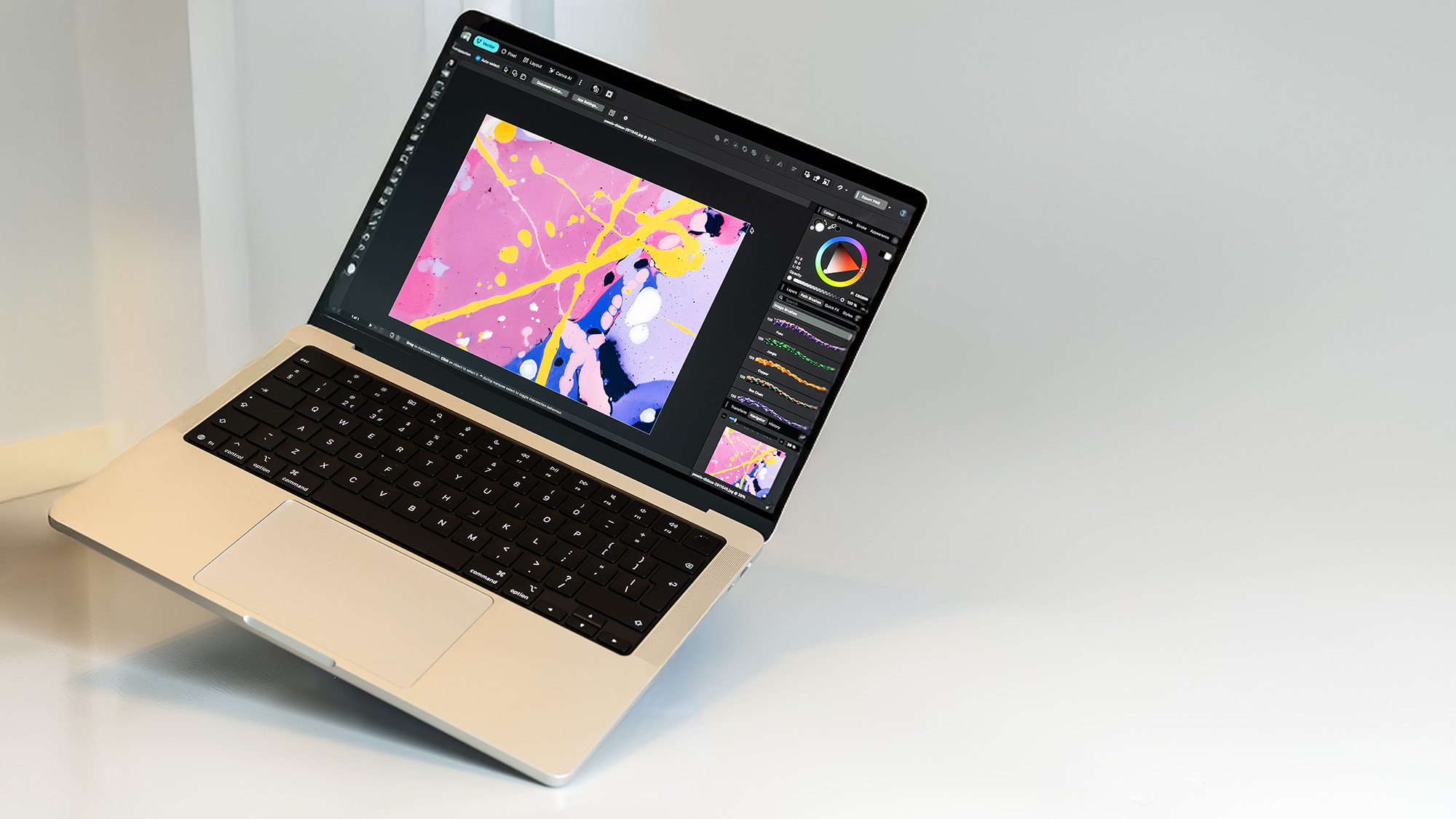
- Apple MacBook Pro 14-inch (M5 Max): For creatives embedded in macOS who want monumental desktop-grade power packed into a smaller, highly efficient form factor.
- Dell Pro Max 18 Plus: Tailored for heavy-duty 3D professionals, offering up to 128GB of RAM and enterprise-level GPU customisation options.
- Alienware 16 Area-51 (2026): A gloriously bold gaming powerhouse delivering blistering performance, a phenomenal display, and extensive RGB customisation.