For decades, the software revolution promised to eliminate drudgery, yet office workers often find themselves drowning in digital busywork. Between managing endless email threads, manually logging leads into spreadsheets, organizing chaotic Google Drive folders, and coordinating schedules, modern knowledge workers spend a staggering portion of their day on mechanical administration rather than creative problem-solving.
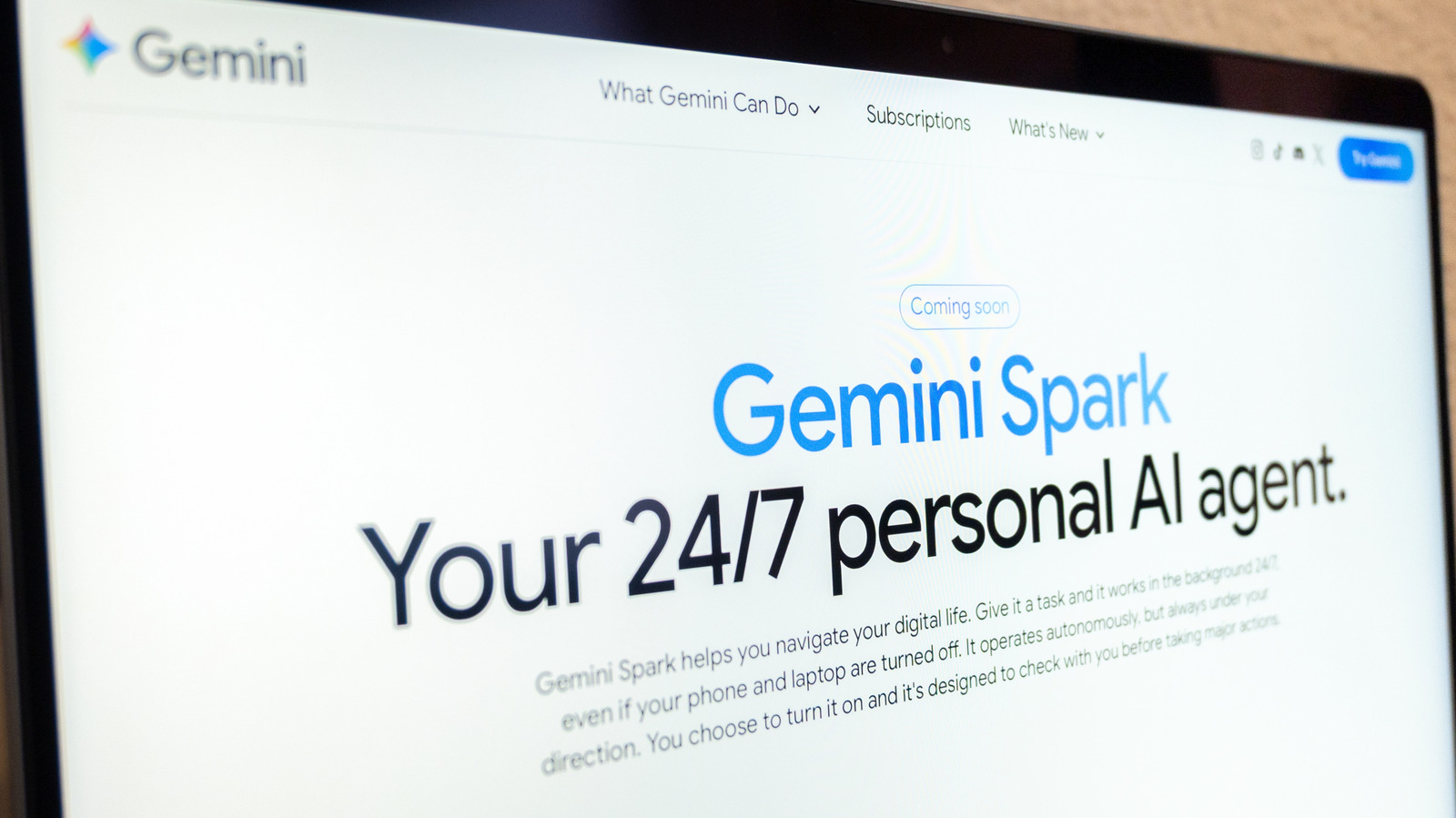
Enter the era of "agentic AI"—artificial intelligence designed not merely to answer conversational prompts in a chat window, but to take autonomous, multi-step action across software ecosystems on a user’s behalf. Unveiled at Google’s annual I/O developer conference and expanding rapidly across its product lines, Gemini Spark represents Google’s definitive bid to bring agentic automation to the masses. Integrated deeply into the Google Workspace suite—spanning Docs, Calendar, Slides, Gmail, and Chrome—Spark is engineered to shoulder the burden of repetitive daily workflows.
Yet, as with any major leap in generative automation, the transition from passive chatbot to proactive agent introduces complex questions regarding data privacy, security, and operational reliability. This guide provides an exhaustive look at what Gemini Spark is, how it operates within the broader technological landscape, who can access it, and a step-by-step masterclass on deploying it to automate your daily routines safely and efficiently.
Detailed Chronology: The Evolution of Google’s Agentic Assistant
To understand how Gemini Spark achieved its current capabilities, it is essential to trace the trajectory of Google’s artificial intelligence architecture over the past few years.
Late 2022 – 2023: The Conversational Boom
Following the explosive industry-wide adoption of large language models, Google consolidated its AI efforts under the Gemini banner. Early iterations functioned primarily as reactive conversational partners: users asked questions, and the model generated text, code, or analysis. While powerful, these models lacked systemic integration to execute tasks natively within external software without constant human copy-pasting.
May 2026: Google I/O and the Genesis of Spark
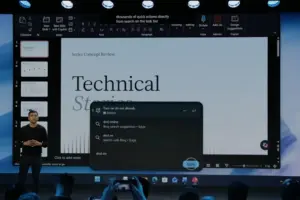
At the annual I/O developer conference, Google introduced a paradigm shift: agentic personal assistants. Alongside announcements like Gemini Omni, the company officially unveiled Gemini Spark. Positioned as an autonomous agent capable of running in the background, Spark broke the mold of traditional chat interfaces by taking proactive actions based on complex, multi-step natural language instructions.
Summer 2026: Ecosystem Expansion and Tiered Access
Google began rolling out Spark access to premium tiers, specifically targeting Google AI Pro and Ultra subscribers, alongside select enterprise tiers. Concurrently, regional availability policies were established, limiting early deployment outside specific jurisdictions like the European Economic Area (EEA), Switzerland, the UK, and Nigeria due to evolving regulatory frameworks.
September 2026: The Evolution from "Gems" to "Skills"
In a significant structural update, Google retired Gemini Gems in favor of "Skills"—a streamlined, modular method for codifying instructions and recurring tasks. This update allowed users to define reusable automation templates (such as presentation preparation protocols or distinct writing styles) that could be instantly invoked via a forward-slash command within prompts.
Late 2026 – Present: Cross-Platform Autonomy via Chrome and Mobile
Spark transitioned beyond static Workspace integration into dynamic browser automation. Utilizing Chrome’s advanced auto-browse capabilities, Spark gained the ability to autonomously interact with web interfaces, booking travel, securing restaurant reservations, and completing e-commerce workflows while supervised by the user.
Supporting Context & Metrics: The Mechanics of Agentic AI
To appreciate Spark’s utility, one must understand the distinction between standard generative AI and "agentic" systems. Standard AI models are constrained by single-turn or multi-turn conversational limits where the human remains the active bridge between tools. Agentic AI, by contrast, possesses a loop of perception, planning, and execution.
How Spark Interacts with Google Workspace
Spark leverages Personal Intelligence, a proprietary Gemini feature that safely synthesizes contextual data across a user’s authorized Google apps. When given a complex prompt—such as analyzing the last 50 email responses to generate a communication style guide—Spark does not merely guess a generic answer. It reads, parses, abstracts, and formats real-time user data directly from Gmail history.
The Role of Auto-Browse and Browser Integration
Through the Chrome browser integration, Spark bridges the gap between desktop applications and the open web. Using computer vision and DOM (Document Object Model) analysis, the assistant can navigate web pages, click buttons, fill out forms, and extract information. However, this capability relies on strict security sandboxing to prevent unauthorized data exposure.
Access Requirements and Limitations
Deploying Spark requires adherence to specific technical prerequisites:
Subscription Tier: Active subscription to Google AI Pro or Ultra (or eligible enterprise accounts).
Geographic Constraints: Not currently available within the European Economic Area (EEA), Switzerland, the United Kingdom, or Nigeria due to regional AI compliance mandates.
Data Settings: The "Keep activity" setting must be actively enabled to maintain session states and allow multi-step background execution.
Interface Availability: Accessible via the Gemini mobile app, Mac desktop app, web interface, and Chrome browser extension.
Official Statements and Industry Insights
Google’s leadership has repeatedly emphasized that agentic tools like Spark are designed to augment, rather than replace, human judgment. In technical briefs accompanying the I/O launch, Google product architects stressed the importance of the "human-in-the-loop" paradigm.
"Agentic AI represents the transition of artificial intelligence from a passive advisor to an active collaborator," noted a lead product manager during the rollout of Spark’s skills framework. "However, true autonomy cannot mean absolute abdication of responsibility. Users remain the ultimate pilots of their digital workflows."
Security researchers and privacy advocates, meanwhile, have offered tempered praise paired with cautionary frameworks. While the ability to automate lead generation, inbox management, and administrative tracking saves countless hours, cybersecurity analysts remind users that autonomous agents running in the background present novel attack vectors, such as indirect prompt injection via malicious emails or web content.
Consequently, Google’s official safety guidelines explicitly instruct users never to input sensitive credentials—such as passwords, banking details, or primary payment information—into an automated Spark thread. Instead, users are advised to execute financial transactions and authentication steps manually.
Comprehensive Guide: How to Use Gemini Spark to Automate Tasks
Implementing Gemini Spark effectively requires a structured approach to prompt engineering, workflow design, and ongoing supervision. Below is a comprehensive operational guide to setting up and managing your automated workflows.
Phase 1: Pre-Flight Checklist & Configuration
Before commanding Spark to execute complex tasks, ensure your environment is properly configured:
Verify Subscription Status: Confirm your account holds an active Google AI Pro or Ultra membership.
Check Regional Eligibility: Ensure your account profile is located outside restricted regions (EEA, Switzerland, UK, Nigeria).
Enable History Logging: Navigate to your Gemini account settings and verify that "Keep activity" is switched on. This is mandatory for Spark to track long-running or paused workflows.
Install Integration Touchpoints: Ensure you are running the latest version of the Gemini mobile app, desktop app, web application, and the Google Chrome browser extension with auto-browse permissions enabled.
Phase 2: Crafting Your First Automated Task
Spark thrives on specificity. Vague instructions lead to erratic multi-step execution. Follow these steps to build a robust automation thread:
Navigate to Spark: Open the Gemini mobile or web application, click the Menu icon, and select Spark.
Input Your Prompt: In the primary text box, define the parameters of your workflow. For example, use structured logic similar to Google’s recommended template:
"When I receive an email inquiring about my photography services, automatically extract the client’s name, requested date, and log the lead in my ‘Client Tracker’ Google Sheet. Then, create a new Google Drive folder named after the client."
Attach Supporting Assets: If your workflow requires reference materials—such as an existing document style guide, a specific spreadsheet template, or notes from Google Drive or NotebookLM—upload or link them directly within the prompt interface.
Submit the Task: Tap or click Submit to initiate the agentic loop.
Phase 3: Leveraging "Skills" for Modular Automation
Google’s transition from Gemini Gems to Skills allows you to save frequently used operational parameters.
Creating a Skill: Define a set of persistent instructions—such as a specific protocol for preparing weekly executive presentation slides or adopting your exact corporate writing voice. Save these parameters as a distinct Skill.
Invoking a Skill: When drafting a new prompt in Spark, type a forward slash (/) followed by the name of the Skill to instantly inject those complex operational rules into your current task thread.
Phase 4: Monitoring, Troubleshooting, and Safety
Because Spark operates proactively—sometimes running tasks while you are offline or engaged elsewhere—monitoring its progress is vital to preventing errors or "hallucination cascades."
Accessing the Task Dashboard: To check the status of active workflows, go to Menu > Spark > Tasks. This view displays all active and historical threads.
Using the Work Panel: Tap the progress chip located at the top of the task thread to open the work panel. Here, you can inspect completed steps, current operational milestones, and planned future actions.
Manual Intervention: If Spark encounters an ambiguous scenario—such as an unexpected webpage layout during browser automation or an unclear email query—it will pause and request your input. Be prepared to take over browser tasks manually when necessary.
Adhering to Safety Boundaries: Never schedule fully autonomous tasks that involve sensitive financial transactions or high-risk administrative decisions while offline. Always maintain human oversight for workflows where a machine error could cause professional or financial harm.
Future Outlook
As agentic artificial intelligence matures, tools like Gemini Spark hint at a profound transformation in how humans interact with software. We are rapidly moving away from siloed applications where humans act as the sole data conduits between email, spreadsheets, calendars, and web browsers. Instead, AI agents will increasingly act as ubiquitous orchestrators operating quietly in the digital background.
Future iterations of Spark will likely feature deeper cross-device synchronization, enhanced contextual memory, and even more rigorous enterprise-grade security protocols. However, the foundational principle will remain unchanged: the ultimate value of AI is not in replacing human ingenuity, but in absorbing the friction of modern existence so that we may focus our energies on what matters most. By mastering tools like Gemini Spark today, professionals are not just saving minutes on their daily to-do lists—they are pioneering a more efficient, automated tomorrow.