Executive Overview: A Paradigm Shift in Mobile Customization
In an unexpected move that has caught the tech community by surprise, Google has accelerated its software release cycle by dropping the Android 17 QPR2 (Quarterly Platform Release) update a full month ahead of schedule. Released in tandem with the November 2026 Pixel Drop, this update represents more than just a routine collection of bug fixes; it is a significant architectural and functional expansion of the Android ecosystem.
For Pixel users, this update brings a suite of long-awaited granular controls—ranging from system-wide aesthetic customization to refined status bar management. By empowering users to bypass previous software limitations, such as app-enforced brightness locks and restrictive icon displays, Google is signaling a pivot toward a more "user-first" design philosophy. While many of these features are currently exclusive to the Pixel line, the underlying codebase suggests that these enhancements will eventually permeate the broader Android landscape, influencing how other OEMs approach their own UI skins.
Detailed Chronology: From Beta Testing to Stable Deployment
The road to Android 17 QPR2 has been characterized by a rigorous, albeit lengthy, testing phase. After months of refinement in the Android Beta Program, the final build—confirmed by industry analyst Mishaal Rahman—marks the transition from experimental kernel patches to a polished, stable user experience.
- The Beta Phase: Throughout the development cycle, the primary focus was on stability. Earlier iterations, such as Beta 6, were largely dedicated to addressing critical kernel crashes and unexpected reboots that plagued earlier builds.
- The Surprise Launch: By releasing the update in November, Google has successfully aligned its software deployment with the holiday-season hardware cycle, ensuring that users have access to the latest features just as new device adoption typically peaks.
- Rollout Strategy: The update is currently pushing out via Over-the-Air (OTA) delivery to the full spectrum of supported Pixel hardware, spanning from the budget-conscious Pixel 6a to the flagship Pixel 10 Pro XL.
Granular Control: A New Era for Android Aesthetics
One of the most immediate impacts of QPR2 is the overhaul of the system’s personalization engine. Historically, Android’s "Material You" design language relied on automated color extraction from wallpapers. While elegant, it lacked the precision users craved.
The Color Customization Revolution
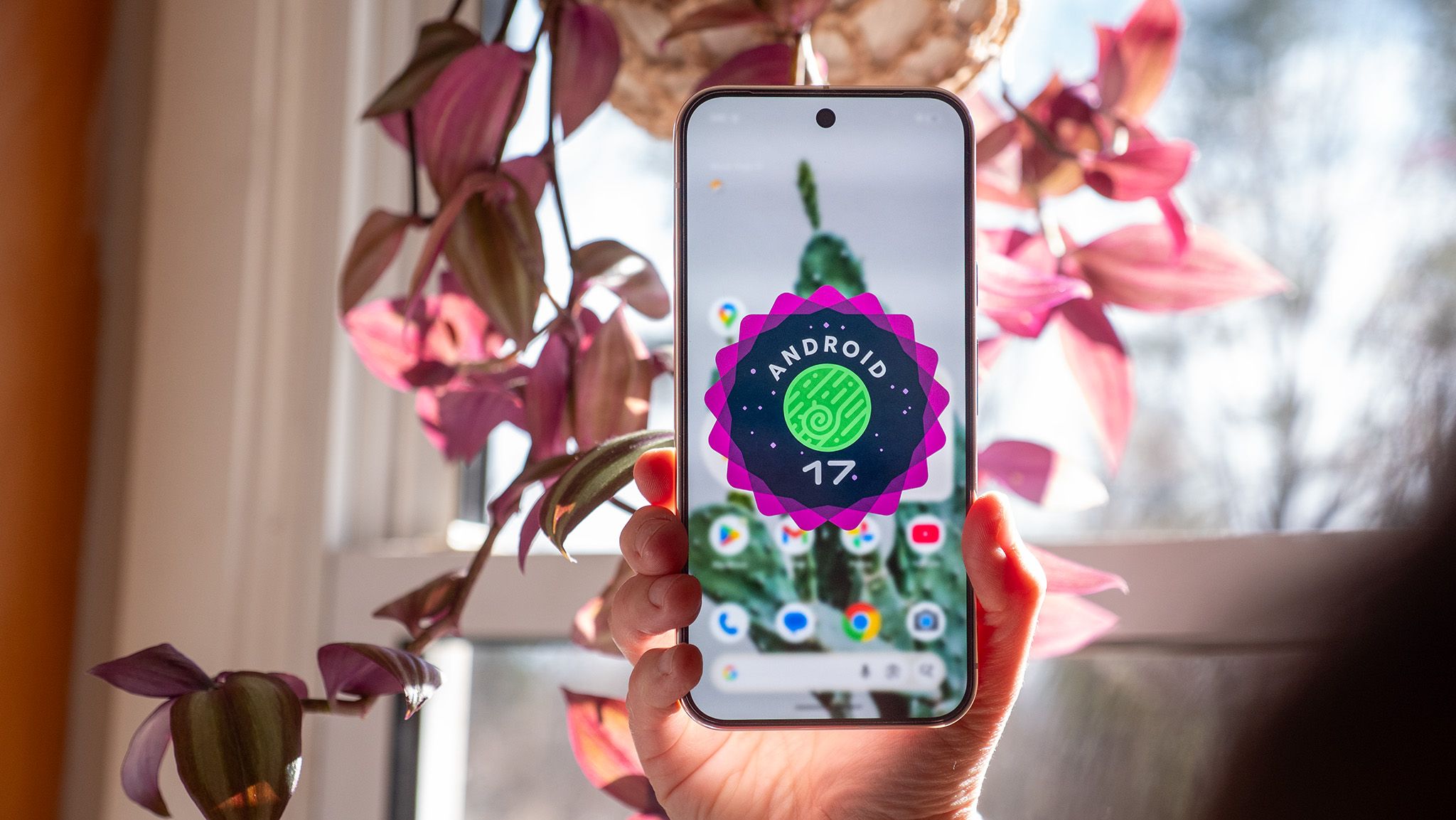
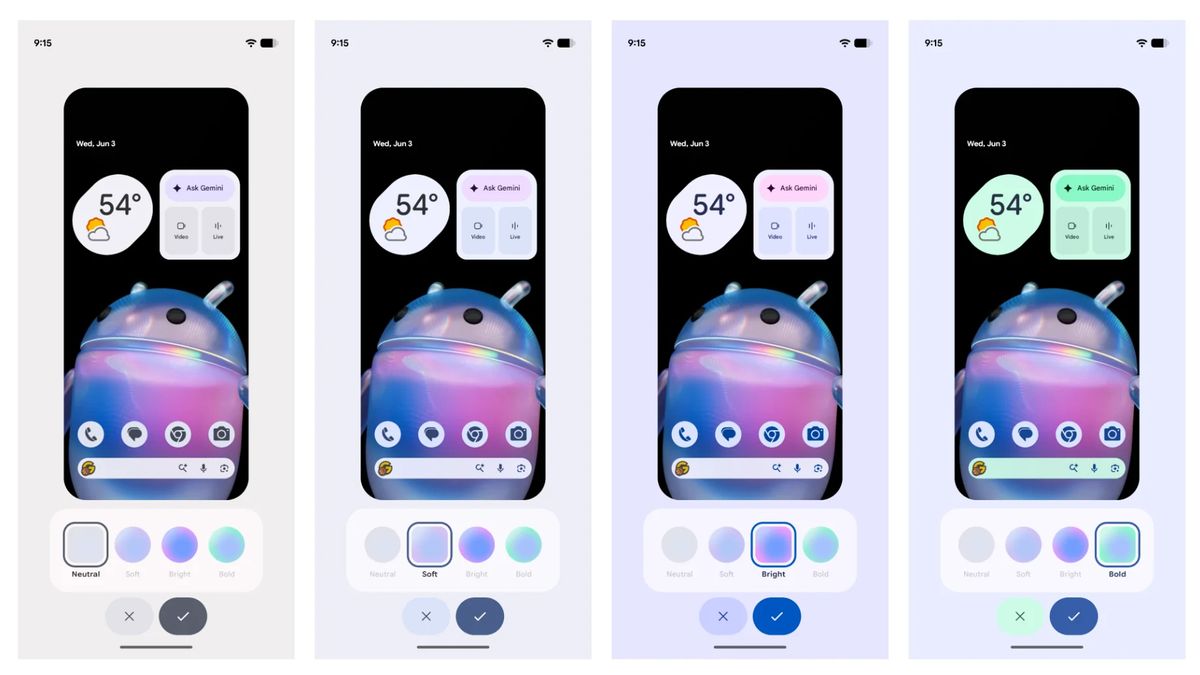
Android 17 QPR2 introduces a robust manual color-picking system. Users are no longer tethered to the system’s interpretation of their wallpaper. Instead, they can utilize a dedicated rainbow hue slider to define their own system-wide color palettes. Beyond hue, the update adds four distinct intensity profiles: Neutral, Soft, Bright, and Bold. This allows users to fine-tune the contrast and vibrancy of their UI to match personal preference rather than relying on algorithmic defaults.
Adaptive Light and Dark Themes
Building upon the theme of visual consistency, Google has implemented support for adaptive wallpapers. Compatible high-resolution assets can now toggle between distinct light and dark variants based on the system’s active theme mode. This ensures that the transition from day to night is visually harmonious, preventing the jarring contrast that often occurs when a light wallpaper is forced into a dark-mode UI.
The Status Bar and Quick Settings: Reclaiming Screen Real Estate
For years, the Android status bar has been a static, crowded space. QPR2 finally offers the level of granular management typically reserved for custom ROMs.
Notification and Indicator Management
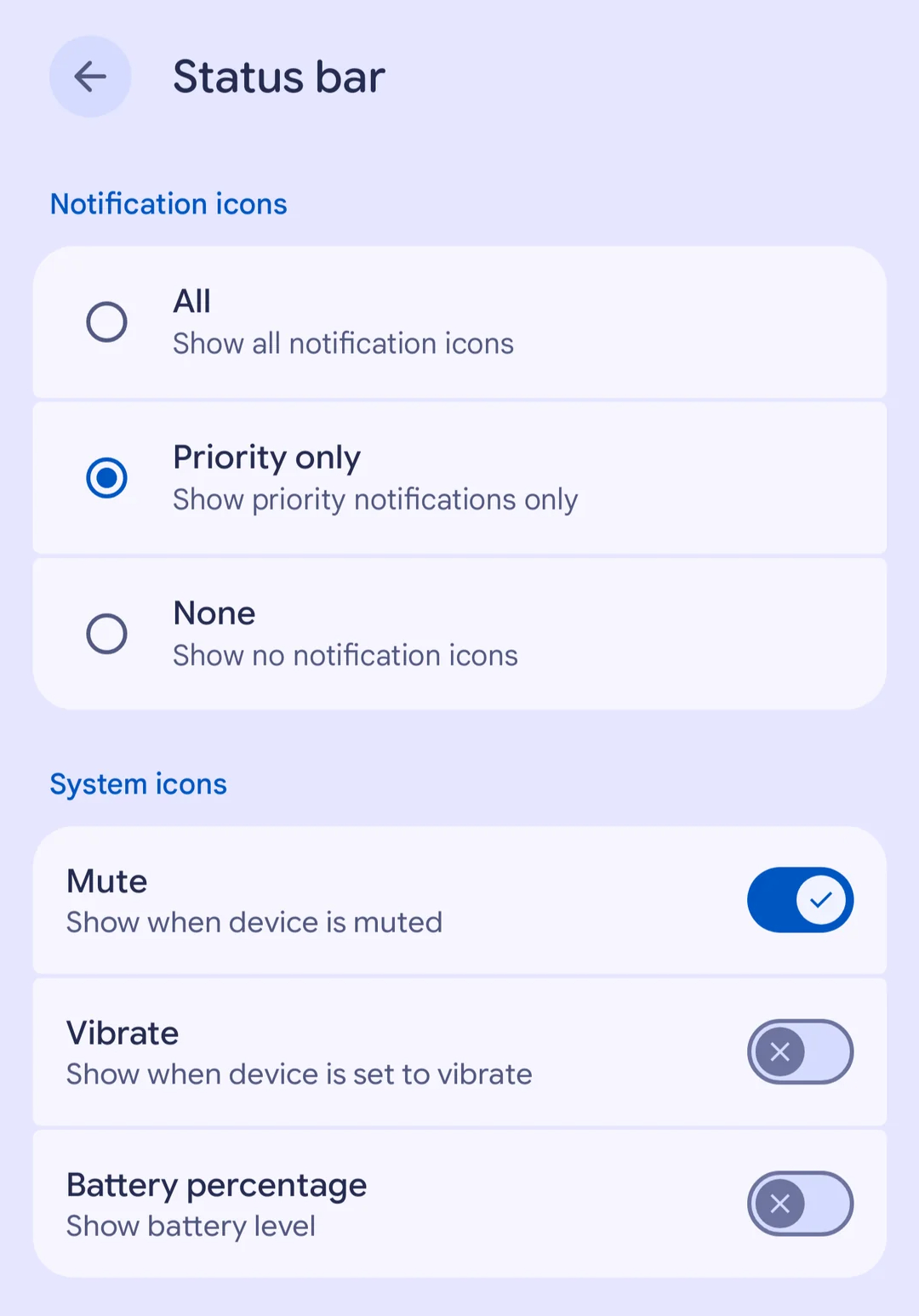
Users can now navigate to a dedicated settings menu to dictate the behavior of the status bar. Options include:
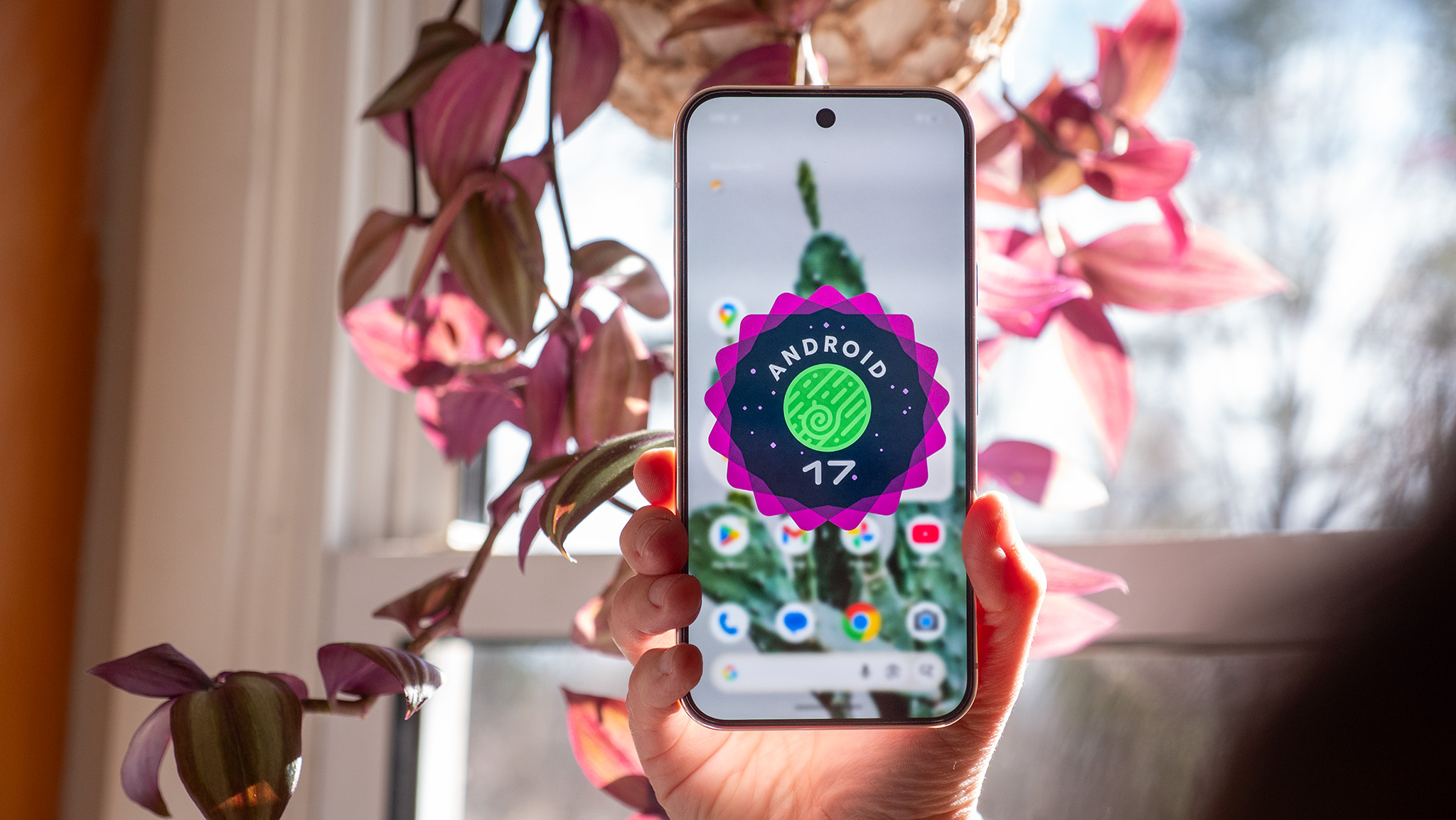
- Icon Filtering: Users can choose to display all notification icons, prioritize only those marked as urgent, or hide them entirely for a minimalist aesthetic.
- System Indicator Toggles: You can now toggle the visibility of specific system indicators, including battery percentage, mute status, and vibration alerts.
Breaking the Brightness Barrier
Perhaps the most practical improvement is the removal of the "Brightness Lock" imposed by third-party applications. Previously, certain apps—such as video players or games—could override system brightness, forcing the screen to maximum levels even if the user desired a dim setting. QPR2 strips these apps of that privilege, allowing users to override app-enforced brightness via the Quick Settings shade at any time.
Advanced Connectivity: The Evolution of Auracast
Bluetooth LE Audio receives a major boost with the introduction of "Voice Broadcast." This feature enables users to broadcast their own voice directly from their device’s microphone or a wired headset.
Nearby listeners can tune into these broadcasts using compatible Auracast-enabled hardware, including modern hearing aids and Android devices. For privacy-conscious users, Google has included the ability to password-protect these broadcasts, ensuring that audio streaming remains limited to an intended audience. The discovery process has also been simplified; users can connect via QR codes or NFC "tap-to-join" functionality, effectively democratizing the use of personal audio broadcasting.
Foldable Optimization and Productivity
For users of Google’s foldable devices, the multitasking experience has been streamlined. A new "handle" at the top of app windows serves as a tactile control point, allowing for fluid transitions between full-screen, split-screen, and floating window modes. This UI refinement makes the transition between mobile and tablet-like workflows significantly more intuitive.
Privacy, Security, and Linux Integration
Google continues to prioritize on-device security. The Android 17 QPR2 update introduces:
- Refined Sideloading: A cleaner app-install dialog that differentiates between temporary and permanent permissions, limiting the risk of malicious apps gaining persistent access.
- Call Security: The system now prevents high-risk actions—such as enabling Developer Options or triggering call-forwarding codes—during active calls from unknown numbers.
- Transparency: The "Private Compute Core" now includes a logging feature, allowing users to audit exactly what data is being shared with on-device AI features.
Furthermore, the Linux Terminal for Android has received a significant upgrade: guest-to-host file sharing. Users can now browse, edit, and manage virtual machine files directly through the native Android file manager, bridging the gap between desktop-class development environments and mobile convenience.
Official Stance and Future Outlook
Google has remained characteristically understated regarding the broader roadmap for these features. However, by incorporating these tools into the Android 17 QPR2 codebase, they have established a new baseline for what constitutes a "standard" Android experience.
Industry experts suggest that this update is a precursor to a more modular Android architecture. By decoupling UI customization and status bar management from the core OS, Google is making it easier for third-party manufacturers (OEMs) to adopt these features without having to rewrite their own proprietary skins from scratch.
For the average consumer, this update is a reminder that Android is shifting away from being a "walled garden" experience and moving toward a platform that values user agency. As we look toward the next iteration of the OS, the emphasis on privacy—specifically regarding on-device AI transparency—will likely remain the primary focus of development.
Conclusion: How to Update
To access these new features, users currently enrolled in the Android Beta Program should ensure they opt out of the program after the stable update is installed to avoid future wipe-risks. For the general public, the update is available via the standard System Settings menu on all supported Pixel devices. As manufacturers like Samsung, Xiaomi, and OnePlus begin to integrate these QPR2-inspired updates into their own software, we can expect a more consistent and user-configurable experience across the entire Android ecosystem.
The future of Android, it seems, is not just about what Google decides for you—it’s about giving you the tools to decide for yourself.