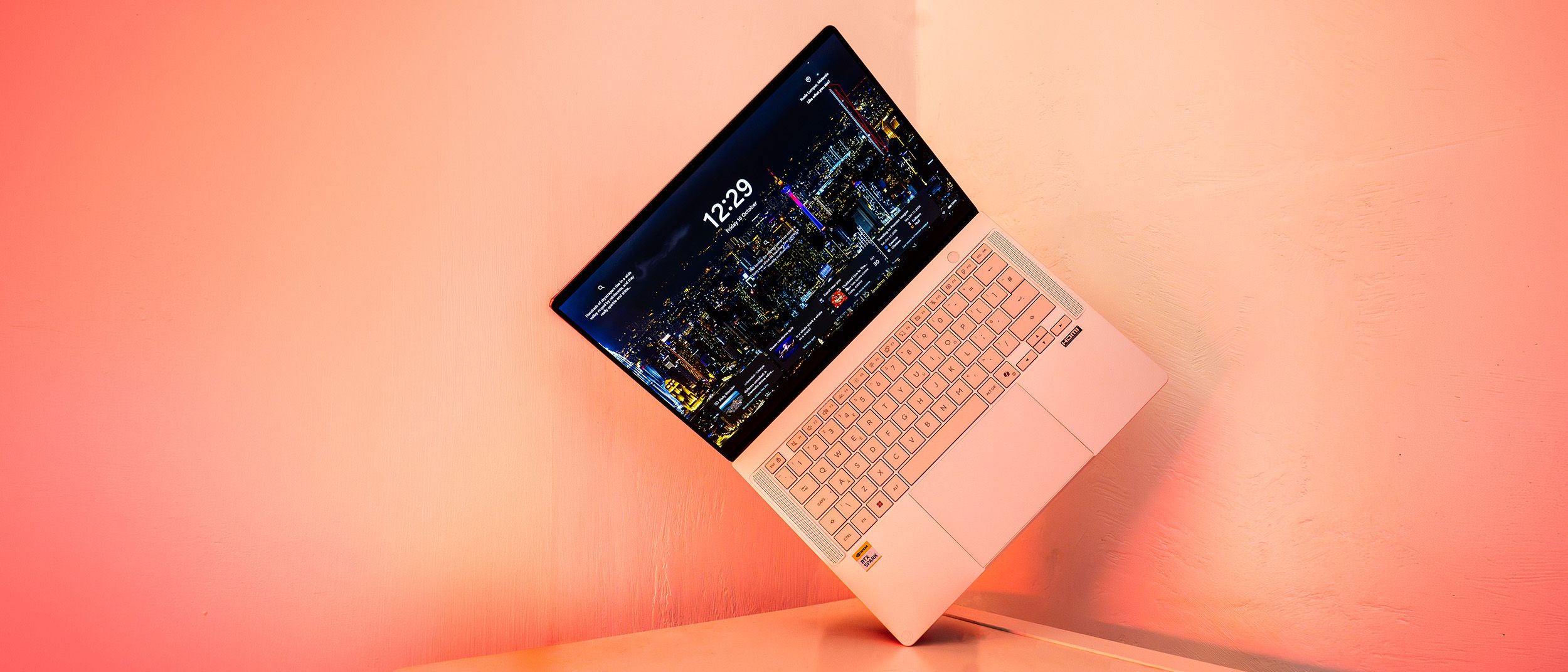
The arrival of a completely new processor platform is always a milestone moment in the tech industry, sparking intense curiosity among professionals who rely on heavy-duty computing. With the release of the ASUS ProArt P14, we are given our first real look at what happens when Nvidia’s ambitious RTX Spark platform—combining an Arm-based Grace CPU with a heavy-hitting Blackwell architecture GPU—collides with a sleek, portable form factor.
Nvidia is pitching the RTX Spark system not necessarily to traditional creatives or standard gamers, but squarely at the burgeoning world of AI development, particularly for running local AI agents. Yet, because modern creative software is increasingly woven with artificial intelligence workloads, this architecture has profound implications for digital artists, designers, and video editors.
The ASUS ProArt P14 is a triumph of engineering on paper: it is beautifully thin and light, boasts an exceptional Lumina Pro OLED touchscreen, features robust connectivity, and delivers astounding battery life. However, like many first-generation hardware ventures, it comes with notable hurdles. App compatibility issues, high translation overheads via emulation layers, and eye-watering price tags mean that while the ProArt P14 is a fascinating glimpse into the future of computing, it requires a very specific buyer.
Detailed Chronology: The Evolution to the RTX Spark Architecture
To understand why the ProArt P14 is making waves, we have to look at the lineage of its core components. For years, the computing market has been defined by a clear divide: x86 processors from Intel and AMD paired with discrete graphics cards, contrasted against Apple’s highly integrated Apple Silicon M-series chips. While Arm-based processors—such as Qualcomm’s Snapdragon series—revolutionized power efficiency and battery longevity in Windows laptops, they consistently lacked the robust, high-end graphical processing power needed to make heavy creative applications truly sing.
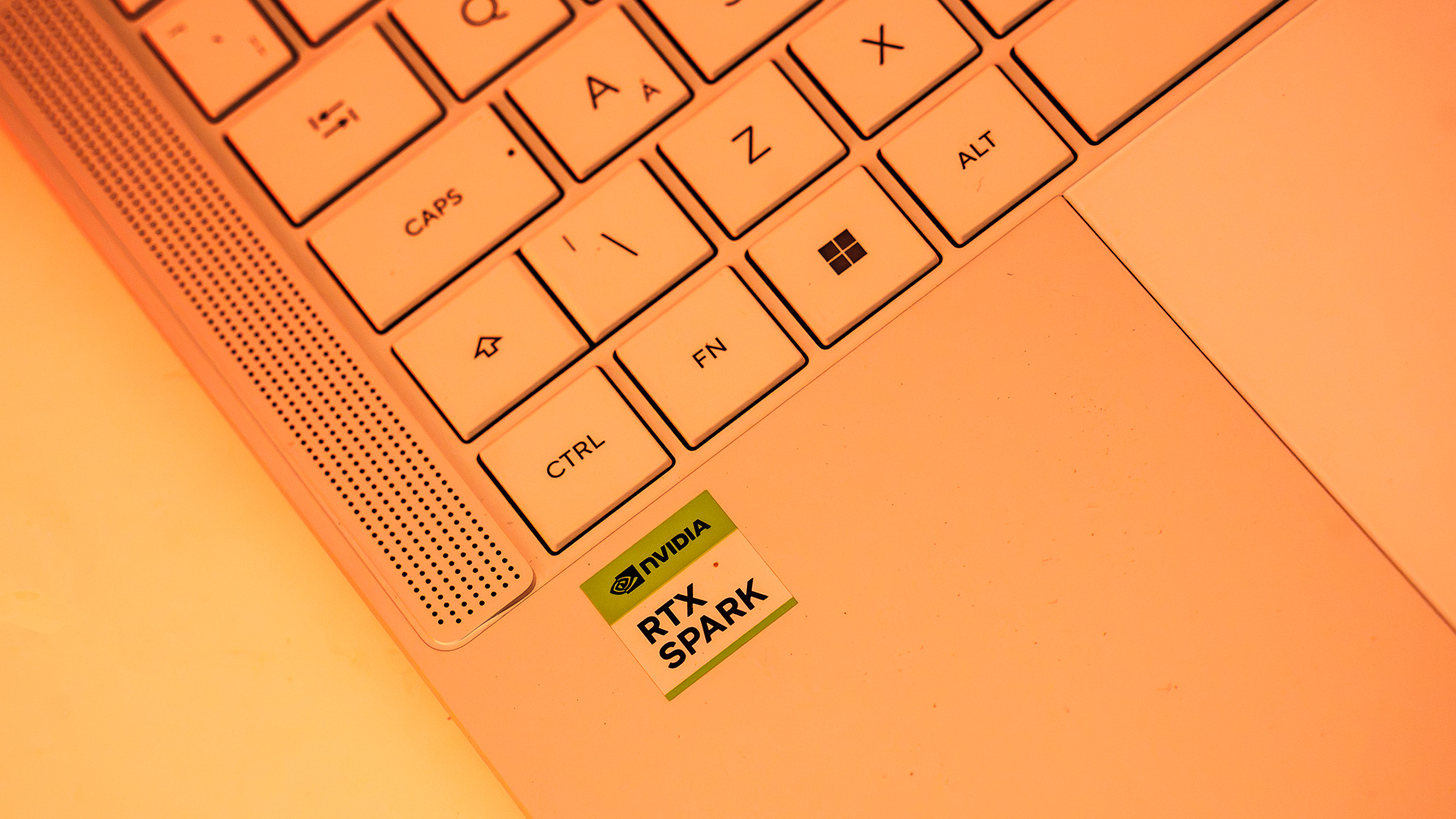
Enter Nvidia’s RTX Spark platform. Nvidia took its server-proven Grace CPU architecture—in this case configured with 20 Arm cores—and fused it directly with a massive Blackwell-generation GPU (the GeForce 5000-series lineage) containing 6,144 CUDA cores.
The two architectures communicate via Nvidia’s proprietary NVLink-C2C interconnect, boasting a staggering 600 GB/s of bidirectional bandwidth. This ensures that the unified memory pool (shared directly between the CPU and GPU) flows data significantly faster than a traditional PCIe connection ever could.
When ASUS decided to wrap this groundbreaking silicon into a 14-inch professional chassis alongside Windows 11, it created a device that sits on the bleeding edge of the industry. The journey from server-room CPU architecture to a consumer-grade, ultra-thin laptop marks a tectonic shift in how mobile workstations are designed.
Supporting Context & Metrics: Design, Features, and Performance Benchmarks
Display: 14-inch Lumina Pro OLED touchscreen (2880 x 1800 resolution, 120Hz refresh rate, 97% P3 color gamut, 640 nits peak SDR brightness)
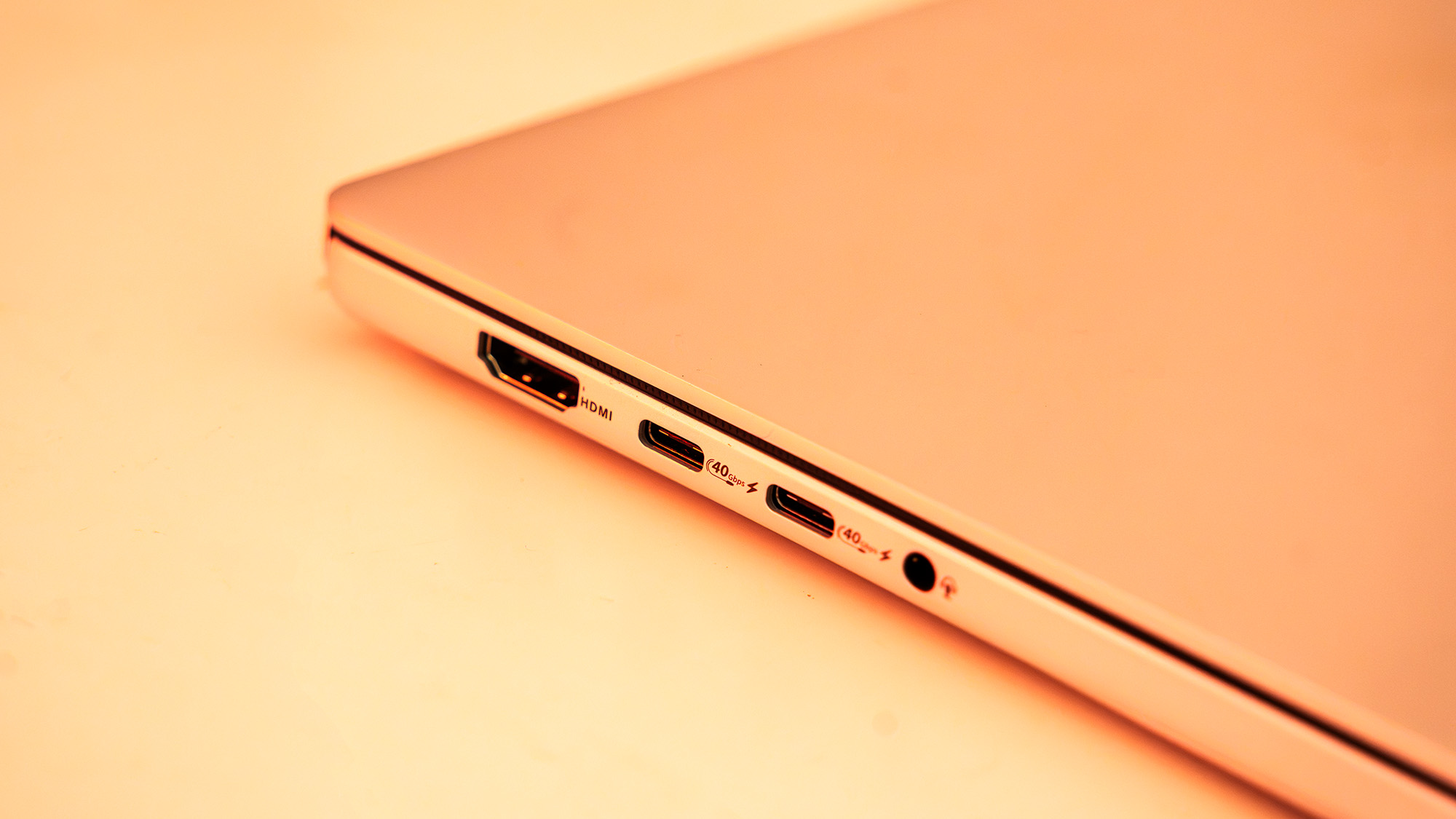
Connectivity: Wi-Fi 7, Bluetooth 5.4, 3x USB4 ports, 1x USB 3.2 Gen 2 Type-A, HDMI 2.1, 3.5mm audio jack
Dimensions & Weight: 310 x 22 x 16mm, 1.48kg
Design, Build, and Display
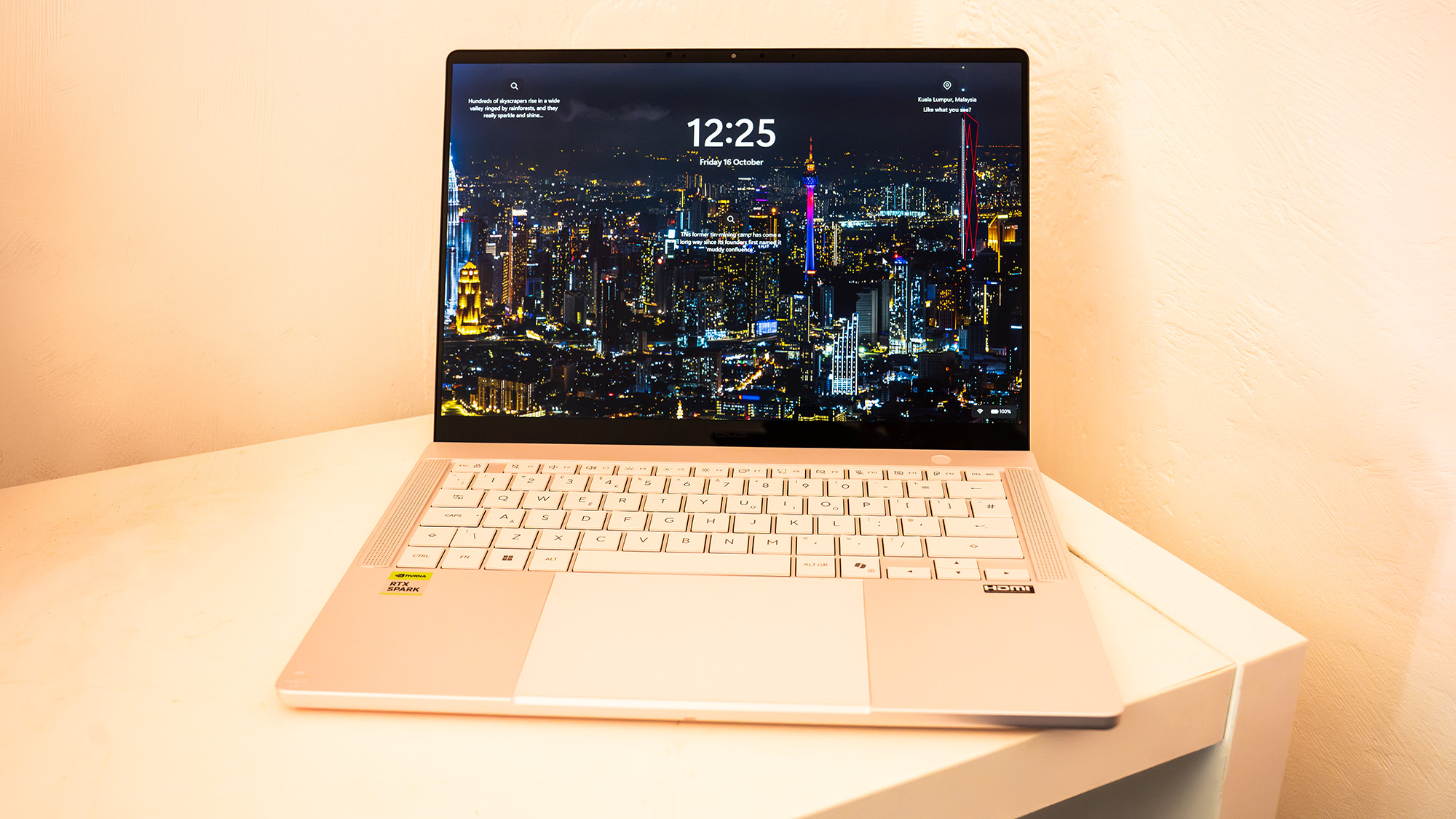
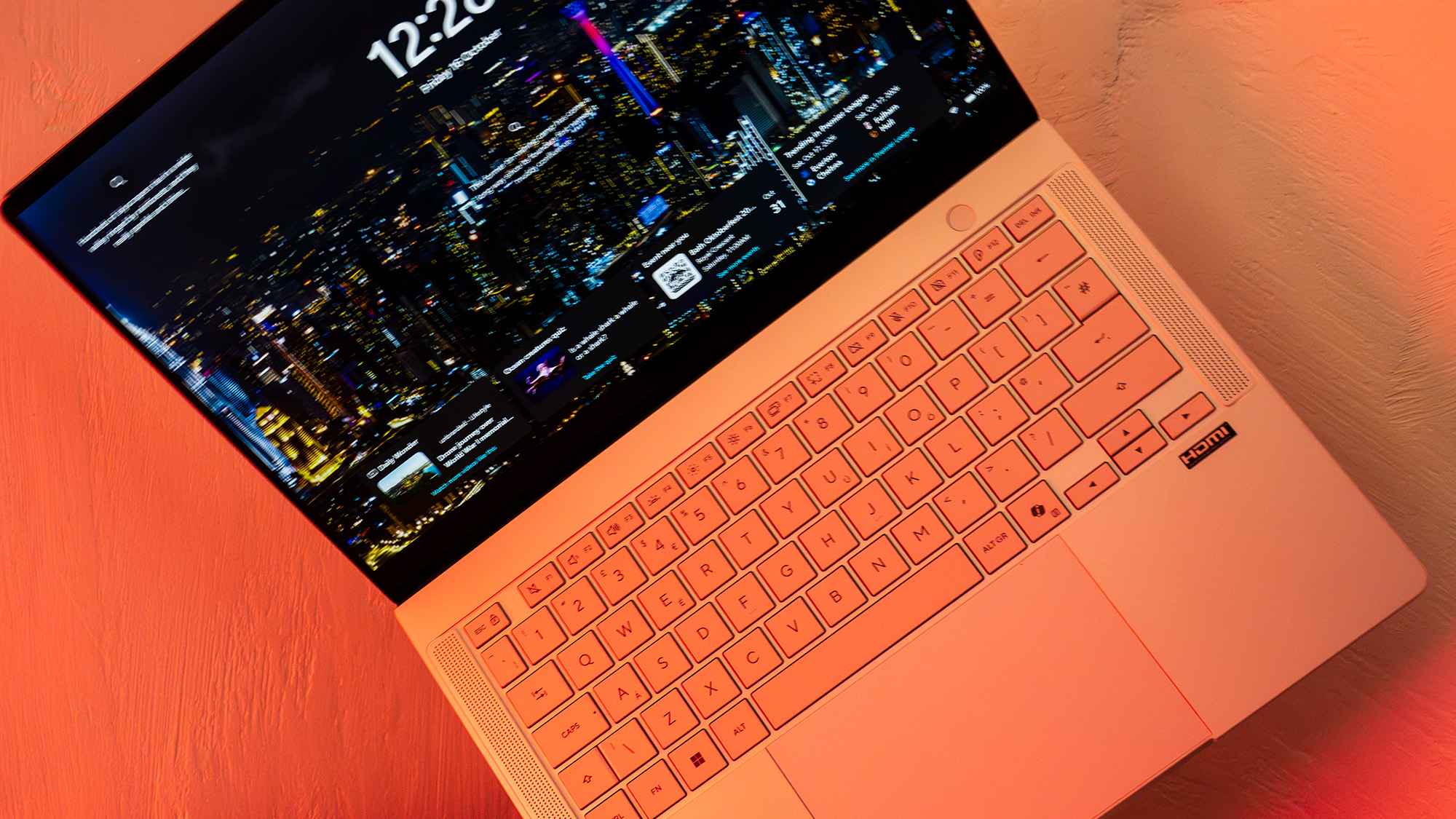
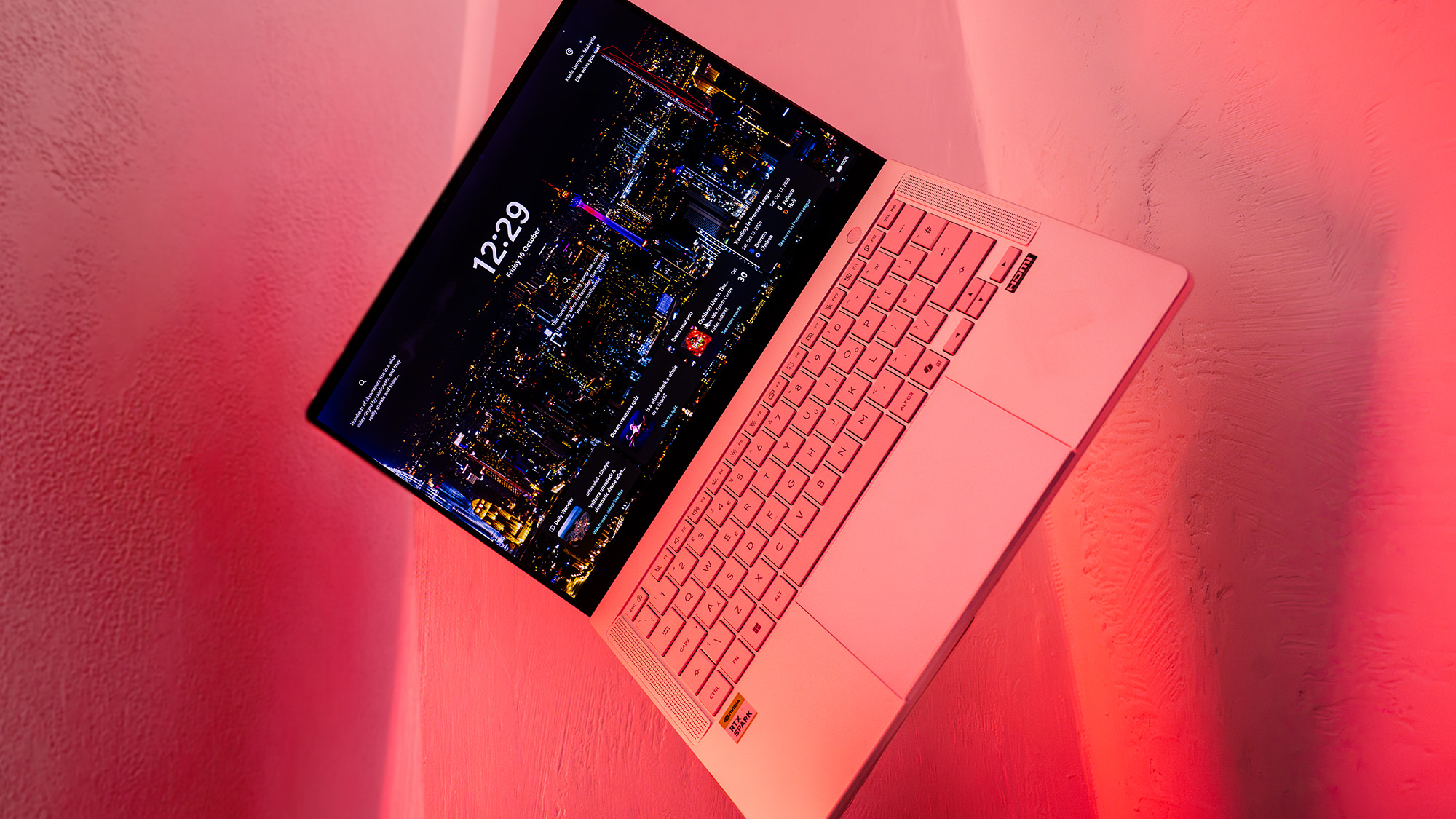
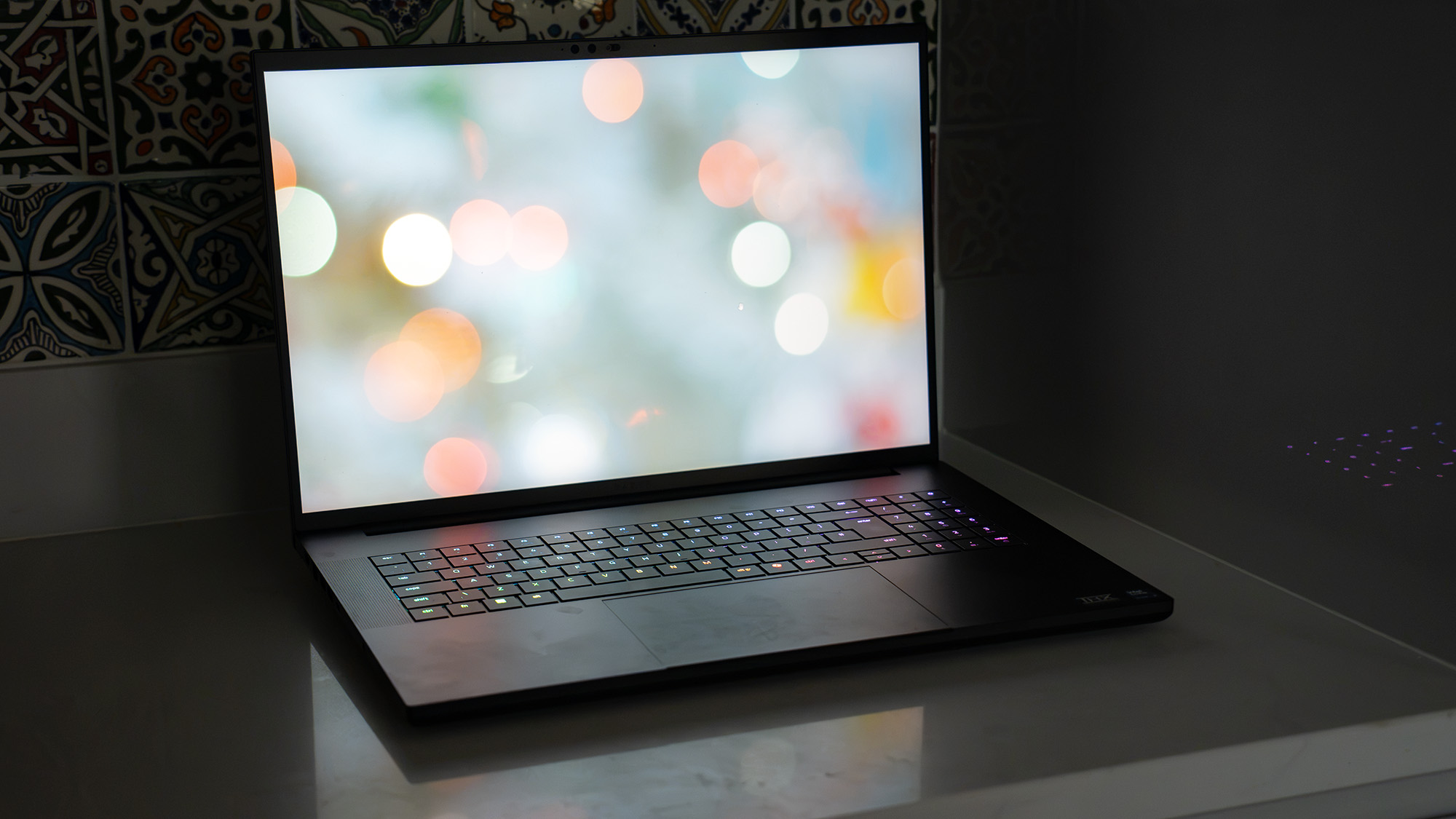
As the smaller sibling to the ProArt P16, the ProArt P14 is remarkably compact and lightweight. Built with a sophisticated, magnesium-esque metal shell that leans away from Apple’s traditional Space Grey aesthetic, it features understated ProArt branding and dual speakers flanking the keyboard.
The typing experience is satisfying, offering slightly more key depth than what you typically find on a MacBook Pro 14.
The standout feature of the chassis, however, is its display. The 14-inch OLED touchscreen is brilliantly punchy, hitting a measured 97% of the DCI-P3 color gamut, 100% of sRGB, and 94% of Adobe RGB. Combined with a 120Hz maximum refresh rate and a searing 640 nits of peak SDR brightness, it is a dream panel for color grading, photo retouching, and print design—provided a 14-inch canvas suits your workflow.
Features and Connectivity
The ProArt P14 packs an impressive array of high-speed inputs and outputs, including a trio of USB4 ports, full-size HDMI 2.1, and a physical SD card reader for quick media offloading.
However, buyers must pay careful attention to memory configurations at purchase. Because the RTX Spark platform relies on a unified memory architecture—where a single pool of RAM is shared dynamically between the CPU and GPU—you cannot upgrade the memory later. Our review unit featured 32GB of blazing-fast 9400MT/s RAM, with 12GB allocated by default to the GPU (though this can be tweaked via the ProArt Creator Hub).
Thermal performance is generally well-managed under an 85W Total Graphics Power (TGP) envelope, keeping the laptop significantly quieter than high-wattage gaming rigs. When left in "Whisper" mode, battery life stretches to an impressive 8.5 hours of light office work and web browsing, and over 11 hours of continuous video playback.
Performance & AI Benchmarks
Testing a completely new architecture requires a tailored approach, as traditional benchmarking suites like Cinebench lacked native support for the RTX Spark platform at launch. Nevertheless, the system’s real-world capabilities are fascinating:
General Creative Apps & Gaming: While not designed strictly for gaming, the ProArt P14 manages a smooth 60 frames per second in demanding titles like Cyberpunk 2077 (Ray-Tracing Ultra) at native resolution, provided Nvidia DLSS and frame-generation tools are enabled. Adobe is rolling out native betas for Photoshop and Premiere Pro that utilize the architecture’s unique layout.
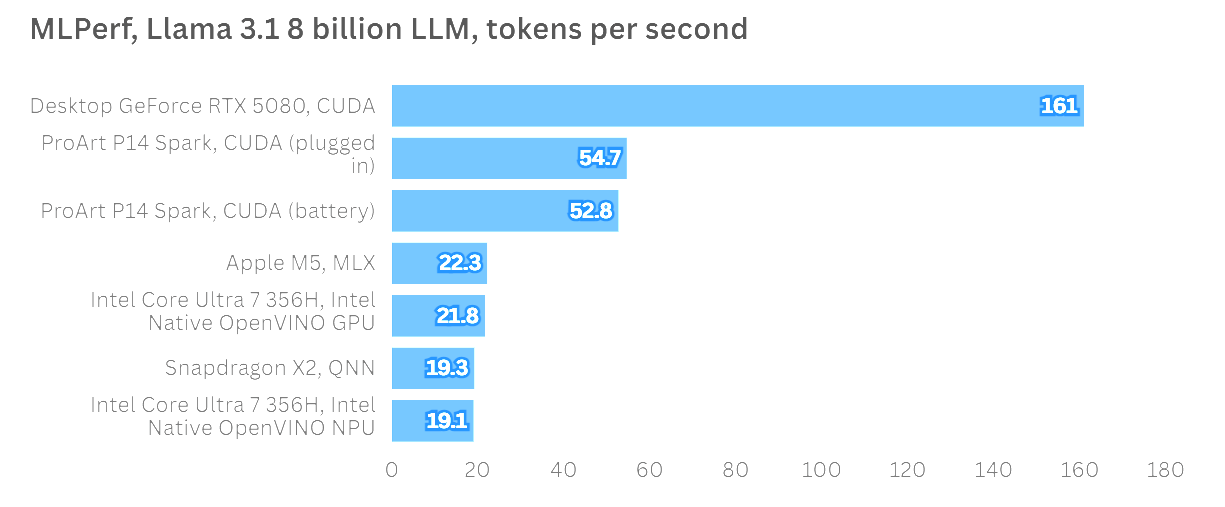
AI Processing Power: Nvidia’s heavy focus on AI agents shines during machine learning evaluations. Running the Llama 3.1 8-billion instruction Large Language Model (LLM) benchmark via MLPerf yielded exceptional token-per-second (TPS) figures. The ProArt P14 delivered more than double the token output of standard Apple M5 processors. Crucially, Nvidia’s claim that performance remains identical whether plugged into the wall or running on battery power proved true, with only a negligible two-point difference in scores.
Specialized Creative Tests: In Topaz Video AI and ON1 Resize AI, the P14 performed admirably—landing comfortably alongside mid-tier gaming notebooks equipped with RTX 5070 laptop GPUs, though slightly bottlenecked by software awaiting optimization for the Spark platform.
Official Statements and Industry Reception
Industry analysts have noted that the RTX Spark platform represents a calculated gamble by Nvidia. In official press briefings and developer conferences, the company has underscored that these systems are built from the ground up for the next generation of computing: local AI autonomy.
"We are moving away from passive computing toward an era of intelligent, agentic workflows executed entirely on the edge," notes Nvidia’s developer ecosystem team. "The Spark platform gives professionals the dedicated compute power to run massive AI models locally without sacrificing mobility or efficiency."
Hardware reviewers, meanwhile, strike a balanced note of cautious optimism. While the engineering prowess behind the Grace CPU and Blackwell GPU integration is universally praised, reviewers point out that the Windows-on-Arm ecosystem—while vastly improved over early Snapdragon iterations—still relies heavily on Microsoft’s Prism translation layer for legacy applications. This translation step introduces minor processing overheads that can impact non-optimized software.
Future Outlook: Is the RTX Spark Platform Here to Stay?
The ASUS ProArt P14 occupies a peculiar space in the modern tech landscape. Starting at £2,699.99 / $2,599 for the 24GB RAM configuration, and climbing to £3,199.99 / $3,099.99 for the 32GB upgrade, it commands absolute top-tier pricing. At this price point, it goes head-to-head with Apple’s formidable MacBook Pro lineup, making it a difficult pill to swallow for traditional video editors or graphic designers who do not actively use local AI development tools.
Verdict Summary
Design: 4/5 – An exquisitely thin, lightweight metal chassis with a gorgeous OLED screen.
Features: 3/5 – Excellent port selection and battery life, but limited upgrade paths due to unified memory.
Performance: 3/5 – Blazing fast for AI workloads and capable in creative apps, though some software still requires optimization.
Value: 2/5 – Exceptionally expensive, particularly when scaling up RAM configurations.
Buy it if: You are an early adopter, AI developer, or creative professional who needs a portable workstation capable of running complex local AI agents and large language models on the move.
Don’t buy it if: You rely heavily on legacy Windows applications that lack ARM optimization, or if your primary workflow involves traditional creative suites where standard x86 or Apple Silicon machines offer better performance-per-dollar today.
Ultimately, the ASUS ProArt P14 is a window into tomorrow. While the high costs and early-generation software compatibility issues make it a niche choice today, a few targeted software patches and broader industry adoption will likely transform these growing pains into the new standard for mobile computing.