Executive Overview
For over two decades, the digital rendering landscape has witnessed the rise and fall of countless software packages, yet few tools have maintained the steadfast dedication to specialized craftsmanship quite like KeyShot. Long celebrated as a gold standard for individual designers, small-scale design studios, and industrial manufacturers, KeyShot has carved out an enviable niche. While architectural visualizers and cinematic artists often turn to expansive multi-purpose engines like V-Ray, Blender’s Cycles, or Unreal Engine, professionals rendering individual products, consumer goods, and tightly constrained studio scenes know that KeyShot remains peerless.
Now entering its 2026 product cycle, KeyShot arrives with a formidable suite of updates designed to bolster its user experience, streamline complex modeling setups, and—crucially—lean heavily into the capabilities of generative artificial intelligence. At a time when software developers across the creative industries are scrambling to integrate AI into legacy workflows, KeyShot is executing this transition with pragmatic focus. Rather than treating AI as a mere marketing buzzword, the platform integrates tools like AI Shots to genuinely accelerate creative ideation, upscaling, and asset variation directly inside a dedicated 3D ecosystem.
Priced at $1,082.50 annually ($108.25 per month) for the foundational KeyShot Professional tier, and scaling up to $1,599 annually ($133.25 per month) for the centralized, seat-managed KeyShot Business edition, the software continues to command a premium investment. Yet, for professional product designers and freelancers whose livelihood depends on lightning-fast turnarounds, photorealistic fidelity, and intuitive scene management, KeyShot 2026 justifies its cost. Across our rigorous testing parameters, the software earns an impressive aggregate score, highlighted by a 4.5/5 for its rich feature set and an equally robust 4.5/5 for user experience, balanced by a 4/5 for overall value.

Detailed Chronology: The Journey to KeyShot 2026
To understand the weight of the 2026 release, one must examine the evolutionary trajectory of the software over recent development cycles. KeyShot has never been a program to rest on its laurels. Historically recognized for its drag-and-drop material assignment, lightning-fast CPU/GPU hybrid rendering, and scientifically accurate real-time preview window, the application has methodically expanded its scope to meet the demands of modern industrial pipelines.
The integration of artificial intelligence within KeyShot did not begin overnight. For years, the platform utilized machine learning quietly behind the scenes to deliver progressive denoising—a computational backbone that allowed artists to clear out noisy preview renders in a fraction of the time traditionally required. However, the paradigm shifted dramatically during the 2025 software cycle with the experimental rollout of "AI Shots." Recognizing that generative AI was rapidly transforming how mood boards, conceptual variations, and initial client pitches were constructed, KeyShot developers pivoted substantial resources toward making generative AI a native, first-class citizen inside the rendering viewport.
By the time KeyShot 2026 materialized, AI Shots had matured from a novelty feature into a robust, deeply integrated production tool. Alongside this generative leap, the engineering team addressed long-standing workflow friction points. The 2026 iteration introduces an overhauled Move Tool paired with Custom Pivot capabilities, a synchronized gizmo architecture bridging real-time and geometry views, and the brand-new "Gallery" window—a dedicated organizational nexus designed to tame the chaos of handling massive output volumes.
Key Features & Technological Breakdown
1. AI Shots: Generative AI Meets CAD Data
The crown jewel of the KeyShot 2026 release is undoubtedly the evolution of AI Shots. Designed to bridge the gap between hard CAD geometry and organic, contextualized environments, AI Shots allows artists to generate fully realized, context-rich images directly from their 3D models or to edit existing renders using conversational text prompts.
Unlike external AI image generators—which lack spatial awareness of CAD geometry and often distort product proportions beyond recognition—KeyShot’s native implementation respects the underlying structure of the 3D asset. This makes it an invaluable asset for industrial designers who need to visualize a single product across a dozen different thematic environments without manually modeling background assets, setting up complex HDRIs, or texturing extraneous props.
Furthermore, the 2026 update refines the underlying machine learning model, enabling it to interpret much shorter and more concise prompts than its 2025 predecessor. Coupled with a newly optimized upscaling architecture, users can double or quadruple the resolution of both traditional 3D renderings and AI-generated outputs in a fraction of the time traditionally required. Rather than forcing artists to generate images at low resolutions and suffer through pixelated upscaling bottlenecks, KeyShot 2026 handles high-resolution delivery smoothly.
2. Custom Pivot & Move Tool Overhaul
Precision positioning has historically been a minor friction point in fast-paced rendering workflows. KeyShot 2026 remedies this by introducing a much more powerful Custom Pivot and Move Tool system.
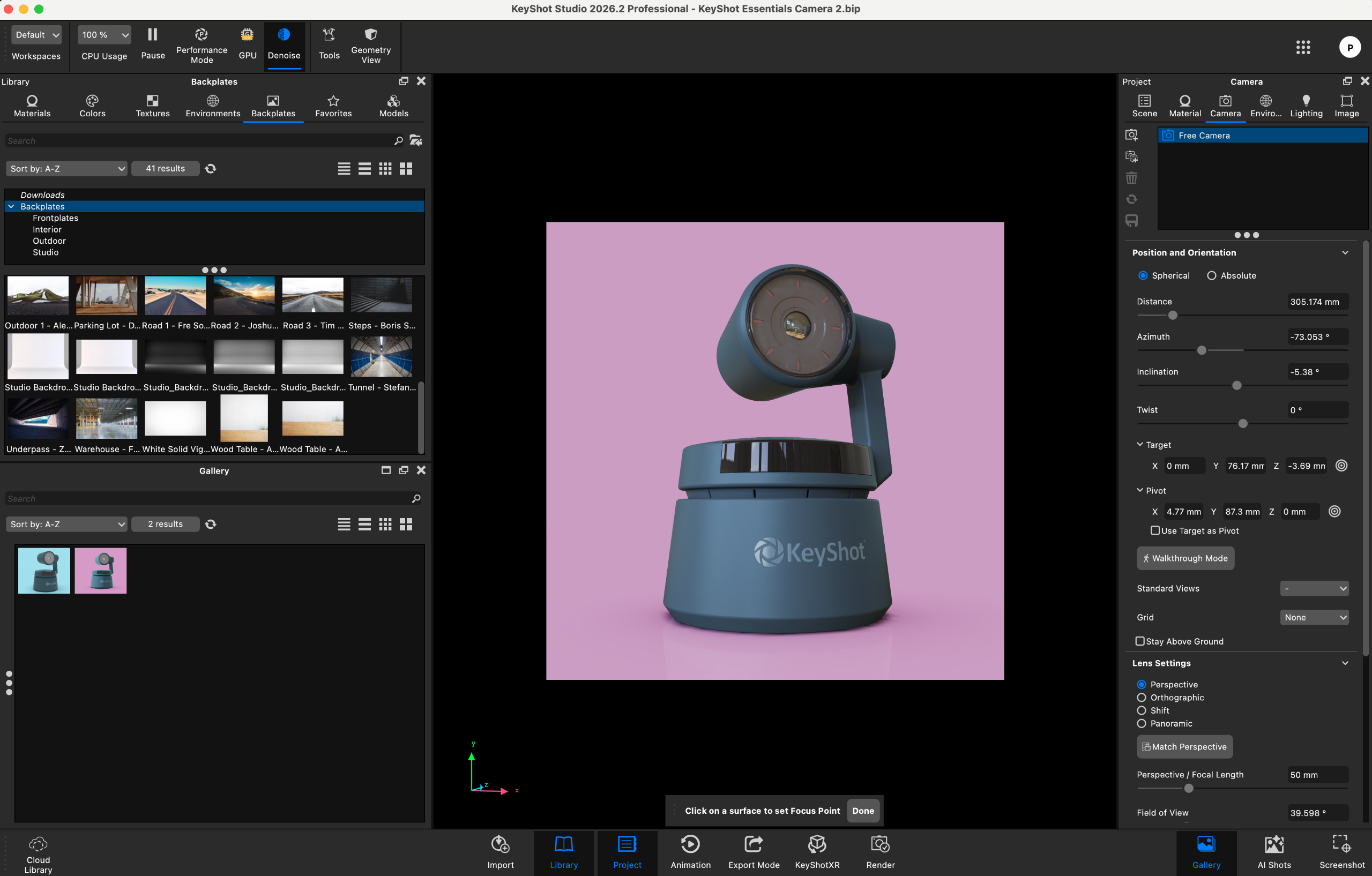
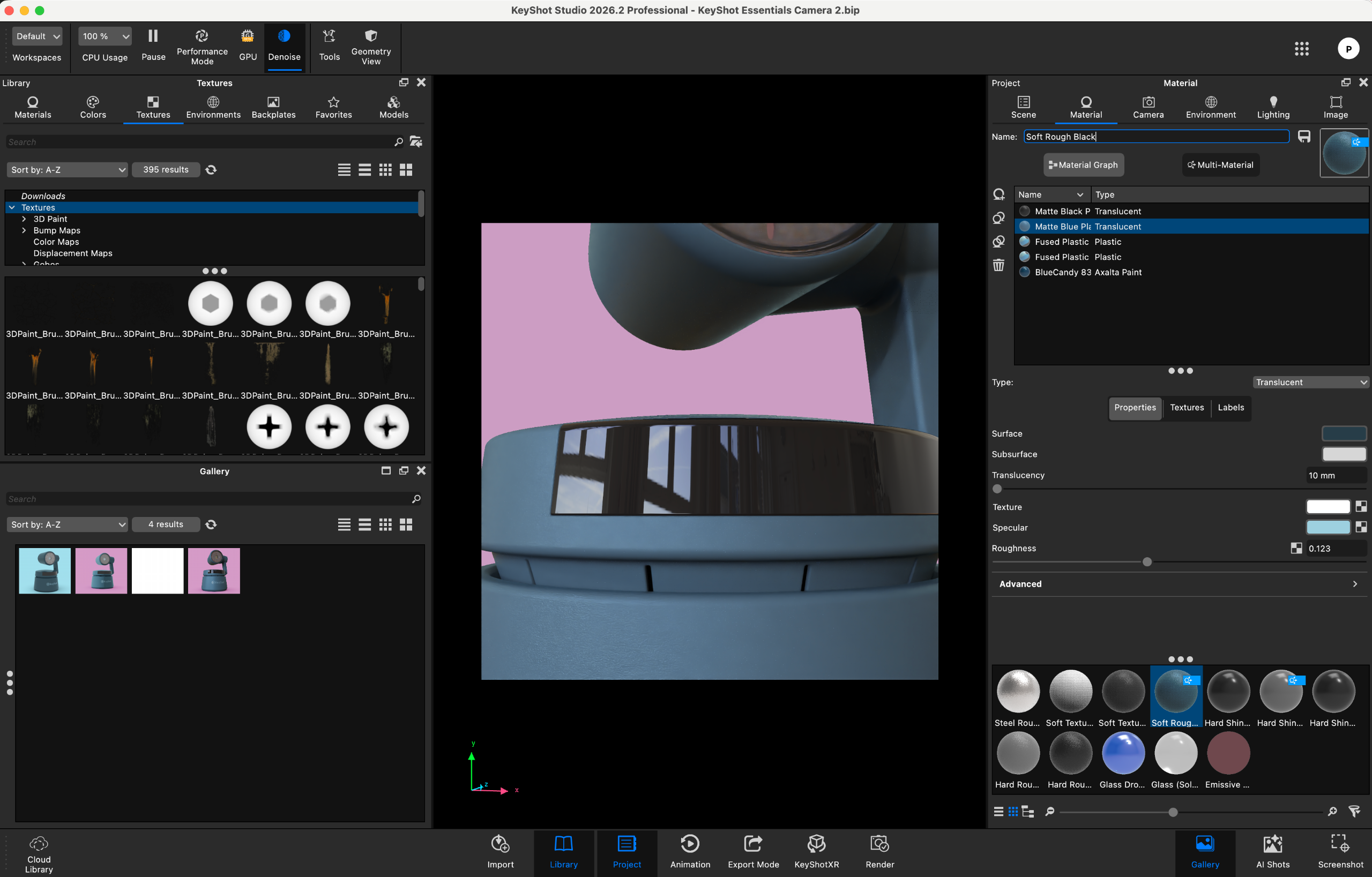
Users can now assign parts or grouped hierarchies multiple custom pivots, going far beyond the standard origin and bounding-box center points. These custom pivots can be explicitly named for organizational clarity and are saved natively within the scene file. Additionally, the move tool gizmo has been entirely synchronized across both the real-time view and the geometry view. Eliminating the historical disconnect between these two spaces means artists can fluidly manipulate geometry without second-guessing which viewport perspective is driving the transform matrices.
3. The Gallery Feature: Streamlining Asset Management
As rendering speeds increase, artists frequently find themselves generating dozens—if not hundreds—of iterations for a single project. Sifting through operating system folders or messy desktop directories to find a specific output can disrupt a creative flow state.
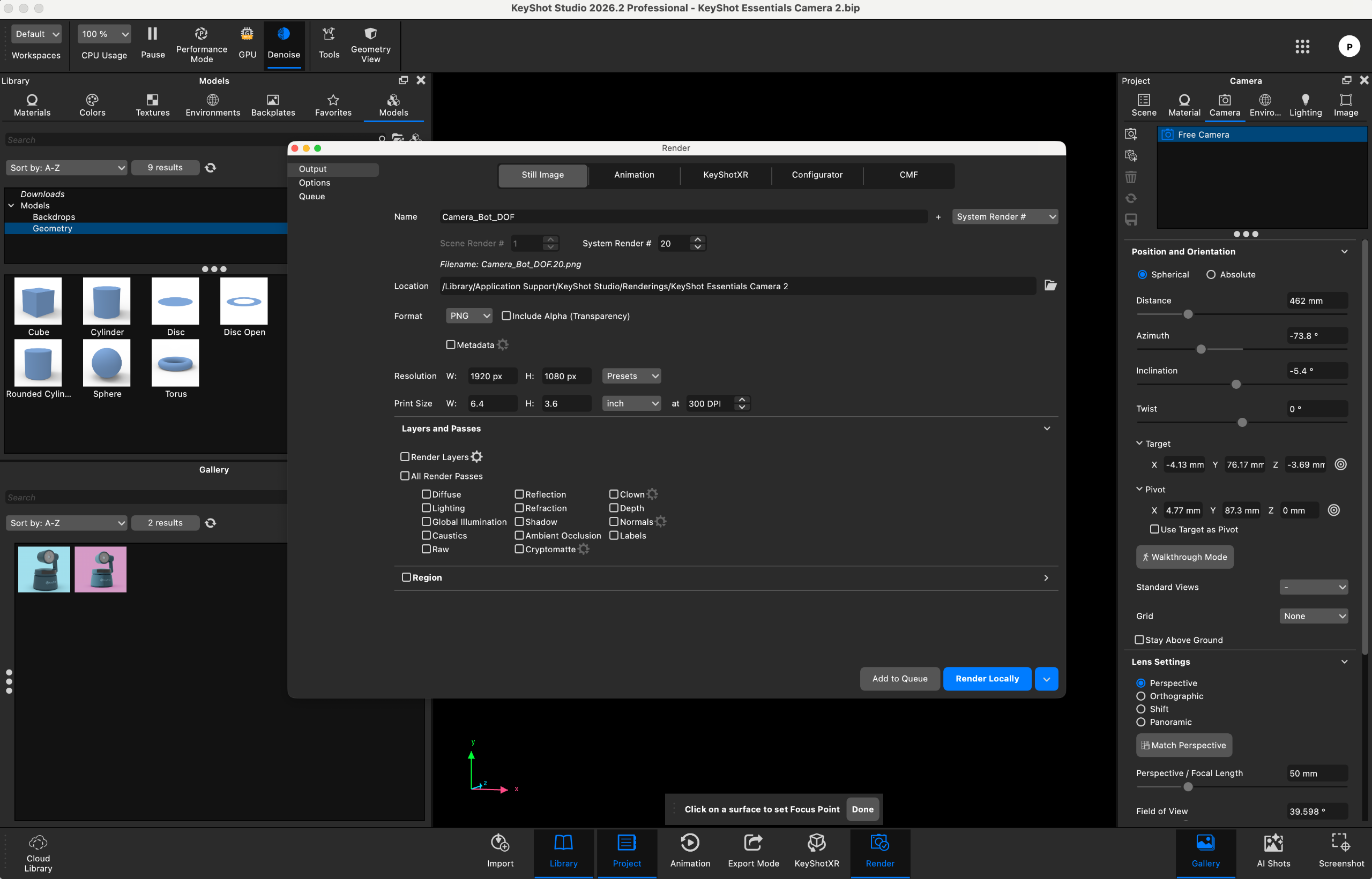
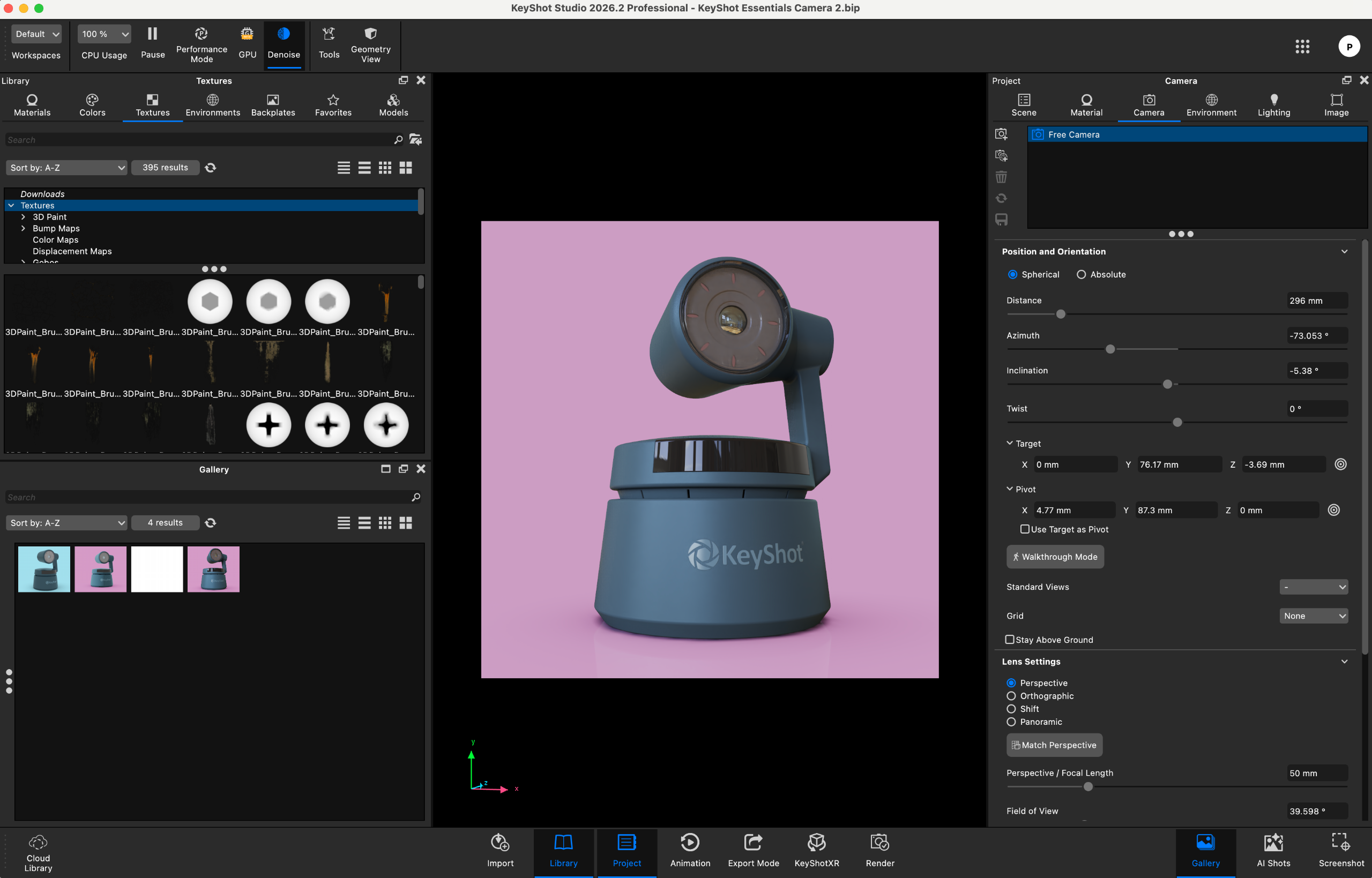
KeyShot 2026 introduces the Gallery, a dedicated internal window designed to capture, organize, search, and sort render outputs the moment they are completed. Far more than a simple image viewer, the Gallery serves as an integrated asset manager, allowing creatives to curate their best shots, compare variations side-by-side, and manage deliverables without ever leaving the application interface.
Supporting Context & Metrics
Evaluating a professional 3D rendering suite requires looking beyond the marketing brochure and examining how the software performs under real-world constraints. During our evaluation period, KeyShot 2026 was tested across multiple hardware configurations, most notably a MacBook Pro equipped with 16GB of RAM—deliberately chosen to represent the baseline hardware of many working freelancers, rather than maxed-out, enterprise-grade desktop workstations.
Hardware Demands and Performance Benchmarks
While KeyShot remains exceptionally responsive when navigating standard CAD assemblies and applying real-time materials, the introduction of native AI features demands careful consideration of local hardware resources.
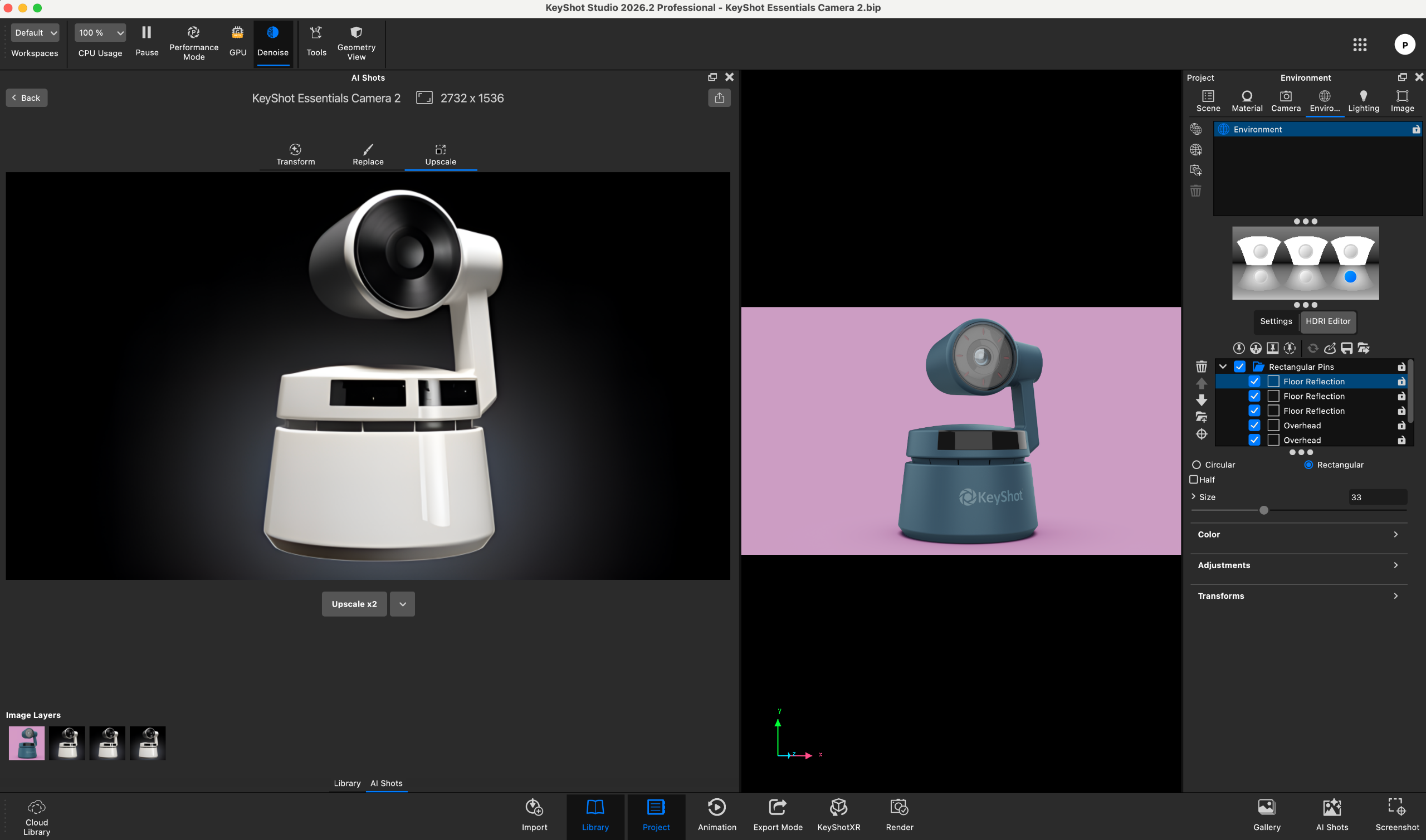
To fully harness AI Shots locally, users must download approximately 20GB of specialized AI model data. Freelancers and mobile professionals working on strict solid-state drive (SSD) storage budgets should ensure adequate free space before installation. On our 16GB RAM test machine, AI operations—including image generation, element replacement, and upscaling—executed reliably without triggering application crashes or memory overflow errors. However, processing times for complex prompts occasionally stretched upward of five minutes. While the progress bars remained stable and responsive, the processing duration underscores that local AI generation on mid-tier hardware remains a deliberate, calculated step rather than an instantaneous real-time toggle.
Comprehensive Score Card
| Attributes | Professional Assessment Notes | Rating |
|---|---|---|
| Value | Represents a significant financial outlay for freelancers and small-scale product designers, though justified by time saved in production pipelines. | 4 / 5 |
| Features | Demonstrates meaningful evolutionary leaps with every release, highlighted by smarter, more context-aware AI outputs in version 2026. | 4.5 / 5 |
| User Experience | Exceptionally intuitive and straightforward to pick up, though the engine begins to show structural limitations if forced far outside its product visualization domain. | 4.5 / 5 |
Official Statements & Industry Positioning
KeyShot’s enduring philosophy has always centered on removing technical friction from the rendering process, allowing designers to focus entirely on aesthetics, materiality, and form. In positioning KeyShot 2026, the development team has emphasized that artificial intelligence should act as an amplifier of human creativity rather than a replacement for artistic intent.
Industry analysts note that KeyShot’s strategic decision to restrict its focus primarily to product visualization is precisely what gives the software its edge. By refusing to dilute its codebase trying to solve complex volumetric fluid simulations for VFX artists or massive procedural terrain generation for open-world game developers, KeyShot maintains laser-sharp optimization for industrial design, consumer electronics, footwear, automotive components, and packaging visualization.
Future Outlook
As the boundaries between traditional computer graphics and generative machine learning continue to blur, KeyShot 2026 establishes a compelling blueprint for how specialized creative software can integrate modern tech without alienating its core user base.
The successful refinement of AI Shots, paired with practical workflow quality-of-life additions like the Gallery window and Custom Pivots, proves that the platform’s development roadmap is attuned to the actual bottlenecks faced by working designers. While hardware prerequisites—particularly regarding local storage for AI model libraries and RAM thresholds—will continue to edge upward, the productivity dividends offered by KeyShot 2026 make it an essential tool for any studio serious about cutting-edge product visualization.
For individual creators and growing studios weighing their software investments for the upcoming production cycle, KeyShot 2026 reaffirms that when it comes to speed, fidelity, and ease of use in product rendering, few competitors come close to matching its pedigree.