Executive Overview
The arrival of a completely new computing platform is always a momentous occasion in the tech industry, but when that platform attempts to marry a server-grade Arm architecture with a top-tier consumer graphics processor, it attracts the undivided attention of creators, engineers, and hardware enthusiasts alike. Nvidia’s new RTX Spark platform aims to do precisely that, merging a high-performance Grace CPU with a robust, Blackwell-generation GeForce GPU.
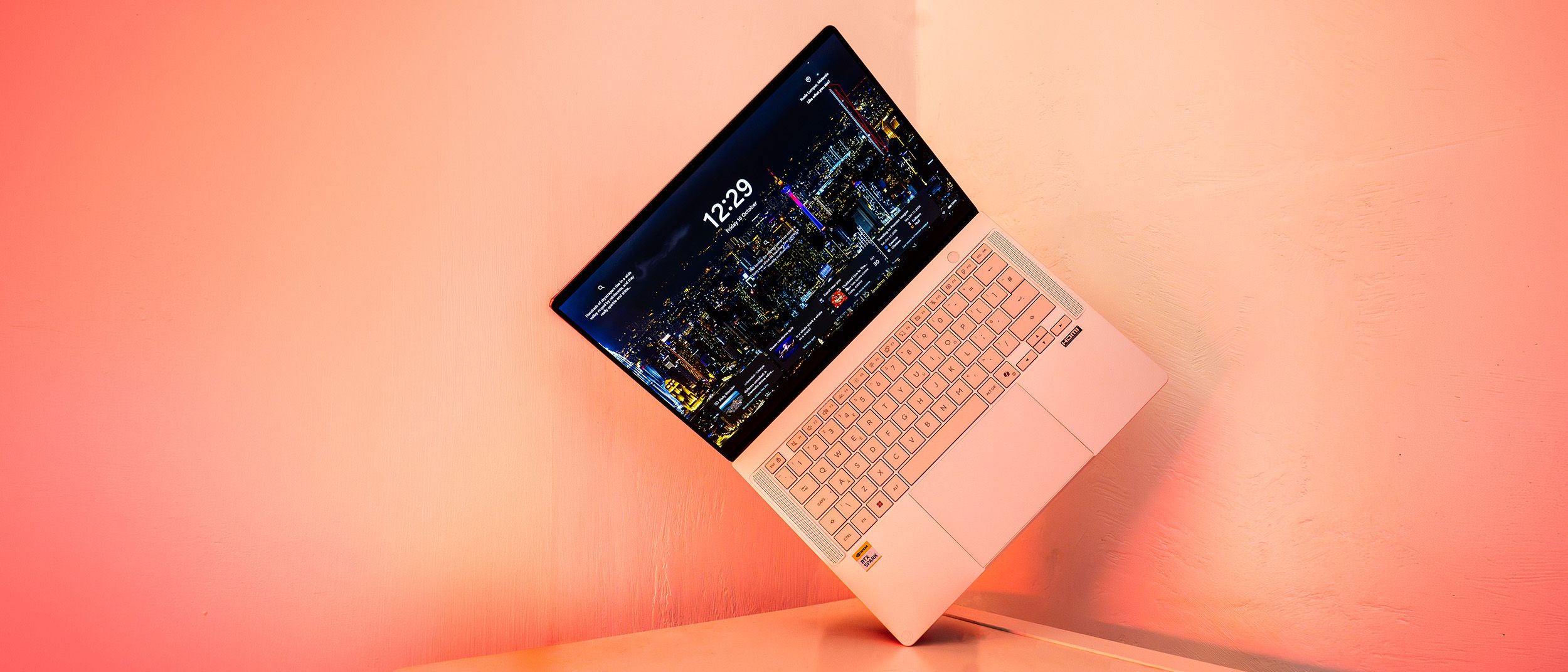
Our first real taste of this silicon powerhouse comes packaged inside the ASUS ProArt P14, a remarkably thin, exceptionally light, and visually striking mobile workstation aimed primarily at the cutting edge of local AI development. Yet, because AI workflows are rapidly bleeding into everyday content creation software—from automated mask generation in Photoshop to generative upscaling and procedural rendering—creatives of all disciplines are naturally eyeing these machines.
The ASUS ProArt P14 makes a formidable first impression. It boasts an exquisite Lumina Pro OLED touchscreen, a sleek magnesium-style metal chassis, all-day battery endurance, and competitive benchmark results that prove Nvidia’s unified memory architecture and blistering interconnect speeds are no mere marketing gimmicks. However, it also arrives burdened by the classic growing pains of first-generation hardware. Software compatibility hurdles, an aggressive cooling fan profile under load, and a staggering price tag that goes toe-to-toe with Apple’s top-tier MacBook Pros mean that this device is not an instant recommendation for every traditional designer.
For early adopters looking to build, test, and run localized AI agents on the go, the ProArt P14 is an exciting window into the future. For traditional digital artists, however, the value proposition is a bit more complicated.
Detailed Chronology & Architecture Breakdown: Unpacking the RTX Spark Platform
To understand the engineering marvel—and occasional friction—of the ASUS ProArt P14, one must first look under the hood at the brand-new components driving it. Nvidia’s RTX Spark platform represents a radical departure from traditional x86 Windows laptop architecture.
The Grace CPU and Blackwell GPU Synergy
At the heart of the P14 sits the Nvidia RTX Spark N1X system-on-chip (SoC), built upon Nvidia’s server-proven Grace microarchitecture. While Grace has previously flexed its muscles in enterprise data centers, this marks its grand debut in the consumer form factor. The specific 20-core configuration deployed in the ProArt P14 features a carefully balanced hybrid layout: ten high-performance Cortex-X925 cores dedicated to heavy single-threaded tasks, complemented by ten power-efficient Cortex-A725 cores to manage background loads and preserve battery life.
Coupled with this processor is a formidable Blackwell-generation Nvidia RTX GPU boasting 6,144 CUDA cores—placing its raw compute potential squarely between traditional laptop variants of the RTX 5070 and 5080.
What truly sets the Spark platform apart, however, is the NVLink-C2C interconnect. Delivering a staggering 600 GB/s of bidirectional bandwidth, this high-speed pipeline allows the CPU and GPU to communicate with virtually zero latency. Unlike standard configurations where Nvidia discrete GPUs must shuttle data across a constrained PCIe bus while managing separate memory pools, Spark utilizes a unified memory architecture. The entire system shares a single, lightning-fast pool of memory running at 9400 MT/s.
The Trade-Offs of Unified Memory
While this unified memory design mimics the fluid efficiency popularized by Apple’s M-series silicon, it introduces a crucial purchasing decision. Out of the box, the P14 is configured with 32GB of RAM (with a 24GB entry-level option also available), out of which 12GB is dynamically allocated by default to the GPU (though this can be tweaked via the ASUS ProArt Creator Hub).
Because memory is unified and upgradability is non-existent post-purchase, buyers must accurately forecast their future workload needs. The system supports configurations up to 128GB, but given how aggressively priced high-speed memory modules are at launch, maxing out the specs can rapidly inflate an already steep bill.
Supporting Context & Metrics: Performance, Benchmarks, and Real-World Testing
To evaluate how well this exotic silicon translates into tangible productivity, we ran the ASUS ProArt P14 through our rigorous, standardized benchmarking suite tailored specifically for creative professionals.
Key Specifications at a Glance
- CPU: Nvidia RTX Spark N1X (20-core: 10x Cortex-X925, 10x Cortex-A725)
- Graphics: Nvidia Blackwell RTX GPU (6,144 CUDA cores)
- Memory: 32GB LPDDR5X (9400MT/s, unified architecture)
- Storage: 1TB NVMe PCIe Gen 4 SSD (plus physical SD card reader)
- Display: 14-inch Lumina Pro OLED touchscreen, 2880 x 1800 resolution, 120Hz refresh rate
- Colour Accuracy: 97% DCI-P3, 100% sRGB, 94% Adobe RGB (measured)
- Brightness: 640 nits peak SDR brightness (460 nits measured average)
- Connectivity: Wi-Fi 7, Bluetooth 5.4
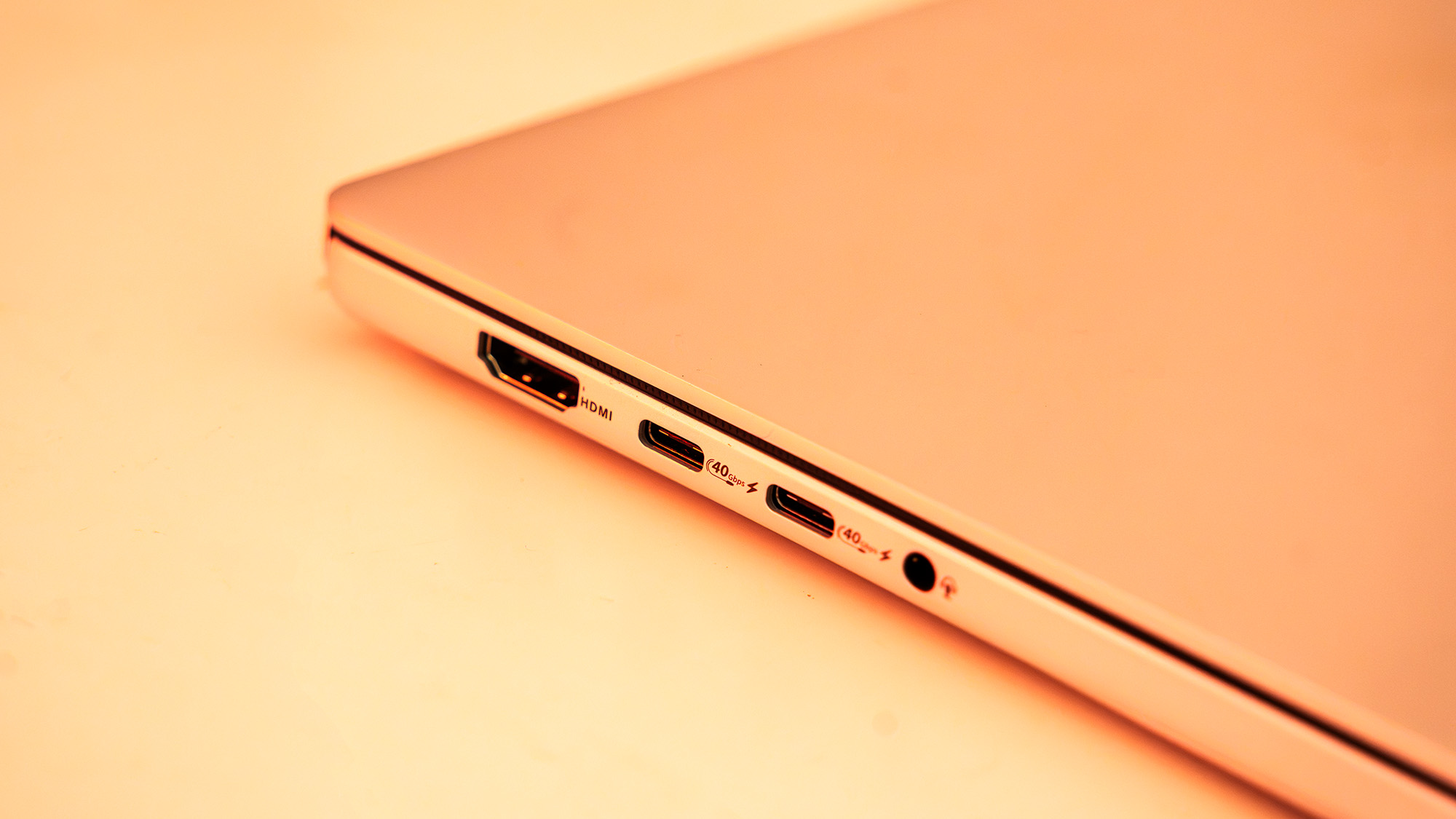
- Ports: 3x USB4, 1x USB 3.2 Gen 2 Type-A, 1x HDMI 2.1, 3.5mm audio combo jack
- Dimensions & Weight: 310 x 22 x 16mm | 1.48kg (3.26 lbs)
AI Workloads and LLM Benchmarking
Because Nvidia has explicitly positioned the RTX Spark ecosystem around the burgeoning field of local AI development and inference (particularly running autonomous AI agents), our testing heavily emphasized machine learning metrics.
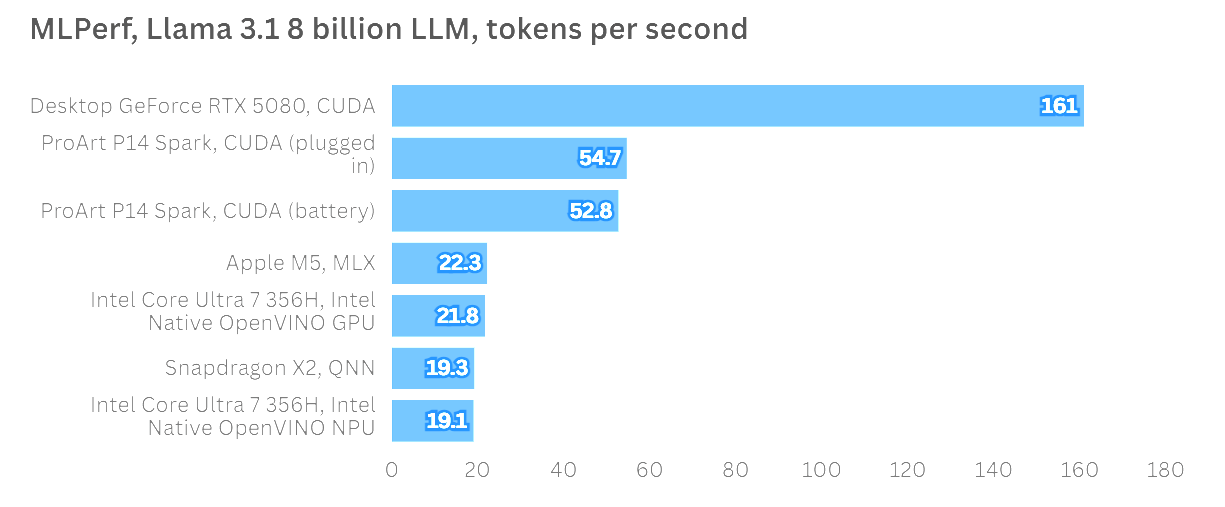
We deployed the Llama 3.1 8 Billion Instruction Large Language Model (LLM) benchmark using MLPerf to measure token generation speeds. The results were telling:
- While a desktop-class RTX 5080 (running at a massive 350W TGP) naturally claimed the top spot, the ASUS ProArt P14 emerged as the undisputed king of mobile form-factor AI inference.
- The P14 delivered more than double the tokens-per-second output of Apple’s vanilla M5 chip.
- Crucially, Nvidia’s claims regarding battery performance held true: running the AI benchmark on battery power versus plugged into AC wall power yielded a performance variance of just two points—a negligible difference in the real world.
Creative Applications and Content Creation
When shifting focus to traditional creative tools, the results highlighted the transitional nature of first-gen ARM-based Windows hardware:
- Adobe Creative Cloud: Adobe is actively rolling out optimized ARM-native betas for apps like Photoshop and Premiere Pro. Basic image filtering, masking, and timeline scrubbing performed admirably, though complex video-encoding benchmarks in PugetBench lagged slightly behind x86 laptops equipped with dedicated, highly mature discrete GPUs.
- Topaz Video AI & ON1 Resize AI: In tasks involving machine learning-driven upscaling and video enhancement, the P14 traded blows with mid-range gaming notebooks like the Lenovo LOQ 15i Gen 10 and ASUS TUF Gaming A16. Software optimization updates in the near future will likely unlock significantly higher ceilings here.
- Gaming: While gaming is far from the primary mandate of a ProArt workstation, the Blackwell GPU flexed its muscles when pushed. In Cyberpunk 2077 set to Ray-Tracing Ultra at the panel’s native resolution, the P14 comfortably maintained 60 FPS by leveraging Nvidia DLSS and frame generation technologies—putting its graphical capabilities on par with an RTX 5070 laptop GPU.
Design, Build Quality, and Display
A Masterclass in Portability
As the smaller sibling to the ProArt P16, the 14-inch ProArt P14 is engineered explicitly for remote professionals, digital nomads, and creators constantly on the move. Tipping the scales at a mere 1.48kg and measuring just 16mm thick, it slips effortlessly into a backpack.
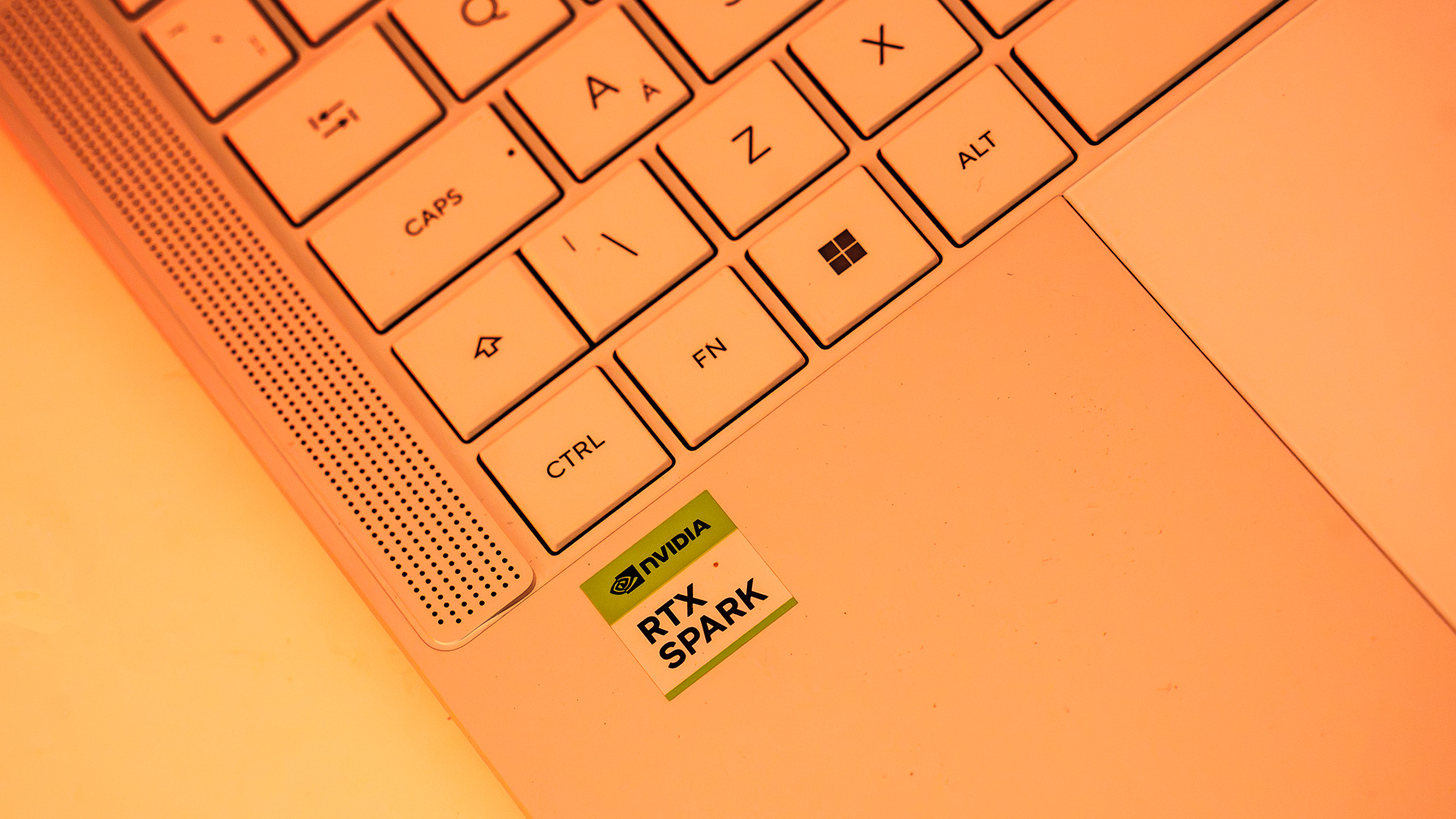
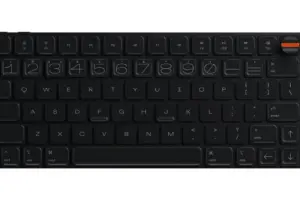
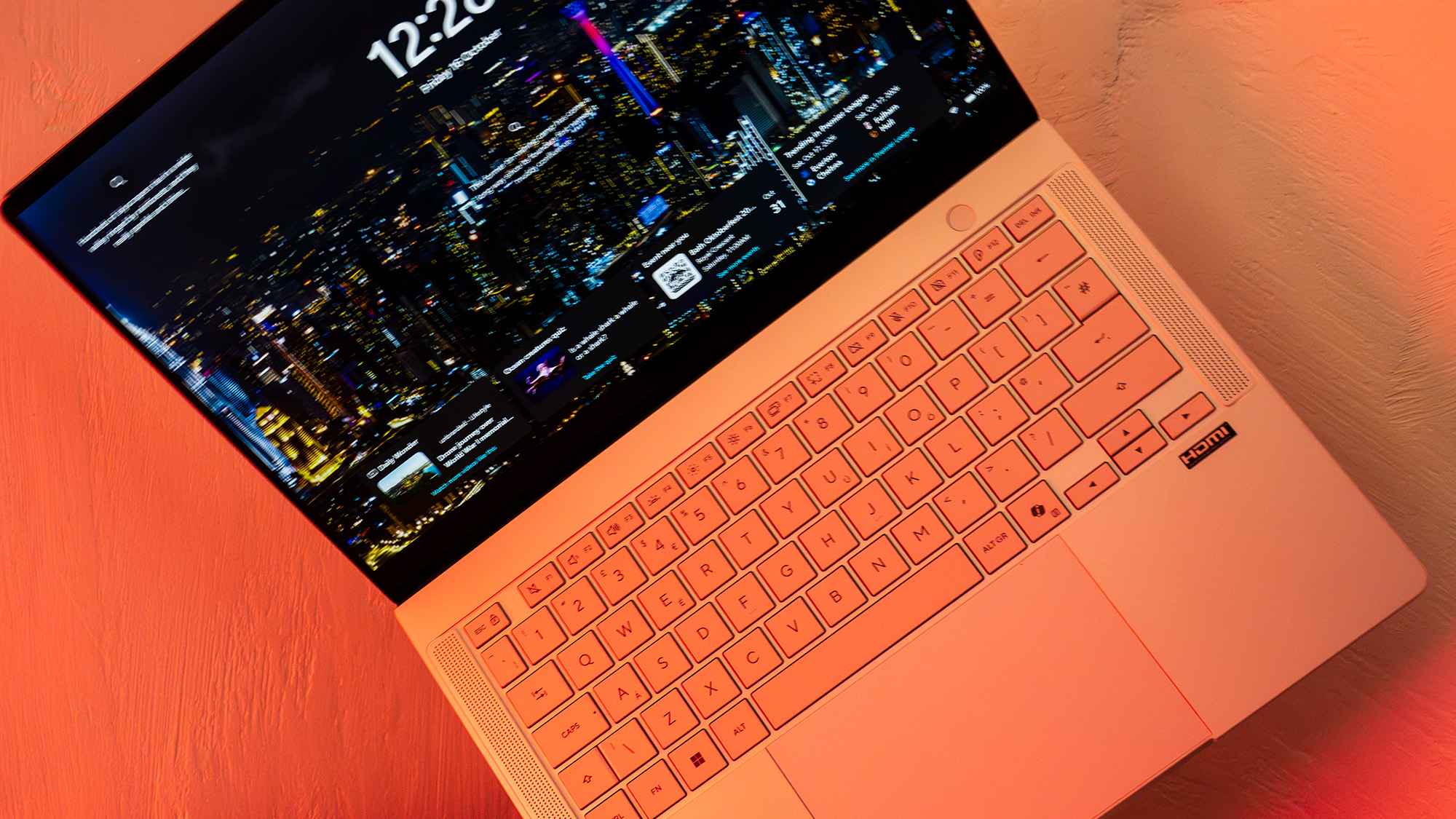
The chassis is constructed from a lightweight metal alloy with a tactile, magnesium-esque finish that resists fingerprints far better than Apple’s classic Space Grey. Subtle ProArt branding replaces flashy gamer iconography, lending the device an understated, professional aesthetic. The keyboard offers satisfying travel and tactile feedback, feeling noticeably deeper and more responsive than the ultra-shallow keys found on competing 14-inch MacBooks. Audio is cleanly projected via upward-firing speakers flanking the keyboard deck.
The Lumina Pro OLED Panel
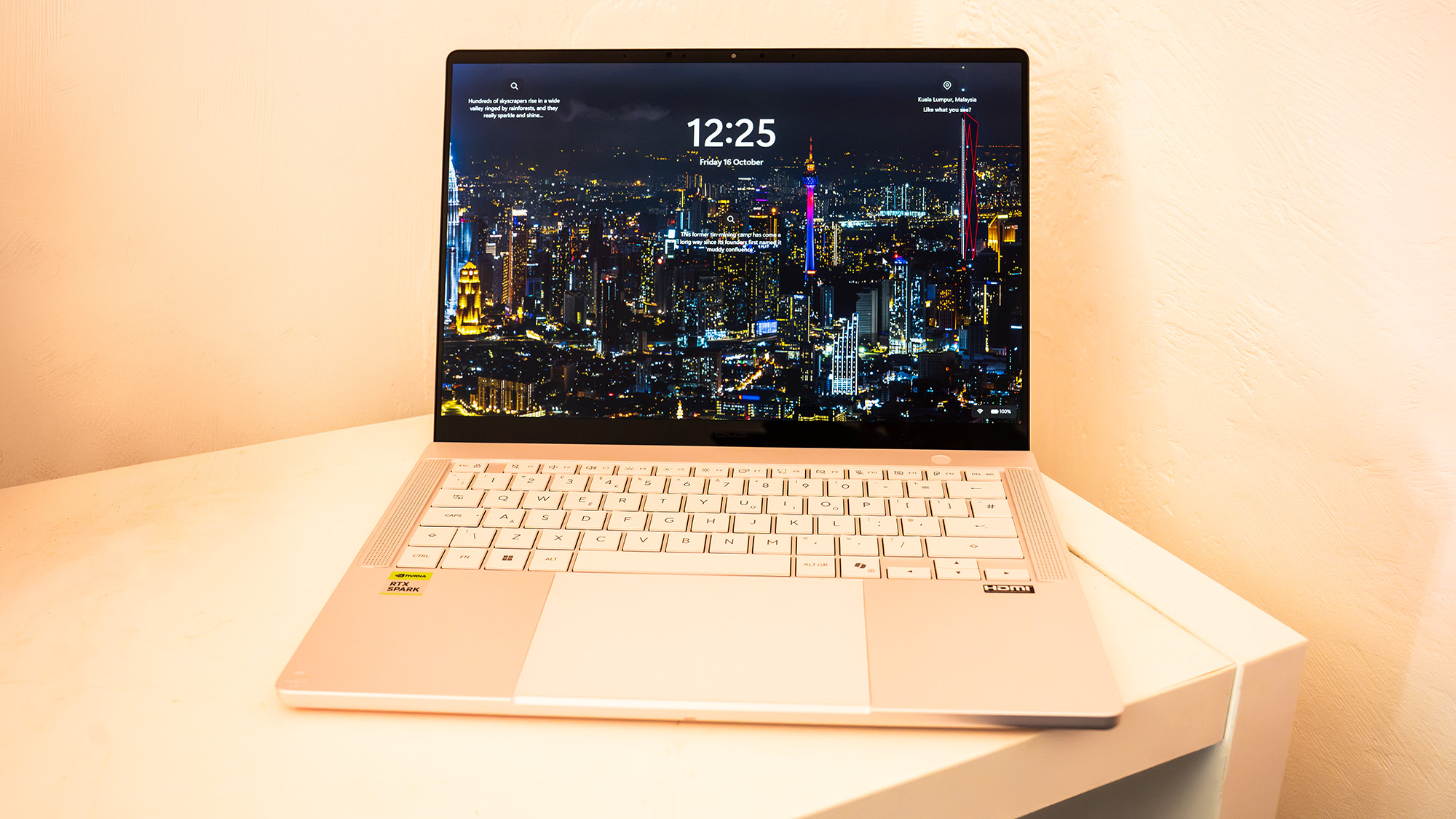
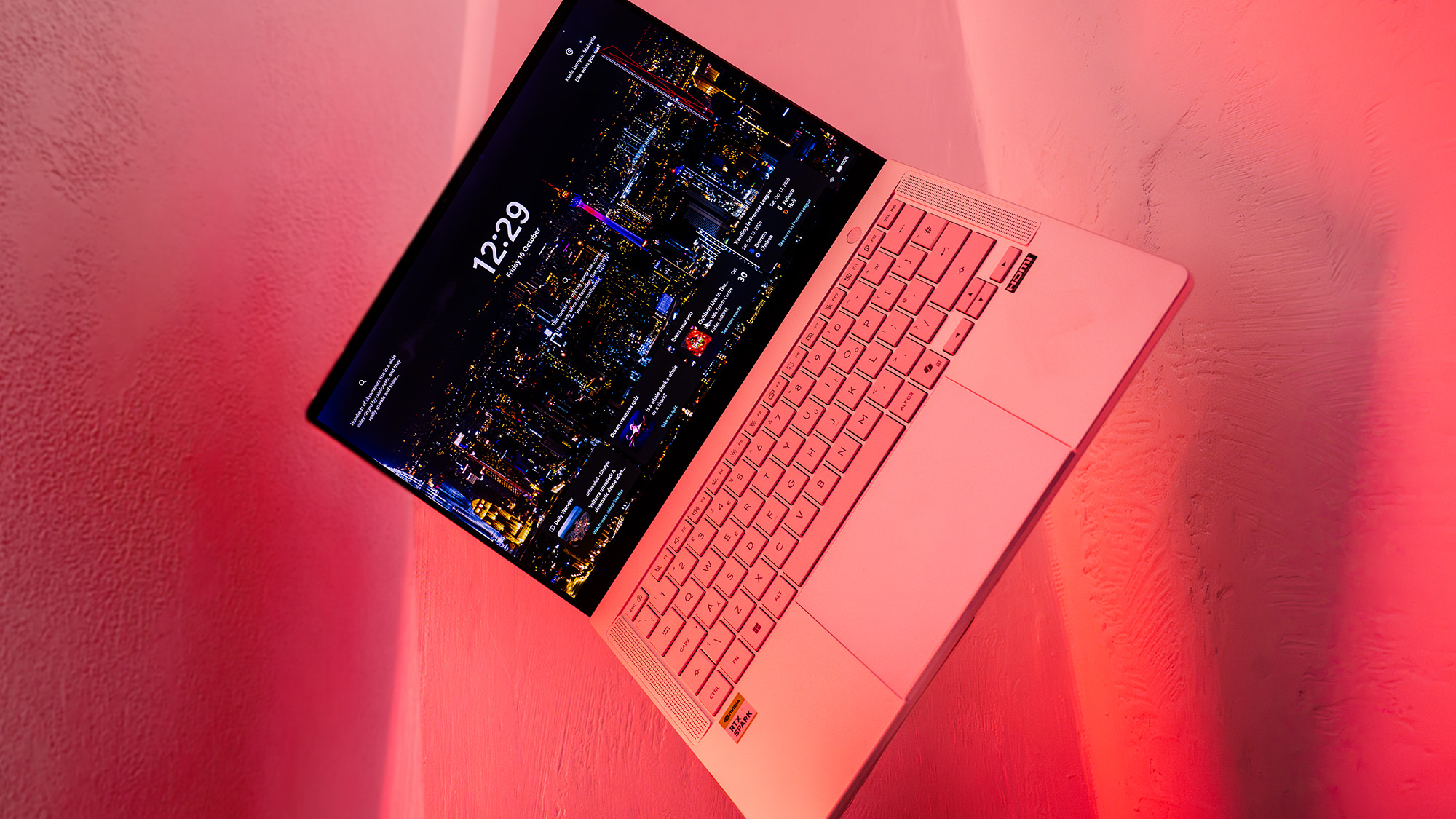
ASUS has long been an industry leader in laptop display technology, and the ProArt P14’s Lumina Pro OLED touchscreen is nothing short of breathtaking.
- Resolution & Refresh Rate: Boasting a crisp 2880 x 1800 resolution paired with a buttery-smooth 120Hz refresh rate, scrolling through timelines and reviewing high-resolution assets feels fluid.
- Color Fidelity: Our colorimeter testing revealed 97% coverage of the DCI-P3 color gamut, alongside 100% sRGB and 94% Adobe RGB coverage.
- Brightness: Pumping out a searing 640 nits of peak SDR brightness, the screen remains easily legible even under harsh studio lighting or outdoor environments. For print designers, photographers, and mobile color graders, this display is an absolute triumph.
Official Statements and Industry Perspective
Industry analysts and hardware engineers have noted that the launch of the RTX Spark platform marks a fundamental shift in how hardware vendors approach mobile computing.
In a briefing accompanying the hardware rollout, Nvidia representatives emphasized that the Spark initiative was not designed to chase traditional gaming benchmarks or standard office productivity metrics. Instead, it is an infrastructure play aimed at the next decade of computing:
"We are entering an era where local AI agents will manage files, compile code, organize media assets, and automate repetitive creative pipelines locally on device," noted an engineering lead close to the project. "The Grace CPU and Blackwell GPU architecture on NVLink-C2C provides the exact bandwidth and unified memory footprint required to run complex neural networks without sacrificing thermal limits or draining batteries in under an hour."
ASUS hardware designers similarly highlighted the engineering challenge of packing a high-bandwidth, high-performance SoC into a chassis only 16mm thick. Thermal management required a nuanced approach: while the laptop remains whisper-quiet during light web browsing and text editing—yielding an impressive 8.5 to 11 hours of battery life—pushing the machine into high-performance mode for AI workloads or rendering tasks will inevitably spin up the internal fans. Users seeking total silence can toggle "Whisper Mode" via software, though it introduces a performance throttle.
Future Outlook & Verdict
The Pros and Cons
For:
- Exceptional AI Performance: Dominates mobile AI agent workloads and LLM benchmarks, easily outpacing comparable ARM competitors.
- Stunning Display: The 120Hz Lumina Pro OLED touchscreen offers phenomenal brightness, contrast, and color accuracy (97% P3).
- Marathon Battery Life: Easily lasts a full workday (8.5+ hours) during standard office tasks and media consumption.
- Premium Portability: Incredibly thin, lightweight metal build with robust port selection, including USB4 and a full-size HDMI 2.1 port.
Against:
- Exorbitant Pricing: Starting at £2,699.99 / $2,599 for the 24GB model and jumping past £3,199.99 / $3,099.99 for 32GB, it occupies terrifyingly high-end territory.
- First-Gen Software Friction: Windows-on-Arm translation layers (like Microsoft’s Prism) introduce processing overhead for unoptimized legacy applications.
- Upgradability Limits: Unified memory architecture means you cannot upgrade RAM down the line; specifications must be locked in at purchase.
Final Verdict: Who Is It Really For?
The ASUS ProArt P14 (RTX Spark) is a brilliant, beautifully engineered piece of hardware that showcases the immense potential of Nvidia’s new silicon platform. Its display is gorgeous, its build quality rivals the best in the industry, and its AI-processing capabilities are genuinely groundbreaking for a 14-inch form factor.
However, at its current launch price—which directly challenges maxed-out Apple MacBook Pro configurations—it is a difficult sell for the average graphic designer or video editor whose daily workflow does not heavily involve localized AI development or experimental agent-based software.
If you are an AI developer, tech-forward technical artist, or early adopter who needs local LLM inference power combined with top-tier portability, the ProArt P14 is a thrilling glimpse into tomorrow. If you simply need a rock-solid, traditional creative laptop to edit 4K video today, you may want to wait for software ecosystems to mature—or consider more traditional, cost-effective alternatives.
Overall Score: 3.5 / 5