
Executive Overview
The transition from Google Assistant to Gemini as the primary artificial intelligence interface on Android devices has been one of the most significant—and polarizing—shifts in the mobile ecosystem’s history. Since Google formally "pulled the plug" on the classic Assistant on September 4, 2026, millions of users have been forced to adapt to a generative AI-centric experience. However, a recent discovery by a Reddit user has ignited a firestorm of interest, revealing a functional, albeit unofficial, method to restore the legacy Google Assistant to Android smartphones.
This article explores the technical mechanics of this workaround, the implications for user choice, and the underlying tension between Google’s push toward Large Language Model (LLM) integration and the enduring preference for the utility-focused, classic Assistant experience.
A Detailed Chronology: From Assistant to Gemini
To understand the significance of this workaround, we must first look at the timeline of the forced migration.
The Shift Begins
For years, Google Assistant was the bedrock of the Android experience, serving as a reliable tool for setting alarms, controlling smart home devices, and managing daily routines. Its architecture was built around task completion and integration with the Google ecosystem.
The Deprecation Event
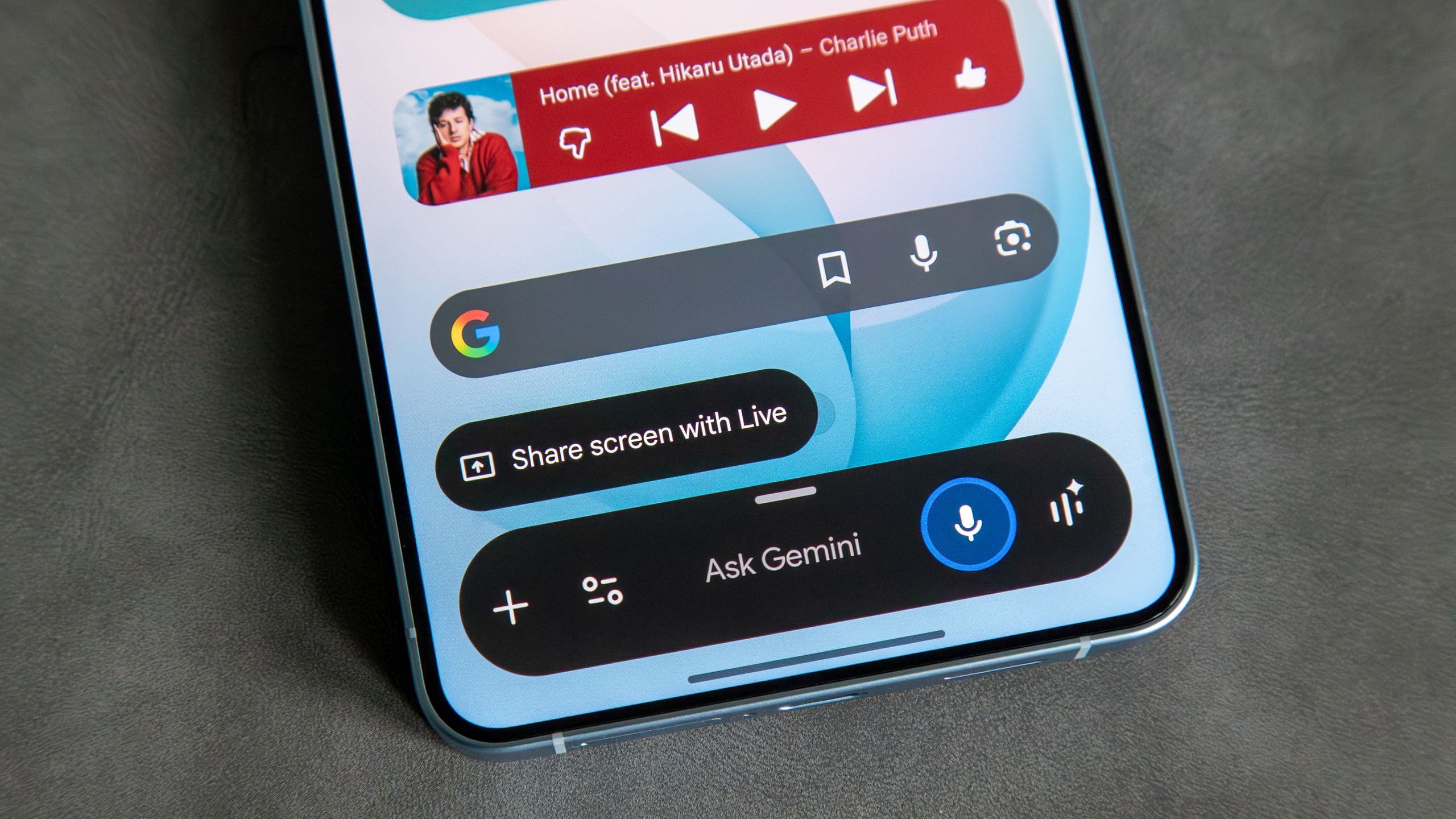
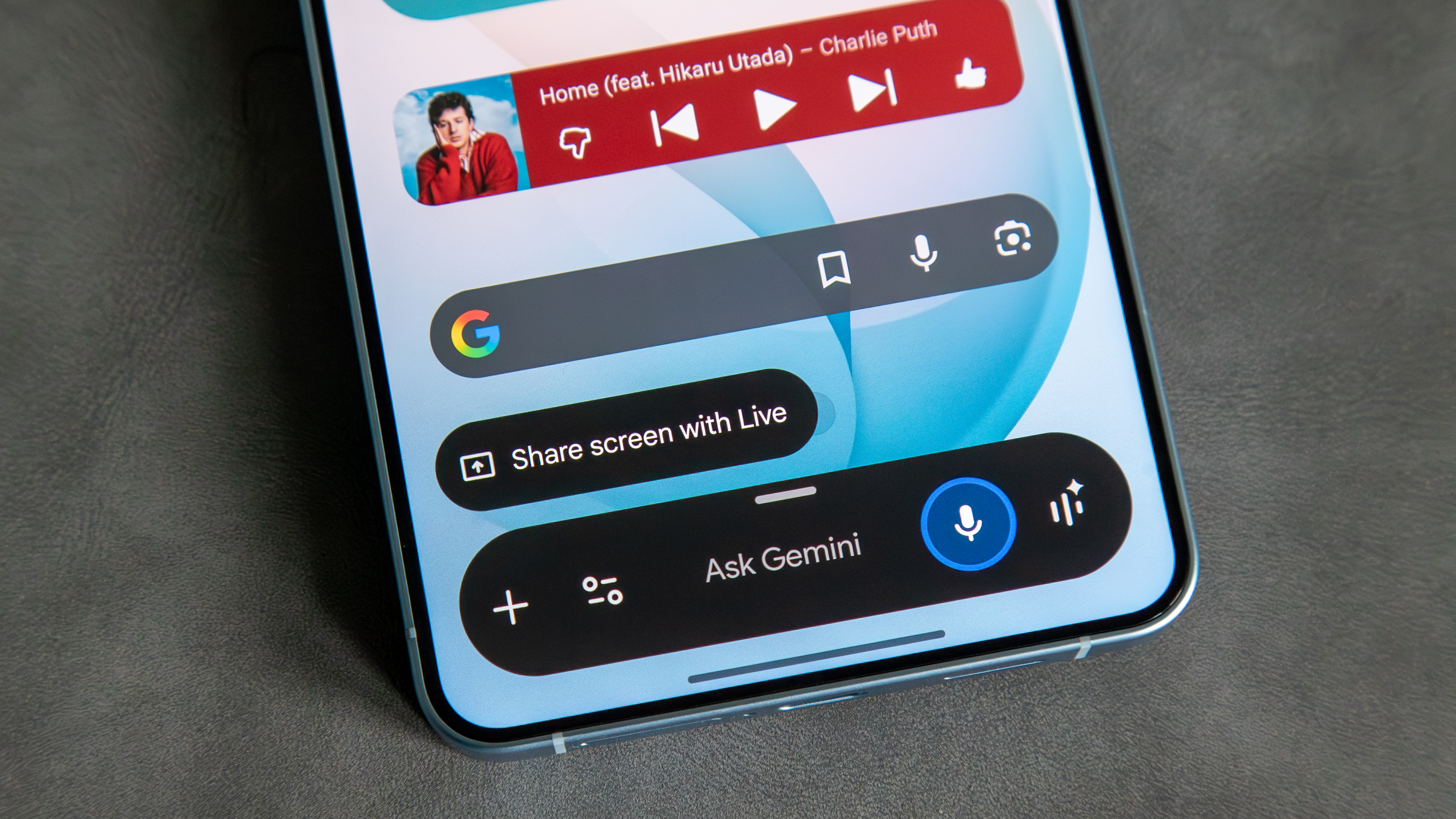
On September 4, 2026, Google executed the final phase of its transition strategy, effectively replacing the classic Google Assistant with Gemini. This was not merely a cosmetic update; it represented a fundamental shift in how Android handles voice commands and contextual awareness. Gemini, built on Google’s advanced generative AI, focuses on conversation, creative writing, and complex reasoning—a stark contrast to the transactional nature of the original Assistant.
The Community "Revolt"
Almost immediately following the update, tech forums and community boards like Reddit were flooded with complaints. Users cited slower response times, the loss of specific "routine" triggers, and a general lack of comfort with the generative AI model’s penchant for hallucination. It was within this environment of user frustration that a Reddit user successfully identified a potential "rollback" path, effectively bypassing the server-side mandate by manipulating local application versions.
Technical Mechanics: How the Workaround Operates
The method discovered by the community is essentially a form of version-pinning that exploits the legacy code remaining within the Google application framework.
Step-by-Step Restoration
- Uninstalling Application Updates: By navigating to the Google app’s settings and removing all updates, users effectively revert the app to its "factory" state, which often contains the foundational code for the legacy Assistant.
- Accessing the Play Store Listing: By visiting the Google app page on the Play Store after the rollback, the system often re-initializes the setup wizard for the classic Assistant.
- The "Decline" Prompt: Crucially, during this re-initialization, the prompt to upgrade to Gemini appears. Unlike in updated versions, the system allows the user to decline the migration, pinning the device to the legacy Assistant architecture.
- Preventing Re-Update: The final, and most vital, step is disabling automatic updates for the Google app. If the app updates to the latest version, the Gemini transition is automatically re-enforced, locking the user out of the legacy interface once again.
Why This Works
The workaround functions because Google’s transition to Gemini was not a complete removal of code, but rather a layer placed over the existing Assistant interface. By stripping the application back to its base state and preventing the push-update that installs the new Gemini modules, users are essentially running a "frozen" version of the software that hasn’t yet been commanded to switch engines.
Supporting Context: The Tug-of-War Over AI Utility
The desire to revert to the old Assistant speaks to a deeper divide in the tech industry: the conflict between "Generative Power" and "Functional Reliability."
The Case for the Classic Assistant
The legacy Assistant was designed for speed and precision. Its ability to turn off lights, set timers, and play music was optimized through years of refinement. Users value this "transactional efficiency." They do not necessarily want an AI that attempts to write a poem about their smart thermostat; they want the thermostat to turn off immediately.
The Case for Gemini
Google’s rationale for the switch is rooted in the future of computing. Gemini offers:
- Contextual Awareness: The ability to understand screen content and answer questions based on what is currently displayed.
- Complex Reasoning: Managing multi-step tasks that the old Assistant could not handle.
- Integration: A unified AI experience across the entire Google Cloud suite.
The friction arises because, while Gemini is smarter, it is often slower to execute simple commands. The "workaround" community is essentially voting with their feet, choosing speed over the potential for advanced intelligence.
Official Statements and Corporate Stance
Google has remained characteristically tight-lipped regarding this specific workaround, though the company’s stance on the transition remains clear. In various support documentation, Google has framed the Gemini transition as a "necessary evolution" to keep Android competitive in an AI-first world.
While there have been no public threats to "patch" this specific loophole, industry experts suggest that a server-side "kill switch" is inevitable. Google’s infrastructure allows it to disable specific features or force-update applications remotely. By continuing to use the old Assistant via this workaround, users are operating on borrowed time.
Future Outlook: What Comes Next?
The existence of this workaround highlights a critical lesson for tech giants: users are not always ready to abandon established workflows, even when "better" technology is provided.
The Inevitable Patch
It is highly probable that within the next few months, Google will release an update to the Google app that makes the "decline" option disappear entirely, or introduces a server-side check that renders the old version of the Assistant non-functional.
The Evolution of Choice
For the user base, this incident should serve as a wake-up call regarding the nature of "SaaS" (Software as a Service) models. When we rely on cloud-based AI, we are subject to the provider’s design decisions. There is no "version history" for an AI assistant; there is only the current iteration dictated by the manufacturer.
Final Thoughts
While the Redditor’s discovery is a clever victory for those who prefer the old way of doing things, it is likely a temporary reprieve. The tech industry is moving aggressively toward LLM-based interfaces. For those who enjoy the simplicity of the original Google Assistant, the best advice is to enjoy it while it lasts, but to prepare for a future where generative AI is not just an option, but the only way to interact with our devices.
Whether Google chooses to ignore this community-led workaround or crush it with a mandatory update remains to be seen. However, one thing is certain: the debate over how we interact with our AI companions is only just beginning. As we move forward, the challenge for companies like Google will be to ensure that in their pursuit of "smarter" AI, they do not lose the "useful" AI that users rely on every single day.
Disclaimer: Attempting to downgrade system applications can sometimes lead to instability or security vulnerabilities. Users who choose to follow these community-discovered workarounds do so at their own risk.