Executive Overview
Modern home entertainment technology has evolved at a breathtaking pace. If a consumer from thirty years ago were transported to the present day and introduced to a modern smart television, the sheer volume of accessible content, the sharpness of 4K panels, and the integration of streaming ecosystems would likely defy belief. Yet, despite the hardware advancements sitting in millions of living rooms, millions of viewers unknowingly compromise their cinematic viewing experience due to default software settings.
Out of the box, the vast majority of consumer smart displays—including popular Roku TVs—default to a standardized refresh rate of 60 frames per second (fps). While a 60fps refresh rate is exceptionally well-suited for fast-paced video games, live sports broadcasts, and everyday television programming, it actively works against the intentional artistic vision of traditional motion pictures. For over a century, the cinematic standard has remained anchored at 24fps. When a 24fps film is forced onto a 60fps display without proper processing or matching, it can introduce motion artifacts, judder, or the dreaded "soap opera effect"—a hyper-smooth, artificial visual cadence that strips major motion pictures of their inherent dramatic texture.
Fortunately, hidden deep within the user interface of Roku TVs lies a simple, highly effective setting that allows the hardware to dynamically adjust its refresh rate to match the native frame rate of the media being played. By locating and activating the auto-adjust display refresh rate feature, cinephiles and casual viewers alike can experience films precisely how directors, cinematographers, and colorists intended them to be seen. This report explores the historical context of the 24fps standard, the mechanics of TV refresh rates, the negative impacts of default high-frame-rate processing, and a step-by-step guide to optimizing your Roku TV display.
Detailed Chronology: The Evolution of Film Frame Rates and Display Technology
To understand why a simple setting adjustment on your Roku TV matters so much, it is necessary to examine the technological timeline that forged our modern viewing habits.
The Birth of the 24fps Standard (Late 1920s)
In the early days of cinema, silent films were shot and projected at variable speeds, typically ranging anywhere from 16 to 22 frames per second, largely dictated by the hand-cranked cameras and projectors operated by projectionists. However, the advent of synchronized sound on film in the late 1920s fundamentally changed the industry.
To maintain audio-visual synchronization without pitch shifting or stuttering dialogue, the film industry needed a locked, universal standard. By international agreement, the film industry settled on 24 frames per second. This specific frame rate was chosen as the minimum speed required to trick the human eye into perceiving continuous motion while keeping film stock consumption—and consequently, production costs—economically viable. For nearly a century, 24fps has remained the undisputed holy grail of narrative feature filmmaking, imparting a distinct motion blur and cadence that our brains instantly associate with "the movies."
The Transition to NTSC and 60Hz Television (1940s–1950s)
While cinema locked into 24fps, broadcast television took a wildly different trajectory. When the National Television System Committee (NTSC) established the analog television standard in the United States, engineers tied the television refresh rate to the alternating current (AC) electrical grid frequency of 60Hz to prevent interference and rolling image bars.
Thus, North American television broadcasted at an interlaced 60 fields per second (commonly referred to as 30 frames per second for progressive video). This created an enduring engineering mismatch: how do you display cinematic content shot at 24fps on a television grid operating at 60Hz?
The Era of "3:2 Pulldown" and Digital Conversion
For decades, broadcasting movies on television required a clever workaround known as "3:2 pulldown." Because 60 is not evenly divisible by 24, broadcasters had to mathematically stretch and pad the frames. One film frame would be displayed for three fields of video, and the next for two fields, repeating in a continuous cycle. While this allowed 24fps films to fit neatly into a 60Hz broadcast container, it introduced an uneven cadence known as "telecine judder"—a slight stutter during camera pans that eagle-eyed viewers could easily spot.
The Rise of Smart TVs and Modern Refresh Rates
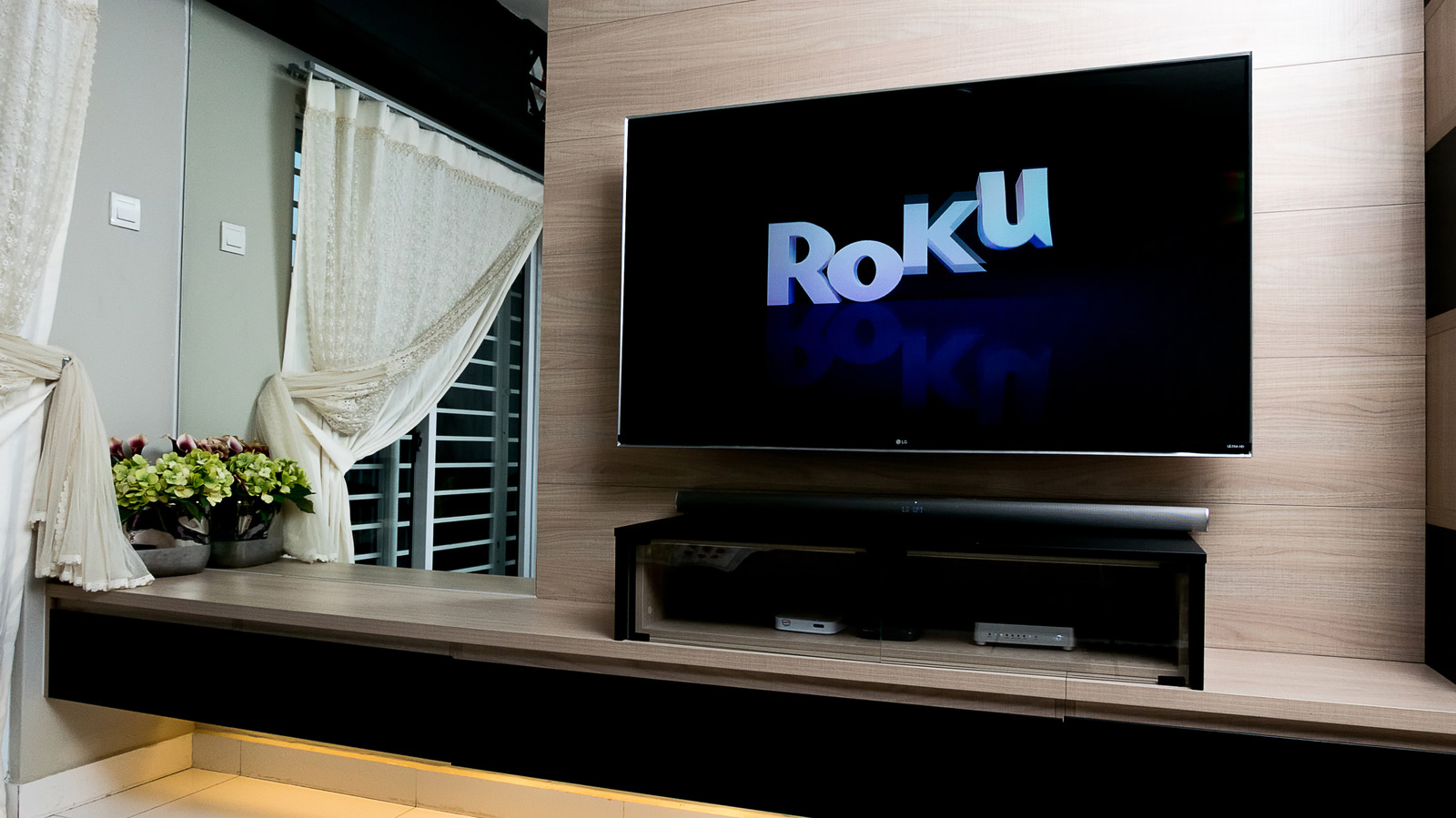
With the arrival of flat-screen LCD, OLED, and QLED panels, fixed-pixel displays replaced cathode-ray tubes. Modern smart TVs—including Roku-powered displays—are natively built around 60Hz or 120Hz refresh rates to accommodate modern video games, computer inputs, and high-definition video streaming.
However, streaming services like Netflix, Disney+, Prime Video, and Max often stream movies encoded at their native 24fps (or 23.976fps). When a standard Roku TV defaults to outputting a rigid 60fps signal, the TV itself must either perform a digital pulldown or apply aggressive motion interpolation. This results in the infamous "soap opera effect," where high-budget Hollywood blockbusters suddenly look like local soap operas filmed on cheap digital camcorders.
Supporting Context & Metrics: Why Frame Rates Matter to the Human Eye
Understanding the psychological and physiological impact of frame rates helps explain why adjusting your Roku TV setting yields such a dramatic visual upgrade.
The Mechanics of Motion Blur
Human vision does not process the world in discrete snapshots; rather, it relies on persistence of vision and natural motion blur. At 24fps, each frame of film is exposed for roughly 1/48th or 1/50th of a second (based on a 180-degree shutter angle). This exposure duration captures a natural amount of motion blur when objects or cameras move across the frame.
When a display forces a higher refresh rate (like 60fps or higher) without native frame matching, or when "motion smoothing" settings are active, the display creates artificial intermediate frames or holds individual frames too sharply. This eliminates the natural cinematic motion blur, tricking the brain into feeling as though it is watching live-action reality television rather than a stylized fictional narrative.
Industry Standards and Filmmaker Backlash
The debate over frame rates reached a fever pitch with the release of high-profile cinematic experiments shot at higher frame rates, such as Peter Jackson’s The Hobbit: An Unexpected Journey, which was filmed and projected in 48fps. While touted by some technologists as a breakthrough in clarity and reduced motion blur, the overwhelming consensus among traditional film critics and audiences was negative. Many viewers complained that the high frame rate made elaborate fantasy sets look cheap, exposed the artificiality of makeup and prosthetics, and destroyed the timeless "film look."
Directors like Christopher Nolan, Tom Cruise, and Martin Scorsese have repeatedly urged consumers to turn off motion smoothing and default high-frame-rate processing on their televisions. In 2018, Tom Cruise even recorded a special public service announcement with director Christopher McQuarrie demonstrating how to disable motion interpolation on home displays.
Official Settings & Configuration: How to Enable 24fps Match on Your Roku TV
While manufacturers often bury advanced display configurations beneath layers of menus to keep the initial setup experience simple, Roku
provides a direct pathway for users to take manual control over their display’s output behavior.
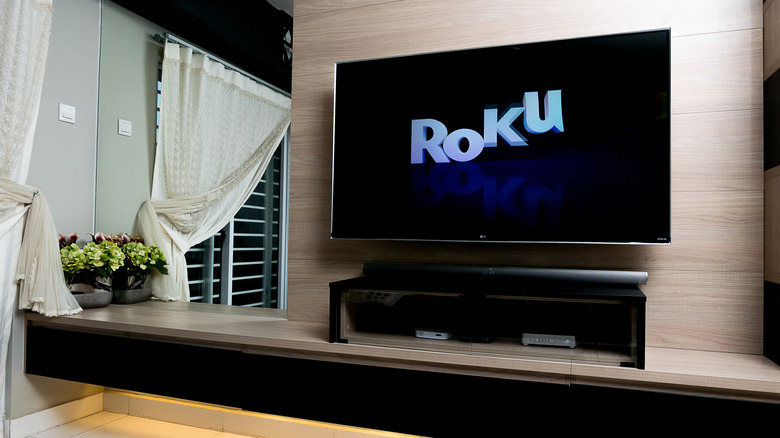
If you want to experience your movie library the way filmmakers intended, follow this step-by-step procedure to configure your Roku TV:
Step-by-Step Guide to Changing Your Roku TV Refresh Rate
- Power On and Navigate to the Home Screen: Ensure your Roku TV is turned on and you are viewing the main Roku home dashboard.
- Access the Settings Menu: Using your Roku remote, scroll down the main menu options on the left side of the screen and select Settings (indicated by the gear icon).
- Open System Preferences: Scroll down within the Settings menu and select the System tab.
- Locate Advanced System Settings: Within the System menu, look for Advanced system settings and press OK on your remote.
- Navigate to Advanced Display Settings: Select Advanced display settings from the list of options.
- Enable Auto-Adjust Display Refresh Rate: Find the option labeled Auto-adjust display refresh rate and toggle it to On.
What Happens Once Enabled?
By turning on the auto-adjust display refresh rate setting, you are instructing your Roku TV to dynamically handshake with incoming media streams. When you launch a movie encoded at 24fps, your Roku TV will automatically switch its native output refresh rate to match that 24fps cadence. When you exit the movie and return to the Roku home screen or launch a 60fps YouTube video or broadcast, the TV will seamlessly switch back to its standard refresh rate.
This automated handshake eliminates the need for manual toggling, ensuring that every piece of content you consume is rendered with the exact frame rate cadence intended by its creators.
Future Outlook: The Convergence of Streaming and Cinema Technology
As home entertainment technology continues to converge with professional post-production standards, the gap between the movie theater and the living room is rapidly closing.
The Rise of Variable Refresh Rate (VRR) in Smart TVs
Originally popularized in the personal computer gaming market and next-generation consoles like the PlayStation 5 and Xbox Series X, Variable Refresh Rate (VRR) technology is increasingly finding its way into premium smart TVs. Unlike traditional fixed-rate displays that lock into 60Hz or 120Hz, VRR-enabled displays can dynamically alter their refresh rate in real-time, matching frame rates down to the individual frame without stuttering or black-screen flickers during source handshakes.
While Roku’s current auto-adjust display refresh rate setting relies on standard HDMI mode switching, future iterations of streaming hardware and operating systems are expected to leverage advanced VRR protocols to make frame-rate switching entirely instantaneous and invisible to the user.
Filmmaker Mode and Automated Metadata
In recent years, the UHD Alliance—in collaboration with major Hollywood studios, consumer electronics manufacturers, and prominent directors—introduced "Filmmaker Mode." When enabled, Filmmaker Mode automatically disables all post-processing features, including overzealous motion smoothing, noise reduction, and artificial sharpening, while honoring correct aspect ratios, colors, and frame rates.
As streaming platforms increasingly embed metadata into video files, future smart TVs will likely automate these adjustments entirely out of the box, sparing consumers the task of hunting through advanced system submenus. Until that fully automated future arrives, however, taking two minutes to adjust your Roku TV’s display settings remains one of the single most impactful upgrades you can make to your home theater setup.
Conclusion
The hardware sitting in our living rooms is more capable today than at any point in television history. Yet, default settings optimized for broad compatibility often sacrifice artistic integrity in the pursuit of clinical smoothness. By understanding the historical significance of the 24fps cinematic standard and taking a few moments to activate the Auto-adjust display refresh rate feature on your Roku TV, you reclaim the authentic look, feel, and emotional resonance of the movies you love. Turn off the artificial smoothing, embrace true 24fps playback, and experience cinema the way it was always meant to be seen.