Executive Overview
In the modern landscape of personal technology, consumer electronics have transcended mere communication and entertainment to become vital instruments of preventative healthcare and personal safety. Among these innovations, the Apple Watch has emerged as a powerhouse of biometric monitoring.
Historically, wearable medical alert systems—often manifesting as conspicuous pendants or wristbands—have faced cultural and psychological resistance. Many older adults reject these devices because they inadvertently broadcast vulnerability, stigmatizing the wearer as "frail" or "elderly." According to insights from the National Institute on Aging (NIA), avoiding ageism in technology design is crucial because older individuals overwhelmingly view themselves as independent, active members of society.
The Apple Watch bypasses this stigma entirely. Because it is worn by demographics spanning generations, it retains the aesthetic of a mainstream lifestyle gadget while packing sophisticated medical-grade sensors underneath its sleek chassis. By bridging the gap between independence and safety, the device allows independent-minded adults to maintain their autonomy.
However, out of the box, the Apple Watch operates at baseline settings. To fully leverage its potential as a guardian of health and well-being, users must configure specific features. This report examines the critical health alerts and safety configurations—covering emergency response, fall prevention, cardiovascular monitoring, medication adherence, and sensory accessibility—that every senior Apple Watch user should activate to safeguard their health without compromising their dignity.
Detailed Chronology of Apple’s Health Evolution
To understand how the Apple Watch became a formidable medical companion, one must look at its developmental trajectory, which shifted over the years from a fitness tracker into an indispensable health monitor.
Phase 1: Fitness and Activity Tracking (2015–2017)
When Apple introduced its first smartwatch, the focus was predominantly on daily movement, step counts, and basic heart rate tracking via photoplethysmography (PPG). While revolutionary for consumers tracking workouts, these early iterations lacked the clinical depth required for serious geriatric oversight. However, they successfully established daily movement habits, standing reminders, and activity rings that encouraged seniors to stay active and stave off sedentary decline.
Phase 2: The Cardiac and Emergency Breakthrough (2018–2020)
The paradigm shifted dramatically with the release of the Apple Watch Series 4, which introduced two landmark features: the ability to take an Electrocardiogram (ECG) and automated Fall Detection. For the first time, a mainstream consumer device received FDA clearance to detect irregular heart rhythms—specifically Atrial Fibrillation (AFib)—and to summon emergency services if the user suffered a severe, immobilizing fall. This era cemented the watch’s status as a serious medical ally.
Phase 3: Advanced Biometrics and Preventative Care (2021–Present)
In recent years, Apple has heavily invested in proactive health research. The introduction of continuous temperature sensing, blood oxygen monitoring, and advanced sleep metrics transformed the smartwatch into a short-term illness detector and a chronic condition manager. Furthermore, software integrations like the Medications app and sophisticated sleep apnea notifications have turned the wrist-worn computer into a comprehensive health dashboard that connects users, their biometrics, and their clinical care providers.
Supporting Context, Statistics, and Metrics
The necessity for automated health monitoring among older adults is underscored by sobering statistical realities regarding aging, mobility, and cardiovascular health.
The Mechanics and Risk of Falls
According to data compiled by the U.S. Centers for Disease Control and Prevention (CDC), more than one in four adults aged 65 and older experience unexpected falls each year. These incidents are not merely startling; they are medically catastrophic. Approximately 319,000 older individuals are hospitalized annually for hip fractures resulting from falls.
Compounding this risk is the modern demographic reality of living arrangements. Data from Pew Research indicates that approximately 26% of U.S. adults aged 65 and older lived alone. When a fall occurs in an empty house, the delay in receiving medical attention—often referred to as "long lie time"—can drastically worsen medical outcomes, leading to rhabdomyolysis, hypothermia, or systemic shock. Fall Detection acts as an automated safety net for this exact vulnerable demographic.
Cardiovascular Crises
Cardiovascular disease remains a leading cause of mortality. CDC metrics indicate that in the United States, someone dies from cardiovascular disease every 34 seconds. While consumer wearables cannot prevent or diagnose a sudden heart attack in real time, continuous heart rate monitoring and spot-check ECG capabilities provide invaluable longitudinal data. Detecting silent conditions like Atrial Fibrillation early can prevent devastating events such as ischemic strokes.
Hearing and Sensory Prevalence
Sensory decline is another natural component of the aging process that impacts quality of life and situational awareness. Studies highlighted by organizations like Achieve note that roughly one in four U.S. adults in their sixties experience clinically significant hearing loss. This creates safety vulnerabilities, as individuals may fail to hear approaching vehicles, doorbells, or domestic smoke alarms.
Step-by-Step Guide: The 5 Essential Configurations
To maximize the protective capabilities of the Apple Watch, users should systematically configure the following five categories of health and safety alerts.
[Apple Watch Configuration Pipeline]
 ├── 1. Emergency SOS & Medical ID (Critical Response)
 ├── 2. Fall Detection & Crash Detection (Impact Mitigation)
 ├── 3. Heart-Health Monitoring & ECG (Cardiovascular Tracking)
 ├── 4. Medication Reminders & Sleep Tracking (Daily Maintenance)
 └── 5. Sound Recognition & Accessibility (Sensory Support)
1. Emergency SOS and Medical ID
When emergencies strike, swift communication with first responders is paramount.
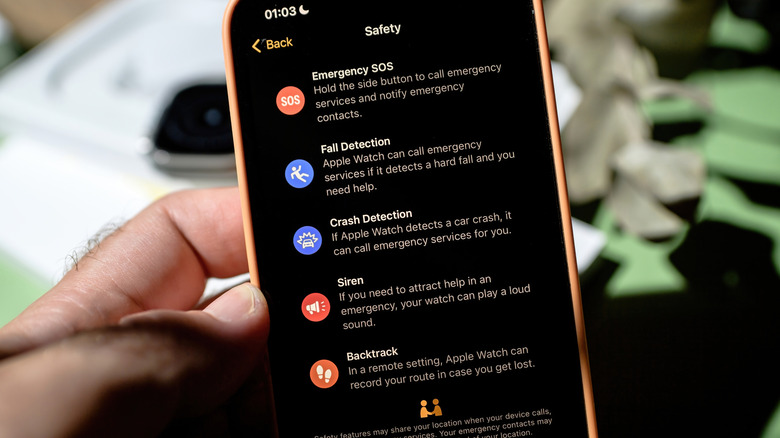
- Emergency SOS: This feature allows users to immediately contact emergency services while simultaneously alerting pre-designated emergency contacts. To configure this via iPhone, navigate to the Watch app, select Emergency SOS, and toggle on Hold Side Button to Dial. In an active crisis, pressing and holding the side button and dragging the Emergency Call slider will initiate contact.
- Medical ID: First responders rely heavily on immediate medical background information. To set this up, open the Health app on your paired iPhone, tap your profile picture, and select Medical ID. Enter crucial data including known allergies, pre-existing conditions, blood type, and trusted Emergency Contacts. Medics treating an unresponsive patient can access this information directly from a locked Apple Watch.
2. Fall Detection and Crash Detection
For those living independently, automated impact response is invaluable.
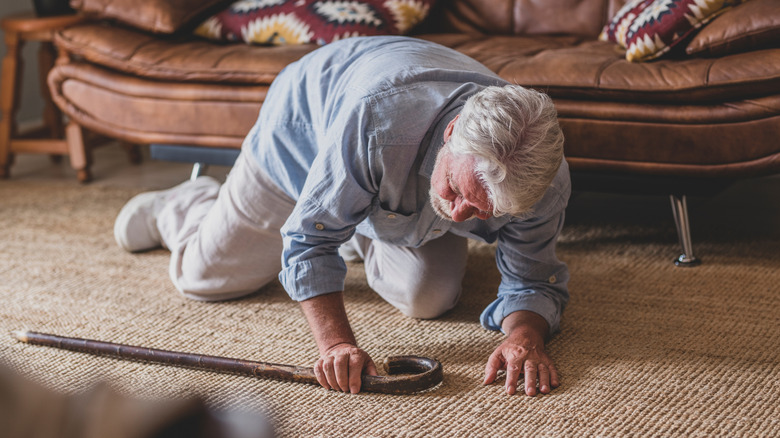
- Fall Detection: For users who have indicated in the Health app that they are 55 or older, Fall Detection is enabled automatically. However, users should verify its activation. Open the Watch app on the iPhone, tap Emergency SOS, and ensure Fall Detection is toggled On (selecting Always On). If the watch senses a hard impact followed by one minute of immobility, it sounds an alarm, displays an alert, and automatically contacts emergency services if the user does not dismiss the prompt.
- Crash Detection: Available on newer hardware iterations, this feature works identically for severe automobile collisions. Ensure it is active by navigating to Emergency SOS on the iPhone and toggling Call After Serious Crash to On.
3. Heart-Health Monitoring Alerts
Continuous tracking of cardiac metrics can provide early warnings for underlying medical conditions.
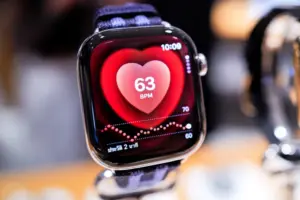
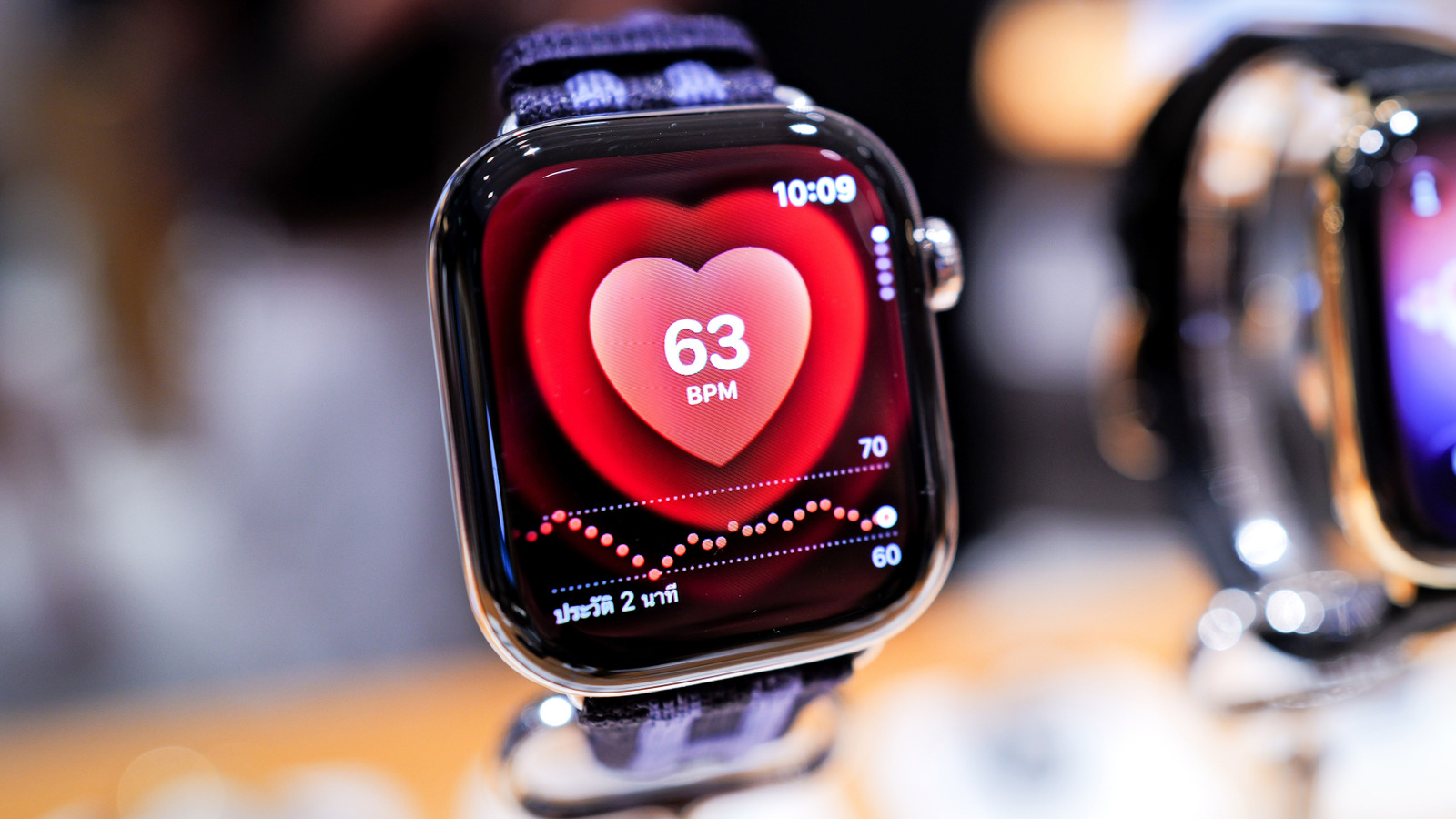
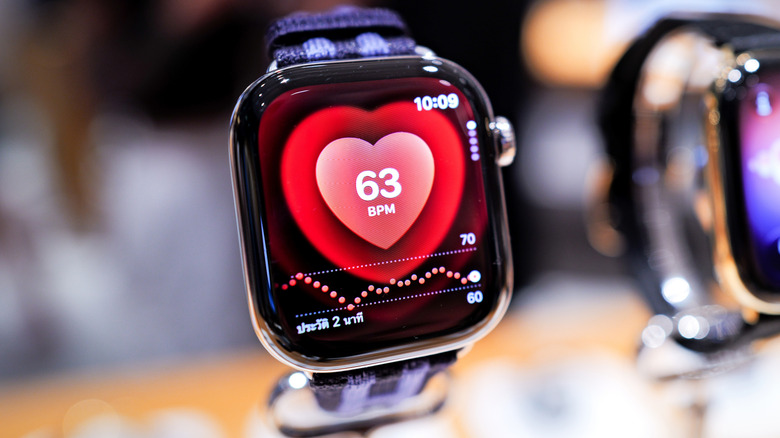
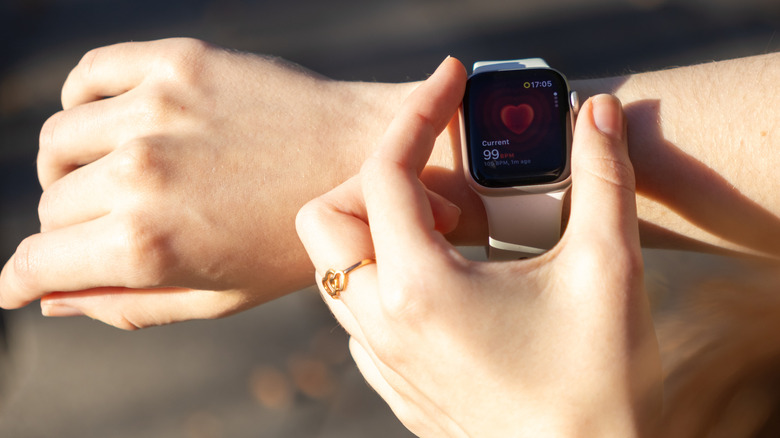
- Continuous Monitoring & High/Low Heart Rate: The Apple Watch uses infrared and green LED sensors on its ceramic backplate to measure heart rate continuously. Users should navigate to Settings > Heart on the Apple Watch and toggle on notifications for high and low heart rates (such as alerts if rates exceed 120 beats per minute or drop below 40 bpm at rest).
- ECG App & VO2 Max: To record an electrocardiogram, open the ECG app on the watch, rest the arm on a flat surface, and hold a finger against the Digital Crown for 30 seconds. Furthermore, the Health app aggregates this sensor data to calculate VO2 Max, offering a reliable metric for overall cardiovascular fitness.
4. Medication Reminders and Sleep Apnea Tracking
Managing complex pharmacological schedules can be daunting, but digital reminders streamline the process.
- Medications App: Open the Health app on the iPhone, tap Browse > Medications, and select Add Medication. Users can input prescription names, dosage schedules, and timing. The Apple Watch will deliver a haptic tap and visual alert when it is time to take a dose, building a compliance log that can be exported for clinical visits.
- Sleep Apnea Detection: To catch nocturnal abnormalities, turn on Track Sleep with Apple Watch via the Sleep app settings. In the Health app, navigate to Browse > Respiratory > Sleep Apnea Notifications to activate alerts that analyze breathing disturbances over time.
5. Sound and Accessibility Alerts
Ensuring that technology adapts to sensory limitations guarantees long-term usability.
- Sound Recognition: To compensate for age-related hearing loss, the Apple Watch and iPhone can actively listen for critical environmental audio cues, such as smoke alarms, sirens, or doorbells. Enable this by going to Accessibility Settings on the iPhone, selecting Sound & Name Recognition > Sound Recognition, toggling it On, and picking desired sound profiles.
- Visual Adjustments: Users with visual impairments can easily modify text scaling. Press the side button to open the Control Center, tap the AA icon, and rotate the Digital Crown to expand system font sizes for effortless legibility.
Future Outlook: The Next Generation of Geriatric Tech
As artificial intelligence and biometric sensor technology converge, the role of consumer wearables in elder care will expand exponentially.
Looking forward, healthcare researchers and technology developers are exploring non-invasive blood glucose monitoring, continuous hydration tracking, and predictive gait analysis. Gait analysis, in particular, holds immense promise for geriatric medicine; by monitoring subtle changes in walking speed, stride length, and balance over months, an Apple Watch could soon predict an individual’s risk of falling before an incident occurs, allowing for preventative physical therapy rather than emergency intervention.
Moreover, the integration of ambient health monitoring with telehealth networks means that raw biometric data—heart rhythms, oxygen saturation trends, and medication compliance logs—can be securely streamed directly to primary care physicians or designated family members with minimal friction.
Ultimately, technology like the Apple Watch redefines what it means to age in the digital age. By packaging emergency response, preventative medicine, and sensory support into an elegant, universally worn device, it preserves personal dignity while offering robust security. For independent-minded adults, configuring these five core features transforms a standard smartwatch into a silent, reliable partner in healthy aging.