Executive Overview
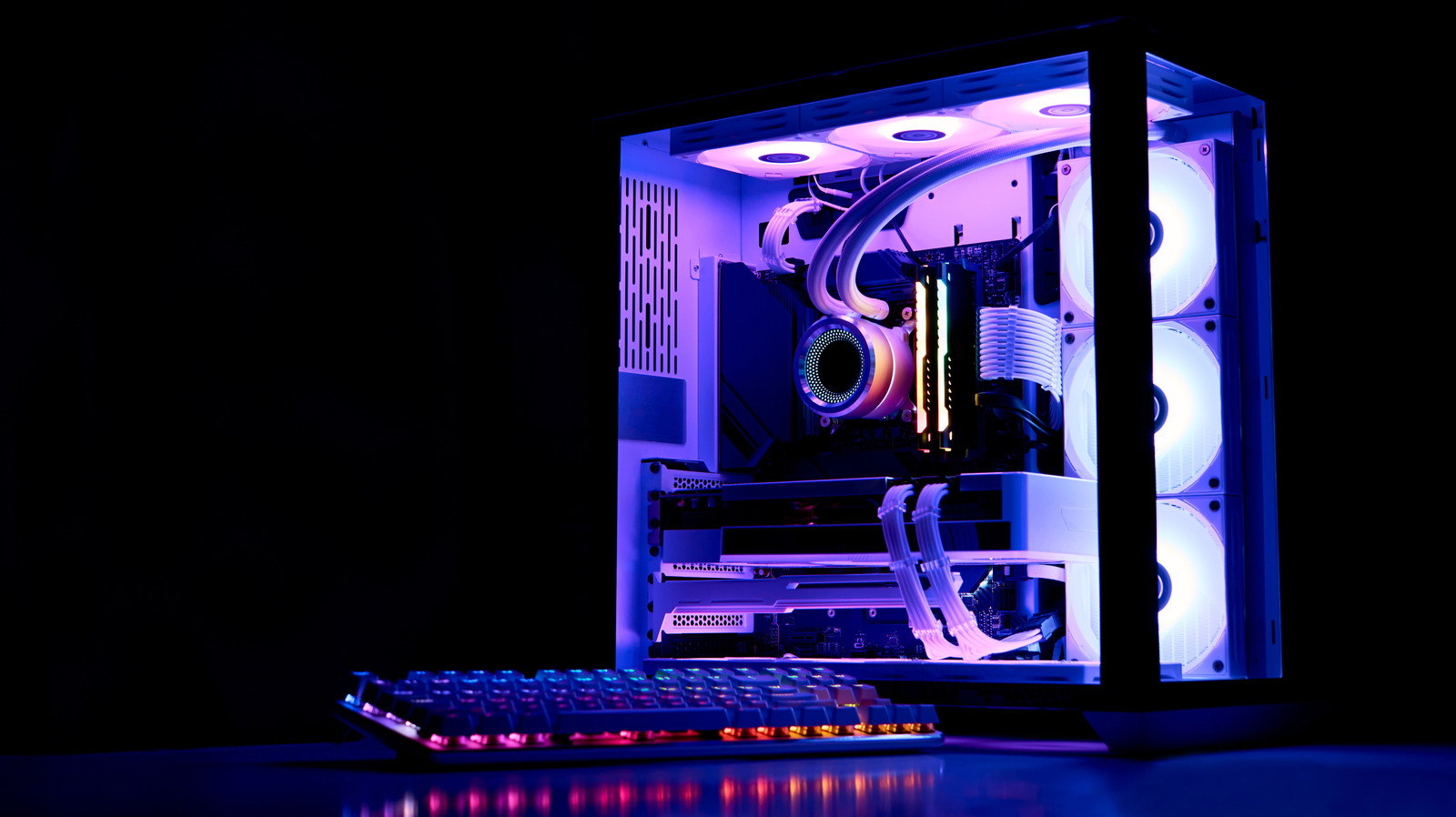
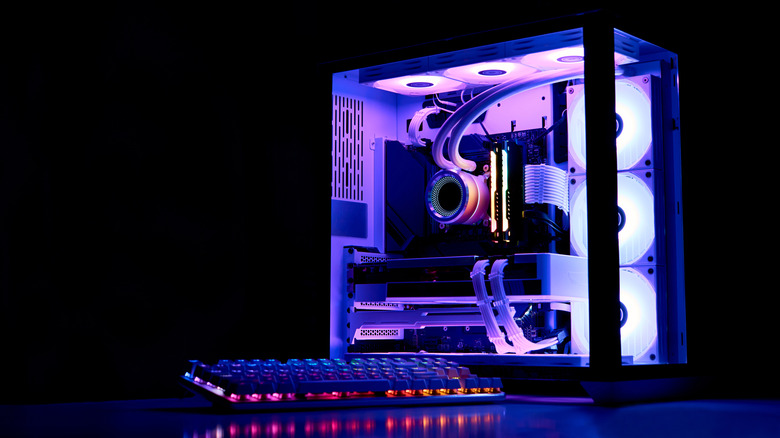
Liquid-cooled personal computers have transcended their niche origins as extreme-overclocking novelties to become mainstream centerpieces of high-performance gaming rigs and professional workstation builds. Characterized by striking neon aesthetics, intricate hard-line tubing, and whisper-quiet operation under heavy computational loads, these custom loops represent the absolute pinnacle of consumer thermal management. Yet, beneath the mesmerizing glow of RGB-illuminated water blocks and polished distribution plates lies an inescapable physical reality: water and high-performance hardware require rigorous, ongoing maintenance.
Among the most critical, yet frequently overlooked, maintenance requirements of a custom liquid-cooling loop is the periodic replacement of the coolant itself. Unlike the sealed, maintenance-free All-In-One (AIO) coolers that dominate many consumer builds, custom loop systems rely on open-reservoir configurations that expose fluids to atmospheric conditions, continuous thermal stress, mechanical agitation, and dissimilar metals.
Contrary to the assumption that a closed-loop system acts as a static, eternal thermal conductor, PC coolant does indeed expire. Over time, the sophisticated chemical cocktails engineered to protect metal components, lubricate pumps, and provide vibrant visual flair degrade significantly. This degradation transitions the fluid from a protective thermal medium into a corrosive, particulate-laden sludge capable of destroying expensive graphics cards, central processing units, and high-flow pumps.
This investigative report explores the lifecycle of PC coolant, examining the underlying chemical and mechanical processes that cause fluids to fail, establishing definitive timelines for replacement, and offering an authoritative framework for maintaining peak thermal efficiency in high-end systems.
Detailed Chronology: The Lifecycle of a Custom Loop Coolant
Understanding when and why to flush a liquid-cooling system requires examining the temporal degradation of the fluid. The lifespan of a coolant is not dictated merely by calendar months, but by operational hours, thermal cycles, and fluid chemistry. The typical lifecycle of a custom loop coolant unfolds across several distinct operational phases.
Phase 1: The Honeymoon Period (Months 0 to 3)
During the initial three months following a fresh loop assembly and fill, the coolant operates at peak efficiency. The corrosion inhibitors—typically organic acid technology (OAT) additives—are at their highest concentration, forming a microscopic, protective passivation layer over the copper, brass, nickel, and occasionally aluminum surfaces within the loop. The fluid’s viscosity matches manufacturer specifications, ensuring optimal hydrodynamic lubrication for the ceramic bearings of the D5 or DDC pump motors. Visually, opaque, pastel, or vibrant transparent dyes remain fully suspended, casting uniform color throughout the transparent tubing and water blocks. Thermal transfer rates are optimized, yielding the lowest possible delta temperatures between CPU/GPU dice and ambient room air.
Phase 2: The Onset of Thermal Fatigue (Months 3 to 6)
As the system endures hundreds of hours of heavy gaming, video rendering, and idle-to-load thermal cycling, the fluid enters its first major stress phase. Water molecules begin to experience micro-evaporation, particularly in systems utilizing softer tubing materials such as PVC, polyurethane, or low-grade thermoplastic elastomers (TPE). These soft tubes are semi-permeable membranes that allow minute amounts of water vapor to escape over extended periods, slightly concentrating the remaining additives and lowering overall fluid volume within the reservoir.
Concurrently, the anti-corrosion additives begin to consume themselves as they continually neutralize microscopic oxidation reactions at the metal-fluid interface. For systems utilizing complex aesthetic additives—such as mica-based "mayhem" fluids, metallic powders, or heavy pearl pigments—this is the window where particles begin to demonstrate their first tendencies toward micro-settling during prolonged periods of system inactivity.
Phase 3: The Critical Threshold (Months 6 to 12)
By the six-month mark, standard coolants have reached the end of their recommended service life in systems utilizing complex or semi-transparent fluid compositions. The protective OAT inhibitors are heavily depleted. The lubricating properties of the fluid diminish noticeably, which can manifest as an audible change in pump pitch or increased bearing resistance.
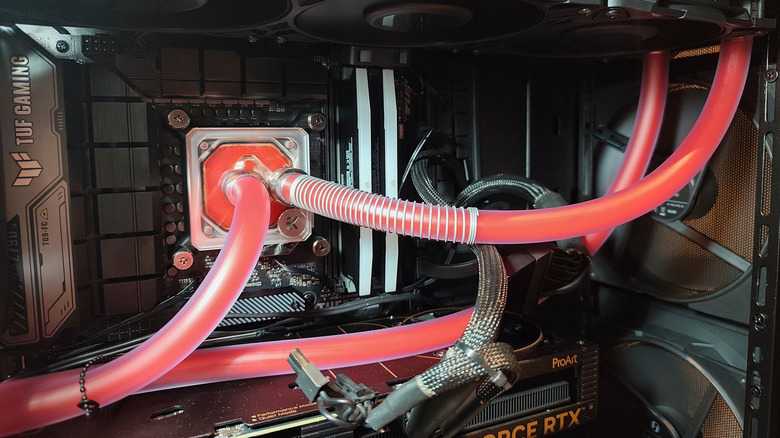
In loops utilizing pigmented or particulate-based coolants, this period frequently marks the beginning of visible fallout. Pigments begin to cling to the micro-fins of CPU and GPU water blocks, creating flow restrictions that impair thermal transfer. If the builder used mixed metals (such as pairing aluminum radiators with copper water blocks—a notoriously disastrous practice), galvanic corrosion accelerates
dramatically during this phase, liberating metallic ions into the solution and turning clear or colored coolants into murky, discolored suspensions.
Phase 4: Terminal Degradation and Failure (Months 12 and Beyond)
Operating a custom loop past the one-year mark without a complete drain, flush, and refill invites catastrophic system failure. Uninhibited fluid becomes aggressively corrosive, pitting nickel plating on copper water blocks and eating away at solder joints. Biological growth—bacteria, fungi, and algae—can take root if the biocide and anti-fungal additives have completely broken down, especially in systems operating at warmer average coolant temperatures (above 40°C).
Organic matter combines with degraded dye particles to form thick, gelatinous biofilms that coat the interior of radiator channels and completely plug water block pin matrices. The resulting thermal throttling, pump burnout, or localized blockages can lead to permanent silicon degradation or catastrophic system shutdowns.
Supporting Context & Metrics: The Chemistry and Physics of Coolant Failure
To fully comprehend why coolant expires, one must examine the underlying chemistry that governs these specialized fluids. Water possesses an exceptionally high specific heat capacity, making it the ultimate medium for absorbing and transporting thermal energy. However, pure deionized (DI) or distilled water alone is entirely unsuitable for long-term use in a PC loop due to its propensity to encourage biological growth and act as a universal solvent for metals.
The Chemical Cocktail
Commercial PC coolants are precision-engineered formulations consisting primarily of ultra-pure, deionized water base carriers augmented by a carefully balanced suite of chemical additives:
- Corrosion Inhibitors: Typically carboxylate-based compounds designed to form sacrificial chemical barriers on metal surfaces, preventing electrochemical reactions between dissimilar metals (e.g., copper blocks and brass fittings).
- Biocides and Algaecides: Chemical agents that prevent the colonization of airborne spores, bacteria, and algae introduced during the filling process.
- Surfactants and Lubricants: Compounds that reduce surface tension to eliminate micro-bubbles adhering to radiator walls while lubricating pump impellers.
- Glycols (Ethylene or Propylene): Occasionally added in low percentages to lower freezing points or adjust viscosity, though less common in pure desktop computer loops due to their lower thermal conductivity compared to water.
- Aesthetic Dyes: Organic or inorganic pigments that provide color customization.
Quantitative Metrics of Loop Degradation
- Thermal Conductivity Drop: A degraded coolant laden with micro-particulates and depleted of its optimal heat-capacity characteristics can experience a 15% to 25% reduction in thermal dissipation efficiency over an 18-month period.
- Flow Rate Impairment: Biofilm accumulation and particulate clogging within water block micro-channels (which often feature pin arrays spaced less than 0.2mm apart) can restrict pump flow rates by 30% to 50%, forcing the pump motor to operate at higher static pressures and elevated temperatures.
- pH Level Drift: Healthy coolant typically maintains a slightly alkaline or neutral pH (between 7.0 and 8.5). As corrosion inhibitors break down and metallic oxidation occurs, the pH drifts into acidic territory (below 6.0), which exponentially accelerates the corrosion of copper and nickel plating.
- Evaporation Rates: Soft tubing systems can lose between 5ml to 15ml of water per month via vapor transmission through the tube walls, necessitating regular top-offs with distilled water or pre-mix coolant.
Maintenance Protocols and Replacement Guidelines
Maintaining a liquid-cooled PC is an active responsibility akin to maintaining an internal combustion engine. Adhering to a strict maintenance schedule ensures that hardware investments totaling thousands of dollars remain protected.
Recommended Replacement Timelines
- Clear, Standard Coolants (Pure Distilled Water + Biocide / High-Grade Transparent Premix): Can safely operate for 12 months before requiring a full flush and refill.
- Opaque, Pastel, or Solid-Color Coolants: Require aggressive maintenance every 6 months. The heavy nanoparticle suspensions used to achieve solid, non-transparent colors are inherently less stable and prone to rapid fallout under thermal stress.
- Mayhem/Effect Coolants (UV-reactive, Mica, or Metallic Flake): Best reserved for showcase builds intended for short-term exhibition (e.g., trade shows or photography shoots) rather than daily-driver workstations, requiring fluid replacement every 3 to 4 months.
Step-by-Step Diagnostic Check
Builders should incorporate visual and thermal inspections into their monthly routine. Key indicators that a coolant has expired prematurely include:
- Color Shift or Cloudiness: A transparent pastel coolant turning milky, or a colored coolant losing saturation and developing a translucent, hazy patina.
- Precipitate Rings: The appearance of crusty residue, colored rings, or particulate accumulation inside the clear acrylic reservoir walls or atop the liquid surface.
- Thermal Delta Spikes: Monitoring the delta between coolant temperature (measured via an inline thermal sensor) and CPU/GPU die temperatures. If idle or load temperatures climb by 5°C to 10°C under identical ambient conditions and fan curves without hardware changes, flow restriction or boundary-layer degradation is occurring.
- Acoustic Anomalies: A whining, rattling, or clicking sound emanating from the D5 or DDC pump, indicating bearing starvation or particulate binding in the impeller housing.
Future Outlook: Material Science and the Next Generation of Coolants
As computer hardware power draws continue to escalate—with high-end CPUs and graphics cards pushing thermal design power (TDP) thresholds past the 450W and 600W marks, respectively—the demands placed on liquid-cooling loops are higher than ever. The future of PC thermal management is seeing rapid advancements in material science designed to mitigate the inherent limitations of aqueous coolants.
Manufacturers are increasingly investing in nanoparticle-enhanced coolants utilizing graphene and carbon nanotube suspensions that dramatically increase thermal conductivity without sacrificing loop longevity. Simultaneously, water block manufacturers are refining micro-channel geometries using computational fluid dynamics (CFD) to minimize dead zones where particulate fallout typically initiates.
Furthermore, the rise of dielectric, non-conductive immersion cooling—historically relegated to high-performance data centers and server farms—is slowly bleeding into enthusiast communities. While immersion cooling eliminates traditional pumps and loops entirely by submerging entire motherboards in specialized engineered fluids, custom closed loops remain the dominant aesthetic and functional choice for consumer desktops.
Ultimately, until a truly maintenance-free, permanent aqueous coolant is synthesized—a monumental challenge in physical chemistry given the laws of thermodynamics and electrochemical corrosion—routine maintenance will remain the price of admission for elite PC performance. By respecting the lifespan of coolants and committing to biannual or annual system flushes, enthusiasts can ensure their liquid-cooled masterpieces run at peak performance, looking as pristine on the inside as the day they were first built.