Executive Overview
For years, digital craft enthusiasts and small business owners have faced a frustrating workflow bottleneck: turning digital imagery into physical, professional-grade stickers. Traditionally, this required a multi-step orchestration involving a standalone inkjet printer, a separate electronic cutting machine like a Cricut Maker or Explore, and the tedious, manual burnishing of laminate sheets to ensure durability. It was messy, time-consuming, and prone to alignment errors.
Enter the Cricut StickerPix Print + Cut, a brand-new type of hardware category for a company typically celebrated for its versatile vinyl and cardstock cutting machines. By rolling thermal dye-sublimation printing, integrated protective lamination, and precision optical kiss-cutting into a single, highly compact device, Cricut aims to bridge the gap between phone photo libraries and tangible creations.
Priced at $299.99 for the comprehensive "Print + Cut" Essential Bundle (with a more limited, template-only "Print" model available at $169.99), the StickerPix is designed for ease of use, speed, and versatility. It transforms phone galleries into vibrant 300dpi photo prints, custom labels, greeting card inserts, and die-cut stickers in under two minutes. However, its reliance on proprietary, locked-in consumables and ongoing ink costs introduces a recurring operational expense that buyers must carefully weigh. This in-depth review explores whether Cricut’s latest device revolutionizes creative crafting or simply shifts the workflow bottleneck to ongoing consumables.
Detailed Chronology: Unboxing, Setup, and the Design Space Ecosystem
The user journey with any modern smart-crafting device begins the moment the cardboard box is unboxed, and Cricut has clearly prioritized a frictionless introduction with the StickerPix.
Unboxing and Physical Form Factor
Upon opening the Essential Bundle, users are greeted by a surprisingly comprehensive package. Alongside the compact machine itself—which measures a modest 8 x 11.3 x 4.1 inches and features a sophisticated dark bluish-grey aesthetic—the box includes two regional plug adapters, an initial ink cartridge, 18 sheets of high-grade photo paper, and 18 sheets of specialized sticker paper.
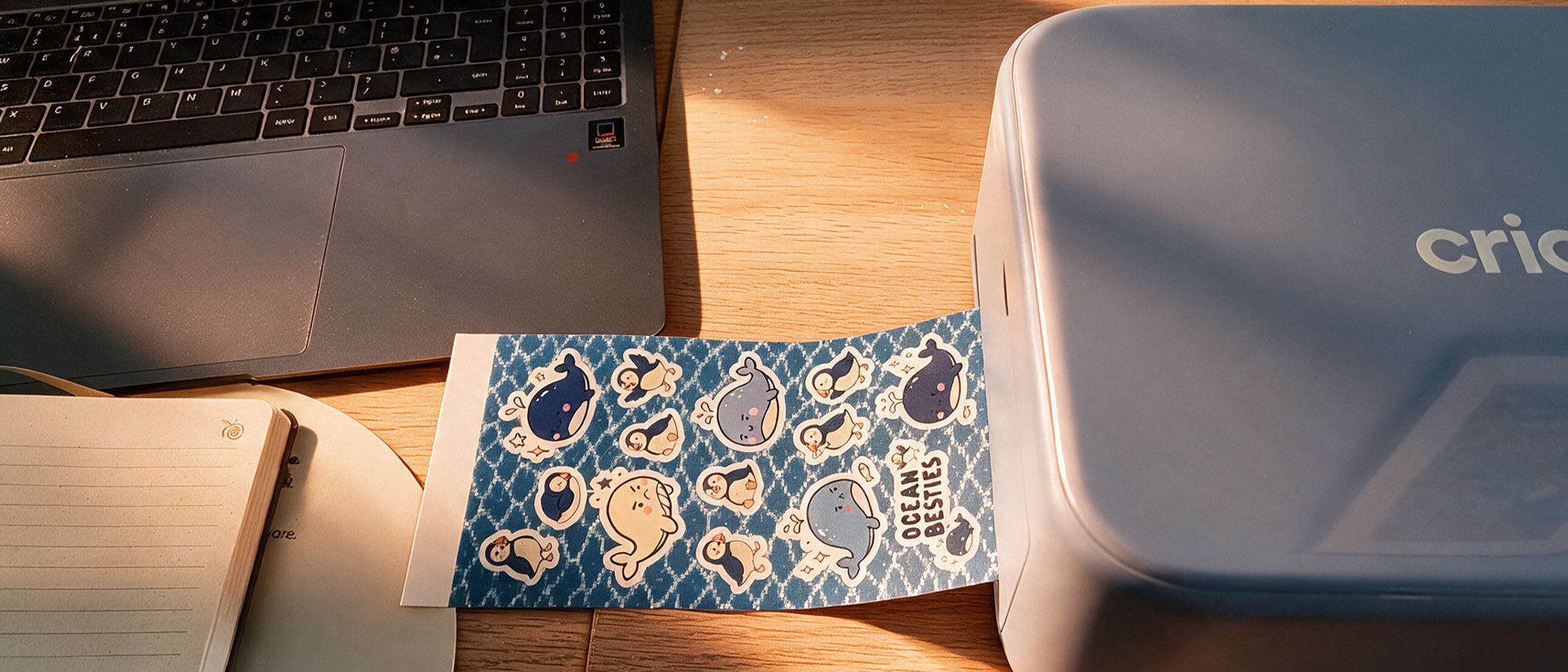
Crucially, Cricut includes a physical, highly legible instruction manual featuring clear component diagrams—a refreshing touch in an era where quick-start cards often dominate. The input and output loading trays are cleverly engineered; they slot neatly into the top of the chassis when not in use, allowing the device to maintain a footprint roughly the size of a modern laptop. This makes it exceptionally easy to tuck away on a standard bookshelf or slide onto a crowded craft table.
Software Integration and Firmware Calibration
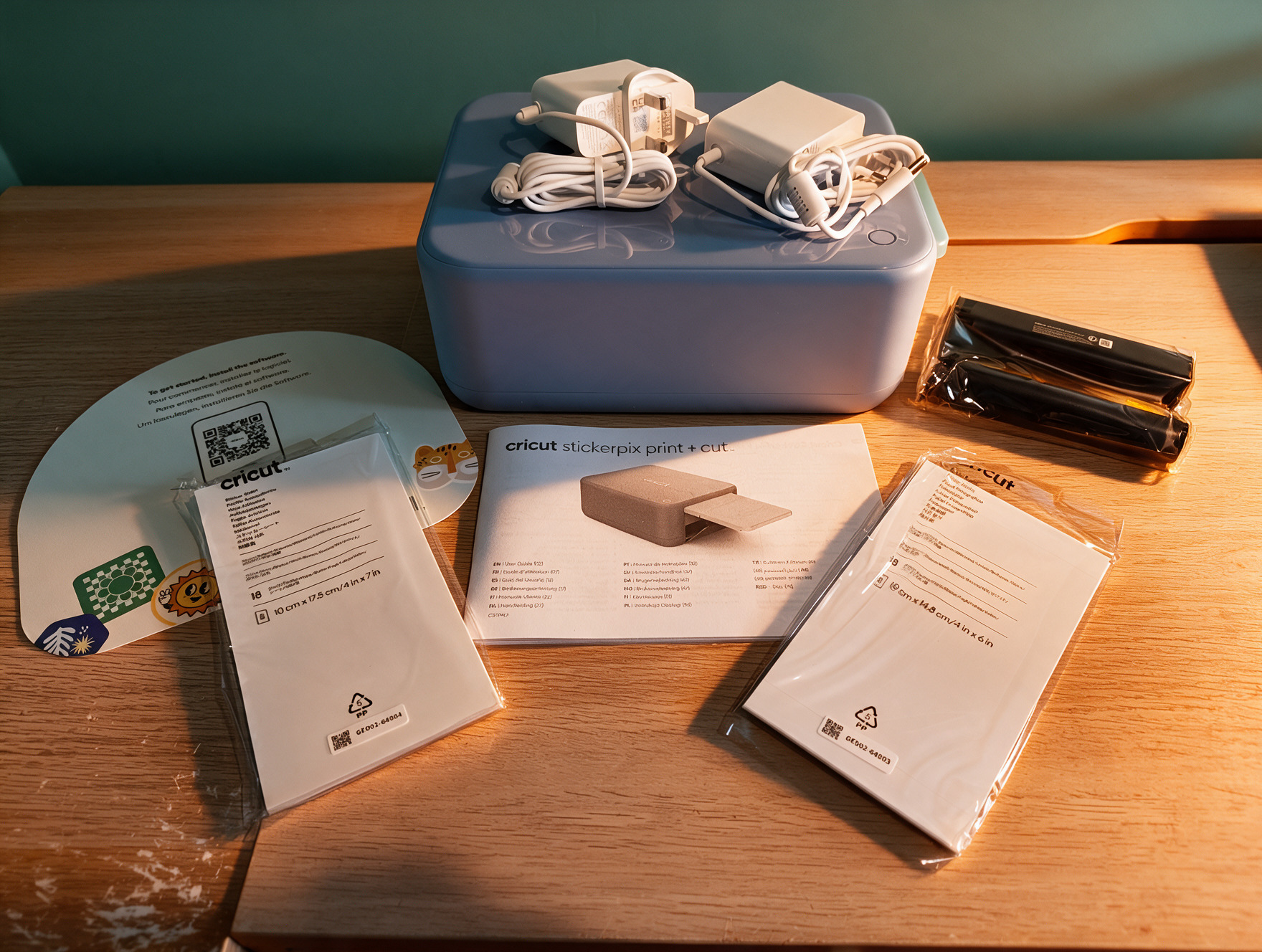
Setting up the software ecosystem is similarly straightforward. Users navigate to the official Cricut portal, select their device, and download the necessary updates. The hardware communicates seamlessly via Bluetooth with Cricut’s proprietary Design Space software.
Upon initial connection, the device prompts an automatic firmware update. For first-time crafters, an interactive, guided tutorial launches automatically when selecting the first photo or sticker project, demonstrating how to properly extract the tray, load media with the shiny side oriented correctly, and dock the components. Once registration is finalized, the machine is ready for production.
Design Space serves as the creative control center. The home screen offers intuitive entry points: starting a fresh project, filtering by media category (stickers, labels, photo prints, or invitations), or browsing a vast library of pre-made templates.
Leveraging AI and Cricut Access
For users who lack traditional illustration backgrounds, the integration of generative AI tools within Design Space is a standout feature. Cricut boasts a library of over 1.8 million sticker images, but the real power lies in the stylistic modifiers. Crafters can upload a source photograph—such as a portrait of a family member—and apply distinct artistic filters, ranging from oil painting and spray paint to comic book and crayon aesthetics.
By inputting text prompts, users can modify the scene (for instance, transforming a portrait into a Halloween witch accompanied by a customized pet) and instantly generate a suite of sticker-ready vector paths. While accessing the full content library and advanced AI generation tools requires a paid Cricut Access subscription, the bundled purchase typically includes an introductory trial voucher to test these capabilities before committing to a recurring digital membership.
Supporting Context & Metrics: Print Quality, Performance, and Capabilities
To understand where the StickerPix sits in the broader crafting landscape, it is necessary to evaluate its underlying technology and output metrics.
Dye-Sublimation Chemistry vs. Traditional Inkjet
Unlike standard desktop inkjet printers that spray liquid droplets onto porous paper, the StickerPix utilizes a thermal dye-sublimation process. The machine cycles individual color pigments sequentially through a thermal print head, laying down cyan, magenta, and yellow in rapid succession. In the final pass of the exact same mechanical cycle, it applies a completely seamless, crystal-clear protective laminate over the entire substrate.
Cricut rates the output resolution at 300dpi. Because the protective overcoat is applied thermally during the print pass, the finished media is inherently water-resistant, scratch-resistant, and significantly more fade-resistant than untreated inkjet prints.
Media Versatility and Real-World Performance
While the machine excels at producing die-cut stickers, its secondary capability as a dedicated photo printer is perhaps its most surprising strength. Printing a standard 4 x 6-inch photograph takes between 60 and 120 seconds. The resulting color accuracy, shadow detail, and tonal range rival traditional commercial photo labs, entirely eliminating the color-calibration headaches often associated with home inkjet setups.
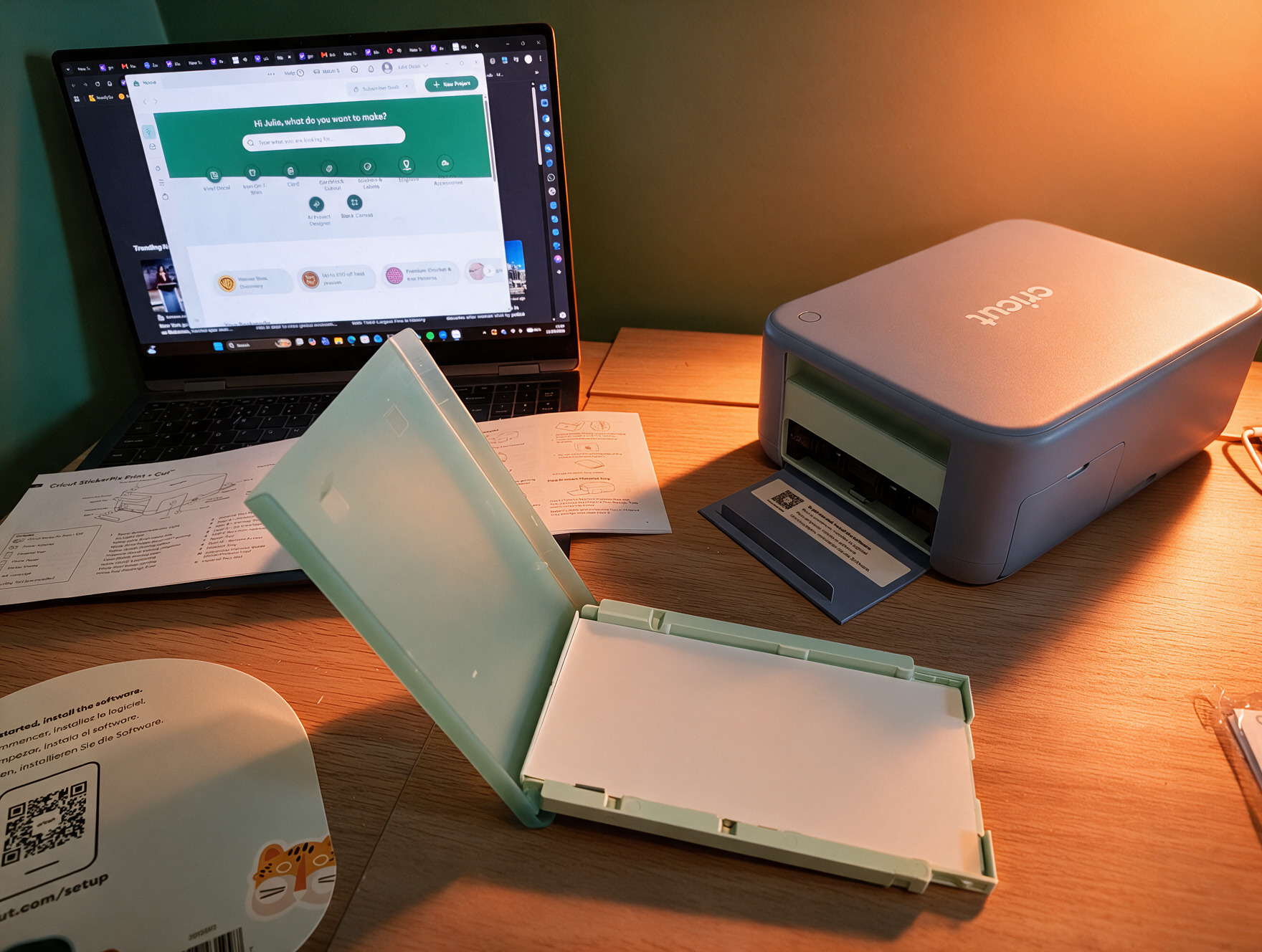
Beyond personal photography and decorative stickers, the device proves exceptionally useful for micro-entrepreneurs. Small business owners can rapidly produce custom product labels, branded packaging inserts, and thank-you cards. For instance, creators can generate personalized inserts featuring product photography and custom text to accompany physical goods shipped to customers, streamlining branding efforts without requiring bulk commercial printing runs.
The Mechanics of Kiss-Cutting
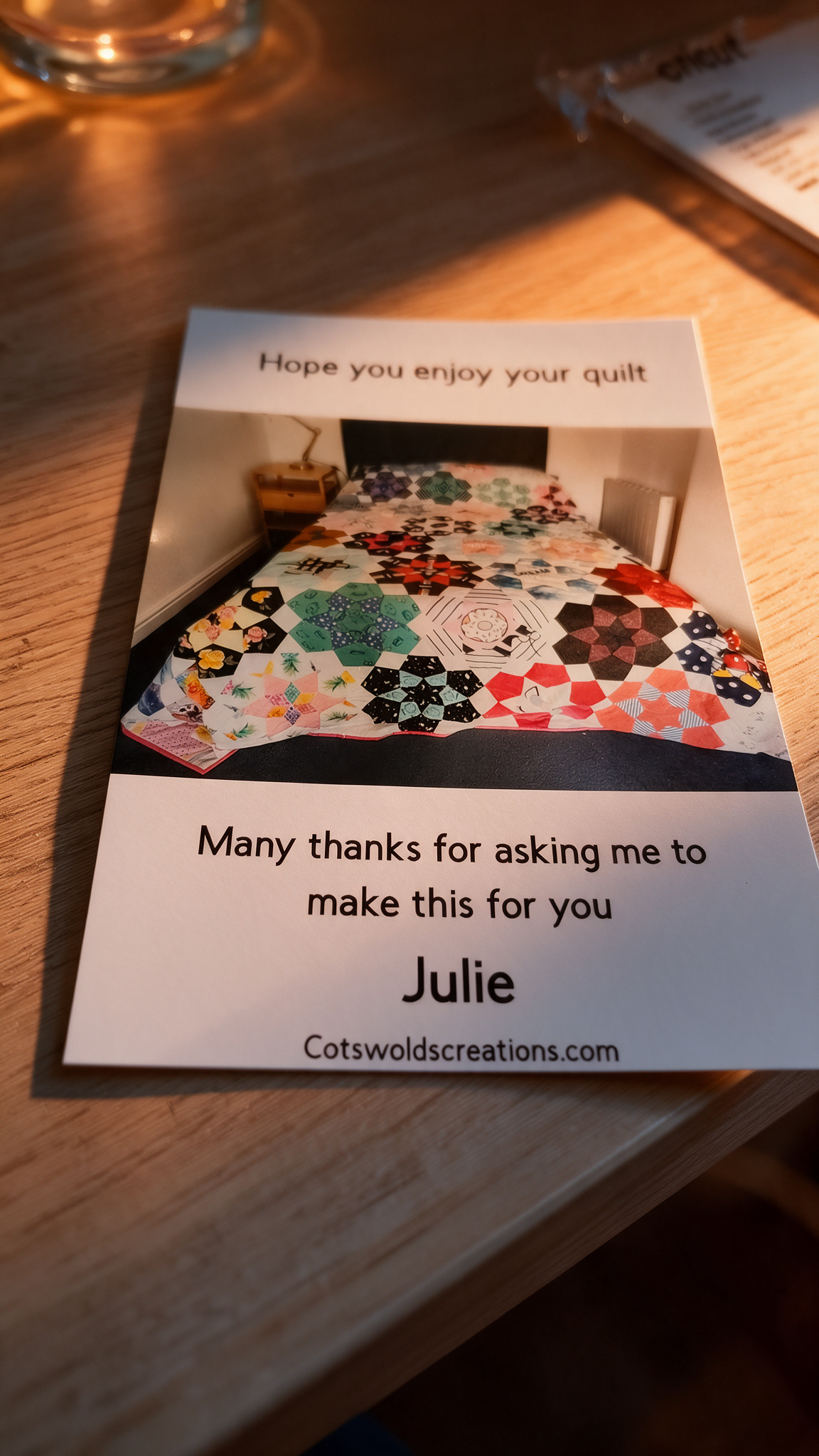
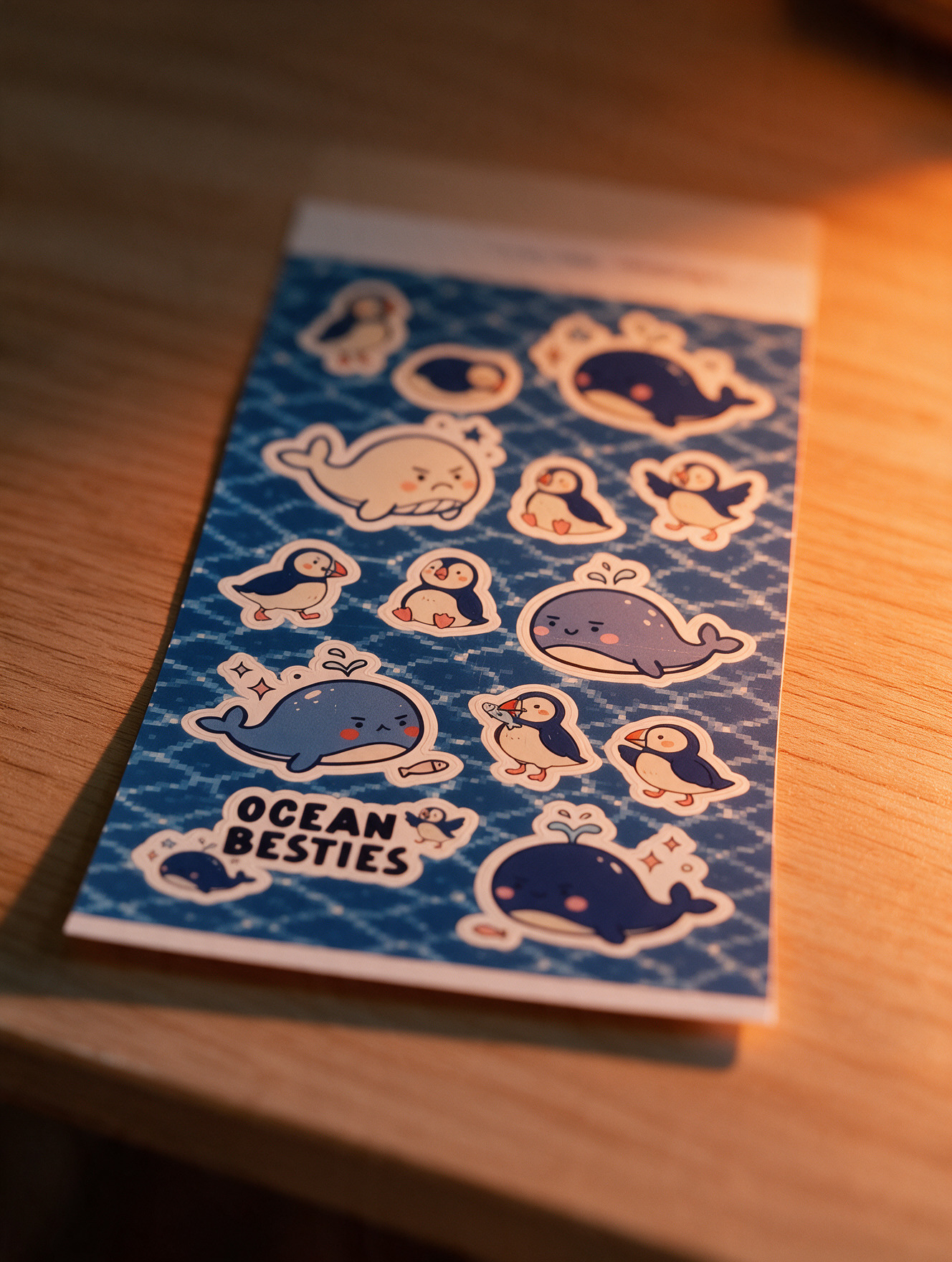
The precision optical sensor and internal cutting carriage truly shine during the sticker-making process. The StickerPix performs a precise kiss-cut, tracing custom vector contours around individual sticker designs while leaving the silicone-coated backing paper completely intact. This allows users to peel individual stickers away from the sheet effortlessly. However, because it relies on dye-sublimation rather than white ink channels, and because it cannot pierce through heavy backing material, it is strictly bound to kiss-cutting pre-laminated sticker sheets supplied directly by the manufacturer.
Official Statements and Comparative Analysis
When evaluating the StickerPix within Cricut’s broader hardware ecosystem, critical questions arise regarding value proposition and redundancy.
Do You Need a StickerPix If You Already Own a Cricut?
For existing owners of Cricut cutting machines (such as the Maker or Explore series), the StickerPix occupies a unique space. Traditional workflows require an external printer, a cutting mat, manual alignment registration marks, and a separate lamination step. The StickerPix condenses this entire multi-device workflow into a single, desk-friendly appliance.
However, industry analysts and hardware reviewers emphasize that the StickerPix is not a replacement for a flagship cutting machine. It cannot process traditional crafting materials like heavy cardstock, heat-transfer vinyl (HTV), infusible ink sheets, or raw fabrics. For those applications, a Maker or Explore remains mandatory.
Cost-Benefit Analysis Against Flagship Models
Priced at $299.99 for the Print + Cut bundle, the StickerPix carries a notable financial footprint. Market comparisons reveal interesting pricing anomalies:
- The Cricut Explore 5 retails for roughly $100 less than the StickerPix Print + Cut bundle.
- The flagship Cricut Maker 5 commands a price tag only $50 higher than the StickerPix bundle.
While the Explore and Maker machines offer vastly superior material versatility, they require users to source an independent, high-quality inkjet printer and laminator to achieve the same self-contained sticker output. The StickerPix justifies its premium by eliminating that workflow friction, catering specifically to users who prioritize speed, all-in-one convenience, and compact storage over heavy-duty crafting versatility.
Future Outlook: Consumable Economics and Market Limitations
No hardware review is complete without examining the long-term cost of ownership and physical limitations.
The Consumable Lock-In Dilemma
The single most significant friction point associated with the StickerPix is its strict adherence to proprietary, locked-in consumables. The machine will flatly reject non-Cricut media. Furthermore, consumables are strictly segregated by model: the lower-cost Print model ($169.99) and the advanced Print + Cut model ($299.99) utilize entirely different, non-interchangeable ink cartridges and paper sizes.
The starter essential bundle includes only 18 sheets of sticker paper and 18 sheets of photo paper—a quantity that enthusiastic crafters will exhaust in a single afternoon. Ongoing refill cartridges range significantly in price (typically between £24.99 and £47.99 / equivalent USD depending on regional bundles), with print yields tightly coupled to how densely users pack each layout sheet. Buyers must calculate their per-print operational costs before committing to the ecosystem.
Practical Limitations and Desired Future Iterations
While the output is water-resistant, users must note that the stickers are not dishwasher-safe. Subjecting them to rigorous thermal cycling and industrial detergents will eventually degrade the laminate barrier.
Furthermore, advanced crafters have noted a desire for expanded material profiles, such as metallic or holographic foil overlay sheets, which would significantly broaden the creative potential of the dye-sublimation engine.
Conclusion: Who Is the StickerPix For?
Despite the ongoing consumable costs and material locks, the Cricut StickerPix Print + Cut successfully delivers on its core promise. It removes the technical intimidation and messy multi-step procedures historically required to produce professional stickers and photo prints at home.
For parents looking to capture family memories, journal enthusiasts building personalized spreads, and Etsy sellers or small business owners needing rapid, high-quality branded packaging, the StickerPix is an absolute joy to operate. By streamlining creativity into a single, elegant device, Cricut has carved out a compelling new niche in the digital crafting market—provided users are willing to invest in the ongoing ecosystem required to keep it fed.