Executive Overview
In the modern digital landscape, the laptop has transitioned from a supplementary productivity tool to the central workstation of modern professional and personal life. Whether drafting critical quarterly spreadsheets in a bustling café, attending remote conferences from a cross-country flight, or developing code on the go, our reliance on untethered computing is absolute. Yet, this mobility comes with an invisible tether: the lithium-ion battery.
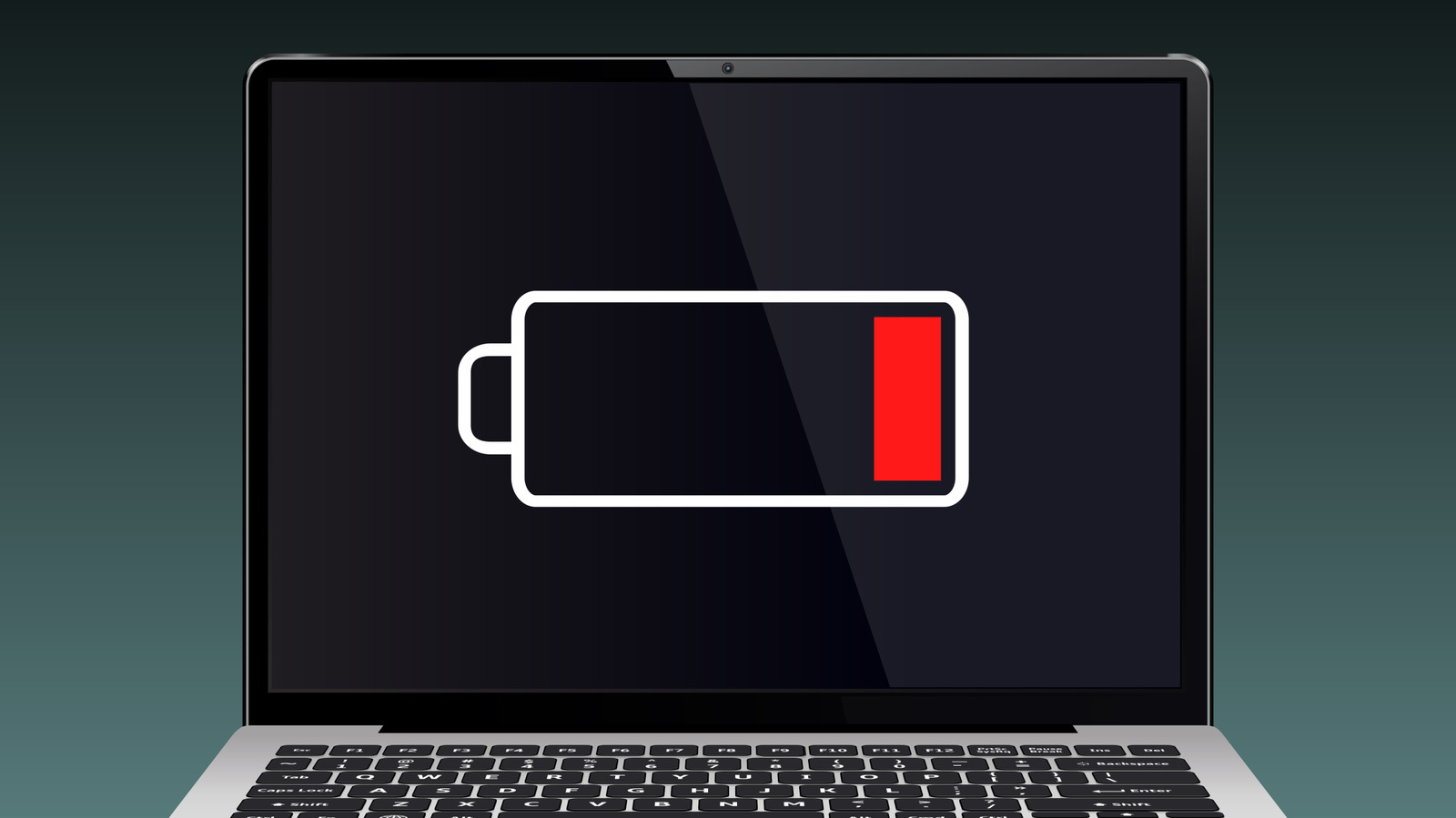
Every modern user is familiar with the abrupt transition from productivity to panic—the sudden shift from an active workspace to the dark, reflective mirror of a dead screen. Beyond the immediate frustration of lost progress and disrupted workflows, an unexpected shutdown carries deeper technical implications. While the occasional complete discharge will not instantly catastrophic your hardware, making a habit of running your laptop down to zero percent introduces micro-structural stress that degrades your machine’s longevity, diminishes its overall capacity, and poses subtle risks to your operating system’s data integrity.
This deep-dive investigation examines the electro-chemical realities of lithium-ion technology, debunks persistent myths regarding battery conditioning, explores the primary culprits behind rapid battery depletion, and outlines industry-standard best practices to maximize the lifespan of your portable workstation.
Detailed Chronology: From 100% to Complete Discharge
To understand the impact of a dead battery, one must first understand what occurs beneath the keyboard casing when power levels dwindle. Modern laptops are powered almost exclusively by lithium-ion (Li-ion) or lithium-polymer (LiPo) battery packs. These energy storage units rely on the movement of lithium ions between a cathode and an anode through a liquid or gel electrolyte solution.
The Phases of Battery Depletion
- The Optimal Zone (100% to 20%): During normal operation, lithium ions flow freely from the anode to the cathode, releasing electrical energy to power the CPU, display, and peripherals. Within this healthy threshold, the chemical state remains exceptionally stable.
- The Warning Threshold (20% to 5%): As the charge drops, the voltage of the cells begins to sag more aggressively. Modern operating systems—including Windows, macOS, and various Linux distributions—recognize this voltage drop and trigger escalating power-saving protocols: dimming the backlight, reducing processor clock speeds (thermal and power throttling), and prompting the user to plug in the device.
- The Graceful Shutdown (5% to 1%): To prevent irreversible damage, operating systems do not wait for the physical battery cells to hit absolute zero. Instead, they initiate a forced hibernation or shutdown. This process writes the contents of your volatile RAM to non-volatile solid-state storage (SSD) or hard disk drive (HDD), ensuring that your open documents and active state can be restored when power is returned.
- The Absolute Zero State (0% and Beyond): If a device is left in a fully discharged state for an extended period, the cell voltage can drop below a critical safety threshold. When this occurs, the internal Battery Management System (BMS) may trip a permanent circuit breaker to prevent internal short circuits or thermal runaway—rendering the battery permanently dead and incapable of accepting a charge.
Supporting Context & Metrics: The Chemistry of Degradation
A prevailing myth carried over from the era of Nickel-Cadmium (NiCd) and Nickel-Metal Hydride (NiMH) batteries is the "memory effect." Older battery technologies required periodic deep discharges to maintain their maximum energy capacity; failing to drain them completely would cause the battery to "remember" the lower threshold and shrink its usable capacity accordingly.
Lithium-Ion vs. The Memory Myth
Lithium-ion batteries operate on an entirely different electrochemical principle. They do not have a memory effect. In fact, forcing a modern lithium-ion laptop battery to 0% repeatedly accelerates chemical aging rather than preserving it.
- The Sweet Spot: Industry authorities, including major hardware manufacturers like HP and Apple, recommend maintaining a charge window between 20% and 80% for optimal long-term health. Keeping the battery within this middle tier minimizes the mechanical stress placed on the electrodes by extreme states of charge (both 0% and 100%).
- Cycle Life Metrics: A standard laptop battery is rated for a specific number of charge cycles—typically between 300 and 500 complete cycles before its maximum capacity degrades to roughly 80% of its original factory specification. Partial discharges (e.g., dropping from 80% to 40% and recharging) count as fractional cycles, significantly extending the operational lifespan of the pack compared to repeated 100-to-0 percent cycles.
- The Danger of Deep Discharge: When a Li-ion cell drops below its designated cut-off voltage (often around 2.5 to 3 volts per cell), copper shunts can form within the internal architecture of the battery. These microscopic metallic bridges can pierce the separator between the anode and cathode, causing internal short circuits that permanently impair the battery’s ability to hold a charge and, in severe cases, create thermal safety hazards.
Operational Factors: What Drains Your Battery Faster?
If you find yourself frequently flirting with the dreaded zero percent warning, your battery degradation may be compounded by environmental and operational stressors. Standard modern laptops are engineered to deliver anywhere from 4 to 12 hours of continuous operation on a single charge, but this metric fluctuates wildly based on usage profiles.
Primary Drivers of Rapid Depletion
- High-Performance Workloads: Heavy computational tasks—such as 4K video rendering, compiling large codebases, or running high-end gaming titles—demand maximum power output from the CPU and GPU. This drastically increases current draw, accelerating discharge rates and generating heat.
- Thermal Stress: Heat is the silent killer of lithium-ion batteries. Operating a laptop on soft surfaces like a bed or couch blocks ventilation ports, causing internal temperatures to rise. High ambient temperatures combined with high charging or discharging rates accelerate the breakdown of the internal electrolyte solution.
- Background Processes and Rogue Apps: Unoptimized background applications, cloud synchronization services, and active peripheral devices (such as power-hungry external hard drives or USB-connected accessories) continuously draw current, draining the battery even when the user is actively engaged elsewhere.
- Display Brightness: The screen backlight remains one of the single largest energy consumers in any portable computer. Operating at 100% brightness can cut battery life nearly in half compared to a modest 50% brightness setting.
- Aging Operating Systems and Outdated Drivers: Outdated power management drivers or unoptimized operating system features can prevent the CPU from entering its deepest, most energy-efficient sleep states (such as C-states), leading to unnecessary power drain while idle.
Industry Insights and Recommendations
To mitigate the risks associated with battery depletion and prolong the useful life of your hardware, industry experts and hardware manufacturers recommend adopting proactive power-management habits.
Best Practices for Laptop Battery Longevity
- Avoid the 0% Habit: While modern operating systems protect the battery by shutting down early, making a regular practice of draining the battery to absolute exhaustion places unnecessary electrochemical stress on the cells.
- Utilize Smart Charging Software: Many modern laptops feature built-in BIOS/UEFI settings or manufacturer utility software (such as Dell Power Manager, Lenovo Vantage, or ASUS Battery Health Charging) that limit maximum charge levels to 60% or 80% if the device is plugged into AC power for extended periods. This practice prevents the battery from lingering at 100% stress levels.
- Mind the Environment: Avoid exposing your laptop to extreme temperatures. Never leave your device in a parked car during a hot summer day or a freezing winter night, as extreme cold temporarily inhibits ion flow and extreme heat permanently degrades capacity.
- Audit Background Software: Regularly check your operating system’s task manager or system settings to identify and terminate background applications that consume excessive energy resources when you are running on battery power.
- Calibrate Periodically (When Necessary): While unnecessary for daily health, performing a full calibration cycle (draining to system shutdown, then charging uninterrupted to 100%) once every few months can help the operating system’s internal fuel gauge accurately report remaining battery percentages, preventing sudden unexpected shutdowns.
Future Outlook: The Next Generation of Portable Power
As mobile computing continues to evolve, researchers and engineers are developing innovative technologies to address the inherent limitations of lithium-ion chemistry.
The most promising horizon in portable power is the commercialization of solid-state batteries. Unlike traditional Li-ion cells that rely on liquid electrolytes, solid-state batteries utilize solid composite materials. This fundamental shift eliminates the risk of electrolyte leakage, significantly reduces thermal runaway and fire risks, and allows for drastically higher energy densities packed into smaller form factors. Furthermore, solid-state designs are far less susceptible to degradation from rapid charging and deep-discharge cycles, promising laptops that could potentially retain peak battery health over a decade of heavy use.
Until solid-state technology becomes standard across consumer markets, however, the humble lithium-ion battery remains the engine driving our mobile productivity. Treating it with care—keeping it charged within healthy parameters, managing thermal loads, and avoiding the dangerous drop to absolute zero—remains the most effective strategy for ensuring your laptop stays powered on when you need it most.