Executive Overview
For decades, isopropyl alcohol (commonly known as rubbing alcohol) has been hailed as the ultimate elixir for tech enthusiasts, system builders, and everyday consumers alike. Whether it is being used to scrub away stubborn thermal paste from a CPU processor lid, sanitize a greasy smartphone screen, or purge years of accumulated grime from a high-end graphics card, high-purity alcohol is considered a non-negotiable staple of electronic maintenance. Because it cuts through oils rapidly and evaporates almost instantly, users have long trusted it as a foolproof agent for delicate hardware.
However, a dangerous misconception persists regarding the longevity and chemical stability of this household chemical. That half-full bottle sitting lazily in the back of your bathroom cabinet or garage workbench—perhaps purchased years ago during a routine hardware upgrade—may no longer be safe to use on your expensive electronics.
Isopropyl alcohol is not an immortal substance. Over time, chemical and physical processes alter its composition, introducing a stealthy and destructive element to your cleaning routine: water. When isopropyl alcohol "expires" or degrades due to poor storage, it quietly transforms from a fast-evaporating solvent into a diluted aqueous solution. Using this compromised liquid on live or sensitive PC components can inadvertently invite moisture, corrosion, and catastrophic short-circuits. This deep-dive report explores the chemistry behind alcohol degradation, the hidden risks it poses to your hardware, and the best practices for keeping your rig immaculate without destroying it in the process.
Detailed Chronology of Degradation: How Pure Alcohol Turns Dangerous
To understand why an aged bottle of isopropyl alcohol can spell disaster for a computer, one must first examine the chemical nature of the substance and how it interacts with its environment over months and years.
The Lifecycle of Isopropyl Alcohol
When manufactured, standard commercial isopropyl alcohol comes in varying grades of purity, most commonly ranging from 70% to 99%. For electronics maintenance, technicians exclusively recommend concentrations between 90% and 99%. These high-purity mixtures ensure that the liquid is overwhelmingly composed of isopropyl alcohol molecules and contains minimal water content.
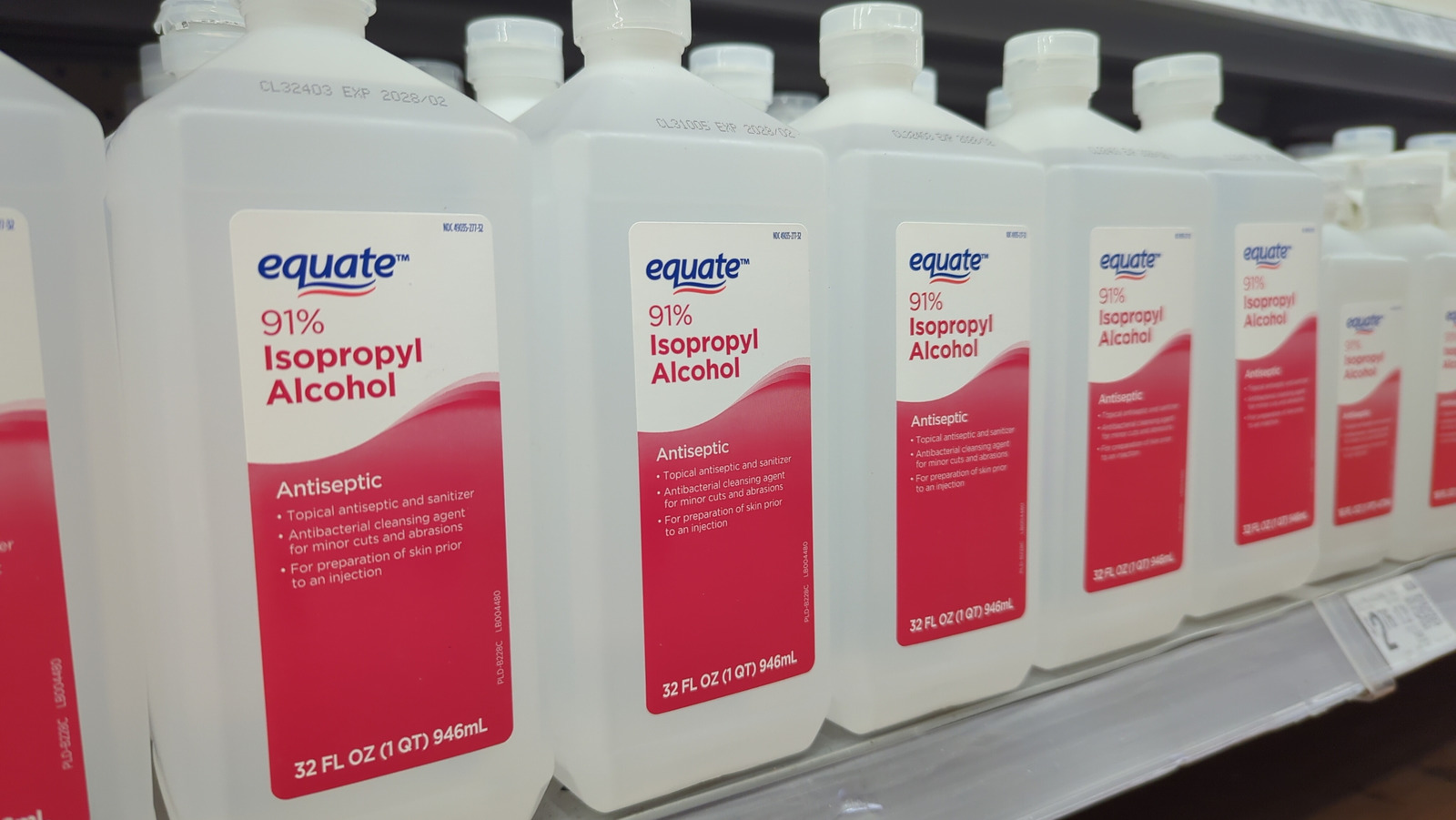
Most manufacturers estimate that isopropyl alcohol retains its peak chemical quality for approximately three years from its production date, provided it is stored correctly in a sealed, dark, and temperature-controlled environment. While the chemical does not suddenly spoil or turn toxic the moment the calendar hits the three-year mark, its physical properties begin to shift—especially once the container has been opened for the first time.
The Hygroscopic Trap
The primary culprit behind the degradation of rubbing alcohol is a chemical property known as hygroscopicity. Isopropyl alcohol is intensely hygroscopic, meaning it actively attracts and binds with water molecules from the surrounding atmosphere.
When you open a bottle of alcohol to clean your PC, ambient air rushes into the container. Even when the cap is securely fastened back on, microscopic gaps in standard plastic caps and foil seals allow air and moisture vapor to permeate the container over time.
As the alcohol sits on your shelf, month after month, it continuously pulls humidity from the air. This process does not stop until the mixture reaches a thermodynamic equilibrium—typically settling at a ratio of roughly 65% isopropyl alcohol to 35% water. Consequently, a bottle of 99% isopropyl alcohol that has been sitting neglected in a humid garage for five or ten years may now feature a water content high enough to pose an immediate electrical hazard.
Supporting Context & Metrics: The Physics of PC Cleaning
When cleaning a computer, the margin for error is razor-thin. Modern PC components operate on low-voltage, high-sensitivity circuitry where even minute amounts of stray moisture can cause erratic behavior, permanent component failure, or dangerous electrical shorts.
The Low-Water Imperative
The reason 90% to 99% isopropyl alcohol is deemed safe for electronics lies in its volatilization rate. Because it contains virtually no water, high-purity alcohol evaporates within seconds of application. This rapid phase change from liquid to gas leaves behind zero conductive residue, allowing users to safely wipe down circuit boards, fan blades, and heat sinks.
Conversely, water has a much higher boiling point and surface tension, causing it to cling to surfaces and evaporate sluggishly. If you apply a degraded, water-heavy batch of "rubbing alcohol" to a motherboard or a graphics card, the alcohol will flash off, but a thin film of water will remain trapped underneath components, inside tight crevices, or beneath surface-mounted capacitors. If power is restored to the system before this residual water completely vanishes, the results can be catastrophic.
Beyond the Liquid: Material Incompatibility
Water dilution is not the only hazard associated with aging or improper alcohol use. Even fresh, high-purity isopropyl alcohol can wreak havoc on specific materials commonly found in modern PC builds.
- Polycarbonates and Acrylics: Many modern PC cases feature tempered glass, but budget cases, clear side-panels, decorative shrouds, and liquid cooling reservoirs are frequently constructed from acrylic or polycarbonate plastics. Isopropyl alcohol aggressively attacks these polymers, causing micro-fractures, cloudiness, and structural weakening known as "solvent stress cracking."
- Coatings and Finishes: Premium motherboards, peripherals, and monitor screens often feature specialized anti-glare, oleophobic, or matte finishes. Harsh solvents can strip these coatings away, leaving permanent smudges, discoloration, or dull patches.
- Rubber and Gaskets: Over time, exposure to strong alcohols dries out rubber seals, O-rings, and acoustic dampening gaskets found in custom liquid cooling loops and high-end fans, leading to brittleness, cracking, and eventual leaks.
Official Industry Best Practices and Recommendations
Hardware manufacturers, repair technicians, and cleaning experts emphasize that maintaining a clean PC requires more than just grabbing whatever bottle is lying around the house. Adhering to strict protocols can save builders hundreds—if not thousands—of dollars in destroyed components.
1. Check the Date and Source
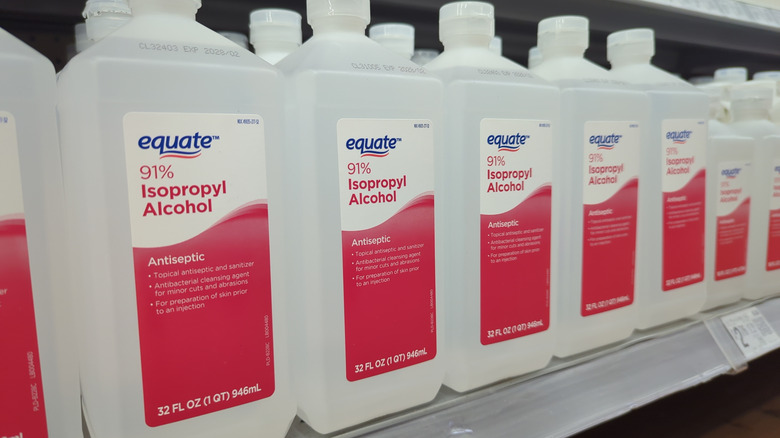
If your bottle of isopropyl alcohol has been open for more than a few years, or if you cannot remember when you purchased it, do not risk using it on sensitive electronics. Treat yourself to a fresh bottle from a reputable pharmacy or hardware supplier. Ensure the label clearly states a purity concentration of 91% or higher.
2. Tailor Your Tools to the Task
Different parts of a computer demand different cleaning methodologies. Understanding what not to clean with alcohol is just as important as knowing what to clean:
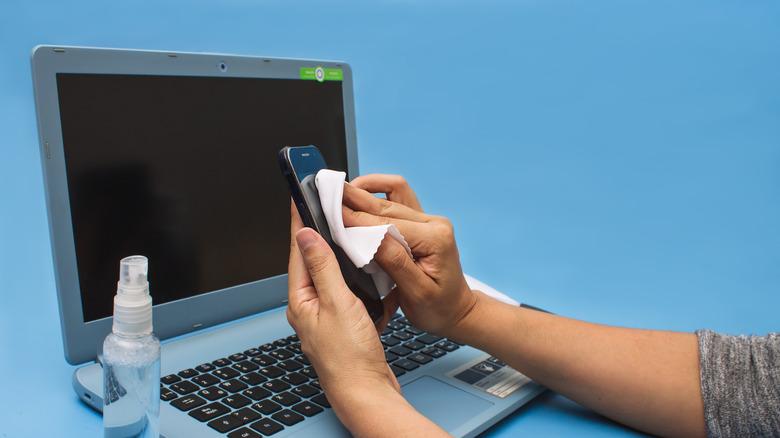
- CPUs and GPUs (Thermal Paste Removal): High-purity alcohol (90%+) paired with a lint-free microfiber cloth or cotton swab remains the gold standard for dissolving dried thermal compound off integrated heat spreaders (IHS) and GPU dies.
- PCB Circuit Boards: Acceptable for deep-cleaning dust-and-grime buildup on non-powered circuit boards, provided the system is completely unplugged and given ample time (at least several hours) to dry.
- Monitors and Acrylic Panels: Avoid alcohol entirely unless explicitly authorized by the manufacturer. Instead, use a lightly dampened microfiber cloth with distilled water or a dedicated, non-alcoholic electronics screen cleaner.
- Dust Filters and Metal Meshes: These can be safely removed and washed thoroughly with tap or distilled water, provided they are 100% bone-dry before being reinstalled into the chassis.
3. Leverage Alternative Cleaning Aids
For general maintenance—such as clearing out dust bunnies from intake fans, power supplies, and fin stacks—chemical solvents are entirely unnecessary. Compressed air (either via canned air or an electric data vac) combined with a soft-bristled anti-static brush can handle 90% of routine PC cleaning tasks safely and efficiently without risking moisture damage or chemical degradation.
Future Outlook: Smarter Maintenance for Modern Rigs
As personal computers grow increasingly complex, expensive, and densely packed with delicate surface-mount components, the margin for maintenance error continues to shrink. The days of casually wiping down systems with decades-old household chemicals are rapidly coming to an end.
In the future, consumer tech awareness campaigns will likely place a much heavier emphasis on chemical shelf-life and material compatibility. As liquid cooling systems, transparent synthetic panels, and high-frequency PCBs become standard even in entry-level builds, users must treat PC maintenance with the same precision and care as automotive or laboratory upkeep.
By auditing your cleaning supplies, discarding compromised or expired bottles of isopropyl alcohol, and investing in proper non-conductive tools like compressed air and high-grade microfiber cloths, you can ensure that your PC stays pristine, efficient, and—most importantly—safely out of the repair shop.