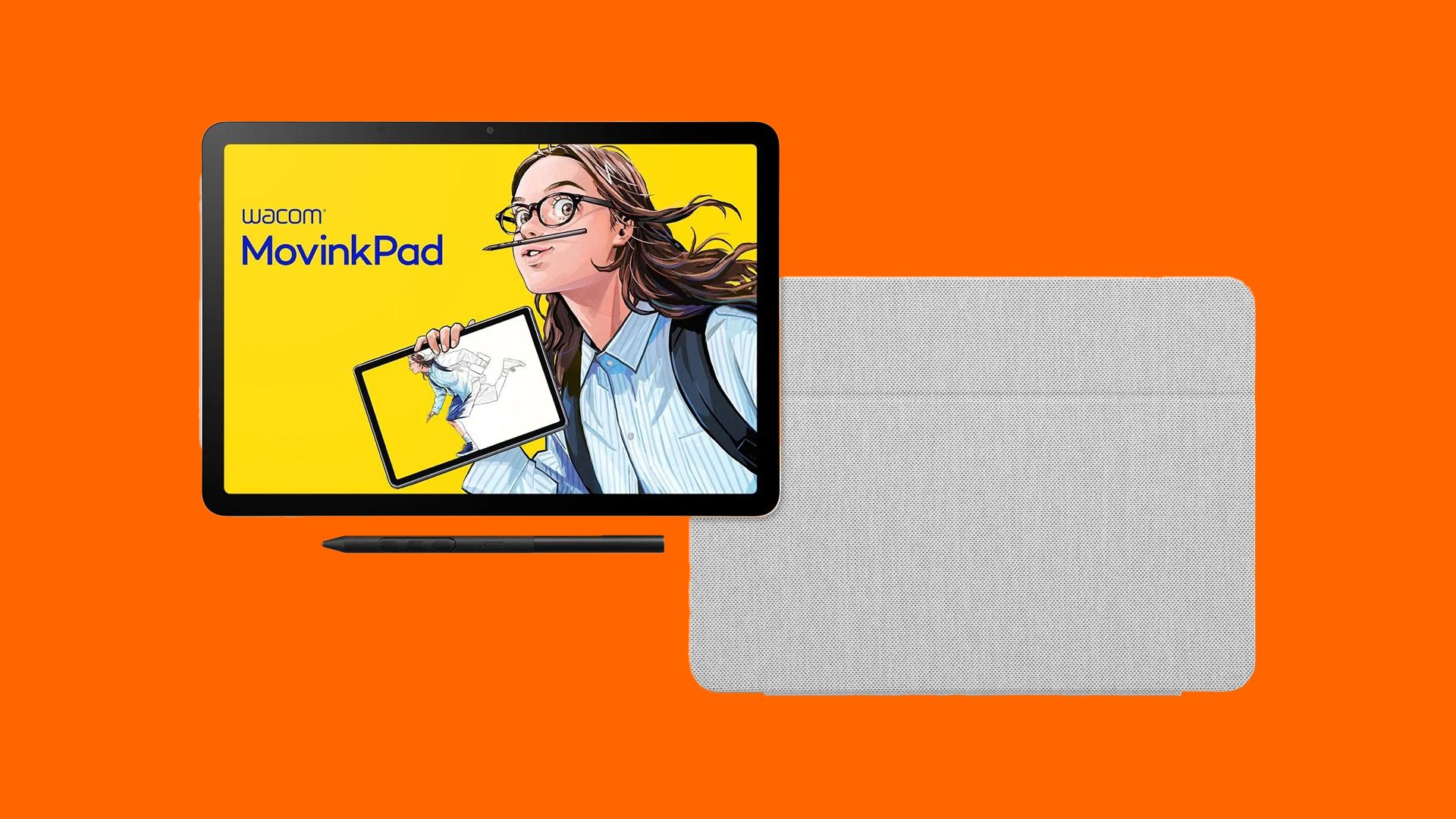
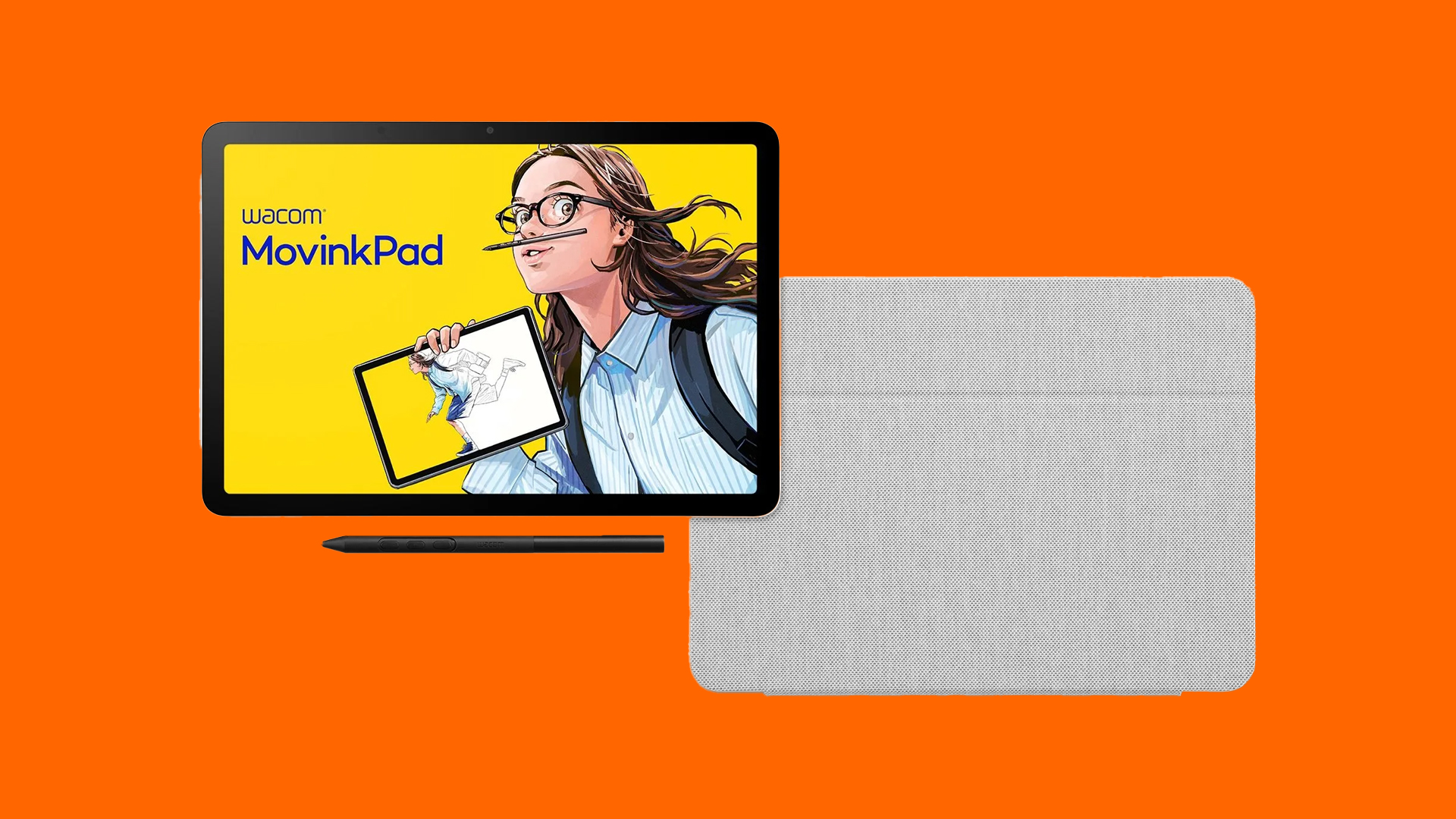
For years, the iPad has maintained an unchallenged reign as the default hardware choice for digital artists, illustrators, and on-the-go creatives. While generic tablet manufacturers have attempted to nibble at Apple’s market share with varying degrees of success, professional creative hardware giant Wacom has historically approached mobile computing with a philosophy of specialized precision. Enter the Wacom MovinkPad 11—a bold, purpose-built creative hardware solution designed to challenge the status quo.
Rather than serving up another generic Android multimedia consumption slate with rudimentary stylus support bolted on as an afterthought, Wacom has engineered a device where the drawing experience comes first and the Android operating system takes a supporting role. At the heart of this hardware pitch is Wacom’s industry-standard Pro Pen 3, paired with a specialized etched-glass display engineered to replicate the tactile feedback of real paper.
For digital artists who have long lamented the slick, mirror-like feel of standard glass screens, the MovinkPad 11 represents a significant conceptual shift. Furthermore, an aggressive new pricing promotion—dropping the tablet and its bespoke protective case down to £402.70 via the checkout code CASE20—makes this portable sketchbook an increasingly compelling alternative to mainstream options like the iPad Air. This comprehensive analysis investigates the engineering philosophy, hands-on user experience, market positioning, and long-term implications of Wacom’s latest mobile drawing pad.
Detailed Chronology & Product Evolution
To understand the strategic significance of the MovinkPad 11, one must trace the evolutionary trajectory of Wacom’s hardware ecosystem over the past decade.
The Shift Toward Mobile Independence
Historically, Wacom’s premier professional tools—such as the Cintiq and Cintiq Pro lines—reied heavily on tethered connections to high-powered desktop workstations or laptops. While these devices offered uncompromised creative fidelity, color accuracy, and processing power, they tethered artists to a studio desk.
In response to the growing demand for true mobility, Wacom previously experimented with standalone creative mobile computers, such as the MobileStudio Pro series. However, those legacy units were often heavy, bulky, and expensive, functioning more like downscaled gaming laptops with pen support than nimble sketchbooks. As consumer tablets like the iPad Pro and Samsung Galaxy Tab S series grew increasingly powerful, Wacom recognized a distinct gap in the market: artists wanted a lightweight, highly portable device dedicated primarily to drawing, free from the operating system bloat and high entry costs associated with high-end pro creative tablets.
The Refinement of the Pro Pen Ecosystem
The development of the MovinkPad 11 is intrinsically tied to the maturation of Wacom’s Pro Pen technology. The introduction of the Pro Pen 3 marked a major design shift in stylus ergonomics, allowing for unprecedented customizability, weight distribution, and sensor accuracy. By integrating this professional-grade input device directly into an 11-inch form factor, Wacom bypassed the primary hurdle facing third-party Android tablets: subpar latency, poor palm rejection, and inconsistent pressure curves.
Strategic Market Positioning and Recent Discounts
Wacom’s rollout of the MovinkPad 11 represents a calculated pricing strategy to capture freelance illustrators, concept artists, and hobbyists who find Apple’s ecosystem prohibitively expensive or restrictive. By pricing the tablet and its matching protective case at £402.70 (down from the standard bundled rate of £469.96 using the promotional code CASE20), Wacom has undercut standalone pricing structures—making the bundled accessory package cheaper than purchasing the hardware solo. This move signals a concerted effort to drive rapid adoption among mobile creatives who require an out-of-the-box, grab-and-go digital notebook.
Supporting Context & Technical Metrics
When evaluating a dedicated drawing tablet, spec sheets tell only half the story, but they provide critical benchmarks for performance. A rigorous analysis of the MovinkPad 11 reveals a device optimized specifically for visual arts rather than heavy multimedia multitasking or high-end 3D rendering.
Display Technology and Tactile Engineering
The MovinkPad 11 features an 11.45-inch display boasting a resolution of 2200 x 1440 and a smooth 90Hz refresh rate. While 120Hz displays have become standard in ultra-premium flagship tablets, the 90Hz refresh rate strikes an effective balance between fluid stylus tracking and power efficiency.
Crucially, the screen utilizes etched glass rather than chemically strengthened smooth glass. For digital artists, this distinction is paramount:
The Problem with Standard Glass: Drawing on an untreated glass tablet surface often feels slick, offering zero friction and frequently resulting in hand fatigue or imprecise line control.
The Etched Glass Advantage: The microscopic texture etched into the MovinkPad 11’s display provides a controlled level of friction. This simulates the tactile resistance of graphite on high-grade drawing paper, vastly improving stroke accuracy and tactile feedback.
Stylus Performance: The Pro Pen 3 Advantage
The stylus bundled with or supported by the tablet is where Wacom flexes its decades of industry expertise:
Pressure Sensitivity: 8,192 levels of pressure sensitivity allow for extreme nuance in line weight, transitioning seamlessly from hairline strokes to deep, heavy fills.
Tilt Recognition: 60-degree tilt recognition ensures that shading techniques utilizing the side of the pen tip mimic traditional pencils and charcoal sticks naturally.
Battery-Free Operation: Utilizing electromagnetic resonance (EMR) technology, the Pro Pen 3 requires zero internal batteries or external charging cables, ensuring it is always ready for use.
Internal Hardware and Software Ecosystem
Under the hood, the device runs on Android 14, backed by 8GB of RAM and 128GB of internal storage. While these specifications position it comfortably in the mid-range tier of modern mobile computing—meaning it will not replace a desktop workstation for heavy 4K video editing or complex ZBrush sculpting—it possesses ample overhead for dedicated 2D illustration applications.
Furthermore, Wacom bundles a valuable software concession: a two-year license for Clip Studio Paint DEBUT. This ensures that out-of-the-box buyers have immediate access to an industry-standard raster and vector illustration environment without needing an immediate recurring software subscription.
Comparative Analysis: MovinkPad 11 vs. The Competition
Feature / Metric
Wacom MovinkPad 11
Apple iPad Air
Standard Android Tablets (e.g., Samsung Galaxy Tab)
Higher entry barrier when paired with Apple Pencil
Varies widely
Official Insights & Industry Expert Perspective
To gauge the real-world utility of the MovinkPad 11, insights from digital arts veterans provide essential perspective. Ian Dean, Editor of Digital Arts & 3D at Creative Bloq and a veteran reviewer of creative hardware, notes the unique positioning of Wacom’s mobile offering:
"I’ve tested a fair few drawing tablets over the years, and while the iPad is still the default for many digital artists, Wacom is clearly keen to lure creatives away. The MovinkPad 11 is one of its more interesting attempts… It’s built around the Pro Pen 3, not a generic Android slate with stylus support bolted on."
Dean emphasizes that while specifications on paper matter, the subjective feel of the device is what ultimately defines its utility:
"Those numbers [8,192 levels of pressure sensitivity] look good on a spec sheet, but what I notice more is how naturally it responds to light pressure and follows your strokes… If you’ve ever drawn on the slick glass of a regular tablet, you’ll know it can feel like sketching on a bathroom mirror. The textured surface adds a little grip and feels much closer to paper."
Addressing its limitations, Dean points out that the device is not designed to compete with maximum-spec multi-core processing powerhouses:
"It isn’t the most powerful Android tablet around, and the screen suits sketching and illustration better than big professional workflows, but for that exact art need, it’s a better choice than an iPad Air. It’s a portable digital sketchbook…"
Future Outlook & Market Implications
The launch and promotional pricing of the Wacom MovinkPad 11 hint at broader shifts within the digital creative hardware market. For years, tech giants like Apple and Samsung have successfully marketed all-in-one tablets that cater to everyone—from corporate executives checking emails to toddlers streaming videos and digital artists sketching concepts.
However, specialized creators frequently find compromises in these mass-market devices. Glossy screens require aftermarket matte screen protectors that degrade display clarity and color fidelity; active styluses require constant charging; and software ecosystems can feel locked down or expensive.
Wacom’s strategy with the MovinkPad 11 suggests a renewed focus on vertical integration for niche professionals. By creating a dedicated mobile canvas that prioritizes tactile drawing physics, an integrated professional pen, and a streamlined Android interface, Wacom is carving out a defensible stronghold against the iPad hegemony.
Looking ahead, if the MovinkPad 11 proves successful, we can anticipate a broader industry trend toward purpose-built creative hardware tiers—devices that deliberately sacrifice raw multi-purpose computing power in exchange for uncompromised ergonomics, superior pen-to-screen latency, and authentic tactile surfaces. For the mobile illustrator, concept artist, and urban sketcher, the future of digital art is becoming increasingly specialized, mobile, and refreshingly tactile.