Executive Overview
Smart speakers have evolved from novel gadgets into foundational pillars of the modern smart home. Whether we are requesting a weather update, adjusting household illumination, or queuing up a favorite playlist, voice assistants have streamlined our interaction with technology. Yet, despite rapid advancements in natural language processing (NLP), acoustic modeling, and machine learning, smart speakers still suffer from an inherent frustration: they do not get it right every time.
When a voice assistant misinterprets a command, plays the wrong track, or activates a routine in an entirely different room, the convenience quickly gives way to friction. These communication breakdowns are rarely the result of a single flaw. Instead, they stem from a complex interplay of environmental acoustics, physical hardware placement, network congestion, and software configuration errors.
Fortunately, most of these misunderstandings are entirely fixable. By implementing a series of strategic physical adjustments, fine-tuning your smart ecosystem’s naming conventions, and setting up advanced voice recognition profiles across Amazon Alexa, Google Home, and Apple HomePod ecosystems, users can drastically improve voice assistant accuracy. This comprehensive guide explores the root causes of smart speaker comprehension failures and provides a step-by-step roadmap to restoring harmony in your connected home.
Detailed Chronology & Evolution of Voice Recognition
To understand why smart speakers occasionally struggle to comprehend human speech, it is helpful to look back at how voice-activated technology developed over the past decade.
The Era of Rigid Syntax (2010–2015)
In the early days of consumer voice assistants, devices relied heavily on keyword spotting and rigid syntax structures. Users were required to speak in an unnatural, robotic cadence, using exact phrasing to trigger specific actions. If a command deviated even slightly from the programmed script, the system failed. Comprehension errors during this era were largely algorithmic; the software simply lacked the contextual awareness to process conversational speech.
The Rise of Neural Networks and NLP (2015–2020)
As tech giants poured billions into artificial intelligence, the paradigm shifted toward deep neural networks and Natural Language Processing (NLP). Smart speakers transitioned from keyword listeners to contextual interpreters. They began accounting for regional accents, colloquialisms, and sentence structures. However, this shift introduced a new class of problems. While the software became vastly more capable of understanding what a user said, it became simultaneously more vulnerable to acoustic interference. A background television show, a running dishwasher, or an echo off a bare wall could easily corrupt the audio stream before the neural network could process it.
The Multi-Device, Ambient Era (2020–Present)
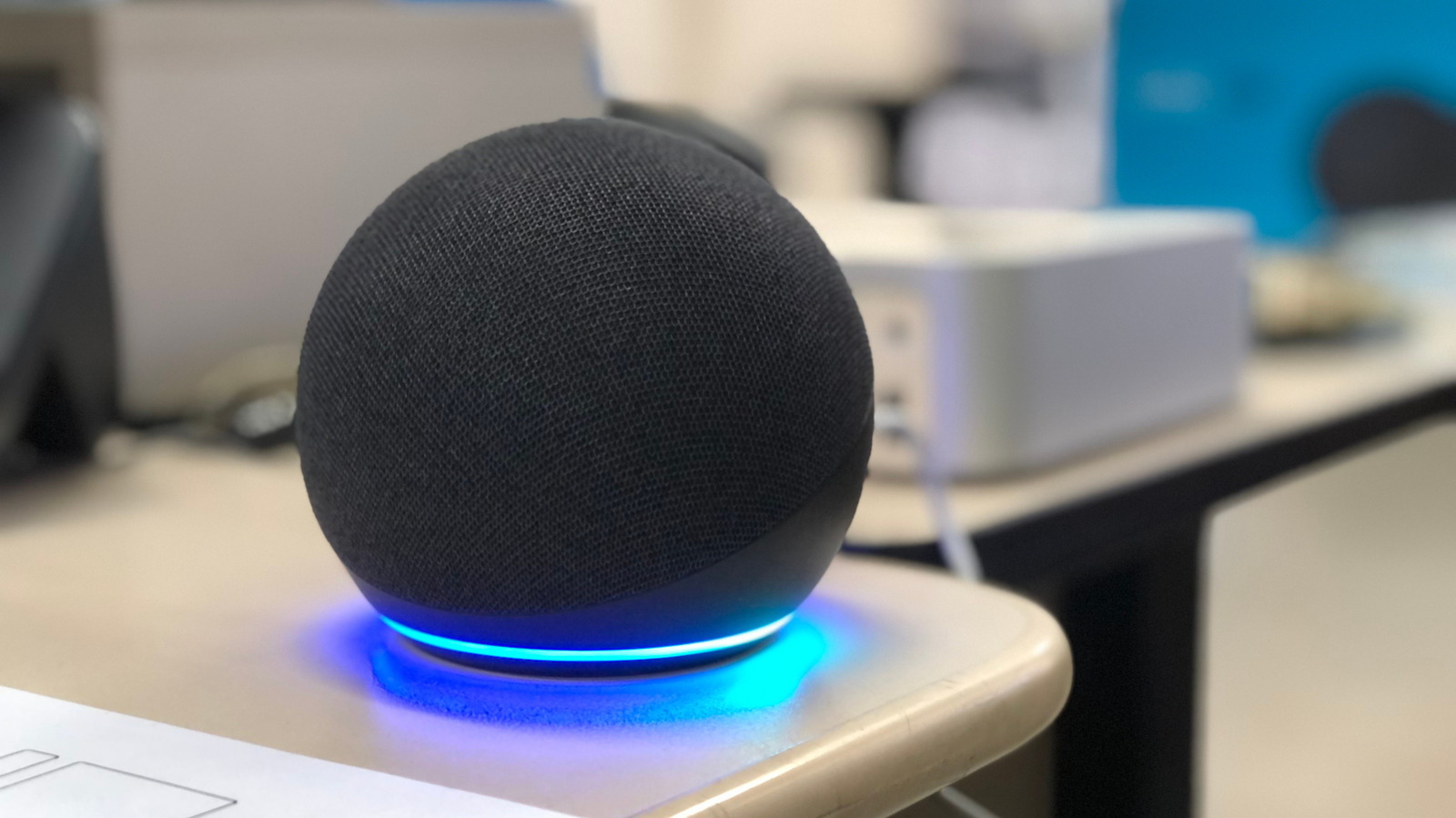
Today, households rarely contain a single smart speaker. It is common for consumers to own multiple Amazon Echo units, Google Nest displays, and Apple HomePods scattered across different rooms. This multi-device environment created a new architectural challenge: spatial confusion. When a user issues a command, multiple speakers often wake up simultaneously, leading to arbitration algorithms failing, cross-room activation, and missed requests. Modern troubleshooting, therefore, requires looking beyond a single device and evaluating the entire acoustic and digital ecosystem of the home.
Supporting Context, Metrics, and Environmental Factors
Understanding the physical and digital environment surrounding your smart speaker is essential for diagnosing comprehension errors. According to consumer tech telemetry and acoustic engineering principles, several core variables consistently degrade voice assistant accuracy.
+--------------------------------------------------------------------------+
|                     COMMON ACOUSTIC INTERFERENCE SOURCES                 |
+--------------------------+-----------------------------------------------+
| Interference Type        | Impact on Smart Speaker Comprehension         |
+--------------------------+-----------------------------------------------+
| Hard, Reflective Surfaces| Causes audio echoes, blurring voice signals.  |
| Continuous White Noise   | Masks high-frequency consonant sounds.        |
| Proximity to Walls       | Amplifies bass feedback and muddies input.    |
| Multi-Device Overlap     | Triggers conflicting cloud-server responses.  |
+--------------------------+-----------------------------------------------+
1. Acoustic Impedance and Room Geometry
Smart speakers rely on microphone arrays—often featuring beamforming technology—to isolate a user’s voice from background noise. However, physics dictates that sound waves bounce off hard, flat surfaces such as tile floors, glass windows, and bare drywall. These acoustic reflections create echoes that arrive at the microphone split-seconds apart, muddying the audio stream and confusing the assistant’s wake-word engine.
2. Physical Placement and Proximity
Placement is one of the most overlooked variables in smart home optimization. Placing a speaker directly against a wall or in the corner of a room creates a boundary-loading effect that artificially boosts low frequencies, making voice commands sound boomy and indistinct to the microphone array. Conversely, placing a speaker too far away forces the user to raise their voice, which alters vocal pitch and dynamics, occasionally throwing off the speaker’s machine-learning speech models.
3. Semantic Overload in Smart Home Naming
As smart homes grow, users often accumulate dozens of connected accessories—smart bulbs, plugs, thermostats, and media players. A frequent cause of assistant misunderstanding is semantic ambiguity. If a user names a living room light "Living Room Light" and a bedroom light "Living Room Lamp," the linguistic similarity frequently causes the cloud-based parser to route the command to the wrong device ID.
Universal Methods to Improve Smart Speaker Understanding
Regardless of whether you use Amazon Alexa, Google Assistant, or Apple Siri, several foundational troubleshooting steps apply across all hardware ecosystems.
Step 1: Clean and Inspect the Hardware
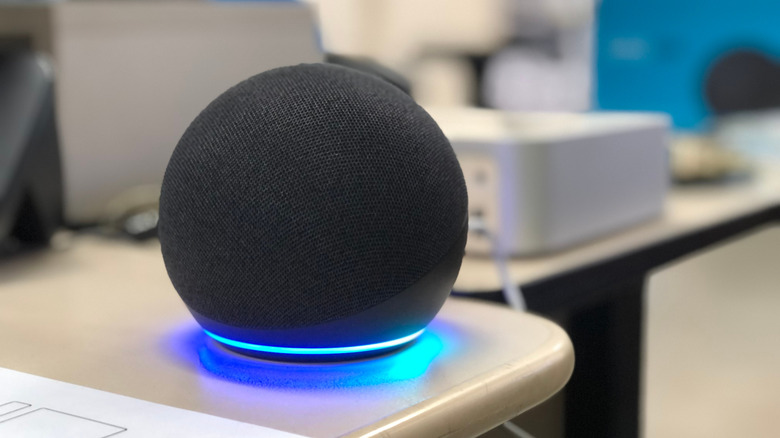
Over time, household dust, pet dander, and kitchen grease can accumulate over the microphone grilles of smart speakers. This physical barrier muffles incoming audio, starving the far-field microphones of clear sound waves.
- Action: Gently wipe down the exterior of the speaker using a dry, lint-free microfiber cloth. Never use liquid cleaners or compressed air, as forced air can damage the internal microphone diaphragms.
Step 2: Optimize Physical Placement
Relocating your smart speaker can yield immediate performance dividends.
- Maintain Distance from Obstacles: Keep your speaker at least one foot away from walls and corners to prevent acoustic reflection interference.
- Avoid Noise Sources: Position speakers away from continuous noise generators such as refrigerators, air purifiers, oscillating fans, and primary home audio surround-sound systems.
Step 3: Manage Multi-Device Proximity
If you have multiple speakers installed in an open-plan living space (such as a combined kitchen, dining, and living room), devices may fight for dominance when you issue a command.
- Adjust Sensitivity: If the companion app allows, lower the wake-word sensitivity of the problematic or overly aggressive speaker.
- Change Wake Words: For Amazon Echo ecosystems, assign distinct wake words (e.g., changing one unit from "Alexa" to "Computer" or "Echo") to prevent cross-activation.
- Physical Separation: When software adjustments fail, increasing the physical distance between competing units remains a foolproof method.
Step 4: Audit Smart Home Device Naming Conventions
Eliminate confusion by adopting a strict, unique nomenclature for every connected device and room in your household app ecosystem.
- Avoid Overlaps: Ensure no two devices share similar-sounding names. Instead of naming a plug "Light" and a bulb "Lights," use distinct descriptors like "Reading Nook Lamp" and "Porch String Lights."
- Label Rooms Clearly: Ensure your home app maps each device explicitly to a designated room label, allowing context-aware commands like "turn off the lights" to target the correct localized zone.
Specific Fixes for Alexa, Google Home, and Apple HomePod
If universal adjustments do not resolve your comprehension issues, you must dive into platform-specific configuration settings. Each major ecosystem utilizes unique biometric profiling tools to better understand your specific voice.
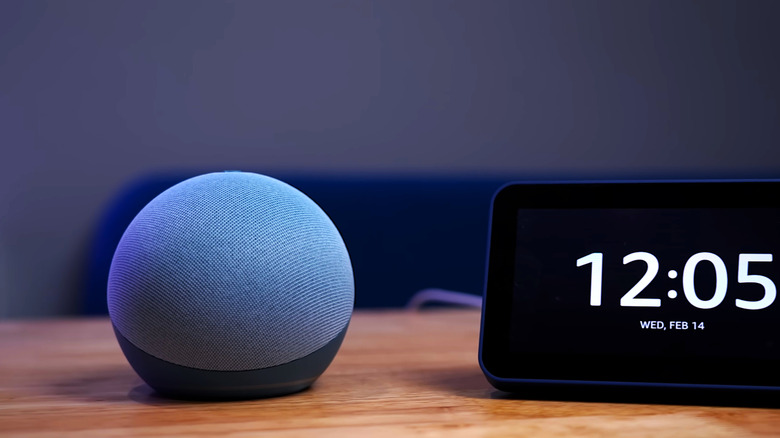
1. Amazon Alexa (Amazon Echo Devices)
Amazon utilizes a feature called Voice ID to build an acoustic profile of individual users in a household.
- How to Set Up Voice ID:
- Open the Alexa app on your smartphone.
- Navigate to More > Settings > Account Management.
- Select Your Profile, then tap Voice ID.
- Follow the on-screen prompts, reading several sample phrases aloud so Alexa can learn your vocal cadence, pitch, and pronunciation patterns.
2. Google Home & Nest Ecosystem
Google Assistant relies on Voice Match to differentiate between members of a household and tailor responses accordingly.
- How to Set Up Voice Match:
- Open the Google Home app.
- Navigate to Settings > Google Assistant > Voice Match.
- Follow the guided setup to train your connected Google Nest and Home speakers to recognize your distinct vocal signature. (Note: Google supports up to six distinct voices per home).
3. Apple HomePod Ecosystem
Apple devices utilize Siri personalization and iCloud synchronization to ensure seamless voice recognition across iPhones, iPads, and HomePods.
- How to Set Up Voice Recognition on HomePod:
- Open the Home app on your iOS device.
- Tap the More button (represented by three dots inside a circle) and select Home Settings.
- Tap your user profile and toggle on Recognize My Voice.
- Cross-Device Siri Optimization:
- Open your iOS Settings app.
- Tap your name at the top of the screen, then select iCloud.
- Tap See All under the "Saved to iCloud" header.
- Ensure the toggle for Siri is switched ON to synchronize your personal vocabulary and learning data across all linked Apple devices.
4. The Nuclear Option: Reboots and Factory Resets
When software toggles and physical adjustments fail, deeper system anomalies may be at play.
- Soft Power Cycle: Unplug your smart speaker from the wall power outlet, wait a full 60 seconds to clear temporary cache memory, and plug it back in.
- Factory Reset: If issues persist, performing a factory reset wipes corrupt firmware caches and local configurations. Consult your manufacturer’s specific manual for button combination procedures. Note: A factory reset will erase all custom settings, routines, and smart home linkages, requiring a complete reconfiguration from scratch.
Future Outlook: The Next Wave of Voice Assistant Reliability
As the smart home industry looks toward the future, the reliance on rigid keyword spotting and cloud-dependent processing is actively shifting. The integration of advanced edge-AI chipsets directly into smart speakers means that future hardware will process voice commands locally, reducing latency and vulnerability to network drops.
Furthermore, upcoming multimodal artificial intelligence models are expected to bridge the gap between spoken commands and contextual awareness. Rather than relying solely on acoustic clarity, future smart speakers will utilize ambient sensor fusion—combining millimeter-wave radar, computer vision (where privacy permitted), and contextual spatial computing—to determine who is speaking, where they are facing, and what they intend to do.
Until these advanced multimodal systems become the standard in every household, mastering the physical placement, environmental acoustics, and software profiles of your current smart speakers remains the best defense against miscommunication. By taking a proactive approach to your home’s acoustic ecosystem, you can ensure your voice assistant listens precisely, executes flawlessly, and truly earns its place as the centerpiece of your modern connected home.