Executive Overview
The landscape of modern personal computing is undergoing a subtle yet profound tectonic shift. For years, the boundaries between mobile operating systems and desktop powerhouses have been blurring. Apple has steadily converged iPadOS and macOS through shared silicon architectures, while Microsoft continues to experiment with ARM integration and deep AI infusion across its Windows ecosystem. Now, Google has made its most definitive play yet to bridge this divide with the introduction of the Googlebook.
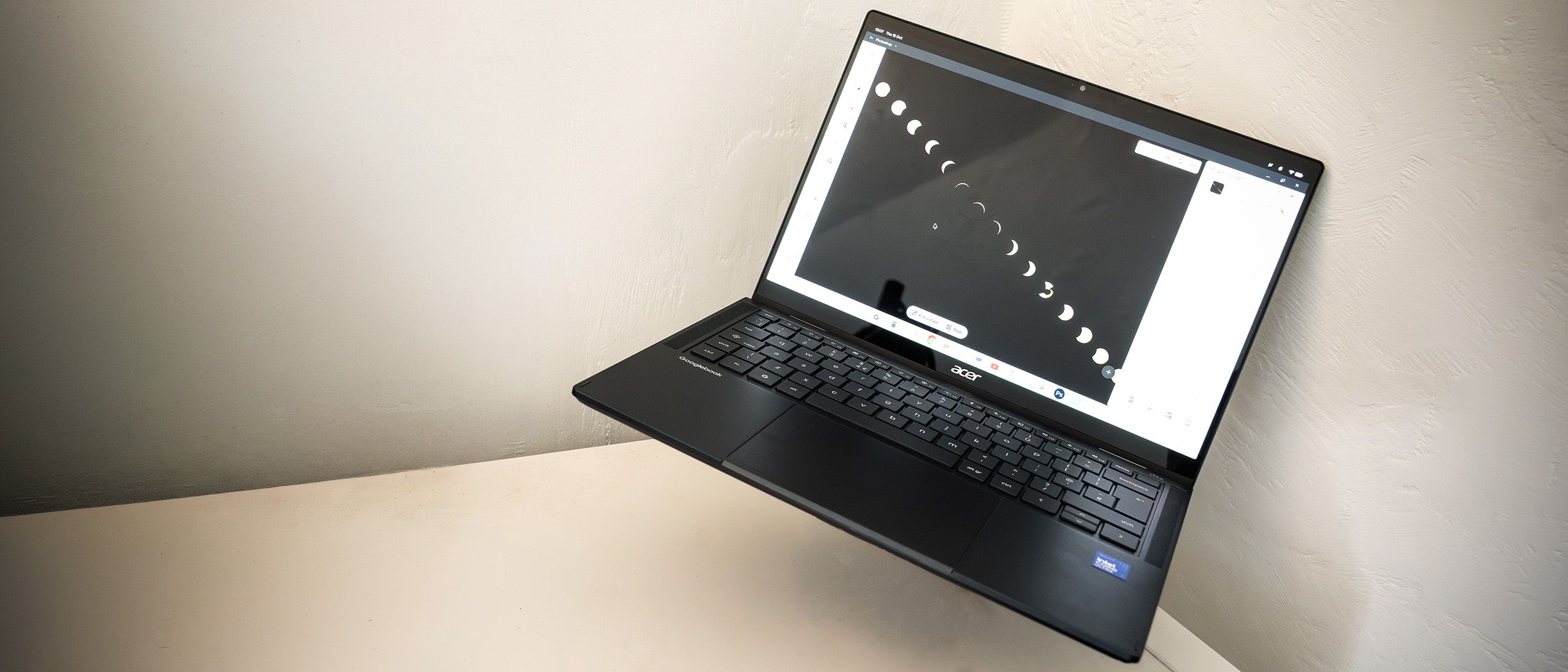
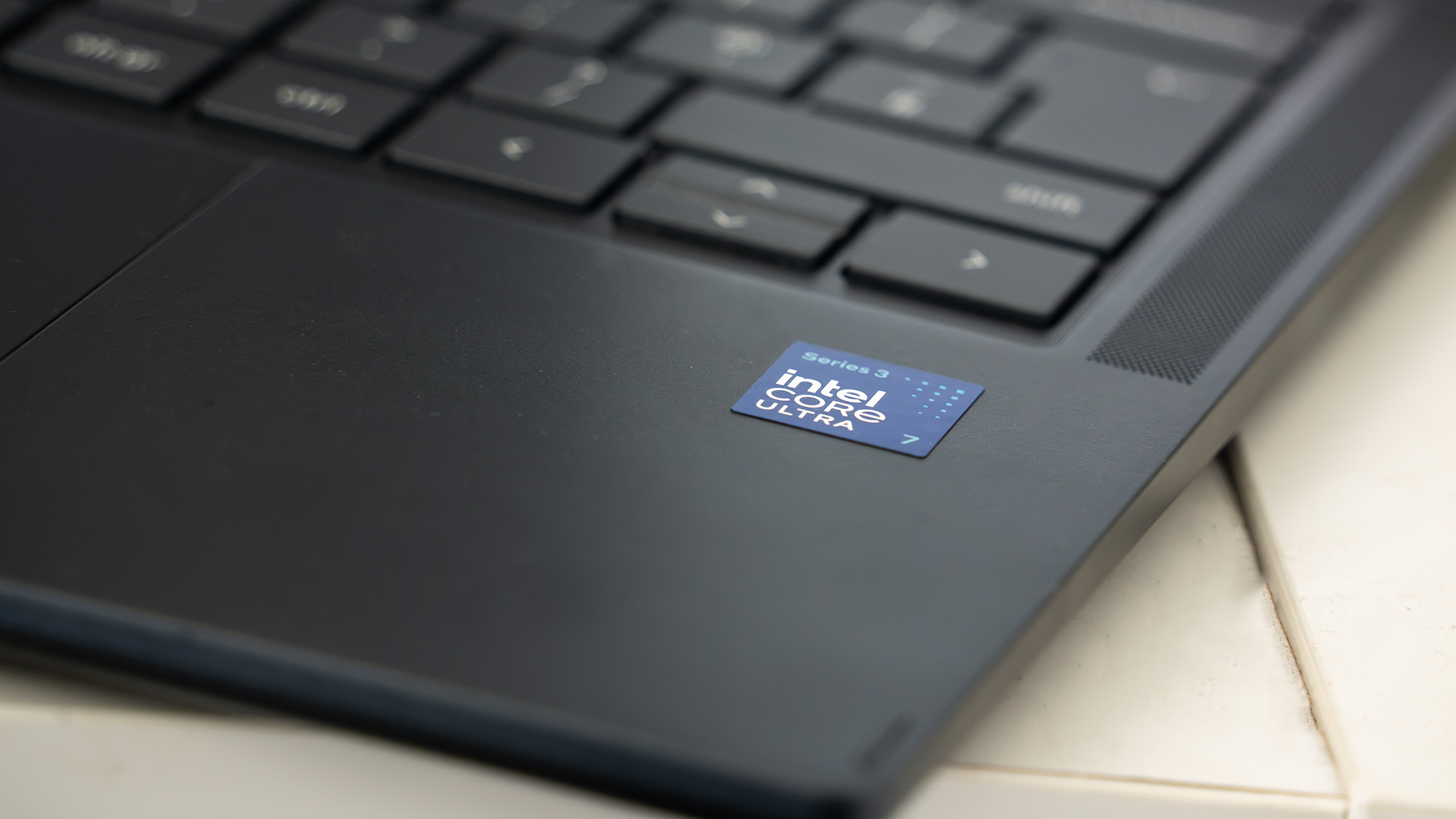
Built to transform Android from a pocket-sized interface into a fully fledged desktop operating system, the Googlebook represents a hybrid philosophy. It merges the cloud-native, web-centric DNA of ChromeOS with the expansive app ecosystem and touch-first fluidity of Android, all while wrapping it in high-end, premium hardware. Manufactured by tier-one partners like Acer (with iterations from HP, Lenovo, and ASUS close behind), the device we have tested pairs a gorgeous 14-inch OLED touchscreen with third-generation Intel Core Ultra silicon.
Yet, stepping into a market dominated by refined offerings from Apple and Microsoft is no small feat. Priced at a surprising $899 / £999, the Googlebook challenges the traditional perception of Google-powered laptops as ultra-budget alternatives. It is a first-generation product in the truest sense: brilliant in its hardware execution, stable in its daily operations, and impressively innovative in its AI integration, yet held back by an evolving software landscape and a steep price tag.
For digital artists, creative professionals, and mobile-first workers, the Googlebook poses a fascinating question: is Google’s hybrid desktop vision ready to become your primary workstation, or is it an ambitious stepping stone to something greater?
Detailed Chronology & Hardware Architecture
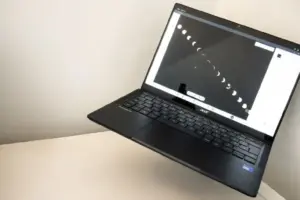
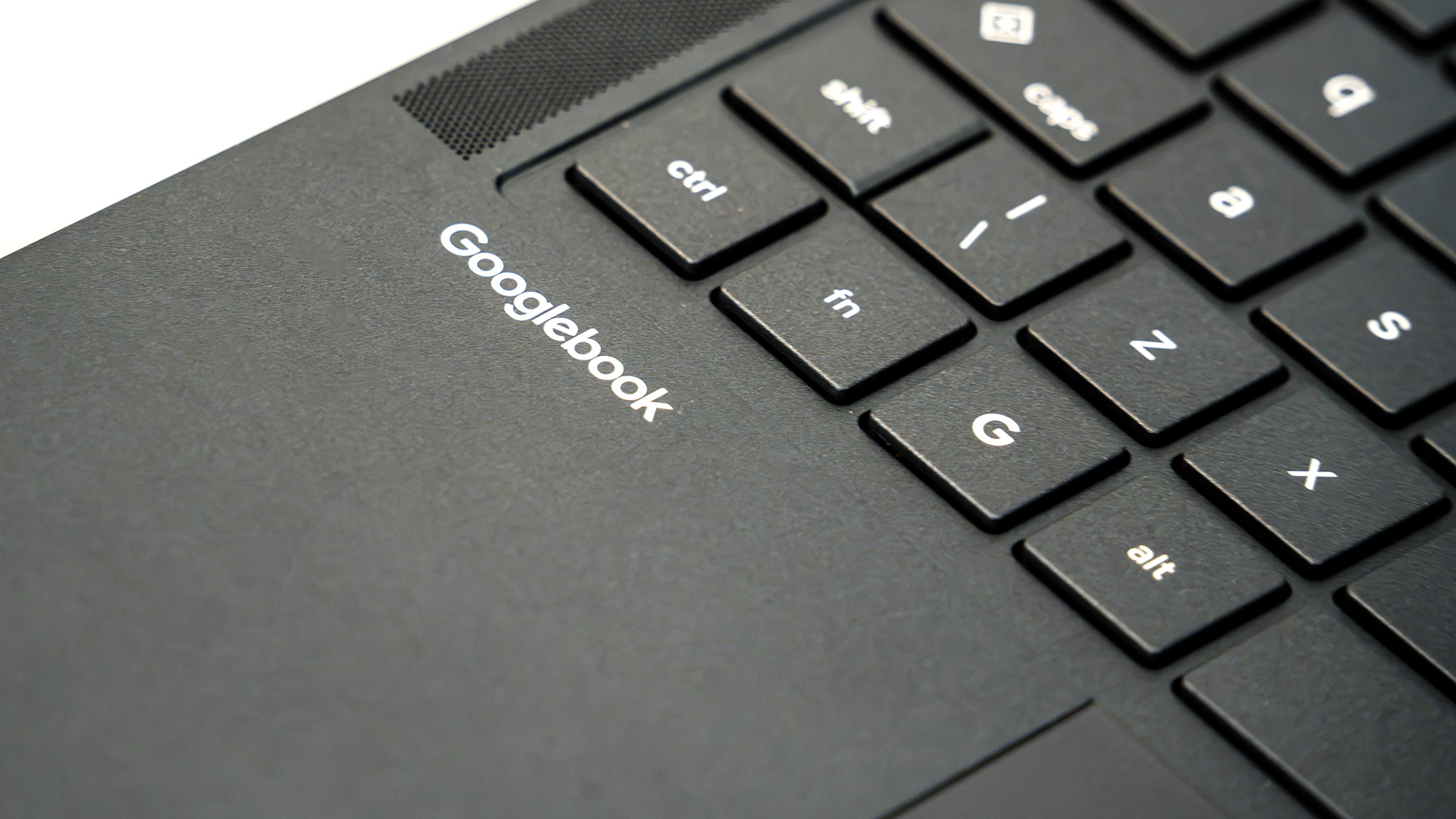
To understand what makes the Googlebook tick, one must first look beyond its familiar clamshell silhouette. At first glance, it shares the understated, functional aesthetic of traditional Chromebooks. The review unit provided by Acer features an understated dark blue chassis, a subtle Acer logo on the lid, and the word "Googlebook" cleanly embossed just beneath the keyboard deck. Weighing a mere 1.15kg and measuring just 14mm thick, it is remarkably portable, slipping easily into a backpack or tote.
The Design and Display: A 2-in-1 Powerhouse
One of the most striking physical attributes of the Acer Googlebook is its 2-in-1 convertible design. The robust hinge allows the screen to fold back seamlessly, transforming the traditional laptop into a versatile tablet. The operating system responds instantly to this physical shift, adapting the interface on the fly.
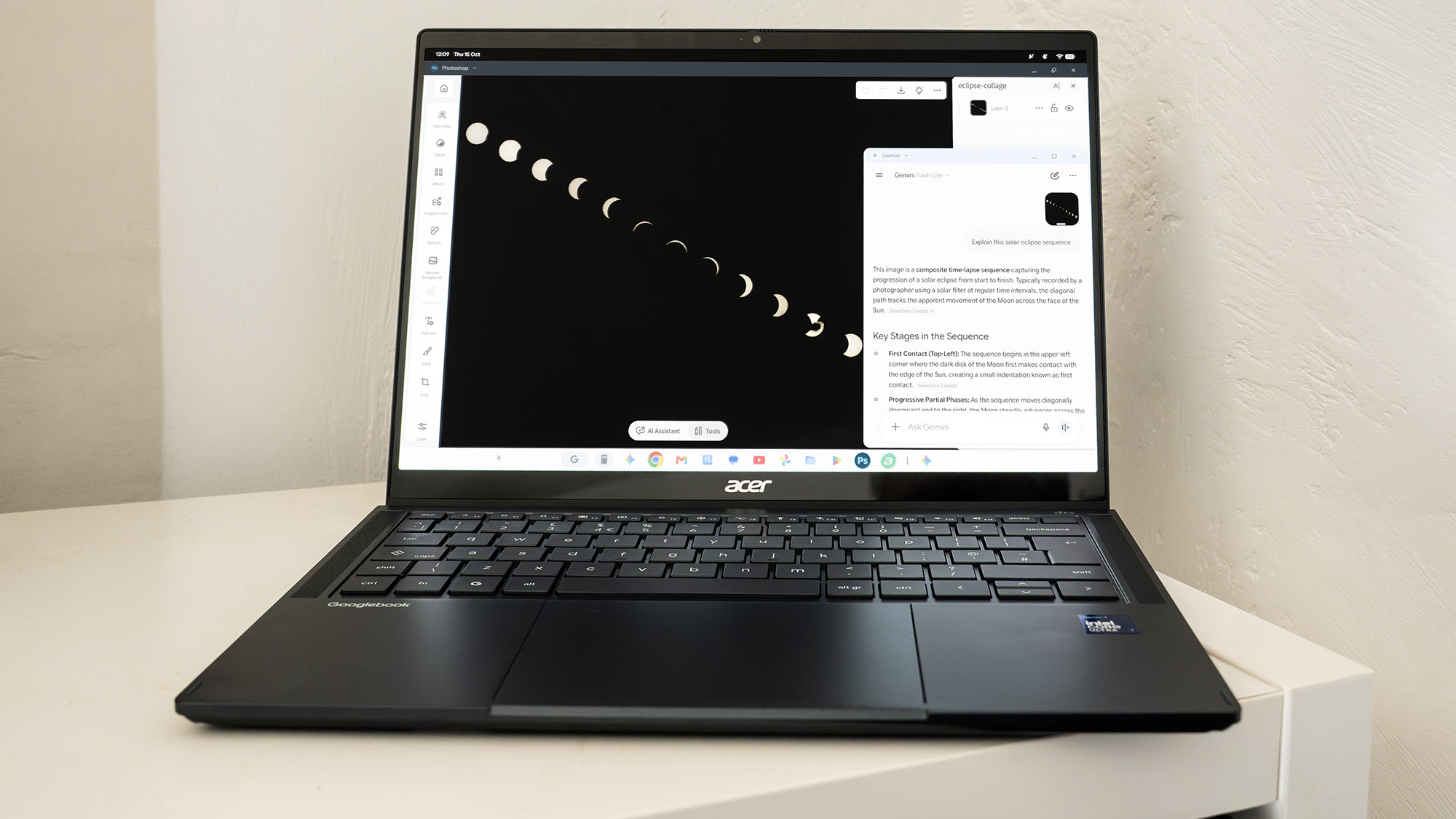
The star of the physical show, however, is the display. Google and its hardware partners have equipped this generation with a stunning 14-inch OLED touchscreen boasting a razor-sharp resolution of 2880 x 1800 and a fluid 120Hz refresh rate. Text is pin-sharp, blacks are infinite, and color reproduction is vibrant—making it an exceptional canvas for digital sketching, media consumption, and casual photo review. Whether navigating via fingertip or utilizing a precision stylus in tablet mode, the touch-friendly nature of the Android-derived OS shines through, requiring only single-clicks to launch icons and navigate menus.
The "Glowbar" and Ambient AI Integration
A notable physical addition to the lid is the Glowbar—a close cousin of the Hilight LED found on Google’s Pixel Pro smartphones. Located discretely at the top right of the lid, this strip of rainbow LEDs serves as a visual feedback mechanism. It communicates battery charge levels at a glance and pulses in soothing shades of blue and purple whenever the user interacts with Google’s Gemini assistant.
Google has woven its AI philosophy directly into the hardware and software experience. Unlike Windows laptops, which now routinely feature dedicated physical Copilot keys, the Googlebook relies on software shortcuts, voice activation via the classic "OK Google" hotword, or a standard Google key that summons an equivalent to the traditional Start menu.
Furthermore, innovative features like Magic Pointer leverage the machine’s neural processing unit (NPU). By simply wiggling the mouse pointer, users can trigger visual search capabilities, allowing them to click directly on objects, text, or graphics within any window to query the AI for context or information.
Supporting Context & Metrics: Performance and Usability
Under the hood, the Googlebook reviewed here packs serious modern computing hardware. Driven by an Intel Core Ultra 7 355 processor, an integrated Intel AI Boost NPU, 16GB of LPDDR5X memory, and a swift 512GB SSD, it delivers performance that far outstrips any traditional Chromebook of the past.
Processing Power: Benchmarking the Hybrid OS
To evaluate how this new architecture stacks up against established platforms, we ran a series of standardized mobile and web benchmarks.
- Geekbench 7 (Mobile Version):
- Google Tensor G5 (Pixel 10 Pro): Single-core: 2,011 | Multicore: 5,858
- Apple M5 (iPad Pro): Single-core: 3,598 | Multicore: 16,614
- Acer Googlebook (Intel Core Ultra 7): Single-core: 2,498 | Multicore: 11,061
- Jetstream 2 (Web App & JavaScript Benchmark via Browserbench):
- Pixel 10 Pro: 231.237
- iPad Pro: 431.947
- Googlebook: 404.246
The benchmark data tells a nuanced story. Apple’s silicon maintains a clear lead in raw, brute-force processing grunt—particularly in multi-threaded workflows like video rendering. However, in the realm of web apps and browser-based tasks (which will constitute a massive portion of everyday Googlebook usage), the Intel-powered Googlebook scores an impressive 404.246, nipping closely at the heels of Apple’s high-end tablet offerings while outperforming mobile smartphone chips by a wide margin.
Software Integration and Smartphone Pairing
Setting up the Googlebook is frictionless for existing Android users. Logging in with your standard Google account, unlocking via PIN or fingerprint reader, and syncing applications takes minutes.
The interface walks a fine line between ChromeOS and Android. A standout utility is the new taskbar menu that grants direct access to apps running on a paired Android smartphone. These applications execute on the phone’s hardware but stream seamlessly over a local network connection, rendering inside resizable windows on the laptop screen complete with full mouse and keyboard support.
While productivity apps and messaging utilities scale gracefully, media and ad-supported apps occasionally struggle. Some applications display minor layout stretching when forced out of their native mobile aspect ratios, and services like Amazon Music may occasionally prompt a "rotate screen" notification. Encouragingly, developers are already adapting: the Google Play Store is rolling out a "compatible with desktop" badge on listings for apps like CapCut Pad, signaling a growing commitment to the form factor.
Creative Software: A Mixed Bag for Designers
For creative professionals browsing Creative Bloq, software capability is the ultimate litmus test. Running mobile iterations of Adobe Photoshop and Lightroom on a laptop in resizable windows with mouse support is a revelation for light photo editing on the go. They are snappy, responsive, and far more intuitive than trying to edit photos exclusively on a handheld touchscreen.
However, limitations remain apparent. These mobile apps lack the deep, granular toolsets found in their full Windows or macOS desktop counterparts. Video editing capabilities are currently skewed heavily toward short-form social media creation (with a strong bias toward vertical, portrait-mode workflows), meaning professional 4K timeline scrubbing will still push users toward traditional desktop rigs. Furthermore, third-party powerhouse apps like Affinity (which is expanding its footprint on iPadOS) currently lack native Android support.
Battery Life
One undeniable triumph of the Intel Core Ultra architecture inside the Googlebook is energy efficiency. Throughout our rigorous testing regime, the device routinely delivered up to 12 hours of continuous use—comfortably securing a full day and a half of untethered productivity before needing to reach for a USB-C charger.
Official Specifications Summary
| Attribute | Specification Details | |
|---|---|---|
| CPU | Intel Core Ultra 7 355 | |
| NPU | Intel AI Boost | |
| Graphics | Integrated Intel Graphics | |
| Memory | 16GB LPDDR5X | |
| Storage | 512GB NVMe SSD | |
| Display Size & Type | 14-inch OLED Touchscreen | |
| Resolution & Refresh Rate | 2880 x 1800, 120Hz | |
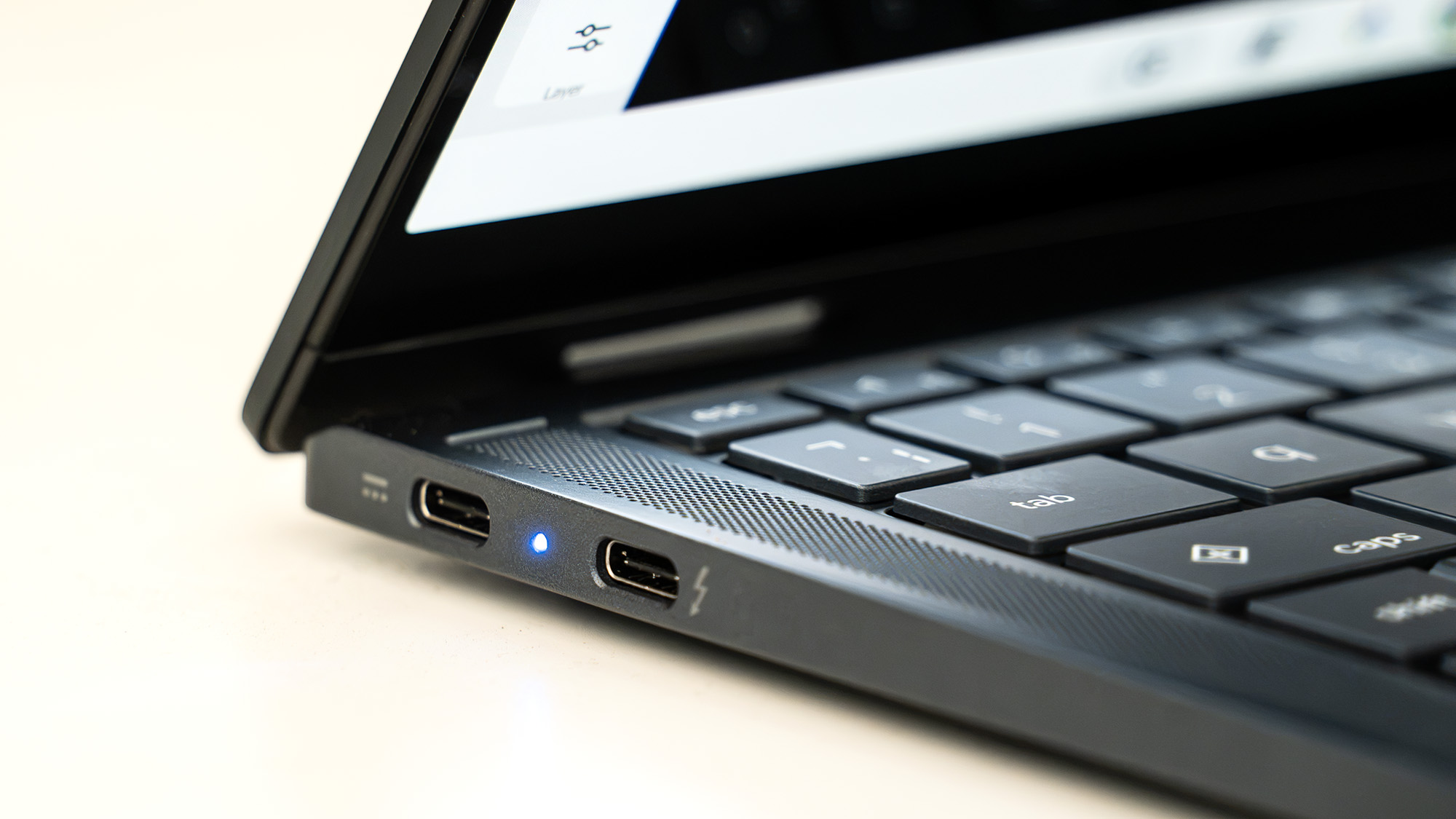
| Ports | 1x Thunderbolt 4, 2x USB-C, 1x 3.5mm audio jack | |
| Wireless Connectivity | Wi-Fi 7, Bluetooth 6 | |
| Dimensions & Weight | 14 x 312 x 223 mm | 1.15kg |
| Starting Price | $899 / £999 |
Future Outlook: Can the Googlebook Compete?
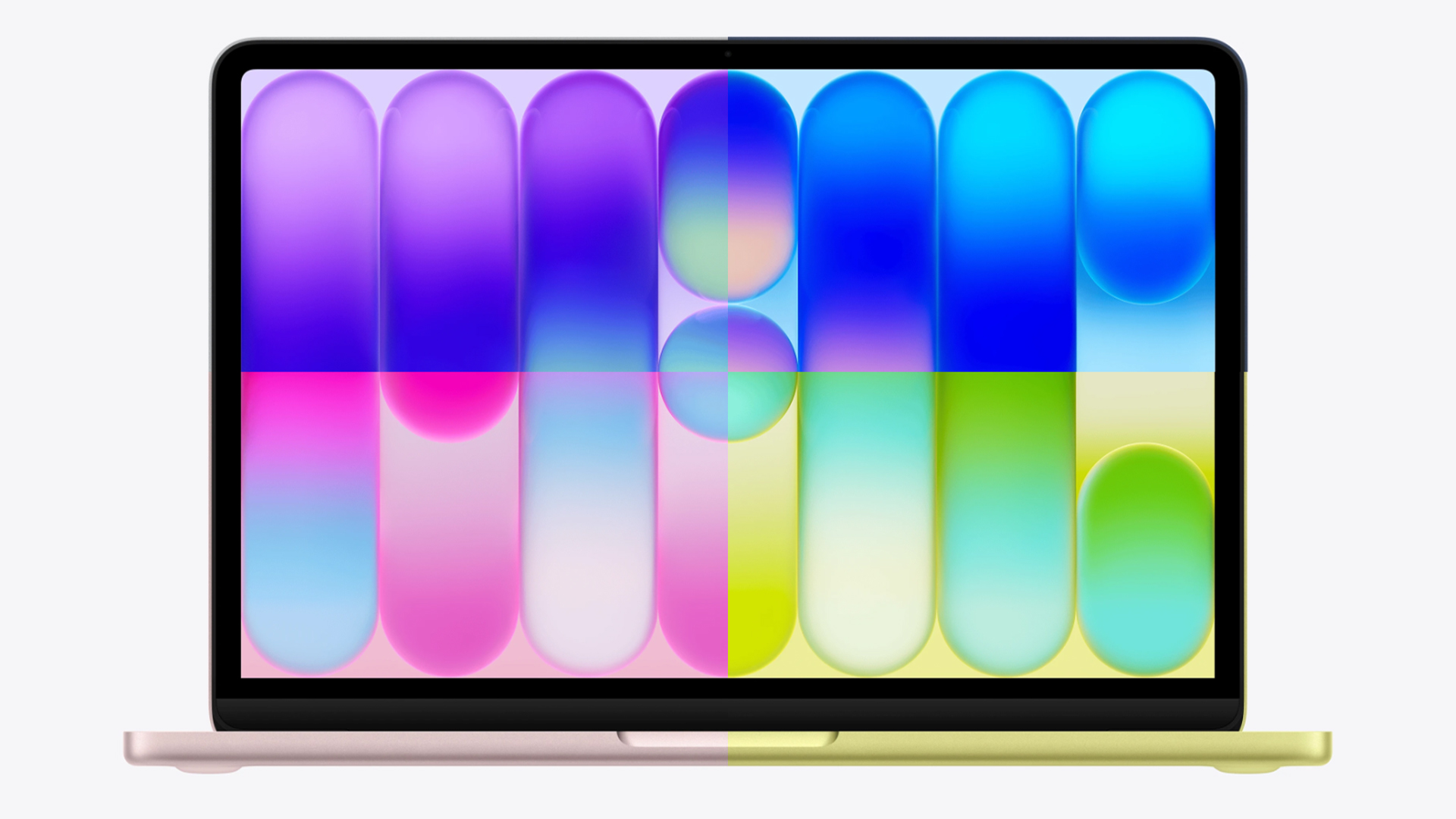
The launch of the Googlebook arrives in a fiercely contested market segment. Microsoft continues to expand Windows 11 compatibility across Snapdragon ARM chips and dedicated graphics hardware, while Apple’s M-series MacBooks and lightweight alternatives like the MacBook Neo dominate the premium creative space.
At $899 / £999, the Googlebook shatters the long-standing consumer expectation that Google-centric laptops should be bargain-bin, educational devices. Asking four-figure sums for a first-generation operating system experiment requires immense consumer trust.
Yet, the foundational pillars are undeniably solid. Google has engineered a brilliant piece of hardware in partnership with Acer, infused it with practical AI tooling, achieved stellar battery life, and successfully reimagined Android as a multi-window desktop environment.
The Verdict
- Design & Build: 4/5 — Sleek, lightweight, beautifully finished dark blue chassis, and a stunning 120Hz OLED touch display.
- Features & Performance: 3/5 — Excellent speed, innovative smartphone pairing, and robust AI integration, tempered by a maturing software ecosystem.
- Value: 2/5 — Premium pricing places it in direct competition with established desktop heavyweights, which may deter budget-conscious buyers.
Our Final Take:
The Googlebook is Google’s most successful attempt yet at bringing Android into the desktop OS arena, and on this showing, it is almost there. First-generation products frequently experience growing pains, but as software updates roll out, developer support broadens, and specialized desktop apps populate the Play Store, the Googlebook possesses all the right ingredients to become a major player alongside Apple and Microsoft. For mobile-first professionals and Android power users willing to embrace the future of web and mobile convergence, it is an exciting glimpse into tomorrow’s workstation.