Executive Overview
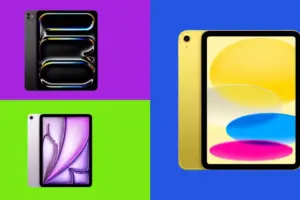
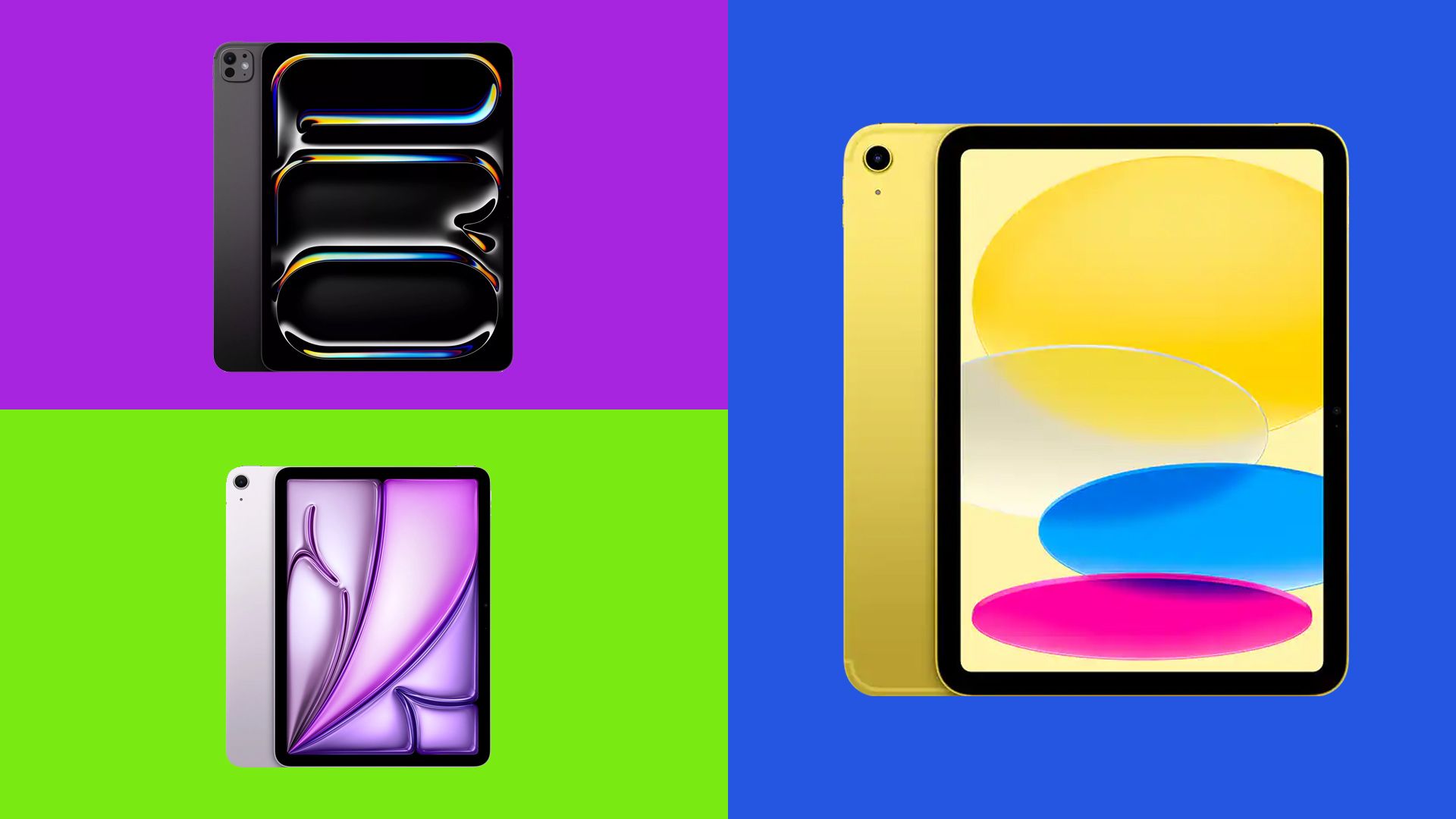
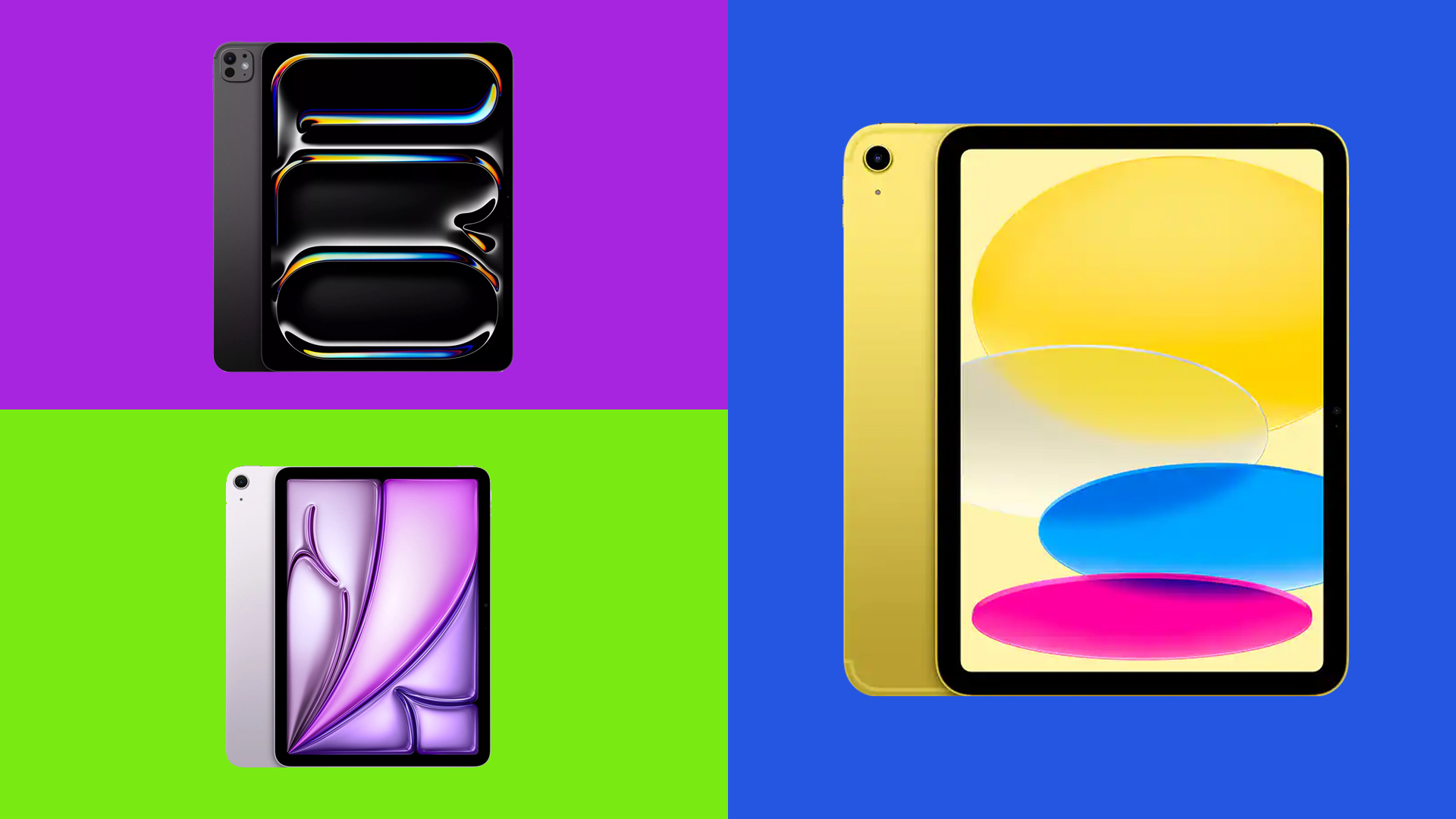
Choosing an iPad was once remarkably straightforward. Consumers could easily weigh screen size against core features, select their preferred colorway, and checkout. Today, the landscape has evolved dramatically. Apple’s expanded ecosystem spans four distinct families, multiple processor generations, and pricing adjustments. Following strategic price shifts in mid-2026, understanding the nuances of each model has never been more critical.
The primary challenge facing modern tech consumers is avoiding over-expenditure—paying for raw computational power, display technologies, or architectural capabilities that far exceed their actual day-to-day requirements. For most everyday users handling web browsing, media streaming, casual gaming, and introductory sketching, the classic baseline iPad provides an exceptionally balanced experience. However, professional digital artists, 3D sculptors, mobile power-users, and travelers frequently require targeted hardware upgrades.
This comprehensive guide breaks down the latest iterations across Apple’s entire tablet lineup. Drawing from decades of collective hardware assessment, technical benchmarking, and industry expertise, we evaluate the trade-offs, strengths, and financial realities of every current iPad model to help you determine which device deserves a place in your workflow.
Detailed Lineup Breakdown: The Four Pillars of the iPad Ecosystem
1. The Baseline iPad (2025/A16): The Best Value for Most People
- Starting Price: From $449 / £429
- Display: 11-inch Liquid Retina LCD (2360 x 1640 resolution, 60Hz refresh rate, 500 nits peak brightness)
- Processor: Apple A16 Bionic
- Storage Options: 128GB, 256GB, 512GB
- Weight: 477g (Wi-Fi) / 481g (Cellular)
- Stylus Compatibility: Apple Pencil (1st generation), Apple Pencil (USB-C)
- Battery Life: Up to 10 hours
Performance and Practical Application
Often referred to simply as the "basic" iPad, this model carries a misnomer that frequently undersells its capabilities. While it represents the most affordable entry point into Apple’s tablet ecosystem, it easily handles high-frequency daily tasks. Web navigation, high-definition video streaming, crystal-clear video calls, academic note-taking, and email management operate with seamless fluidity.
The device also serves as a competent casual gaming platform. Titles like Call_of_Duty:_Mobile run comfortably, though users should avoid pushing hardware-intensive games to maximum frame-rate settings. Similarly, demanding titles like Infinity Nikki require modest graphical scaling. Because the base iPad lacks an M-series silicon chip, advanced desktop-class games are entirely inaccessible.
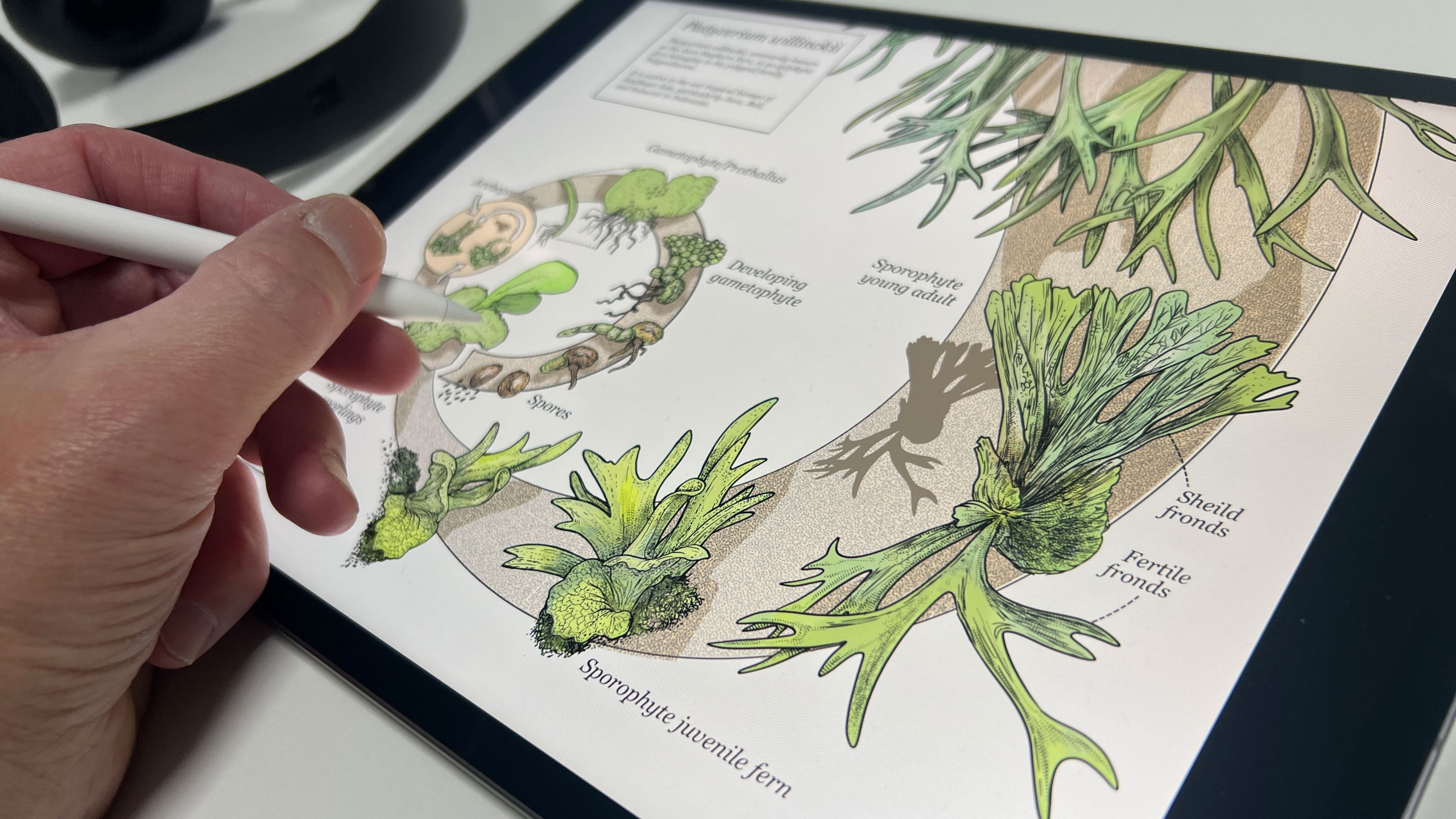
For budding digital artists, the basic iPad handles creative applications like Procreate capably. Pairing the device with an Apple Pencil yields a responsive sketching canvas—though buyers must choose carefully, opting for the first-generation Apple Pencil over the cheaper USB-C model to retain essential pressure-sensitivity features.
Compromises and Limitations
To hit its accessible price point, Apple made deliberate concessions. The device lacks support for Apple Intelligence features, utilizes a slower USB-C interface, and features a non-laminated, glossy screen with a noticeable air gap beneath the glass. This air gap slightly alters the tactile sensation when drawing with a stylus. Despite these limitations, reviewers consistently note that these compromises rarely impact everyday users. Rumors suggest an updated baseline model could emerge in early 2027, though Apple has yet to confirm these development timelines.
2. The iPad Air (M4): The Optimal Step-Up for Power Users
- Starting Price: $749 / £749 (11-inch); $949 / £949 (13-inch)
- Display: 11-inch or 13-inch Liquid Retina LCD (60Hz, up to 600 nits)
- Processor: Apple M4
- Storage Options: 128GB, 256GB, 512GB, 1TB
- Weight: 464g (11-inch) / 616g (13-inch)
- Stylus Compatibility: Apple Pencil Pro, Apple Pencil (USB-C)
- Battery Life: Up to 10 hours
Performance and Practical Application
Demanding a $300 / £320 premium over the baseline model, the iPad Air delivers a transformative leap in processing power, unified memory, and peripheral support. Every M4 Air configuration ships with 12GB of RAM, full Apple Intelligence integration, compatibility with the advanced Apple Pencil Pro, and the option for a sprawling 13-inch display format.
For casual tasks like email management and media consumption, the M4 processor is undoubtedly excessive. However, for creative professionals executing high-load digital workflows, the performance delta is staggering. In Geekbench 6 benchmarking, the M4 Air secures a multi-core score exceeding 13,000—more than double the baseline iPad. Graphics benchmarks similarly rival previous-generation Pro hardware.
This processing headroom enables complex creative tasks. Professional 3D digital sculptors utilizing applications like Nomad Sculpt can effortlessly manipulate high-polygon meshes exceeding 16 million polygons without stuttering.
Compromises and Limitations
While exceptionally powerful, the iPad Air stops short of the flagship iPad Pro specifications. It retains a traditional LCD panel rather than transitioning to OLED, and remains locked at a 60Hz refresh rate. For many users, bridging the financial gap to the Pro tier is unnecessary, making the Air the ultimate sweet spot for professional-leaning creatives.
3. The iPad Pro (M5): The Pinnacle of Tablet Engineering
- Starting Price: $1,199 / £1,199 (11-inch); $1,499 / £1,499 (13-inch)
- Display: Ultra Retina XDR Tandem OLED (120Hz ProMotion, 1,000 nits standard, 1,600 nits peak HDR)
- Processor: Apple M5
- Storage Options: 256GB, 512GB, 1TB, 2TB
- Weight: 444g (11-inch) / 579g (13-inch)
- Stylus Compatibility: Apple Pencil Pro, Apple Pencil (USB-C)
- Battery Life: Up to 10 hours
Performance and Practical Application
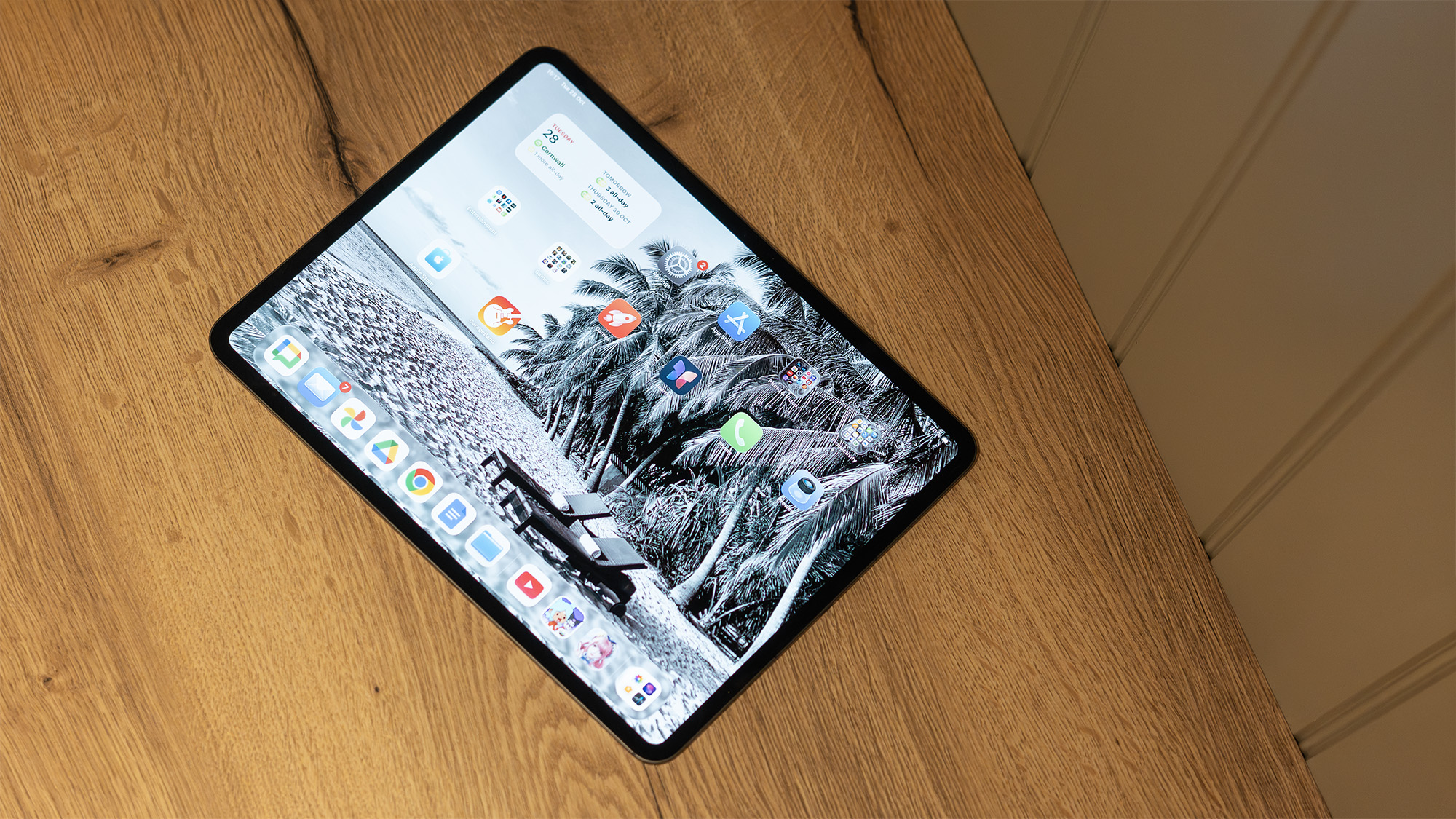
Positioned at the absolute summit of mobile engineering, the iPad Pro is designed for enterprise users, elite creative professionals, and tech enthusiasts operating under a "price is no object" philosophy. Featuring Apple’s cutting-edge tandem OLED display technology, it delivers unmatched contrast ratios, profound true blacks, vibrant color reproduction, and an ultra-smooth 120Hz ProMotion refresh rate.

Powered by the formidable M5 chip, the Pro shreds through synthetic and real-world workloads alike, achieving staggering multi-core and graphical benchmark scores. Whether rendering complex layers within heavily populated Procreate files, editing high-bitrate video timelines in Final Cut Pro and DaVinci Resolve, or executing advanced sculpting pipelines in ZBrush, the M5 iPad Pro handles intense workloads smoothly. Furthermore, its impossibly slim, lightweight aluminum chassis makes it an ergonomic marvel.
Compromises and Limitations
The primary deterrent for the iPad Pro is its prohibitive cost. Once equipped with essential accessories—such as the Magic Keyboard and Apple Pencil Pro—alongside higher storage tiers, the total investment rivals or exceeds high-end laptop pricing. Furthermore, despite its immense processing capabilities, iPadOS software limitations mean it still cannot fully replace a traditional desktop or laptop environment for every user.
4. The iPad mini (A20 Pro): Unrivaled Portability in a Compact Form Factor
- Starting Price: Varies by region; commands a $250 / £270 premium over the baseline iPad
- Display: 8.5-inch Super Retina XDR OLED (2316 x 1512 resolution, 60Hz, 600 nits standard, 1,200 nits peak HDR)
- Processor: Apple A20 Pro
- Storage Options: 128GB, 256GB, 512GB
- Weight: 255g (Wi-Fi) / 263g (Cellular)
- Stylus Compatibility: Apple Pencil Pro, Apple Pencil (USB-C)
- Battery Life: Up to 10 hours
Performance and Practical Application
True to its lineage, the iPad mini prioritizes ultra-portability. Weighing a mere 255 grams, it slips effortlessly into small bags, coat pockets, and cramped environments like crowded commuter trains or airplane tray tables.
The latest revision introduces critical upgrades: it marks the first time an iPad mini features an OLED display, incorporates IP67 water and dust resistance, and provides full support for the Apple Pencil Pro. Independent assessments praise its visual fidelity and snappy processing speeds, making it an exceptional device for digital reading, field note-taking, and on-the-go sketching. Buyers can also opt for a specialized paper-like nano-texture display glass for an additional fee on higher storage tiers.
Compromises and Limitations
The primary disadvantage of the iPad mini is its pricing structure. It commands a significant premium over the baseline iPad, positioning its cost dangerously close to the larger 11-inch iPad Air. Additionally, its compact 8.5-inch screen remains capped at a standard 60Hz refresh rate. Budget-conscious consumers seeking extreme portability may find compelling value in steeply discounted previous-generation A17 Pro models still circulating through major electronics retailers.
Supporting Context & Metrics: Comparative Benchmark Overview
To provide clear quantitative context for prospective buyers, laboratory testing data highlights the architectural evolution across Apple’s processor tiers:
| Model | Processor | Geekbench 6 Multi-Core Score | Graphics Processing Score | Display Technology | Base Storage |
|---|---|---|---|---|---|
| iPad (2025) | Apple A16 | ~6,338 | ~48,100 | Liquid Retina LCD (60Hz) | 128GB |
| iPad Air | Apple M4 | ~13,168 | ~53,071 | Liquid Retina LCD (60Hz) | 128GB |
| iPad Pro | Apple M5 | ~16,443 | ~74,046 | Tandem OLED (120Hz) | 256GB |
| iPad mini | Apple A20 Pro | High Performance | Optimized Mobile | Super Retina XDR OLED (60Hz) | 128GB |
Frequently Asked Questions (FAQs)
What is the absolute best iPad overall?
The iPad Pro stands as the most advanced tablet Apple produces. It features the fastest processing silicon, the brightest and most accurate tandem OLED display, and top-tier peripheral support. If financial investment is not a limiting factor, the Pro is the definitive choice—unless your primary priority is maximum physical portability, in which case the iPad mini takes precedence. However, for everyday users, the Pro’s extensive capabilities represent significant overkill.
Which iPad should most people purchase?
For the vast majority of consumers, the baseline iPad (2025) represents the smartest financial and functional choice. It delivers a reliable, responsive user experience for web browsing, media streaming, communication, and casual entertainment at a fraction of the cost of higher-tier alternatives.
Which model is best suited for students?
Students prioritizing cost-effective productivity for note-taking, digital reading, research, and remote lectures will find the baseline iPad perfectly adequate. Conversely, students enrolled in specialized creative degree programs or demanding technical fields should evaluate the iPad Air if their academic budget allows.
Which iPad is ideal for hobbyist artists versus professionals?
Casual artists can comfortably begin their digital illustration journey using the baseline iPad combined with a compatible Apple Pencil. Artists seeking a superior tactile drawing surface, laminated glass, and Apple Pencil Pro compatibility will benefit greatly from stepping up to the iPad Air. Elite professional digital painters and 3D sculptors requiring maximum color accuracy, refresh rates, and computational overhead should invest directly in the iPad Pro.