Executive Overview
For over a decade, the conversation surrounding the best portable tablet for digital illustration and design has featured a remarkably predictable default answer: buy an iPad. Backed by elite industrial design, a robust library of dedicated creative apps, and the towering cultural and professional influence of software like Procreate, Apple’s ecosystem has successfully positioned its tablets as the ultimate digital sketchbooks for everyone from hobbyists to high-end concept artists.
However, the hardware landscape is rapidly evolving. As competitors across the Android landscape—most notably brands like XPPen and Huion—began carving out specialized niches for mobile art production, industry titan Wacom finally entered the fray with a definitive statement piece: the Wacom MovinkPad Pro 14.
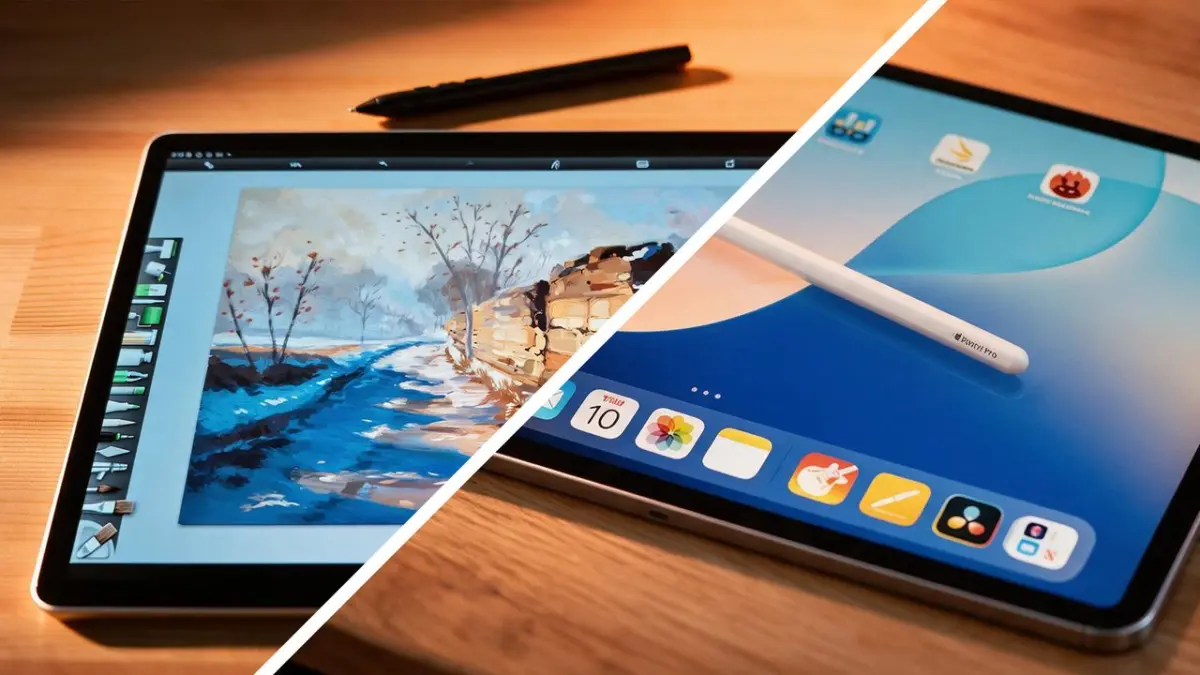
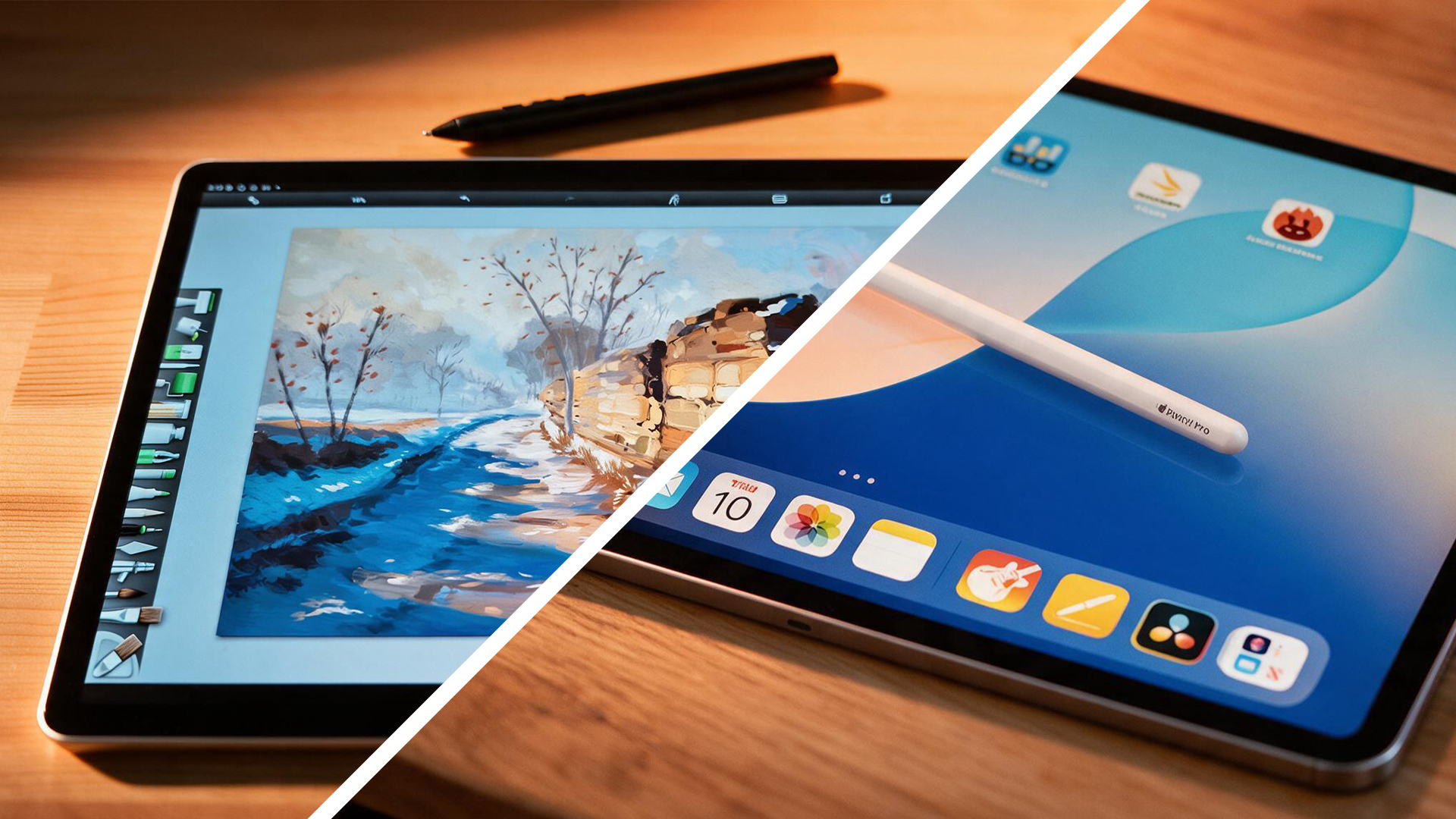
Rather than building a general-purpose consumer tablet that happens to handle a stylus well, Wacom approached the drawing tablet from the opposite direction. They built a professional creative canvas first, and designed the rest of the Android-powered experience around it. Complete with a 14-inch OLED display, a buttery-smooth 120Hz refresh rate, and the industry-revered Pro Pen 3 included right out of the box, the MovinkPad Pro 14 is designed to challenge Apple’s longstanding monopoly.
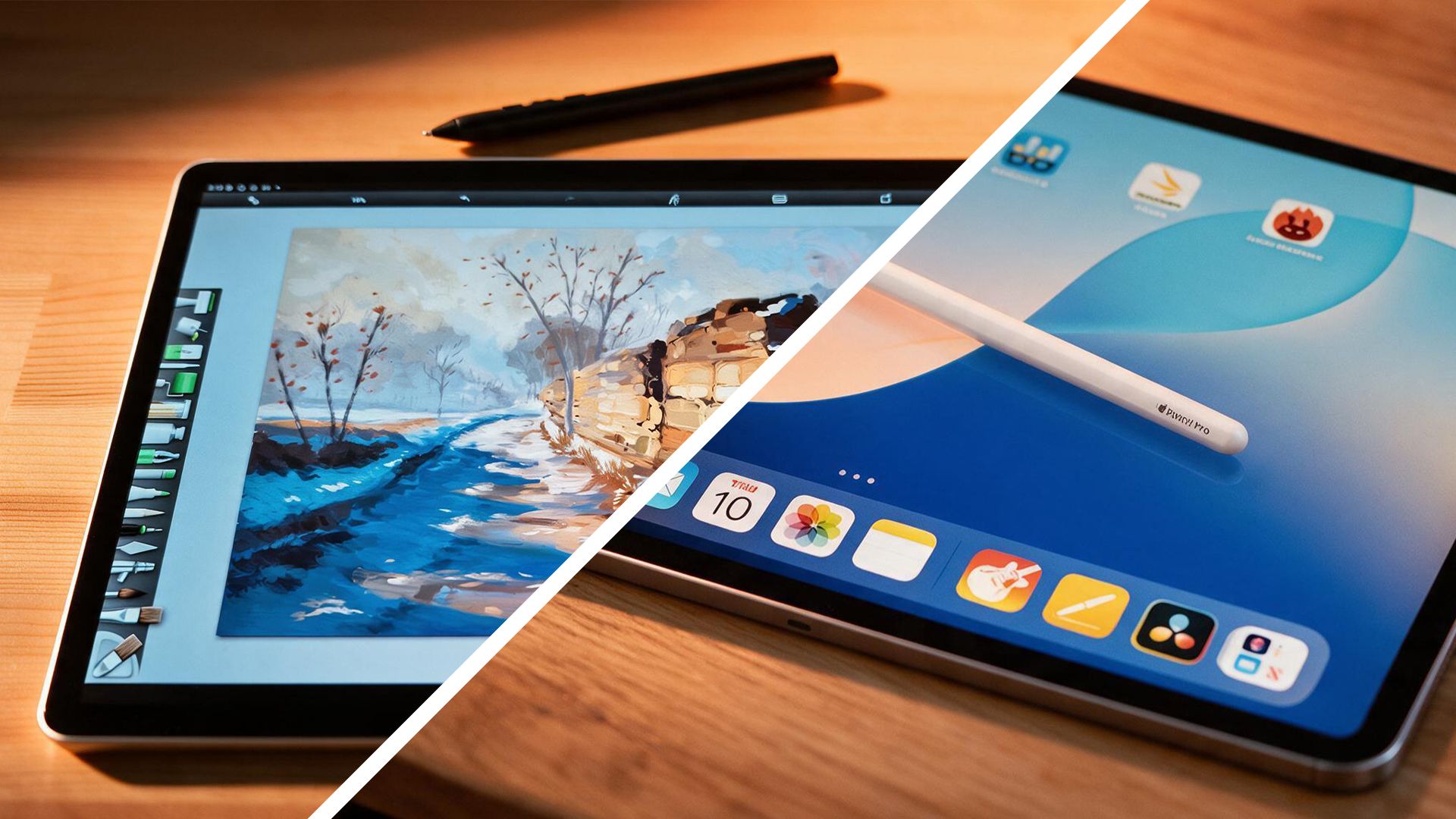
To determine which device reigns supreme for modern digital artists, we must pit Wacom’s dedicated creative powerhouse against Apple’s fiercely versatile 2025 iPad Air (M3).
Detailed Chronology: How the Tablet Art Market Evolved
To fully appreciate the significance of this matchup, it helps to understand how the market reached this turning point.
- The Early Era of Digital Sketching: Before standalone tablets became viable, digital artists relied heavily on tethered graphic tablets (like Wacom Intuos) or desktop-class pen displays (like the Wacom Cintiq) that required a constant connection to a Mac or PC. Portability meant carrying a heavy laptop alongside a wired display.
- The iPad Revolution: Apple disrupted this workflow by turning the iPad into a standalone device. With the introduction of the Apple Pencil, high-resolution Retina displays, and powerful mobile chipsets, the iPad gradually evolved from a media consumption device into a powerhouse capable of handling complex raster illustration and vector work.
- The Rise of Procreate: Released by Savage Interactive, Procreate became a cultural phenomenon on iOS. It democratized digital painting, making high-end digital art accessible, intuitive, and lightning-fast on a mobile tablet. For many artists, the mere existence of Procreate was reason enough to choose Apple over any other platform.
- The Android Resistance: For years, Android tablets suffered from a perception problem among creatives. While hardware specs from Samsung and other manufacturers were impressive, the software ecosystem lacked deep, industry-standard drawing applications, and stylus latency often lagged behind Apple’s proprietary tech.
- Wacom Shifts Strategy: Recognizing that professional artists desired a true, untethered studio-grade experience running on an open operating system, Wacom developed the MovinkPad Pro 14. By pairing Android 15 with decades of pen-technology refinement, Wacom bridged the gap between traditional desktop drawing tablets and portable mobile computing.
Supporting Context & Metrics: Specs Compared
When looking at specifications, raw power does not always translate to a better drawing experience. Apple has traditionally focused heavily on raw processing muscle and ecosystem integration, whereas Wacom leans into ergonomics, tactile feedback, and display performance optimized specifically for illustration.
| Specification | Wacom MovinkPad Pro 14 | Apple iPad Air 11-inch / 13-inch (M3) |
|---|---|---|
| Operating System | Android 15 | iPadOS |
| Display Size | 14-inch | 11-inch or 13-inch options |
| Display Type | OLED with Wacom Premium Textured Glass | Liquid Retina IPS LCD |
| Resolution | 2880 × 1800 | 2360 × 1640 (11-inch) |
| Refresh Rate | Up to 120Hz | 60Hz |
| Processor | Qualcomm Snapdragon 8s Gen 3 | Apple M3 chip |
| RAM | 12GB | 8GB |
| Storage Options | 256GB + microSD expansion | 128GB / 256GB / 512GB / 1TB |
| Battery Capacity | 10,000mAh | Up to 10 hours continuous use |
| Weight | 699g | 460g (11-inch) / 617g (13-inch) |
| Included Stylus | Wacom Pro Pen 3 (Included) | Apple Pencil Pro / USB-C (Sold Separately) |
| Pen Technology | Wacom EMR, Battery-free | Apple Pencil active capacitive tech |
| Pressure Sensitivity | 8,192 levels | Pressure-sensitive (exact levels undisclosed) |
| Pen Resolution | 5,080 LPI | Not disclosed |
| Color Accuracy | 100% DCI-P3, 10-bit color | P3 wide color, True Tone |
| Expandable Storage | Yes (microSD slot) | No |
The Value Equation: Out-of-the-Box Readiness
A critical differentiator in the financial breakdown of these two devices is what comes inside the box. When purchasing an iPad Air for drawing, buyers quickly realize that the tablet alone is insufficient; the Apple Pencil Pro or Apple Pencil USB-C must be purchased separately.
Conversely, Wacom recognizes that the stylus is the beating heart of the creative experience. The MovinkPad Pro 14 includes the legendary Pro Pen 3 in the box, alongside bundled access to Wacom Canvas and promotional trials for software like Clip Studio Paint. This significantly lowers the barrier to entry for artists starting from scratch.
Official Statements & Ergonomic Design Philosophies
The fundamental divide between these two powerhouses comes down to design philosophy. As Ian Dean, Editor of Digital Arts & 3D at Creative Bloq, notes:
"The iPad Air is a brilliant everyday tablet that has become a fantastic art tool. The Wacom MovinkPad Pro 14 is an artist’s tool that happens to be a very capable Android tablet. When comparing the two, for artists, that distinction makes things interesting."
The Stylus Experience: Studio Tool vs. Precision Instrument
The debate over the stylus often dictates a creator’s long-term satisfaction:
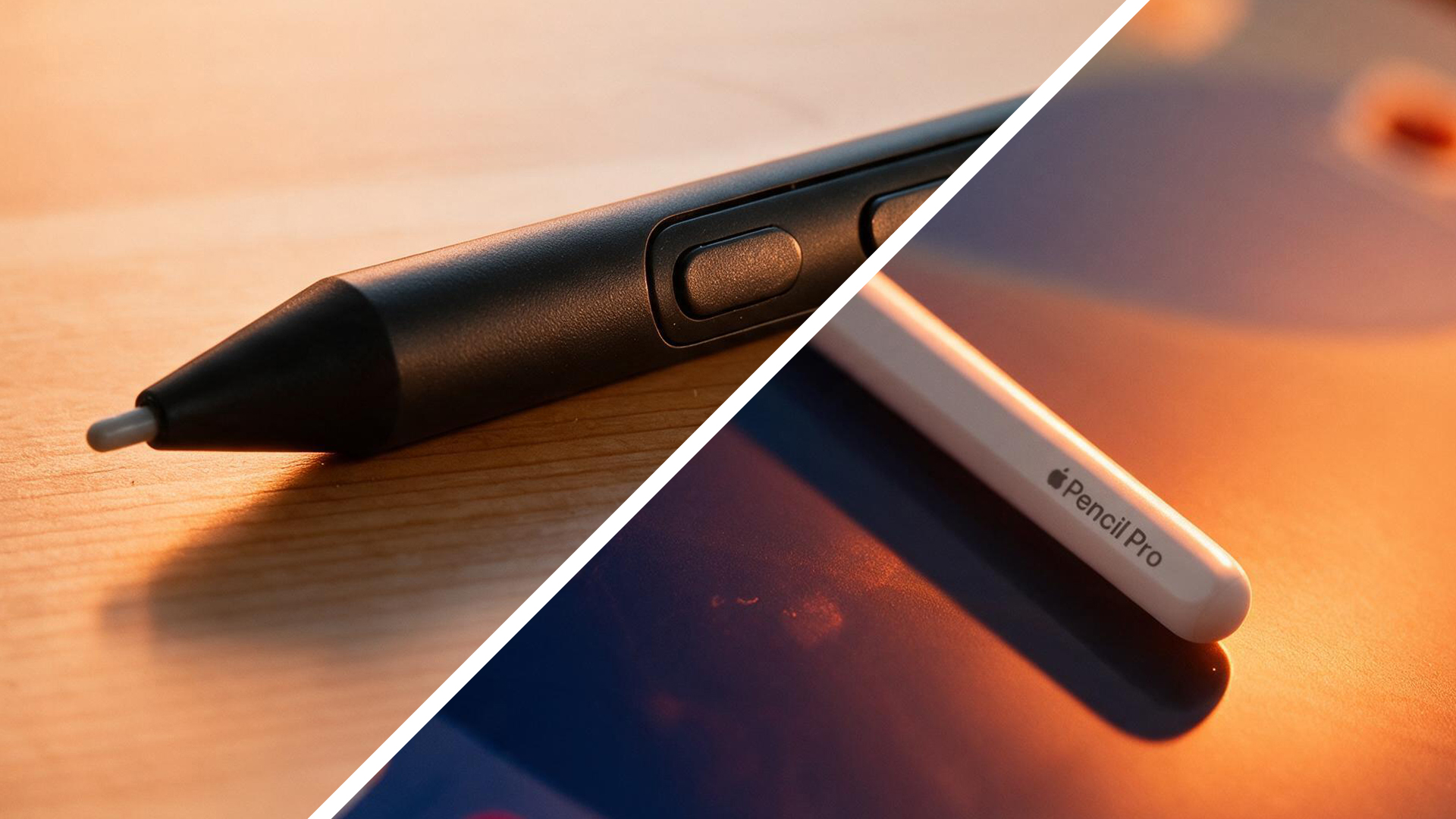
- Apple Pencil Pro: Apple’s stylus is a marvel of consumer tech engineering. It is lightweight, perfectly balanced, highly responsive, and features exceptionally low latency. Features like barrel roll, squeeze gestures, and haptic feedback make it feel like a futuristic digital instrument. However, its rigid, uniform form factor cannot be physically adjusted.
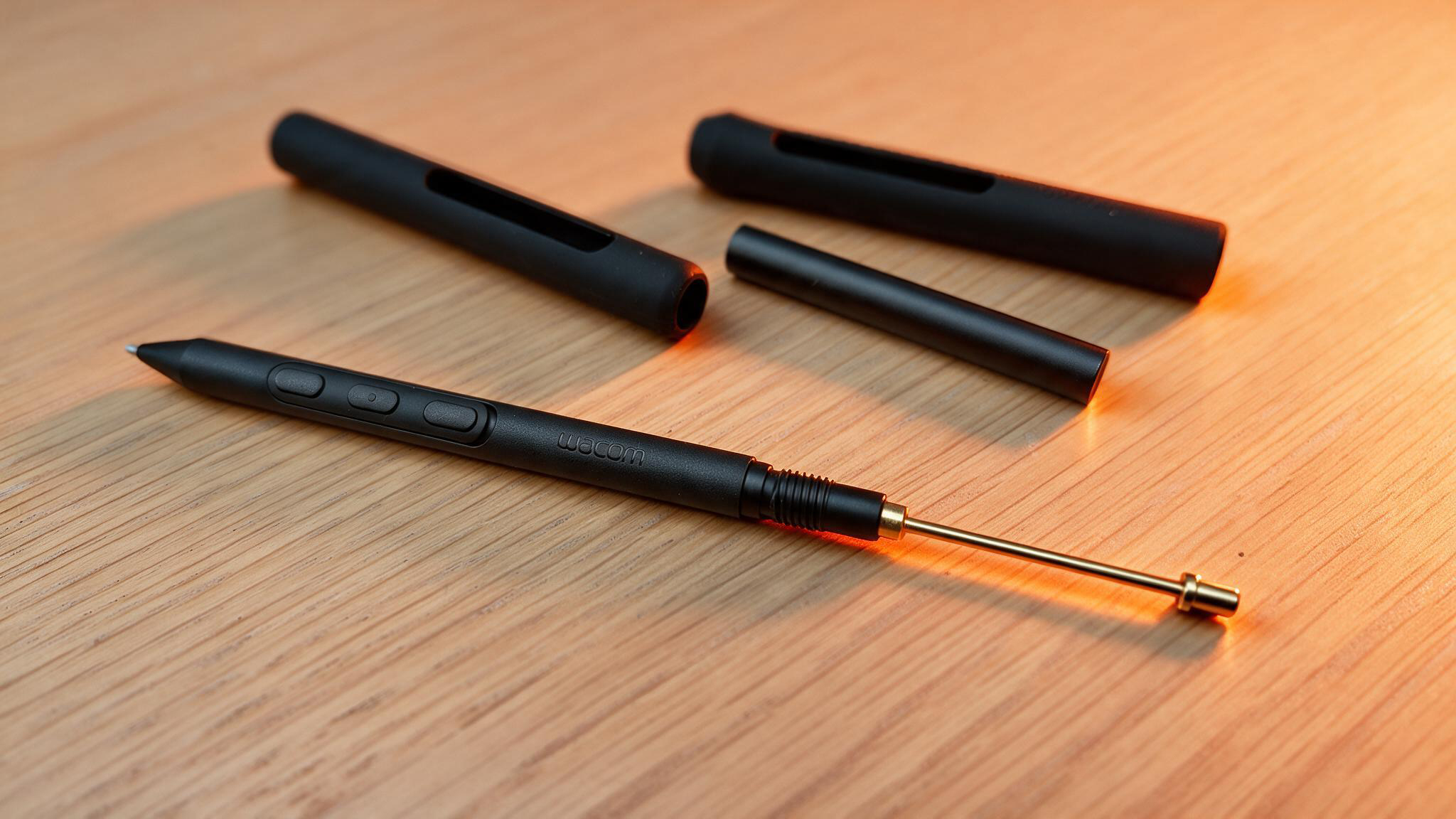
- Wacom Pro Pen 3: Designed with professional studios in mind, the Pro Pen 3 embraces customization. Utilizing Wacom’s battery-free EMR (Electro-Magnetic Resonance) technology, the pen never needs to be charged. Furthermore, its modular construction allows artists to swap out grip thickness, adjust weight distribution, and configure side buttons to match their precise muscle memory. As noted in professional evaluations, “The Pro Pen 3 feels more like a studio tool, built for longer sessions with a focus on comfort, control and customisation.”
The Display and Tactile Feedback
When sketching on glass, tactile feedback is vital. Standard glass screens can feel slippery, often driving artists to purchase aftermarket screen protectors like AstroPad’s Rock, Paper, Pencil.
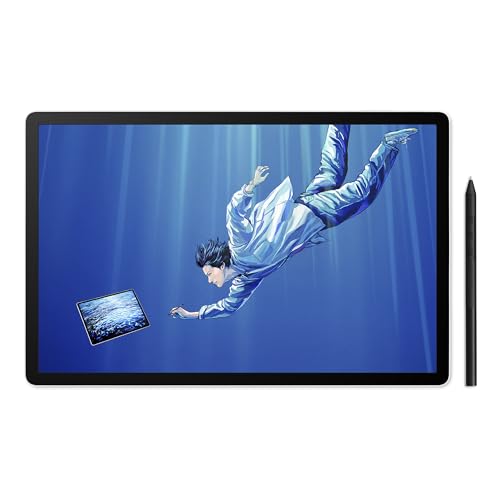
The MovinkPad Pro 14 bypasses this issue entirely. Its 14-inch OLED display features Wacom’s Premium Textured Glass, offering a subtle, paper-like tooth that provides natural resistance under the pen tip. Combined with a buttery-smooth 120Hz refresh rate—which handily outperforms the iPad Air’s locked 60Hz display—strokes appear instantly beneath the nib with zero perceptible lag or jitter.
Software Ecosystems: Android vs. iPadOS
Software compatibility remains the ultimate battleground for mobile creators.
The Case for iPadOS
Apple’s ecosystem benefits from a mature, rock-solid collection of high-end creative software built explicitly for mobile tablet architecture:
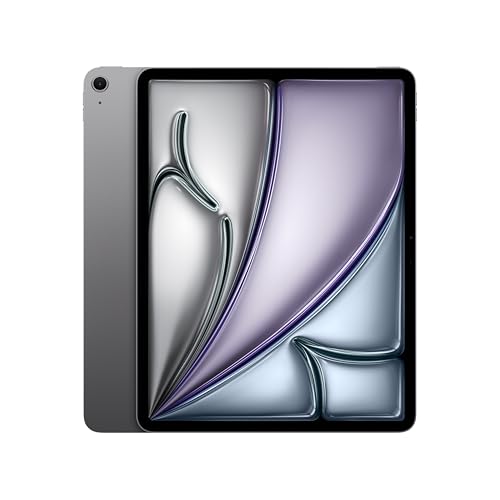
- Procreate & Procreate Dreams: The gold standard for digital illustration and mobile animation.
- ZBrush for iPad: Brings professional-grade 3D sculpting directly to a portable form factor.
- Affinity Designer & Adobe Fresco: Robust, vector- and raster-based design tools tailored for professional workflows.
If your pipeline relies on these exact applications, sticking with an iPad is a frictionless choice.
The Evolution of Android
Historically dismissed by professional illustrators, Android has matured tremendously. Today, operating systems like Android 15 provide incredible multitasking freedom, allowing floating windows, split-screen reference boards, and file management that often feels less restrictive than Apple’s walled garden.
While Android may lack a direct 1:1 clone of Procreate, platforms like Clip Studio Paint, Concepts, Infinite Painter, and ArtRage provide deep, professional-grade tools that rival desktop equivalents. For artists who want to sketch, browse reference imagery, manage local file systems via expandable microSD storage, and run general applications without restrictions, Android is no longer a compromise.
Future Outlook
The release of the Wacom MovinkPad Pro 14 marks a watershed moment for digital artists. For over a decade, Apple enjoyed an effectively uncontested monopoly over the premium standalone digital art tablet space. By proving that Android can support high-end, professional illustration workflows without forcing users to tether their devices to a desktop workstation, Wacom has injected healthy competition into the market.
Which should you buy?
- Choose the Apple iPad Air (M3) if you view your device as a versatile daily companion. If you need a machine that seamlessly handles typing, video streaming, photo editing, and casual browsing alongside world-class art apps like Procreate and ZBrush, the iPad remains an exceptional, industry-standard choice.
- Choose the Wacom MovinkPad Pro 14 if drawing is the primary reason you are investing in a tablet. For creators who demand an authentic paper-like etched OLED screen, a 120Hz refresh rate, expandable storage, and a fully customizable, battery-free professional stylus included in the box, Wacom’s standalone Android canvas is a game-changing alternative.