Executive Overview
For years, the high-end desktop market sat in an awkward state of transition. While modular towers offered brute force, they often required massive chassis layouts, loud cooling solutions, and tangled nests of external adapters. Apple’s silicon revolution changed that trajectory, but the lingering question remained: where does the true heavy workstation tier live?
Enter the 2026 Apple Mac Studio, powered by the formidable M5 Max processor. Remarkably compact, astonishingly powerful, and surprisingly sensible in pricing—provided you resist the urge to max out every single spec sheet component—this machine obliterates the boundaries of creative workflow demands. It effortlessly handles complex local AI models, renders massive 3D scenes, and tears through layered video editing suites with silent confidence. In fact, it is so thoroughly competent that it renders the historical absence of a traditional Mac Pro completely irrelevant.

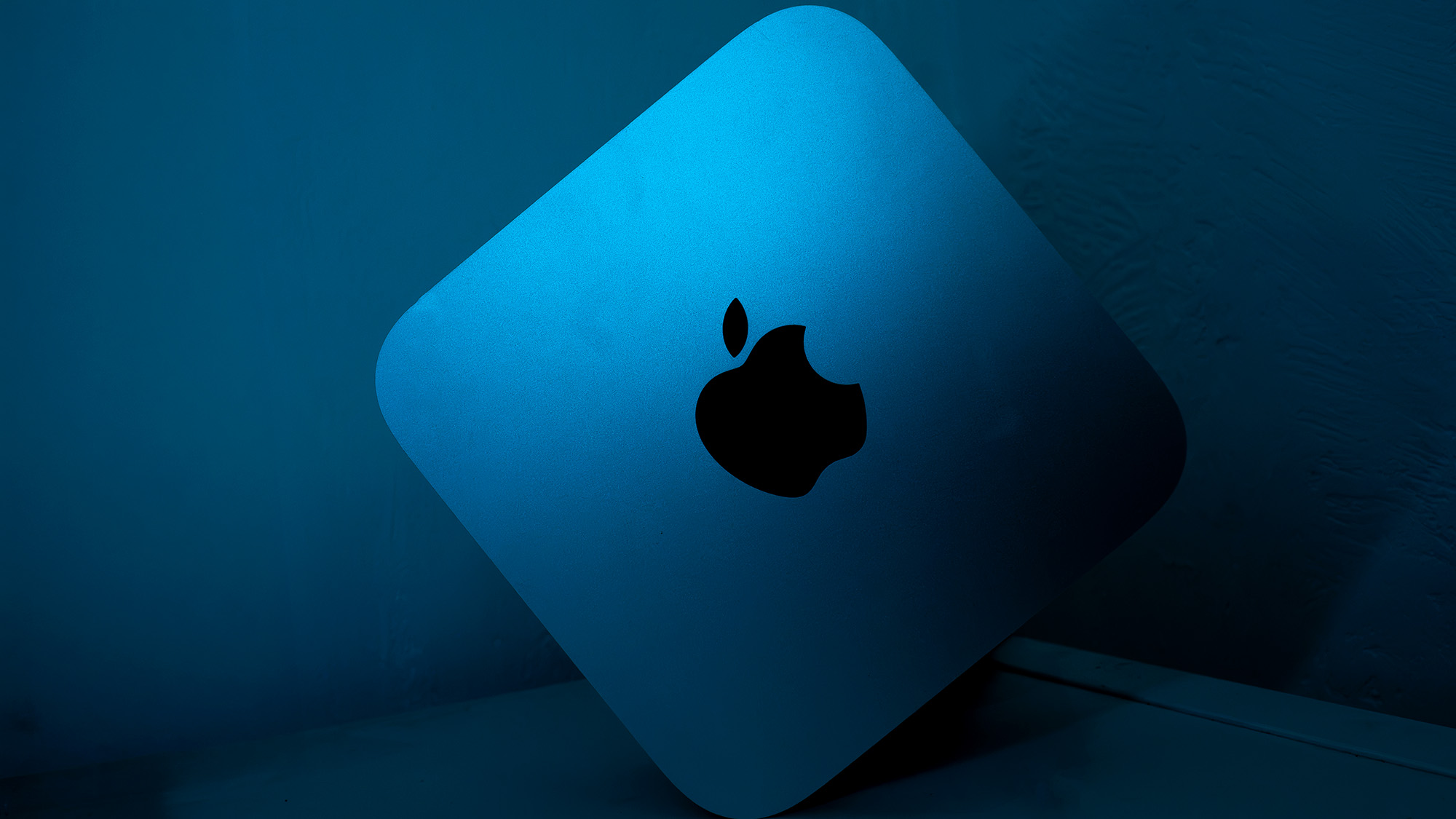
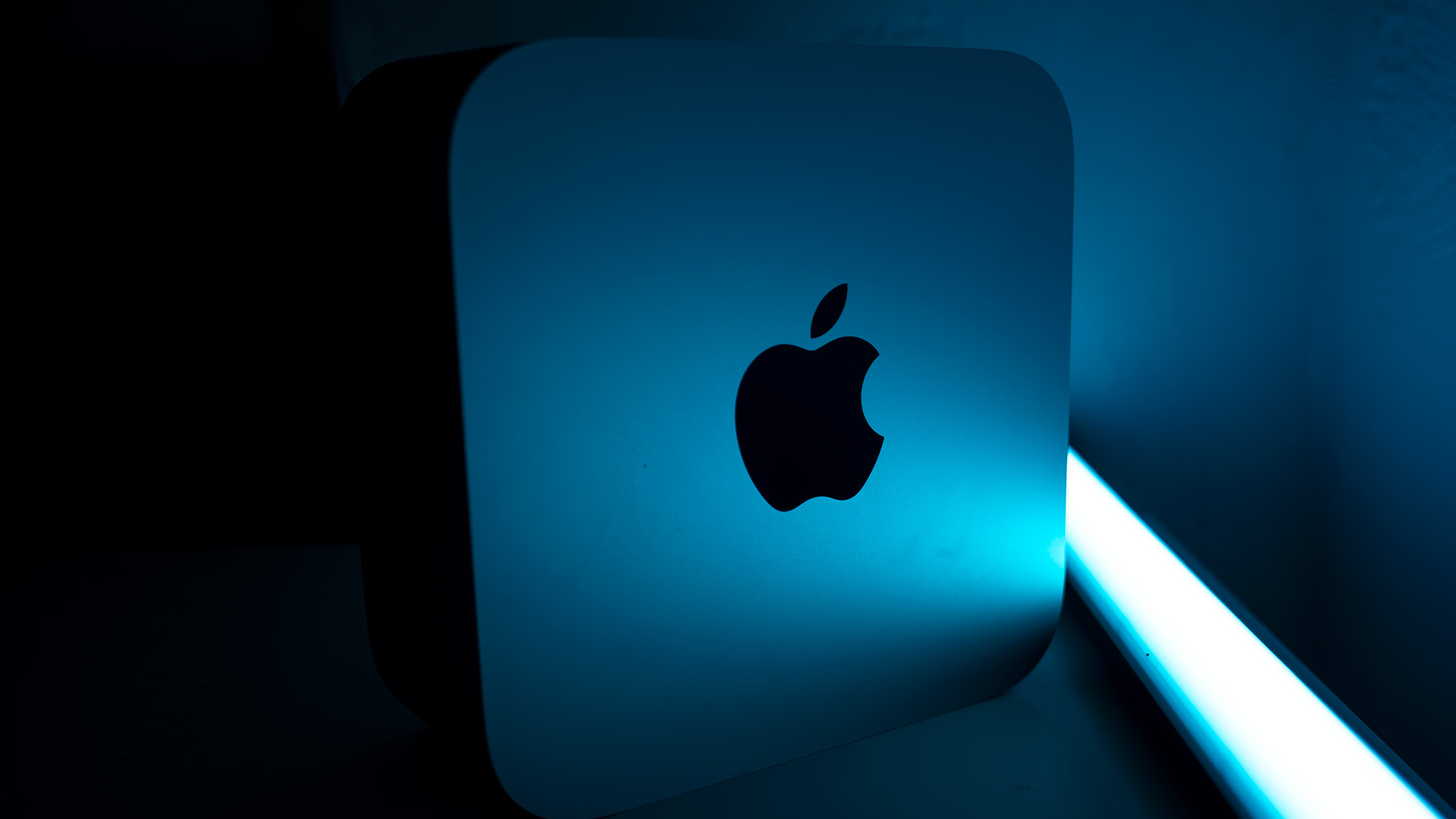
Retaining the iconic aluminum monolith footprint introduced in 2022, the M5 Max Studio concentrates all of its evolutionary leaps internally. Backed by cutting-edge connectivity options like Wi-Fi 7, Bluetooth 6, and a generous array of Thunderbolt 5 ports, it sits proudly at the pinnacle of modern computing benchmarks. Whether you are an animator searching for a desktop-class alternative to the best mobile workstations, a video editor grading uncompressed 8K footage, or a developer running frontier-class open-weight AI architectures, the 2026 Mac Studio makes a compelling, albeit expensive, case for your workspace.
Detailed Chronology & Design Evolution
The Outer Shell: Consistency Meets Utility
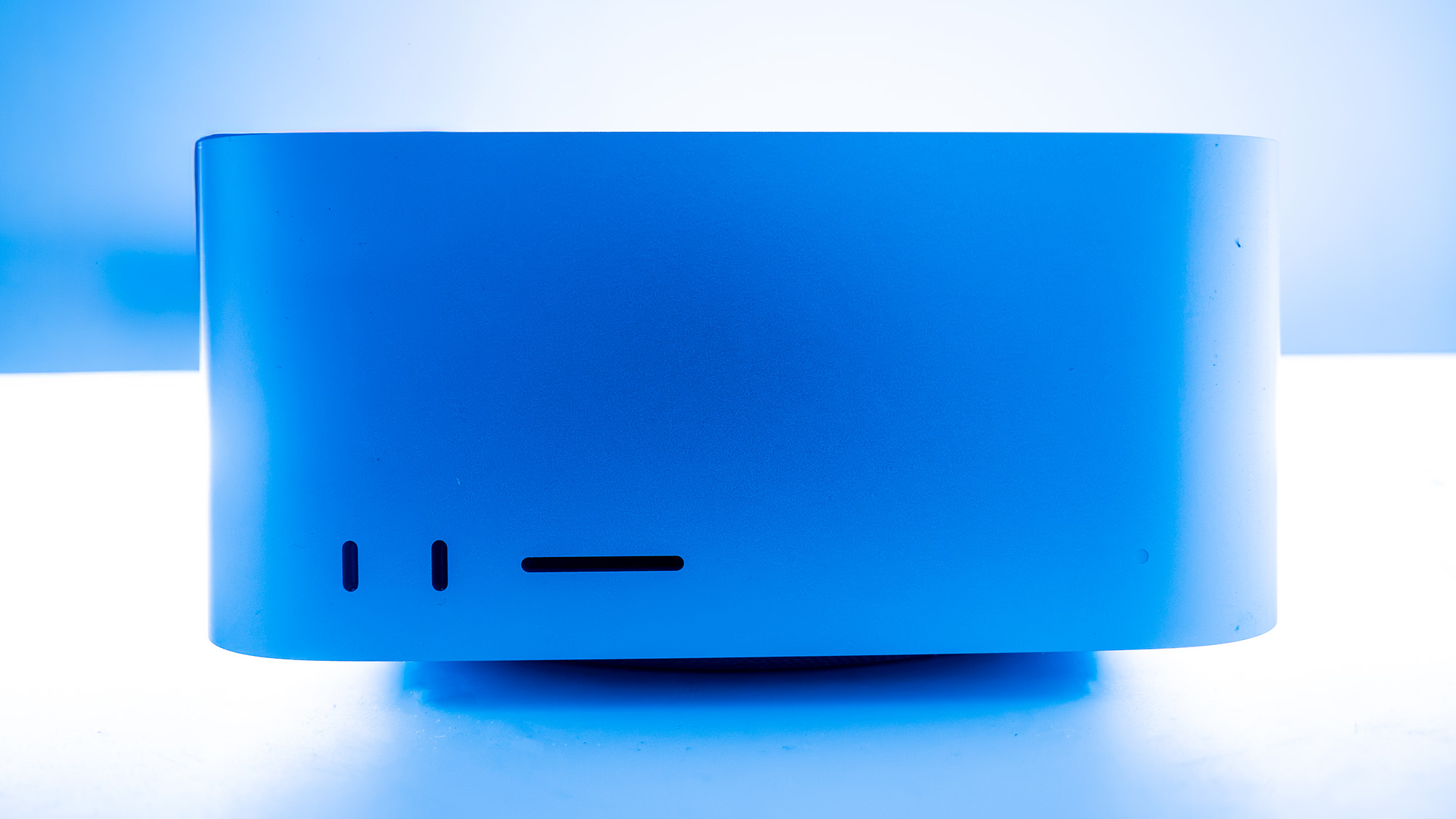
Opening any flagship Apple product remains a tactile masterclass in packaging engineering—pull-tabs, tear strips, and precision-folded boxes yielding an immaculate piece of hardware. On the outside, the M5 Max Mac Studio looks virtually identical to its predecessors. Measuring just 95 x 197 x 197mm and weighing a modest 2.7kg, it resembles a Mac Mini viewed under a magnifying glass, albeit one scaled up to handle immense thermal output.
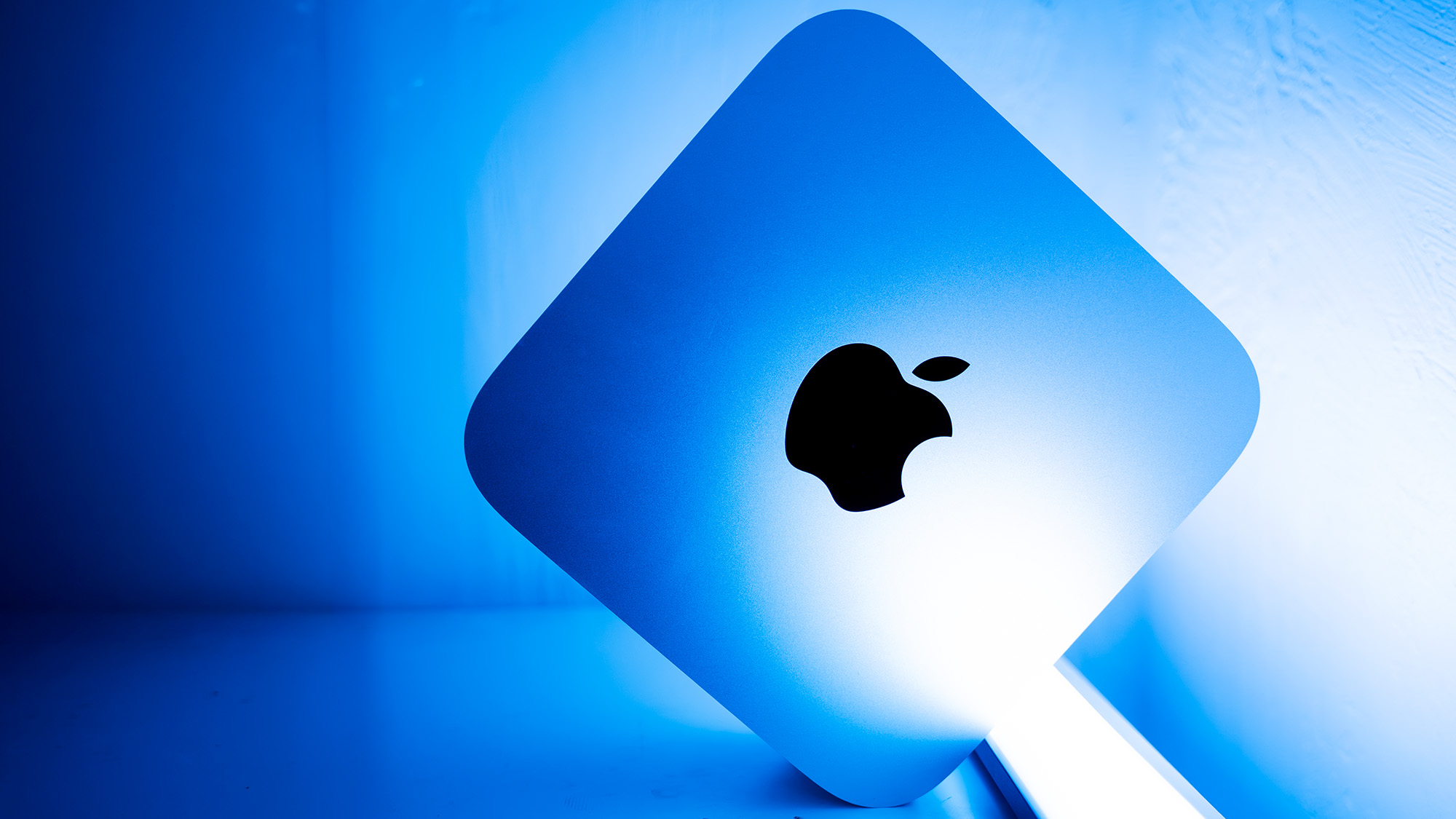
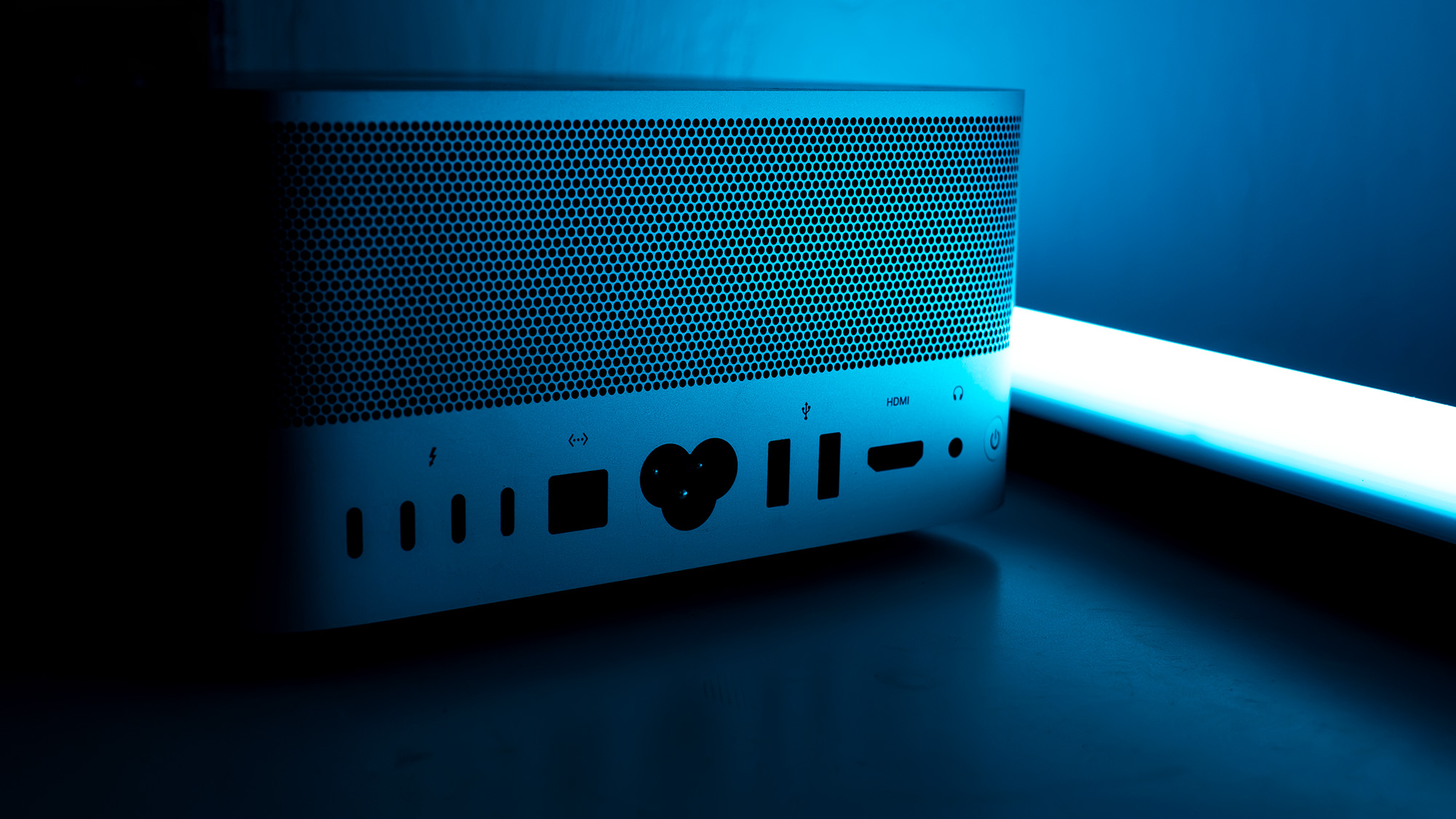
Apple has deliberately chosen not to mess with a winning layout. The rear power button is easily reachable without having to blindly grope around or flip the machine upside down. The front-facing I/O keeps legacy Type-A ports alive alongside modern connections, reducing the desperate need for external docks or clumsy adapters. Furthermore, for those lucky enough to own an Apple Studio Display, the machine’s footprint anchors it neatly on the monitor’s stand base as though the entire setup was drawn from a single blueprint.
While the monstrous M5 Ultra variant demands a heavier, more complex cooling apparatus to manage its intense heat loads, the M5 Max manages thermal dissipation so efficiently that it remains remarkably light for a machine holding down the absolute apex of the desktop product stack.
- Design Score: 4/5
Supporting Context & Metrics: Under the Hood
Key Specifications
- CPU: Apple M5 Max (18-core: 6 Super cores, 12 Performance cores)
- Neural Engine (NPU): 16-core
- Graphics (GPU): Integrated, 40 cores
- Memory (RAM): Up to 128GB LPDDR5 (expandable config tiers available)
- Storage: 4TB SSD (plus integrated SD card slot)
- Ports: 4x Thunderbolt 5, 2x USB-A, 2x USB-C, 1x HDMI, 1x 10Gb Ethernet, 1x 3.5mm audio jack
- Wireless Connectivity: Wi-Fi 7, Bluetooth 6
- Dimensions: 95 x 197 x 197mm
- Weight: 2.7kg
Features and Connectivity
Though the chassis footprint is familiar, the internal architecture has shifted dramatically. While we await the eventual arrival of the M6 generation, the M5 Max takes the robust foundation of the base M5 chip and scales it up aggressively. Apple claims a staggering 3.9x faster AI performance compared to the previous generation and 4.3x the peak AI compute performance of an M3 Ultra.
For high-end data workflows, memory bandwidth has jumped by 50%. Users can configure the system with massive amounts of unified memory, or—for bleeding-edge AI workloads—link multiple Mac Studios together via Thunderbolt. According to early deployment benchmarks, a cluster of four interconnected Mac Studios can deliver up to 3x faster AI inference than a standalone system, giving developers a localized alternative to cloud infrastructure for running open-weight large language models.

At the same time, traditional media professionals aren’t left behind. The hardware acceleration engine supports deep decoding for H.264, HEVC, ProRes, and AV1 formats, making multi-stream uncompressed 8K color grading an effortless reality.
- Feature Score: 4/5
Comprehensive Benchmarking Suite
To provide a clear picture of its capabilities across disciplines, our review process subjects the Mac Studio to an exhaustive suite of industry-standard diagnostic frameworks:
- Geekbench: Evaluates single- and multi-core CPU potential, GPU capabilities for image/video processing, and Geekbench AI for machine learning tasks.
- Cinebench: Stresses CPU and GPU rendering stamina under Maxon’s Cinema 4D and Redshift pipelines.
- UL Procyon: Measures Stable Diffusion AI image generation performance, Microsoft Office automation efficiency, and power consumption profiles.
- Topaz Video AI: Tests heavy video upscaling, frame interpolation, and slow-conversion rendering speeds.
- PugetBench for Creators: Benchmarks deep functional execution within Adobe Photoshop and Premiere Pro, alongside intensive video transcoding tasks.
- ON1 Resize AI: Calculates batch-processing speeds for scaling high-resolution photography archives by 200%.
Performance Analysis: Immense Power, Controlled Noise
The configuration tested features Apple’s top-tier M5 Max silicon—boasting 6 Super cores, 12 Performance cores (totaling 18 CPU cores), and a 40-core GPU. Devoid of power-saving Efficiency cores at this tier, the processor matches the silicon found in high-end MacBook Pro configurations, though the Studio chassis affords it vastly superior thermal breathing room. Paired with 128GB of RAM and a blazing-fast 4TB SSD, this configuration satisfies both creative power users and local AI model developers.
Benchmark Dominance
The M5 Max rockets straight to the top of our benchmarking charts:
- Geekbench 6: Secures the outright crown in both single- and multi-core evaluations, widening the performance chasm between Apple Silicon and competitors like the Snapdragon X2 Elite.
- Multi-Core Rendering: Outpaces the Intel Core Ultra 9 290HX+ found in heavy gaming rigs by nearly 3,000 points.
- Cinebench 2024: Smashes through historical thresholds, becoming the first CPU to cross the 200-point barrier in the single-core test (where a score of 100 was once considered elite).
The integrated 40-core GPU performs remarkably well, trailing a full-size desktop NVIDIA GeForce RTX 5070 Ti (inside an HP Omen 35L) by a mere 4.2% in Cinebench 2026. It easily brushes aside the 24-core Intel Core Ultra 9 275HX in multi-core rendering and almost doubles the multi-core score of AMD’s beloved Ryzen 7 9800X3D gaming processor.
Gaming and AI Workloads
While gaming has historically not been the primary reason to purchase a Mac Studio, the hardware proves surprisingly capable during downtime. Cyberpunk 2077 runs at a stable 60 FPS in 4K resolution with ray-tracing ultra presets enabled, provided you engage MetalFX upscaling and AMD FSR frame generation. Dropping the resolution to 1440p pushes frame rates as high as 89 FPS.
In AI workloads, the M5 Max holds its own in single-precision tasks among discrete GeForce-equipped laptops, though specialized desktop cards still hold an edge in heavy quantized testing. However, the machine’s true brilliance shines within creative suites: Premiere Pro and Photoshop performance benchmarks place the Mac Studio firmly ahead of both portable variants and high-end Windows desktop alternatives by notable margins. Even under full load, the internal cooling fans remain remarkably restrained and quiet.
- Performance Score: 5/5
Official Statements and Pricing Strategy
Pricing for the Mac Studio scales dramatically depending on your configuration ambitions. The review unit tested here commands a steep price tag of £6,899 / $6,899. However, entry-level configurations—featuring an M5 Max 16-core CPU, 36GB of RAM, and a 512GB SSD—begin at a much more palatable £2,499 / $2,499.

While £2,499/$2,499 remains a significant investment for a desktop chassis lacking an integrated display, the sheer volume of processing capability packed into such a tiny frame is undeniable. Buyers shopping in this bracket must weigh whether a much larger, noisier custom PC built around high-end NVIDIA graphics cards offers a better value proposition for their specific pipeline. Yet, for those who covet macOS stability, unified memory architecture, and a whisper-quiet desktop footprint, the Mac Studio occupies a class of its own.
- Value Score: 4/5
Scorecard Summary
- Design: 4/5 (Maintains the classic, compact aesthetic; highly functional port layout)
- Features: 4/5 (Thunderbolt 5, Wi-Fi 7, and extensive local AI capabilities)
- Performance: 5/5 (Unmatched multi-core, single-core, and creative application throughput)
- Value: 4/5 (Expensive at the high end, but fair starting price for workstation-class power)
Future Outlook: Who Is It For?
Creators, Developers, and the AI Frontier
Apple’s aggressive push into local artificial intelligence integration positions the 2026 Mac Studio as a future-proof investment for software developers, data scientists, and creative directors alike. While the baseline M5 and upcoming M6 generations will more than satisfy casual users and standard office workflows, professionals dealing with heavy data bottlenecks will find immediate utility here.
Buy it if:
- Your daily routine involves rendering heavy 3D assets, color grading uncompressed 8K video streams, or running local large language models.
- You need immense desktop power housed inside a compact, quiet, and aesthetically pleasing enclosure.
- You want a robust collection of native ports without relying on endless external dongles and hubs.
Don’t buy it if:
- Your workload is strictly limited to web browsing, document creation, or light photo editing (where entry-level Apple Silicon is more than enough).
- You require fully upgradable, modular internal hardware components (such as swap-out GPUs and user-replaceable storage drives).
- You are an avid gamer who relies on native Windows-exclusive AAA ecosystem libraries without translation layers.
Also Consider Alternatives:
- Apple MacBook Pro (M5 Max): For users who need desktop-class M5 Max performance in a portable 14-inch form factor.
- HP OMEN 35L (2026): A compact-ish desktop pairing an AMD Ryzen 7 9800X3D and an NVIDIA GeForce RTX 5070 Ti, offering massive graphics performance for both gaming and creative rendering pipelines.
- HP Z2 Mini (G1a): A direct workstation rival to the Mac Studio, combining enterprise security features (like HP Wolf security) with robust hardware for FX professionals and developers.