
Executive Overview
Apple’s hardware ecosystem has long occupied a unique intersection of uncompromising design, bleeding-edge performance, and unapologetically premium pricing. Entering the professional monitor market at the apex of its standalone display lineup, the Apple Studio Display XDR arrives with a singular mission: to provide creative professionals, photographers, and video editors with a reference-grade visual workspace that pairs seamlessly with the company’s latest M-series Macs.
Priced starting at £2,999 / $3,299 for the tilt- and height-adjustable stand configuration, this 27-inch powerhouse is far from a standard desktop peripheral. It is a specialized instrument engineered for color-critical workflows. Featuring a stunning 5K resolution (5120 x 2880), a Mini-LED IPS panel with 2,304 local dimming zones, an adaptive 120Hz ProMotion refresh rate, and jaw-dropping peak brightness figures reaching up to 2,000 nits for HDR content, the Studio Display XDR aims to bridge the gap between traditional consumer displays and Hollywood-grade reference monitors.
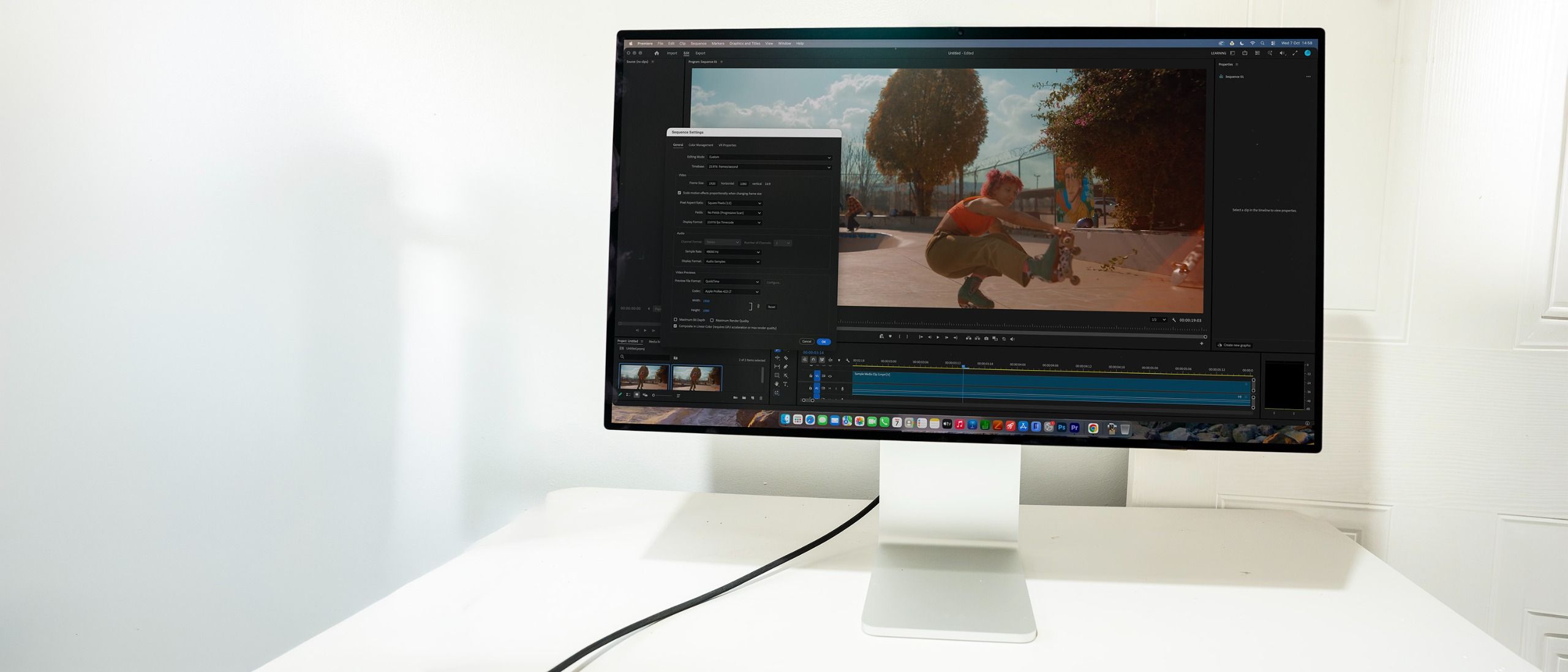
However, its formidable barrier to entry—both financially and through its strict hardware compatibility requirements—ensures it will remain a niche choice. This review explores every facet of Apple’s premier display to determine whether its astronomical price tag is justified for creative studios, and who stands to benefit the most from investing in Apple’s latest desktop vision.
Detailed Chronology: The Evolution of Apple’s Display Strategy
Apple’s journey within the standalone monitor market has undergone significant evolution over the past decade. Following the discontinuation of the iconic Apple Thunderbolt Display, creative professionals were left without an official, first-party desktop monitor solution for years, often relying on third-party panels from brands like LG, Dell, and Asus.
The silence was broken with the rollout of the ultra-luxury Pro Display XDR, a 32-inch 6K monitor targeted squarely at Hollywood colorists and enterprise-level production houses, with a price tag that could easily exceed $5,000 before factoring in the infamous stand. Later, Apple introduced the standard Studio Display—a more accessible 27-inch 5K monitor aimed at general creative workers, albeit utilizing older panel technology lacking local dimming or high refresh rates.
Unveiled earlier this year, the Studio Display XDR effectively closes the chasm between those two extremes. It inherits the compact 27-inch form factor of the standard Studio Display while injecting the advanced Mini-LED architecture and professional calibration suites pioneered by its larger Pro sibling. By integrating modern components such as the iPhone’s A19 Pro chip for image processing and high-speed Thunderbolt 5 ports, Apple has methodically crafted a display tailored to the modern, fast-paced workflows of M4 and M5 Mac users.
Supporting Context & Metrics: Under the Hood of the Studio Display XDR
Design, Build Quality, and Physical Ergonomics
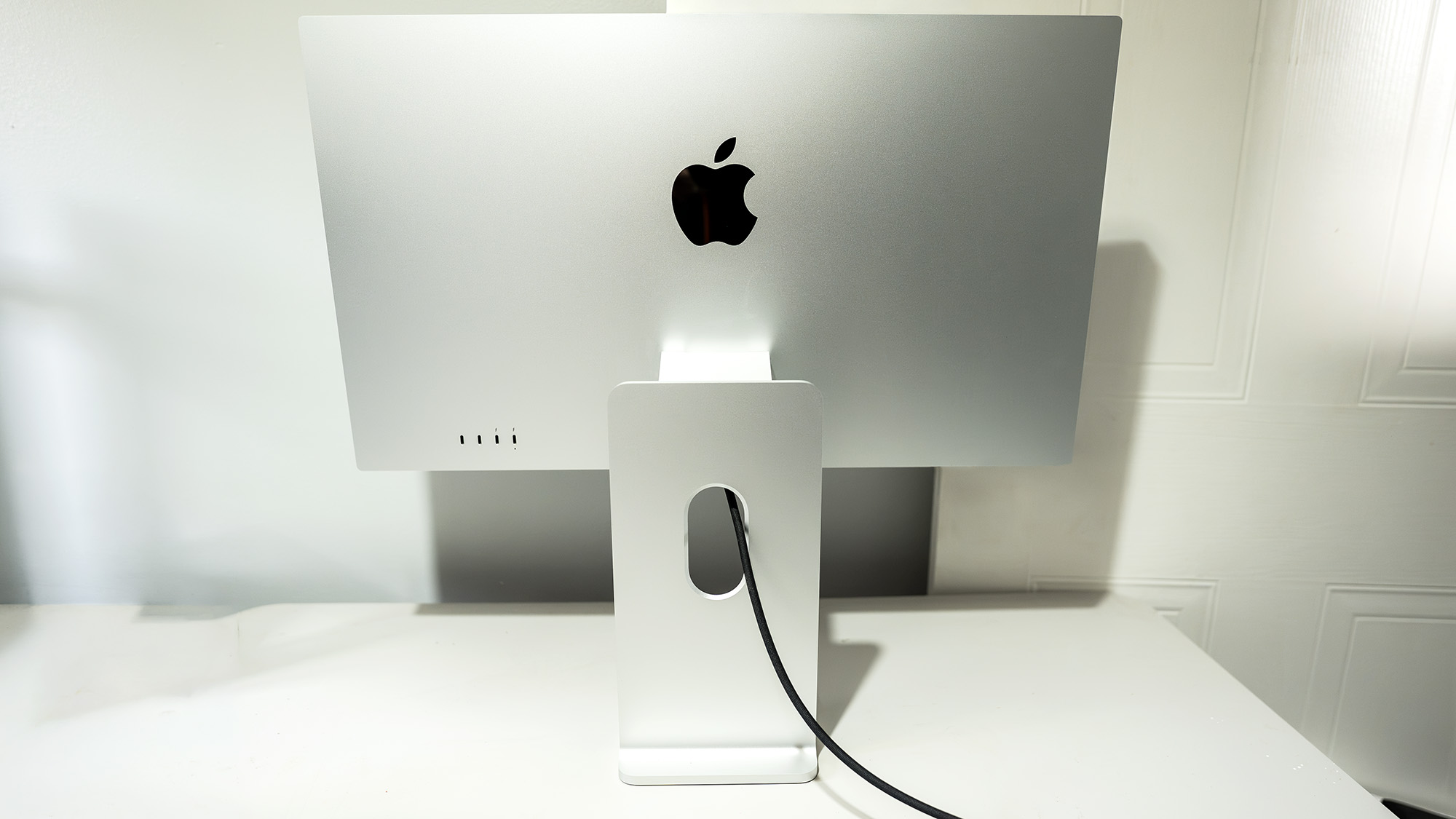
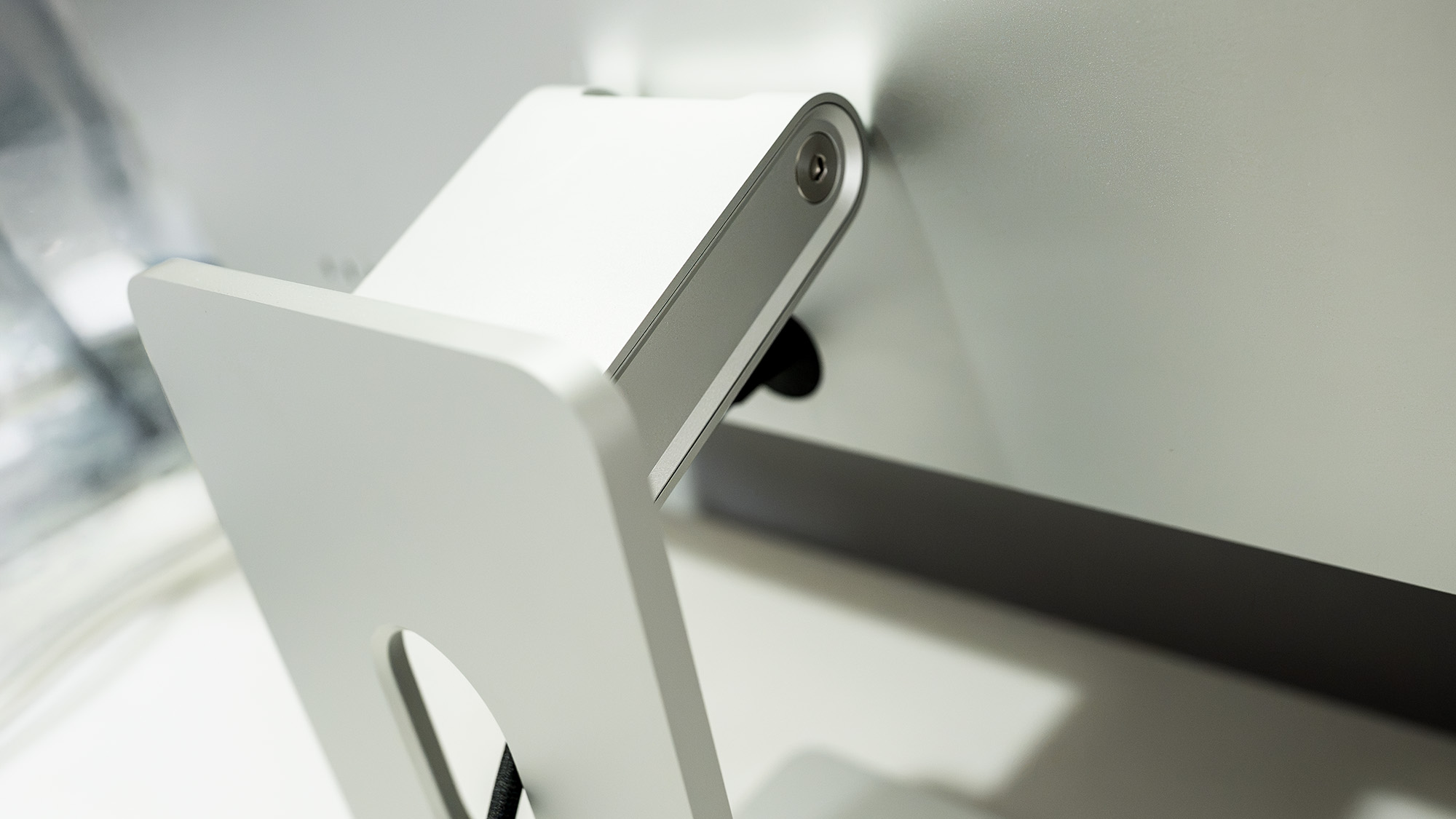
Retaining the signature aesthetic language of its predecessor, the Studio Display XDR is machined from a single block of sleek, silver aluminum accented by slim black bezels. It looks every bit the luxury product it is.
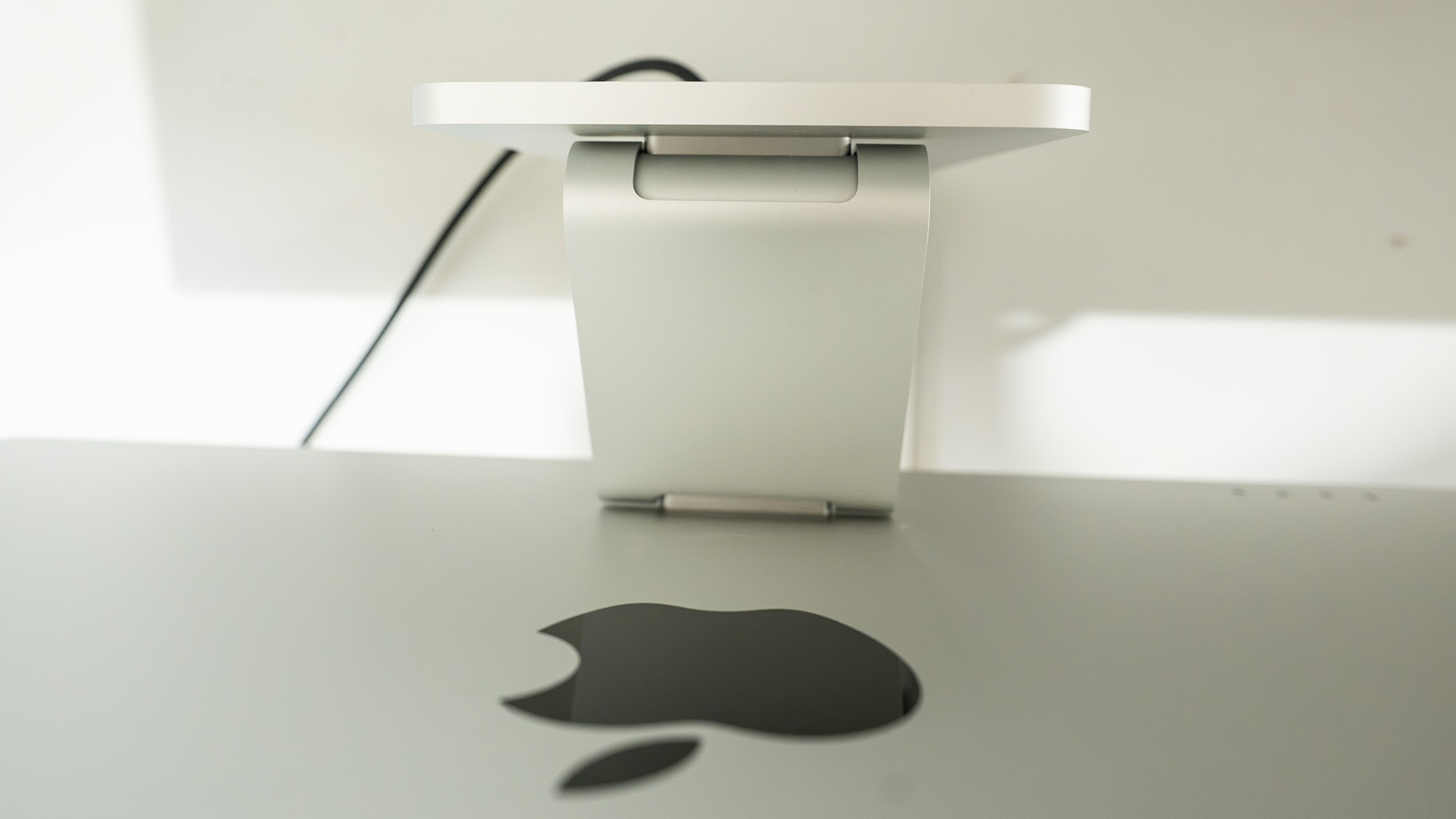
- Stand Configuration: Unlike the base Studio Display—where an ergonomic stand required a costly upgrade—the XDR comes standard with a robust, counterbalanced stand supporting -5° to +25° of tilt and 105mm of height adjustment. For studio environments where space is at a premium, a VESA-mount adapter variant is also available.
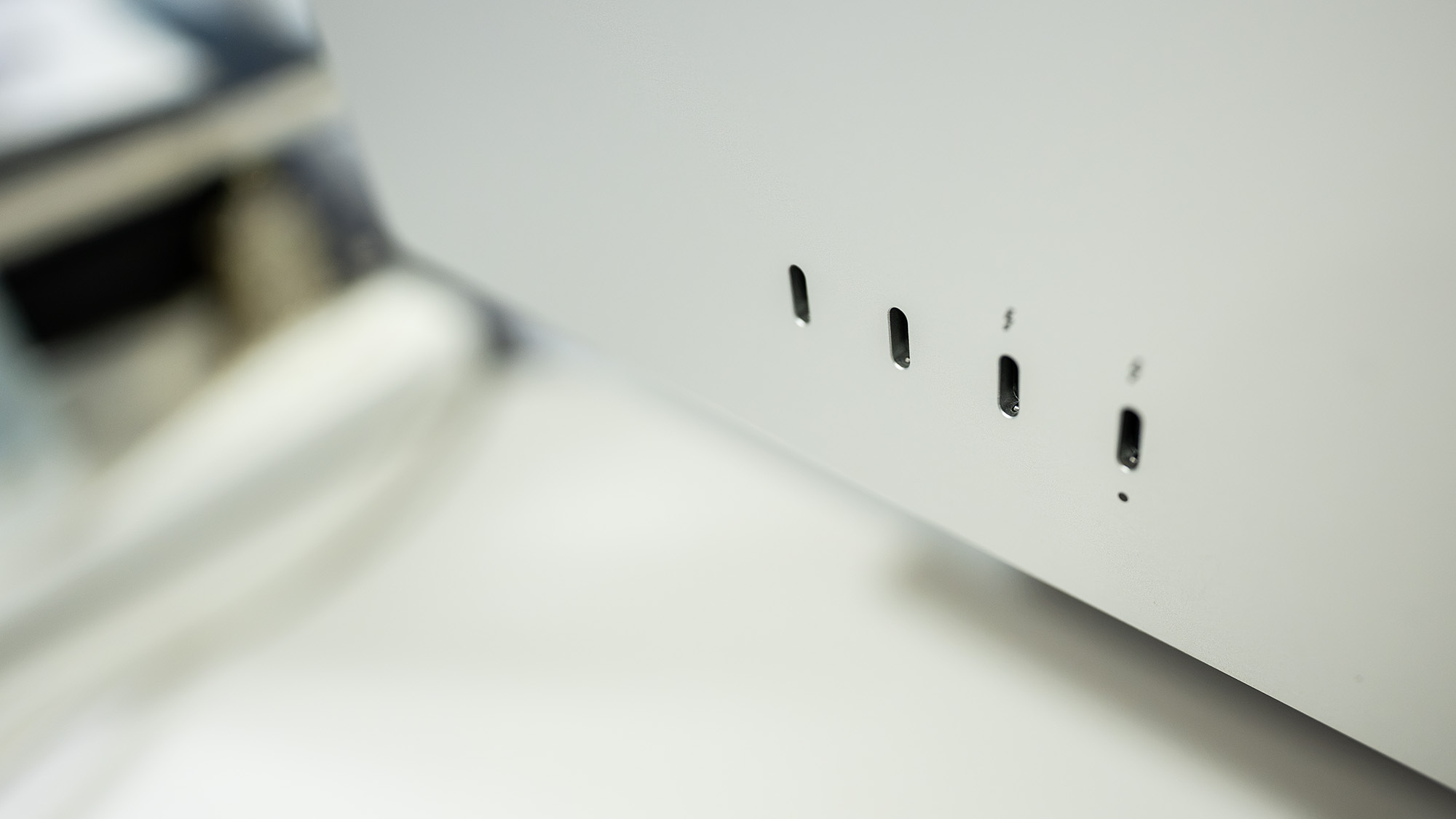
- Rear I/O: Connectivity is intentionally streamlined. The rear panel houses two USB-C ports and two powered Thunderbolt 5 ports, one of which acts as the primary video input. The Thunderbolt 5 architecture enables seamless daisy-chaining of multiple monitors for power users running expansive multi-screen layouts.
- Acoustics and Processing: Hidden inside the chassis is the A19 Pro chip—borrowed directly from the iPhone 17 Pro lineup—which handles complex on-device image processing, spatial audio rendering, and camera tracking. To keep these internal components cool, Apple has integrated a quiet cooling fan. While virtually unnoticeable against typical office ambient noise, it can be faintly detected in absolute silence.
Panel Performance and Technical Specifications
| Feature / Metric | Specification |
|---|---|
| Screen Size | 27 inches |
| Panel Type | Mini-LED IPS |
| Resolution | 5120 x 2880 (5K) |
| Refresh Rate | Up to 120Hz (Adaptive ProMotion) |
| Measured Colour Gamut | 97% P3 (using XDR-P3 + Adobe preset) |
| Measured Brightness | 500 nits (SDR full-screen), up to 2,000 nits (HDR peak) |
| Local Dimming Zones | 2,304 zones |
| Connectivity | 2x Thunderbolt 5, 2x USB 3.2 Type-C |
| Audio | Six-speaker sound system with force-cancelling woofers |
| Webcam | 12MP ultra-wide camera with Center Stage |
| Dimensions & Weight | 623 x 583 x 214 mm, 8.5kg (including stand) |
The true magic of the XDR variant lies in its display technology. Transitioning from standard LEDs to a sophisticated Mini-LED backlight featuring 2,304 local dimming zones, the panel delivers near-OLED levels of contrast, inking out deep, convincing blacks while avoiding blooming artifacts commonly associated with lesser local-dimming solutions.
Furthermore, the integration of Apple’s ProMotion technology brings adaptive refresh rates scaling up to 120Hz. This results in butter-smooth scrolling, precise cursor tracking, and fluid timeline scrubbing for video editors and animators. The display dynamically scales its refresh rate to match active media playback or can be manually locked down to fixed frequencies when exact frame timing is critical.
Color Accuracy and Brightness
Out of the box, the Studio Display XDR is factory-calibrated for high color precision across the P3 and Adobe RGB gamuts. In laboratory testing, the monitor achieved 91% P3 coverage out of the box using the default XDR-P3 preset, which can be pushed to 97% P3 and 94% Adobe RGB utilizing the specialized XDR-P3 + Adobe profile with minimal manual calibration.
Brightness metrics are equally staggering. While standard SDR content comfortably saturates the screen at around 500 nits of full-screen brightness, feeding the display HDR material unlocks a staggering 1,000 nits of sustained brightness and a peak output of 2,000 nits. True Tone technology continuously monitors ambient lighting conditions to dynamically adjust color temperature, mitigating eye strain during extended work sessions—though purists can easily toggle this off when absolute color fidelity is non-negotiable.
Official Statements and Industry Reception
Reviewers and industry experts have universally praised the technical brilliance of the Studio Display XDR while acknowledging the realities of its high barrier to entry.
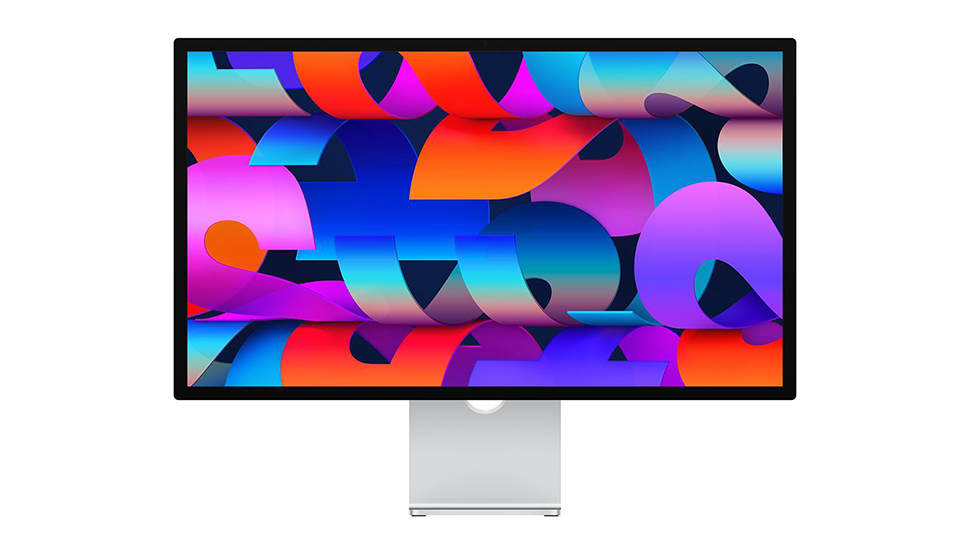
"This isn’t a monitor to get because it looks good—though it certainly does—but because it fundamentally helps creative professionals do their jobs more effectively through uncompromising performance and color accuracy."
Apple’s positioning of the display relies heavily on ecosystem synergy. Executive messaging emphasizes that the monitor is built as the ultimate desktop canvas for creators utilizing Apple silicon. However, industry analysts note that its strict optimization for M-series hardware—requiring an M4 chip or newer to effortlessly drive the full 5K resolution at 120Hz—isolates it from the broader cross-platform market.
Future Outlook: Who Should Buy the Apple Studio Display XDR?
As desktop workflows demand higher resolutions, broader color gamuts, and more responsive interfaces, the Apple Studio Display XDR sets a high-water mark for premium hardware engineering. Yet, its market viability boils down to an economic equation of utility versus cost.
Buy it if:
- You are heavily invested in the Apple ecosystem: You currently utilize a late-model MacBook Pro, Mac Studio, or iPad Pro powered by M4/M5 silicon.
- Your livelihood depends on color-critical workflows: Professional photographers, digital colorists, and video editors requiring extreme HDR luminance and factory-calibrated reference modes will find immense value in its precision.
- You desire an all-in-one workstation hub: The inclusion of a stellar six-speaker audio system, studio-grade microphones, and a 12MP Center Stage webcam eliminates desk clutter.
Don’t buy it if:
- You are a Windows or Linux user: Limited functionality on non-macOS systems, coupled with frustrating brightness controls and the absence of HDMI/DisplayPort inputs, makes this an exceptionally poor choice for PC enthusiasts or console gamers.
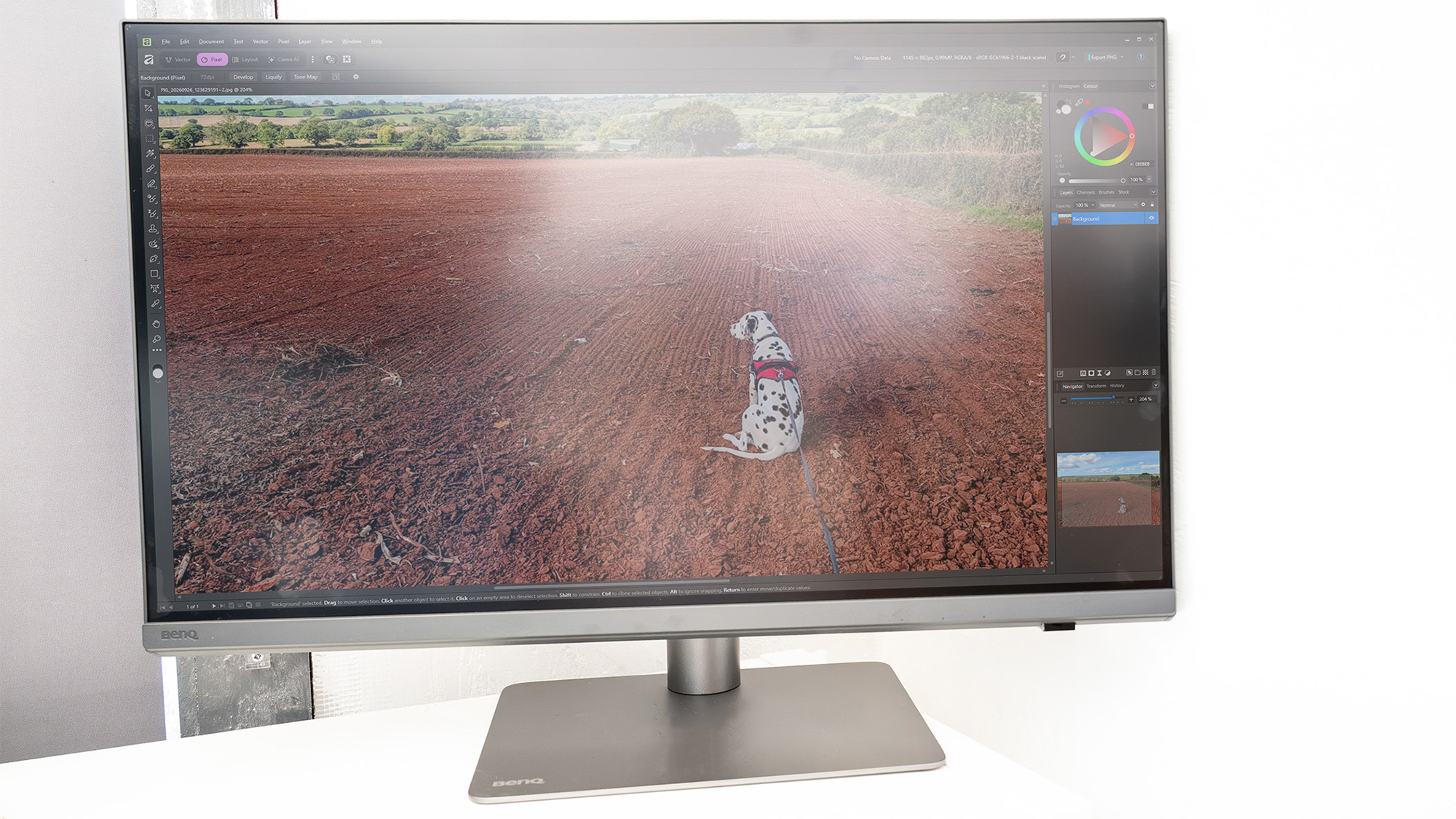
- You are working on a strict budget: Competing professional 4K and 5K displays from manufacturers like BenQ and Asus offer incredible color accuracy at a fraction of the cost, making the XDR difficult to justify for hobbyists or mid-level freelancers.
Ultimately, the Apple Studio Display XDR is a magnificent piece of engineering. It is expensive, highly specialized, and unapologetically exclusive—yet for the small percentage of professionals who need absolute visual perfection on their desks, it stands peerless.