Executive Overview
For over seven years, the WordPress ecosystem has been defined by a fundamental dichotomy: the power of the block editor and the steep, often daunting barrier to entry for developers accustomed to traditional PHP workflows. Since the inception of the Gutenberg project, building a custom block has been synonymous with mastering React, configuring complex Webpack build pipelines, and navigating the often-opaque world of Node Package Manager (NPM).
With the release of WordPress 7.0, the core development team has finally addressed this divide. The introduction of PHP-only block registration represents a significant, if pragmatic, shift in the platform’s philosophy. By allowing developers to register blocks using only server-side code, WordPress is effectively lowering the barrier to entry for a massive segment of its professional base. However, this convenience comes with strict architectural limitations. While this feature is a "holy grail" for legacy migration, it is not a wholesale replacement for the robust, JavaScript-driven interactivity that modern block development demands.
A Detailed Chronology: From Gutenberg to 7.0
To understand the significance of this shift, one must look at the trajectory of the block editor. Launched in 2018 with WordPress 5.0, Gutenberg was architected on a "JavaScript-first" philosophy. The objective was to transform WordPress from a document-centric CMS into an application-like editing experience.
For the average developer, this was a paradigm shift. Moving from functions.php to blocks.js required a complete retooling of professional skill sets. For years, the community clamored for a way to leverage the power of blocks without the overhead of modern JavaScript tooling.
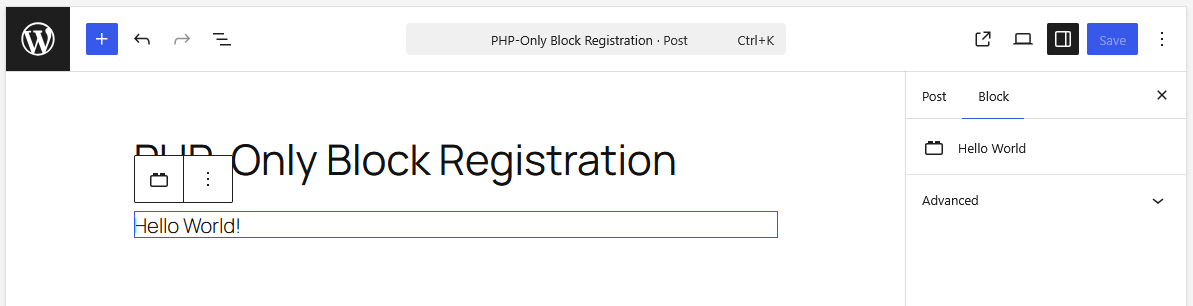
After seven and a half years of debate, WordPress 7.0 finally delivers the autoRegister flag. By setting autoRegister to true within the register_block_type function, WordPress now handles the necessary JavaScript boilerplate on the client side automatically. This development marks the end of a long-standing "wait and see" period for traditional PHP developers, providing a bridge between the classic CMS architecture and the modern site-editing experience.
Supporting Context & Metrics: The "Why" Behind the Change
The primary driver for this update is not to revolutionize how we build high-end interactive blocks, but to solve the "Legacy Migration Crisis." Millions of WordPress sites remain tethered to classic themes because their custom functionality—widgets, shortcodes, and complex PHP template parts—is too expensive to rewrite into React.
The Mechanics of the Simplified Approach
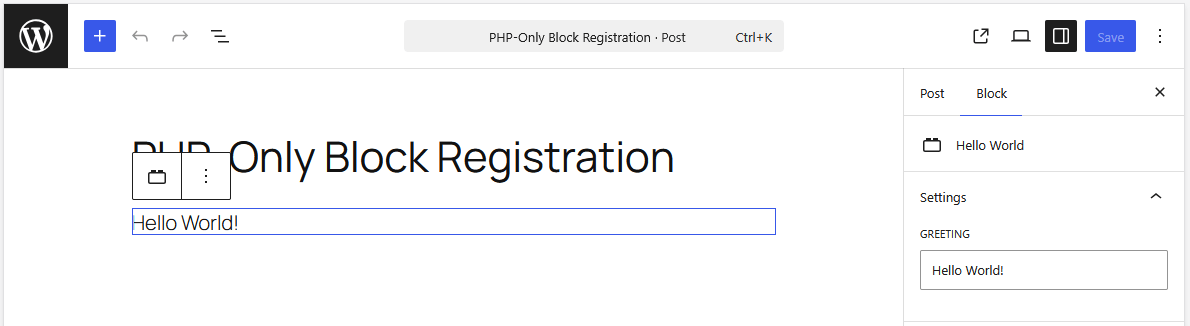
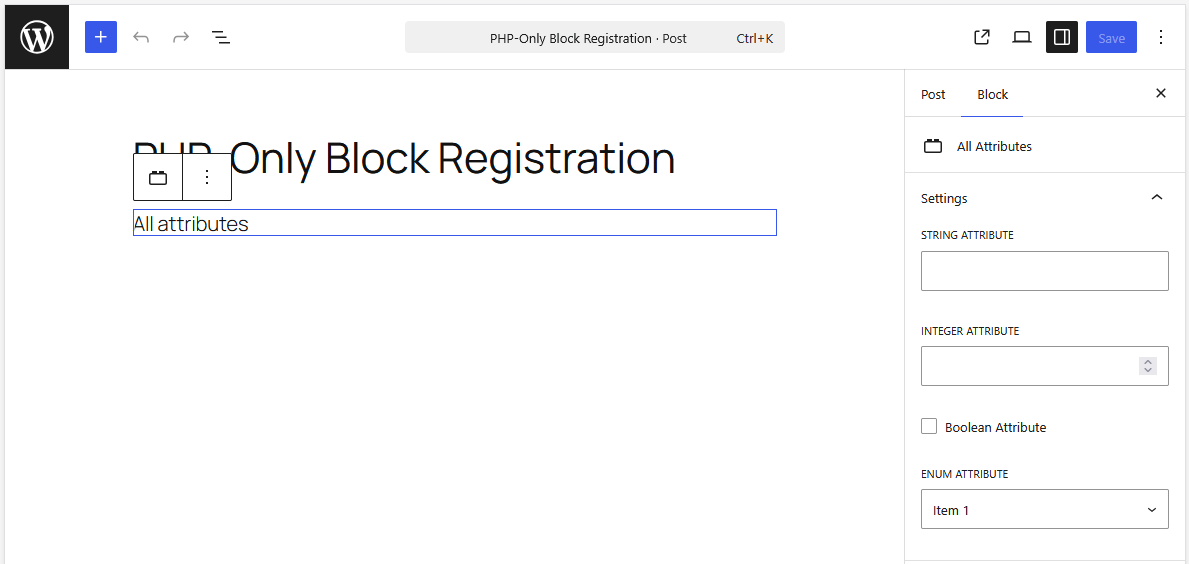
In traditional development, a block requires two registrations: one in PHP for the server-side rendering and one in JavaScript for the editor experience. The new 7.0 approach collapses this.
register_block_type('namespace/block-name', [
    'render_callback' => 'my_render_function',
    'supports' => ['autoRegister' => true],
    'attributes' => [...]
]);
When this code is executed, the autoRegister flag signals to the WordPress REST API to generate the necessary client-side hooks. While this is elegant, it introduces a reliance on the REST API for every block update in the editor. Because these blocks are rendered via a server-side callback rather than a local JavaScript component, they are "stateless" in the eyes of the editor.
The Cost of Convenience: Architectural Limitations
The trade-off is substantial. Because these blocks are effectively "black boxes" to the editor’s JavaScript state, developers face several harsh realities:
- Lack of Interactivity: You cannot easily attach custom JavaScript event listeners to a block that is being re-rendered asynchronously by the REST API.
- Stale Data: Since the block bypasses the client-side data store, it cannot react to live changes in the editor. A block displaying a post title will not update until the post is saved and the editor is refreshed.
- Context Blindness: The
render_callbacklacks access to the global$postcontext, forcing developers to rely on complex, sometimes unstable, workarounds to fetch data like IDs or post meta during the editing phase.
Official Statements and Developer Sentiment
The release of WordPress 7.0 has triggered a polarized, yet constructive, conversation within the community. Proponents argue that the feature is a "game changer" for agencies and freelancers tasked with modernizing client sites.
"The goal wasn’t to kill JavaScript," noted one lead contributor during the core development cycle. "The goal was to stop the ‘all-or-nothing’ approach to block themes. We wanted to ensure that a developer who knows PHP, but not React, can still provide their clients with a modern, block-based experience without having to rewrite their entire codebase from scratch."
Conversely, the JavaScript-heavy segment of the community remains cautious. There is a valid concern that relying on PHP-only blocks for complex features will result in a bloated, under-performing editing experience. The consensus seems to be that PHP-only blocks are a "migration tool," not a "modern application tool."
Practical Implementation: The Real-World Use Case
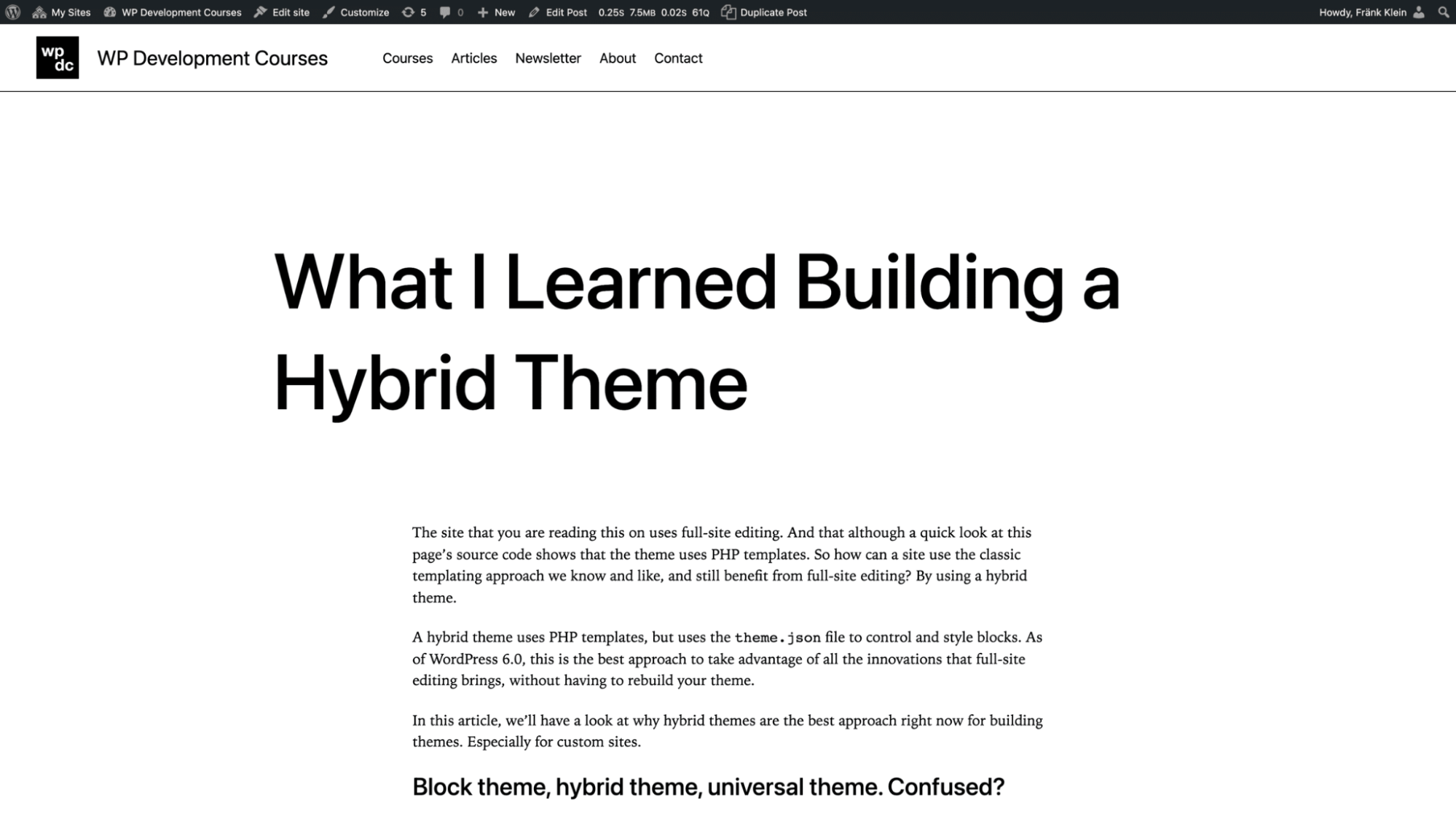
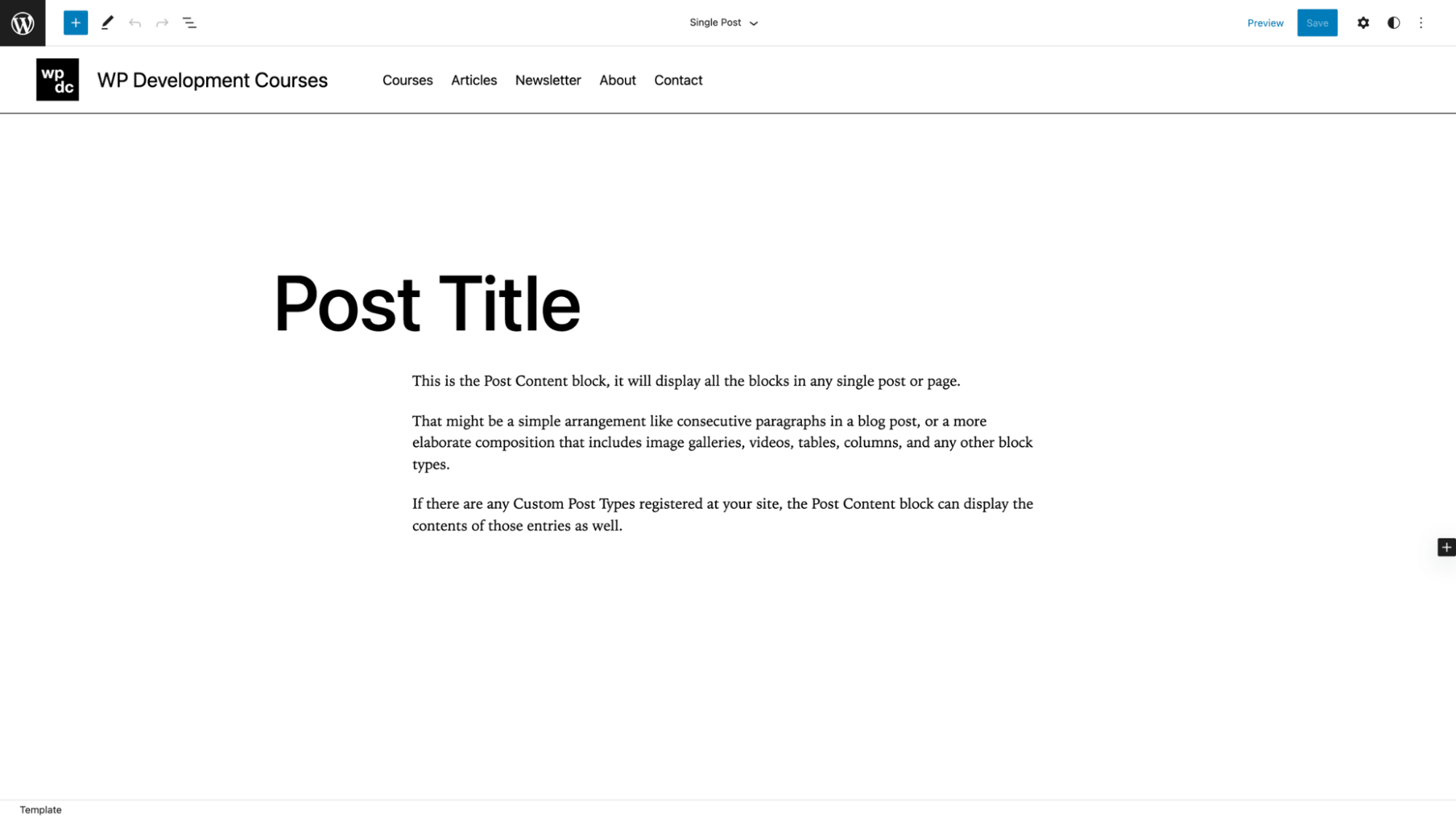
For developers, the killer use case is the conversion of legacy themes. Take, for instance, a custom header built years ago with PHP and Bootstrap. Previously, moving this to a block theme meant a total rewrite. Now, the developer can wrap that legacy code in a render_callback, register it as a block, and keep the functionality intact while enjoying the benefits of a Block Theme (such as full site editing).
Navigating the Hurdles
To maximize the utility of this feature, developers must adopt a few strategic workarounds:
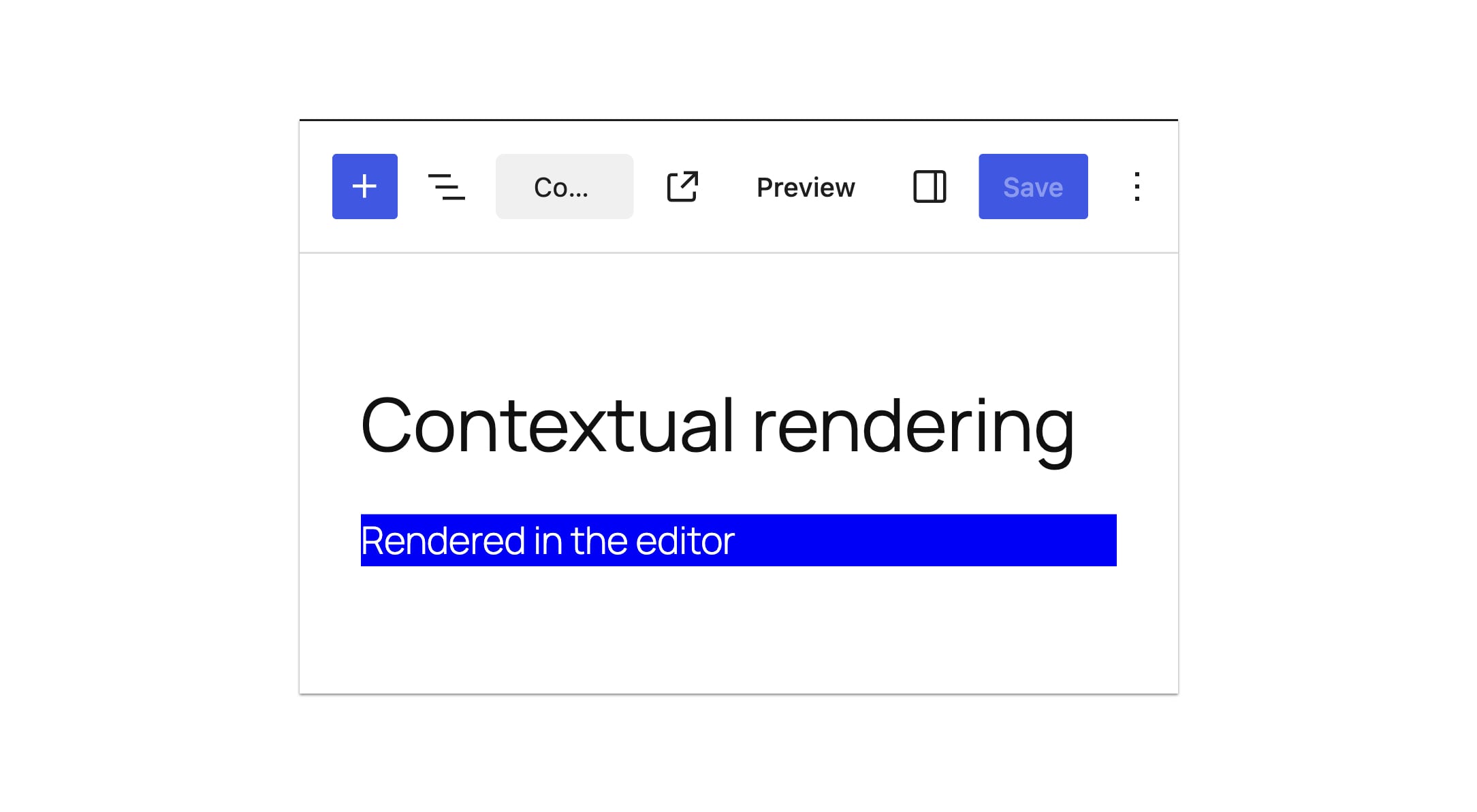
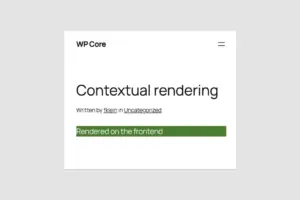
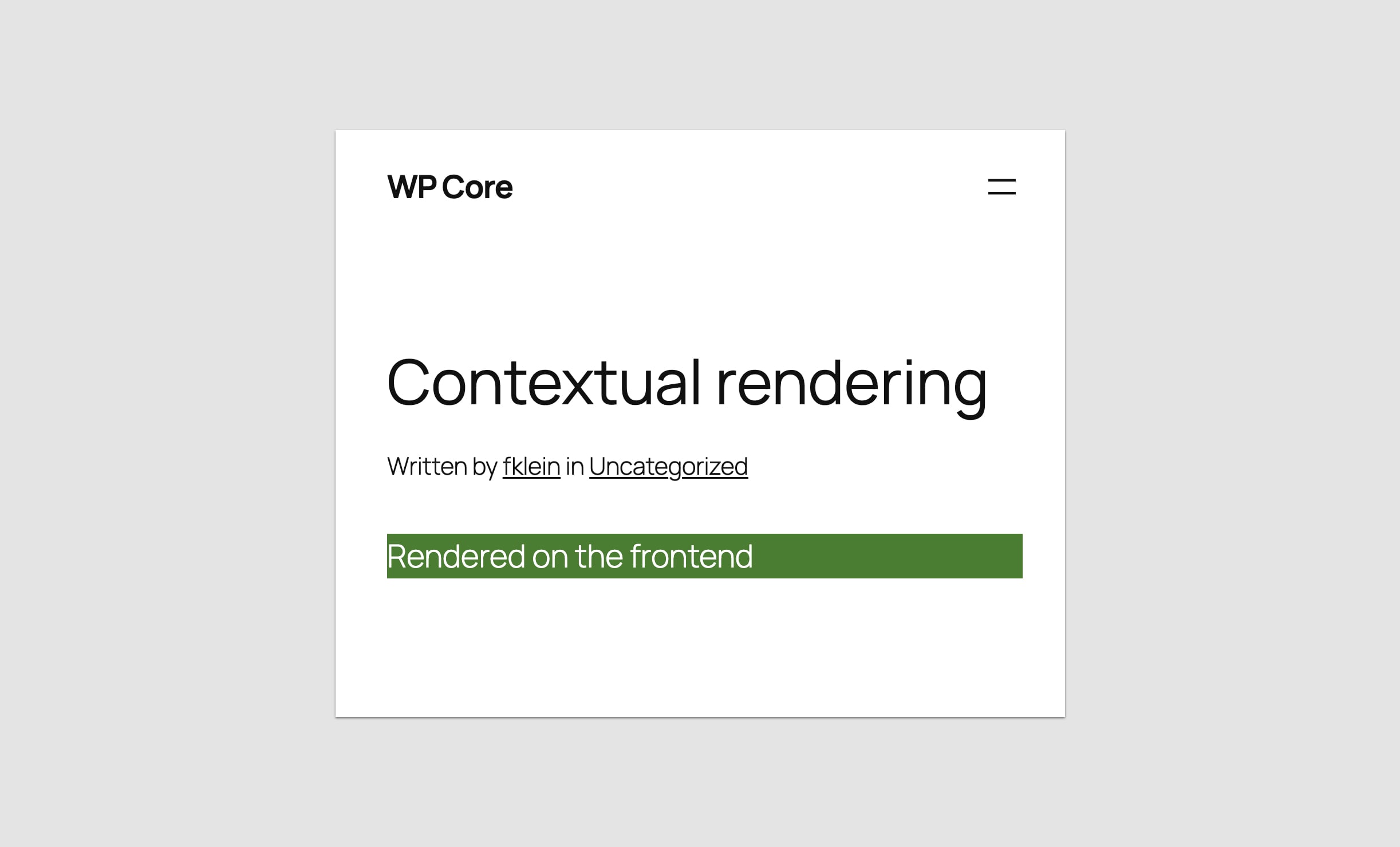
- Contextual Rendering: Use
wp_is_rest_endpoint()to differentiate between front-end rendering and editor previews. This allows you to serve a clean, simplified version of the block in the editor while keeping the heavy logic on the front end. - The ID Workaround: By passing the post ID through a
localattribute, you can trick the system into allowing the block to know which post it is editing, though this remains an imperfect stopgap until core improves the REST API’s handling of post context. - Strategic Placeholders: If the block is too complex to render accurately in the editor (e.g., a newsletter sign-up form with its own scripts), do not force it. Use a static, styled placeholder. It is better to have a functional, clean placeholder than a broken, "half-working" interactive component.
Future Outlook: Where Do We Go From Here?
WordPress 7.0 is an admission that the "React-only" future of WordPress was perhaps too optimistic. By embracing PHP again, the platform is ensuring its longevity for the millions of developers who keep the lights on for the majority of the web.
However, this is only the beginning. The future of this feature lies in refining the communication between the editor’s client-side state and the server-side rendering engine. If WordPress can eventually allow these PHP-registered blocks to access the global state or provide a more robust way to pass context, the gap between PHP and JavaScript blocks will narrow significantly.
For now, the advice to developers is clear: Use PHP-only registration to migrate your legacy projects and to bridge the gap into block themes. Use it to build simple, static components. But if your project requires dynamic, high-performance, and deeply interactive user interfaces, the path remains the same as it has been since 2018: invest in JavaScript, embrace the build pipeline, and build the native blocks that modern users expect.
The wait for a "simpler" WordPress was long, and while the result is not a panacea, it is a vital tool that makes the platform more accessible than it has been in years. The Renaissance of PHP in WordPress isn’t about looking backward—it’s about making the forward movement of block themes a reality for everyone.