Executive Overview
Having spent more than two decades navigating the ever-evolving landscape of 3D rendering and digital art software, few applications have earned a permanent, indispensable spot in my daily workflow quite like KeyShot. While architectural rendering often demands sprawling, heavyweight solutions, when the task narrows to individual products, complex consumer goods, or intimate studio scenes, KeyShot has consistently remained peerless.
Now entering its 2026 iteration, KeyShot Studio is stronger, more intuitive, and remarkably faster than any of its predecessors. The software continues to gracefully bridge the gap between traditional CAD-to-render pipelines and bleeding-edge generative artificial intelligence. Rather than treating AI as a superficial marketing gimmick, the developers have integrated generative workflows deeply into the rendering loop. Paired with powerful core upgrades—such as the enhanced Move Tool with custom pivots, streamlined keyframe animations, and an all-new dedicated Gallery feature—KeyShot 2026 cements its status as the premier product visualisation tool on the market.
This comprehensive review explores how KeyShot 2026 performs under rigorous studio testing, evaluating its new feature set, user interface, pricing model, and overall value proposition for individual freelancers and enterprise design teams alike.
Detailed Chronology: The Evolution Leading to KeyShot 2026
To truly understand the weight of KeyShot 2026, it is worth examining the trajectory that brought the software to this point. For years, KeyShot earned its stellar reputation through progressive denoising and physics-based lighting accuracy, setting the industry benchmark for real-time ray tracing. Artists no longer needed to spend hours calculating render passes blindly; what they saw in the viewport was precisely what they got.
However, the industry shift toward artificial intelligence caught up with traditional pipelines midway through the 2025 software cycle. It was then that KeyShot first introduced AI Shots, signaling a major philosophical pivot for the platform. Recognizing that generative AI could drastically accelerate ideation and concept variation, the development team funneled substantial resources into refining AI-assisted generation directly inside a dedicated 3D environment.
In KeyShot 2026, this vision matures. The software no longer merely experiments with AI; it weaponizes it. By refining the underlying models to accept much shorter text prompts, improving image-to-image editing, and introducing lightning-fast resolution upscaling directly inside the application, KeyShot has closed the loop between CAD data and photorealistic marketing assets.
KeyShot 2026: Core Features and Technical Breakdown
The single biggest feature leap in KeyShot 2026 is undoubtedly the refinement of its AI-driven ecosystem, but a series of workflow-level improvements ensure that traditional 3D artists are equally well-served.
1. AI Shots and Generative Workflows
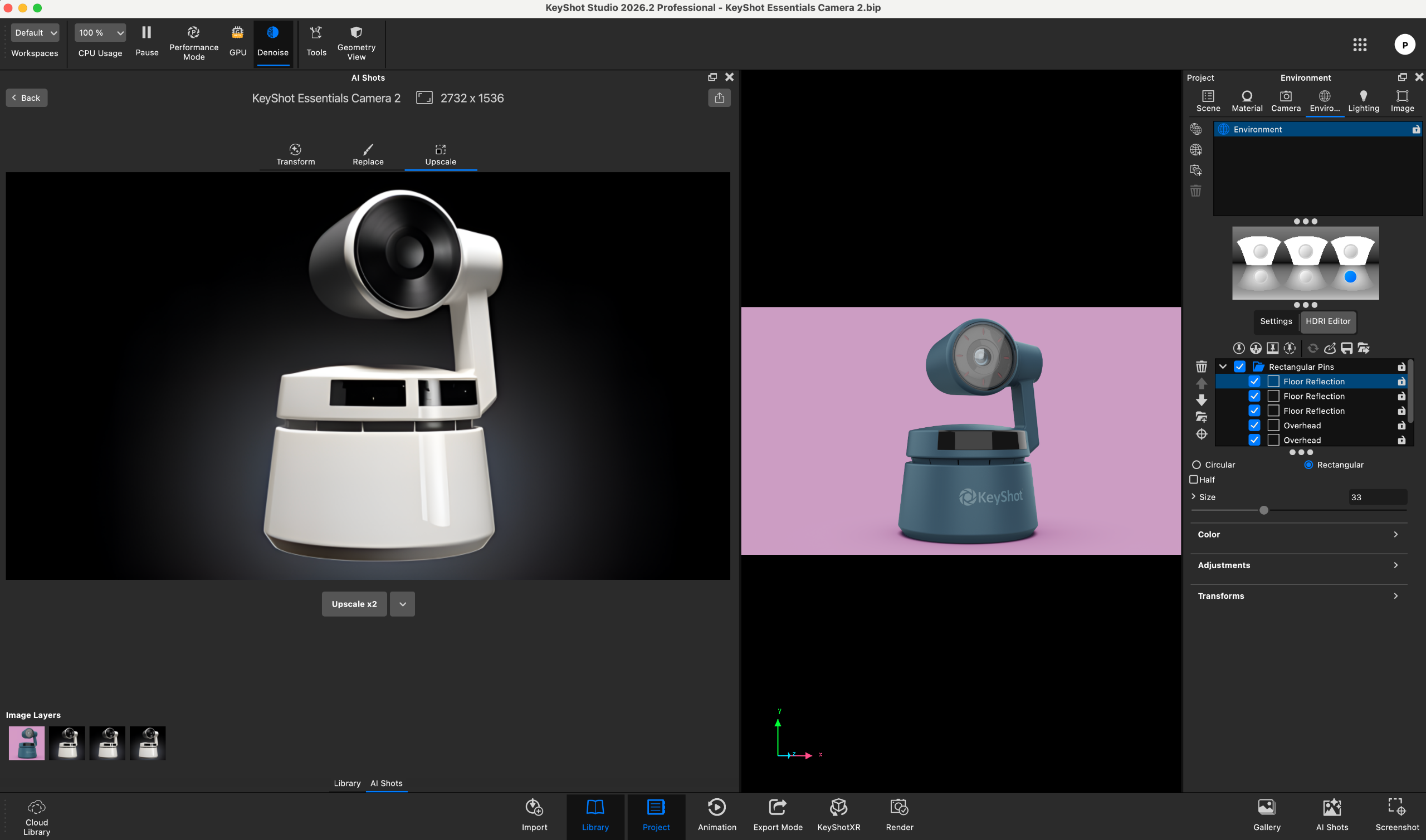
The AI Shots tool allows artists to generate contextual, highly realistic imagery straight from a basic CAD model or modify an existing render using text prompts. Instead of exporting assets to external, non-3D-aware generative tools, creators can keep their entire workflow encapsulated within KeyShot.
- Shorter Prompts, Greater Precision: Compared to the 2025 iteration, the updated AI model understands context with significantly reduced prompt verbosity, reducing friction during rapid ideation phases.
- Batch Generation: Artists can easily command the software to generate multiple variations simultaneously, streamlining the process of presenting design options to clients.
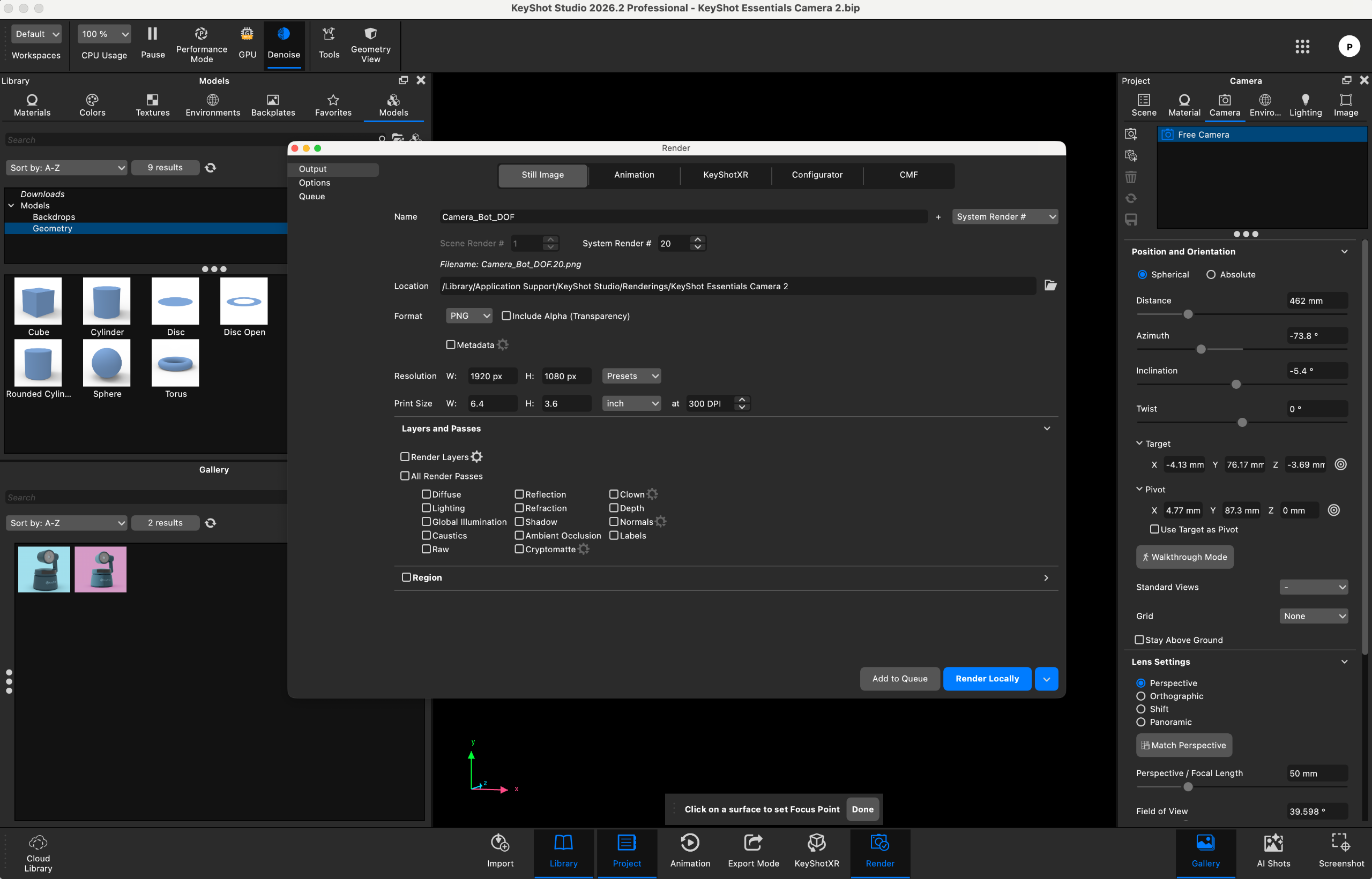
- Native Upscaling: Perhaps the most practical upgrade to the AI pipeline is the new native upscaling feature. Users can now double or quadruple the resolution of both traditional renders and AI Shots in a fraction of the time it would take to export and upscale externally, maintaining crisp texture fidelity without introducing artifacting.
Note on System Requirements: Utilizing AI Shots locally requires downloading nearly 20GB of foundational AI data. Users must ensure adequate local storage before diving into the toolset. During testing on a MacBook Pro with 16GB of RAM (below the recommended 32GB threshold), the AI processes proved stable—never crashing—though complex generations occasionally stretched past the five-minute mark depending on prompt complexity.
2. Custom Pivot + Move Tool Integration
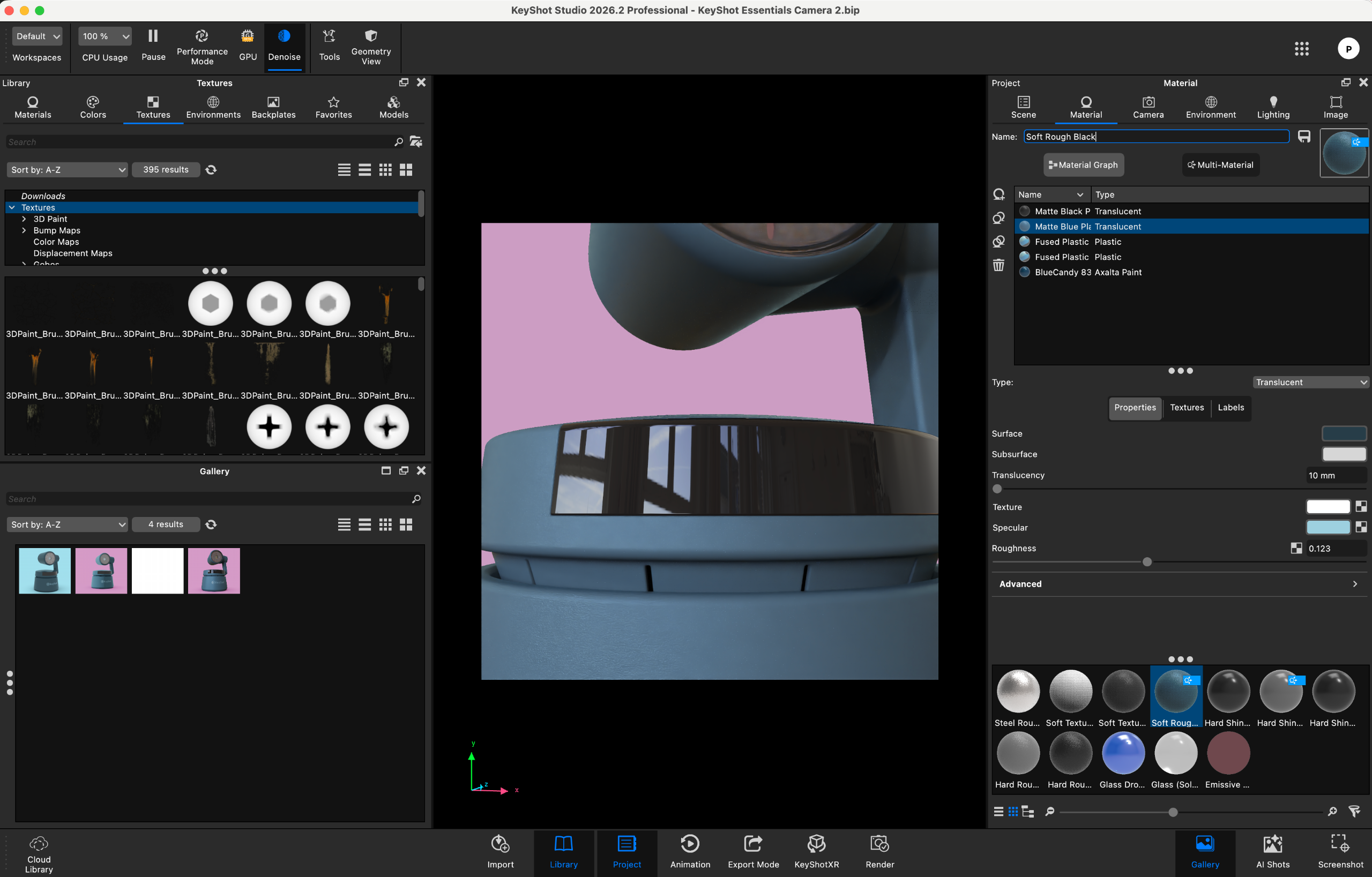
Managing complex assemblies has historically introduced clutter into scene management. KeyShot 2026 addresses this with a powerful Custom Pivot + Move Tool.
Artists can now assign parts or grouped hierarchies multiple custom pivots alongside standard origins and geometric centers. These pivots can be explicitly named for organizational clarity and saved directly within the scene file. Furthermore, the move tool gizmo has been completely synchronized between real-time and geometry views, resolving past friction points and allowing for seamless, simultaneous editing across different viewport windows.
3. The All-New Gallery Window
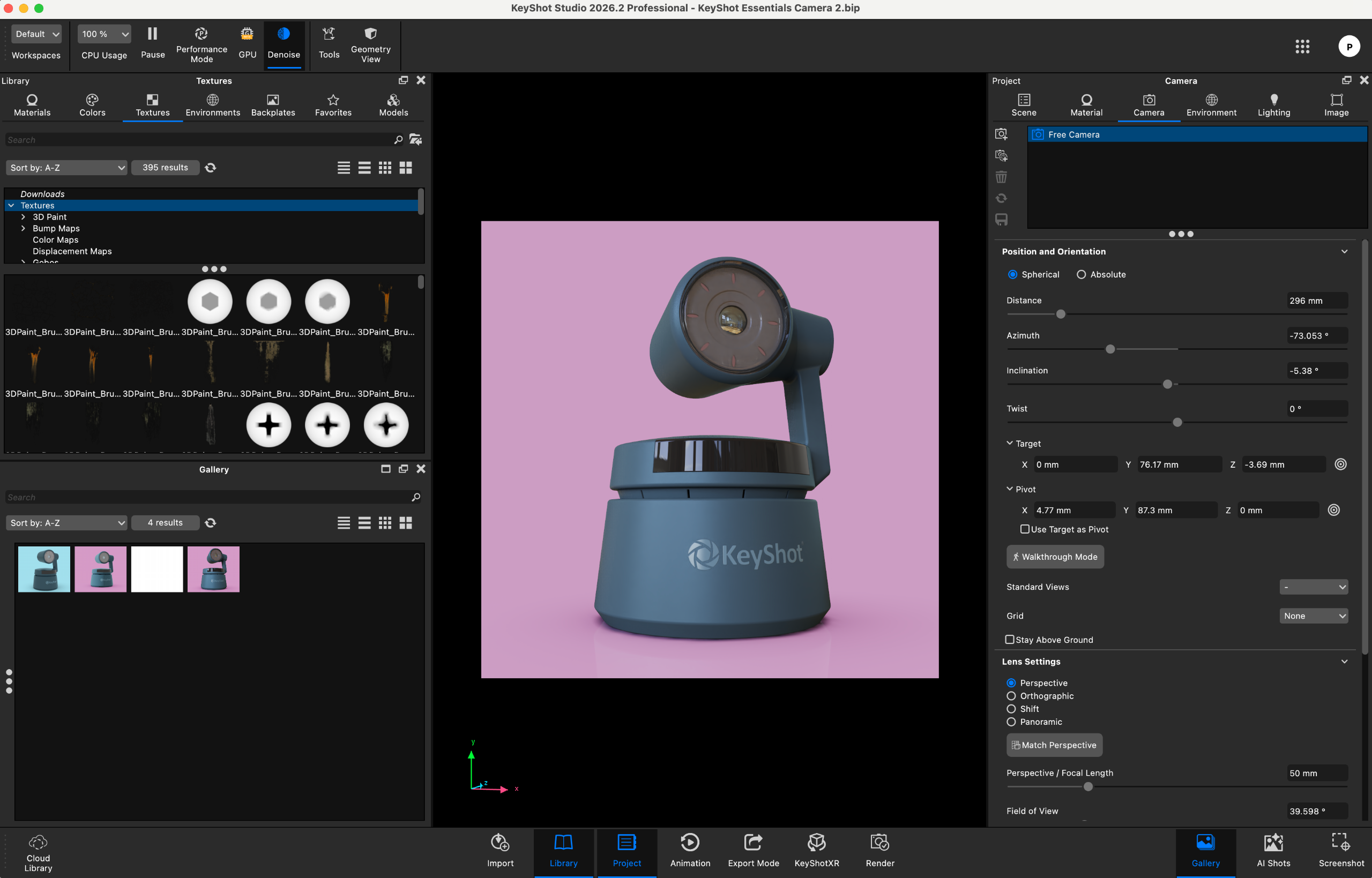
For digital artists who churn out dozens of iterations per session, asset management can quickly become a chore. KeyShot 2026 introduces the Gallery window—a dedicated workspace designed to track, sort, search, and organize rendered output instantly upon completion. It acts as a robust digital asset management (DAM) system built directly into the rendering environment, eliminating the need to dig through nested local directories to review progress shots.
Supporting Context & Metrics: Usability and Performance
User Experience and Interface Design
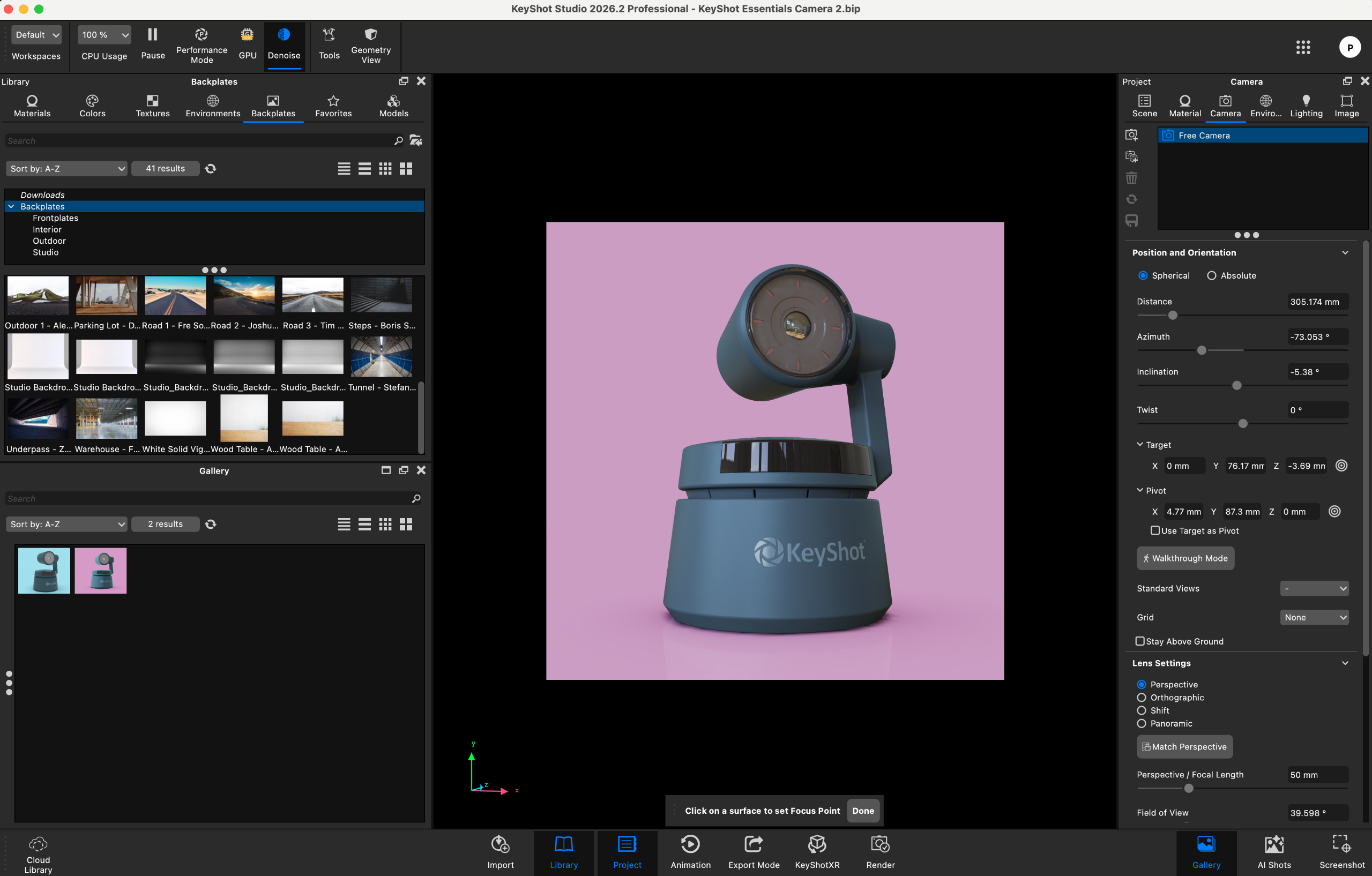
KeyShot has always prided itself on an approachable learning curve, and the 2026 release upholds this tradition. Materials, lighting rigs, camera controls, and environmental settings remain intuitively arranged across accessible side panels. Cycling through studio lighting setups to catch optimal surface reflections remains an absolute joy, backed by an expansive local and cloud material library that turns raw CAD data into photorealistic showpieces in minutes.
Beyond the setup phase, applying post-processing effects—such as bloom, sharpening, and advanced denoising—is virtually effortless.
Ideal Use Cases: Who Is It For?
KeyShot remains unapologetically hyper-focused. It is engineered explicitly for product visualization. Industrial designers, packaging creators, and marketing agencies who need to showcase consumer electronics, footwear, appliances, or automotive components will find the software to be an elite powerhouse.
However, users must understand its boundaries. While KeyShot can handle general scenes, those working in large-scale architectural visualization, feature-film VFX, or complex game environment art will still find themselves better served by dedicated engines like V-Ray, Corona, or Blender’s Cycles.
Official Pricing and Licensing Structure
KeyShot continues to operate on a subscription-based model tailored to scale from individual freelancers to large corporate design departments:
- KeyShot Professional ($108.25/month, billed annually at $1,299): The definitive choice for individual designers, freelancers, and small boutique studios needing the complete 3D visualization and animation toolkit.
- KeyShot Business ($133.25/month, billed annually at $1,599): Designed for larger enterprise environments, offering advanced centralized seat management features.
Review Scorecard
| Attribute | Assessment Notes | Rating |
|---|---|---|
| Value: | A notable financial outlay for independent freelancers, but easily justified by time saved in commercial production pipelines. | 4 / 5 |
| Features: | Meaningful, high-impact upgrades across every release cycle, anchored by more responsive AI output and improved geometry controls. | 4.5 / 5 |
| User Experience: | Incredibly straightforward and fast, though pushed past its intended product focus, it can begin to show limitations. | 4.5 / 5 |
| Overall Verdict: | A streamlined, lightning-fast product visualization tool that successfully integrates practical AI workflows without sacrificing creative control. | 4.5 / 5 |
Future Outlook: Where is KeyShot Heading?
As generative AI continues to disrupt the computer graphics industry, software developers face a delicate balancing act: embrace automation without alienating traditional artists who demand absolute physical accuracy and control.
KeyShot 2026 proves that it is possible to walk this tightrope successfully. By positioning AI Shots as an ideation and rapid-variation assistant rather than a wholesale replacement for physical path-tracing, KeyShot has charted a pragmatic and sustainable course for the future. As hardware capabilities expand and local neural processing units (NPUs) become more prevalent in everyday workstations, we can expect subsequent iterations of KeyShot to push AI generation times down even further while tightening the integration between CAD engineering packages and final marketing-ready output.
For product designers and visualization specialists looking to maintain a competitive edge, KeyShot 2026 is an essential upgrade that pays for itself in both time saved and visual fidelity achieved.