Executive Overview
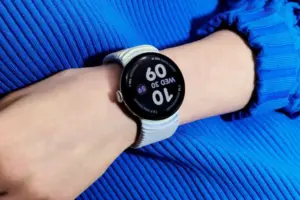
In an era where wearable technology has become an extension of our daily productivity and health monitoring, a reliable battery is no longer a luxury—it is a functional necessity. Recently, users across the Google Pixel Watch ecosystem—spanning multiple generations of the device—reported a disturbing trend: their smartwatches were losing power at an unprecedented rate, often depleting to zero within a mere 12 hours of minimal usage.
This unexpected battery drain, which rendered many devices effectively useless for a full day, prompted a swift, albeit quiet, response from Mountain View. Google has officially confirmed the existence of a software bug responsible for this excessive power consumption and has initiated a global rollout of a patch designed to restore battery integrity. As users struggle with the fallout of this technical hiccup, this report breaks down the nature of the issue, the necessary steps to secure your device, and the broader implications for Google’s hardware ecosystem.
Detailed Chronology of the Incident
The emergence of this battery drain issue did not happen overnight, but rather accumulated in the form of a mounting wave of user complaints across community forums, including Reddit and the official Google support channels.
The Initial Wave of Complaints
The first reports surfaced in the preceding weeks, with users describing a "sudden and sharp decline" in battery performance. Devices that previously cruised through a full 24-hour cycle were suddenly dying before the end of the workday. Many users initially suspected hardware degradation or a rogue third-party application, but the sheer volume of reports suggested a more systemic, firmware-level issue.
The Scope of the Problem
Unlike previous isolated glitches, this issue appeared to be platform-wide. It did not discriminate between the original Pixel Watch, the Pixel Watch 2, or the latest models. This cross-generational nature of the bug suggested that the culprit was not a specific piece of hardware but rather a shared software component—likely a background service or an update to a core system application—that was behaving erratically across the entire Wear OS implementation.
Google’s Intervention
Following an outcry from the user base, Google’s engineering teams investigated the anomalies. By mid-week, the company formally acknowledged that a "small number of devices" were experiencing abnormal battery consumption. Unlike a standard over-the-air (OTA) system update, Google opted to address this through a targeted update process via the Google Play Store, signaling that the issue likely stemmed from a specific system-level app rather than the kernel itself.
Supporting Context & Metrics: The Cost of Connectivity
To understand why this issue caused such frustration, one must consider the role the Pixel Watch plays in the modern digital ecosystem.
The "12-Hour" Threshold
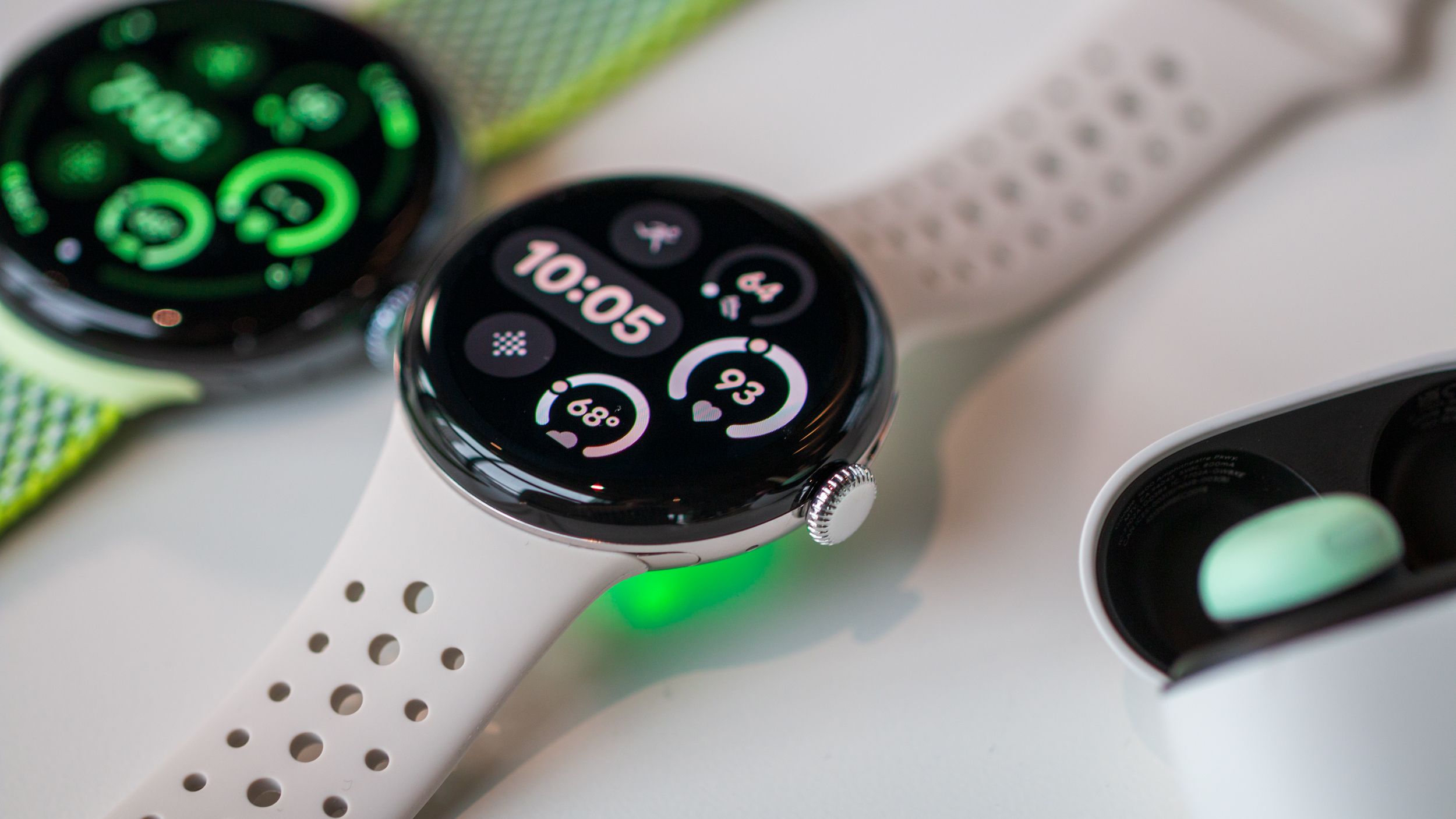
For the average consumer, a smartwatch is expected to last through a full day of activity, including sleep tracking. When battery life drops to the 12-hour mark, it effectively breaks the user experience loop. Users are forced to interrupt their routines to find a charger, defeating the purpose of a device designed for seamless, continuous wear.
Broader Software Stability Trends
This battery issue arrives at a sensitive time for Google’s hardware division. It follows a string of recent high-profile software stumbles:
- Pixel 11 Pro Video Boost: Users recently reported that the Video Boost feature was resulting in corrupted, static-filled footage.
- Google Photos Glitches: Recent updates rendered the editing suite unresponsive for a significant portion of the user base.
These consecutive events have created a narrative of "software fragility" surrounding the Pixel brand. While Google’s hardware design has reached an aesthetic peak, the software layer—the very thing that distinguishes the Pixel experience—has shown signs of instability that threaten brand loyalty.
The Official Solution: How to Patch Your Device
Google has been clear: this fix is not being delivered as a standard system update that prompts an automatic reboot. Instead, the solution requires manual intervention to ensure all internal components are synchronized with the corrected code.
Step-by-Step Resolution
To rectify the drain on your Pixel Watch, follow this procedure:
- Access the Play Store: On your watch, navigate to the application drawer and tap the Google Play Store icon.
- Locate Management: Scroll down to the bottom of the main page until you find the "Manage apps" option.
- Initiate Updates: Select "Update all." This will force the watch to pull the latest versions of all installed Google services and system apps, including the one containing the critical battery fix.
- Verification: Once the process completes, it is recommended to place the watch on its charger to reach 100% and then restart the device to ensure the new code is fully initialized.
Google anticipates that the rollout will be fully completed across all global regions within the next 48 to 72 hours. If your battery performance does not stabilize after updating, it is recommended that you perform a soft reset and check for any additional pending updates in the Play Store.
Investigative Analysis: Why Did This Happen?
While Google has remained tight-lipped regarding the specific line of code or the specific app responsible for the "vampire" power drain, industry analysts point to the complexity of the "Always-On" background services.
The Complexity of Wear OS
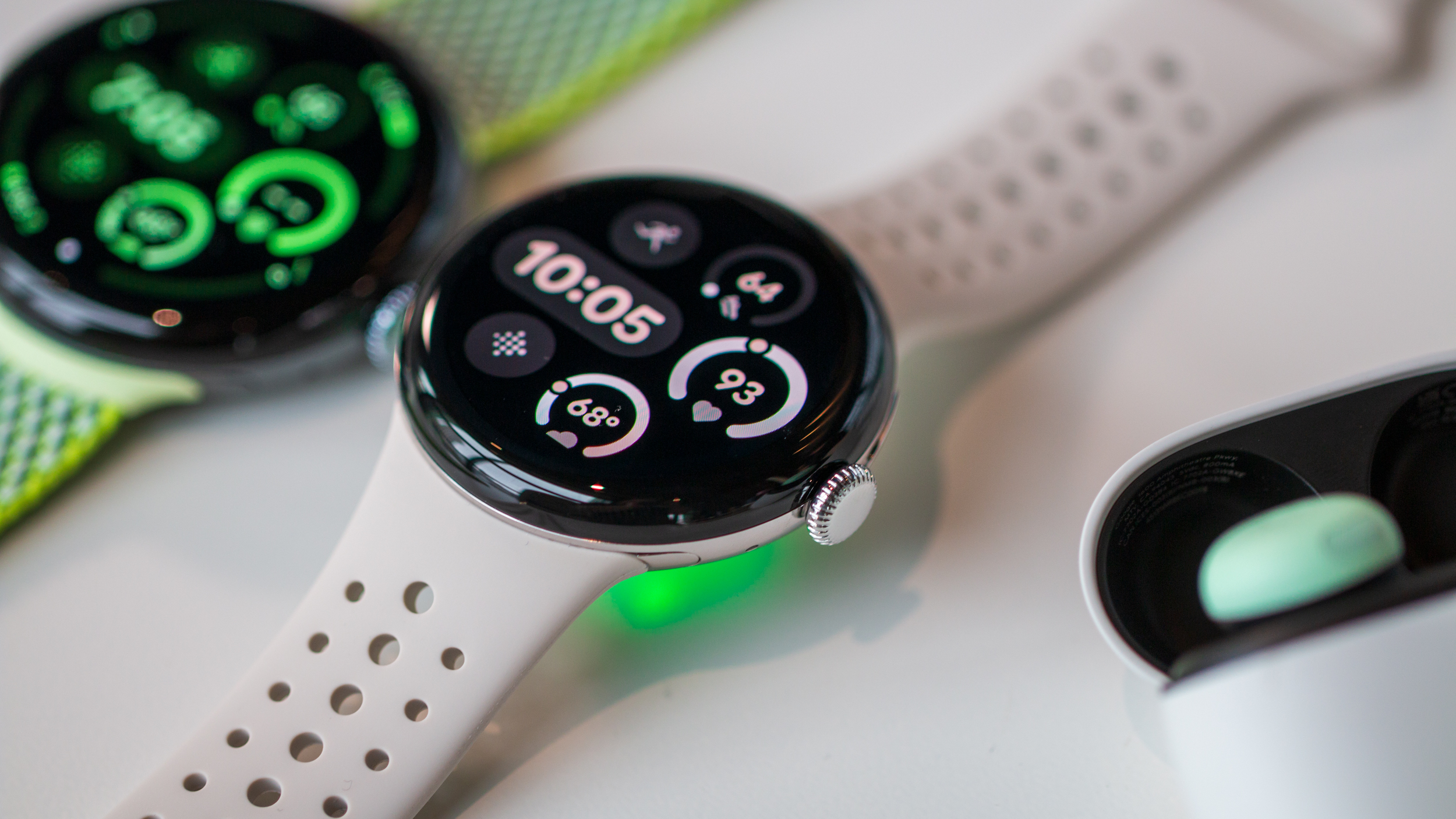
The Pixel Watch runs on a complex architecture that integrates health sensors, constant connectivity (LTE/Wi-Fi), and synchronization with the smartphone. A minor error in a background sync process—such as a loop in the location services or a hung process in the health sensor fusion—can lead to "wake locks." A wake lock prevents the processor from entering a low-power "sleep" state, causing the CPU to run at higher frequencies even when the screen is off.
The "Small Number of Devices" Claim
Google’s assertion that only a "small number of devices" were affected is a common corporate disclosure, but it is worth questioning. In the context of the vast Pixel ecosystem, "small" can still represent tens of thousands of users. The rapid response from Google suggests that the bug was significant enough to trigger internal monitoring alerts, confirming that the company is taking the stability of its wearable platform seriously.
Future Outlook: Restoring Trust
The immediate crisis of the battery drain may be nearing its end, but the long-term impact on the Pixel Watch line remains to be seen.
The Requirement for Robust Testing
Google’s reputation hinges on the "it just works" philosophy that originally defined the Pixel experience. To regain the trust of power users and tech enthusiasts, Google must move toward more rigorous beta-testing cycles for its wearable software. Ensuring that system updates do not degrade core functionality is paramount to the long-term success of the Pixel Watch against competitors like the Apple Watch and high-end Garmin devices.
What Users Should Expect Next
In the coming weeks, we expect Google to provide more transparency regarding the "root cause" of this incident. Transparency is the only currency that will restore confidence among the user base. For now, users should remain vigilant, keep their apps updated, and maintain a close eye on their battery statistics.
The Pixel Watch remains one of the most sophisticated pieces of wrist-worn technology on the market, but this incident serves as a poignant reminder that even the most advanced hardware is only as good as the software that powers it. As we move forward, the hope is that Google treats this incident not as a mere blip, but as a catalyst for a more robust, stable, and reliable software development lifecycle for all its wearables.
If you are still experiencing abnormal drain after following the steps above, ensure your watch is running the latest version of Wear OS by navigating to Settings > System > System Updates on your device.