Executive Overview
In a development that fundamentally shatters over a decade of rigid corporate dogma, Apple has officially introduced its first-ever touchscreen laptop: the MacBook Pro with PROLED XDR Display. For more than thirteen years, the tech world operated under the absolute certainty that macOS and touch inputs were fundamentally incompatible. This worldview was anchored by Steve Jobs’s famous 2010 declaration that vertical touch surfaces were “ergonomically terrible” and led to rapid physical fatigue.
Yet, during a high-profile product showcase in Los Angeles, Apple’s leadership signaled a monumental shift in philosophy. By integrating a responsive, beautifully engineered touch interface into its premier professional portable line, Apple has proven that technological and ergonomic hurdles can be cleared with sufficient hardware refinement and intelligent software design. Rather than trying to transform the Mac into an iPad—a mistake many competitors made during the early hybrid-PC boom—Apple has positioned touch as an elite, secondary input method. It is a calculated bonus designed to elevate creative workflows inside applications like Final Cut Pro and Logic Pro without compromising the traditional keyboard-and-trackpad paradigm.
Starting at $2,899 and available for pre-order now, this device marks a new chapter in portable computing. It challenges long-held assumptions about how humans interact with professional-grade operating systems, forcing both industry analysts and creative professionals to reevaluate what a modern laptop can achieve.
Detailed Chronology: From Jobs’s Rejection to the LA Unveiling
To truly understand the weight of Apple’s announcement, one must trace the timeline of skepticism that defined the company’s product strategy for generations.
The 2010 Verdict
In June 2010, during a quarterly earnings call, late Apple co-founder Steve Jobs addressed swirling rumors regarding touch-enabled laptops with unyielding clarity. He famously stated:
"It doesn’t work. Touch surfaces don’t want to be vertical. After a short period of time you start to fatigue, and after an extended period of time your arm wants to fall off. It doesn’t work, it’s ergonomically terrible."
For years, this philosophy served as a religious tenet within Apple’s Cupertino campus. While competitors like Microsoft, Dell, and HP flooded the market with Windows-based 2-in-1s and touch-enabled clamshells, Apple steadfastly maintained that iOS belonged on tablets and mobile devices, while macOS belonged strictly behind physical keyboards and glass trackpads. This ideological wall became a core differentiator for the MacBook brand, cementing its reputation as the gold standard for software engineering, writing, and professional content creation.
The Intervening Years: The iPad Pro Bridge
As time progressed, the lines began to blur. The introduction of the iPad Pro, coupled with iPadOS cursor support and Magic Keyboard accessories, proved that Apple was slowly experimenting with overlapping workflows. Users increasingly demanded flexibility, often switching between touch gestures and traditional typing. However, macOS remained strictly immune to touch input, leaving an unbridgeable gap between the iPad lineup and the MacBook Pro. Industry insiders occasionally whispered about internal prototypes, but the prevailing assumption remained that a touchscreen Mac would violate the sacred rules laid down by Jobs.
The LA Showcase: Breaking the Mold
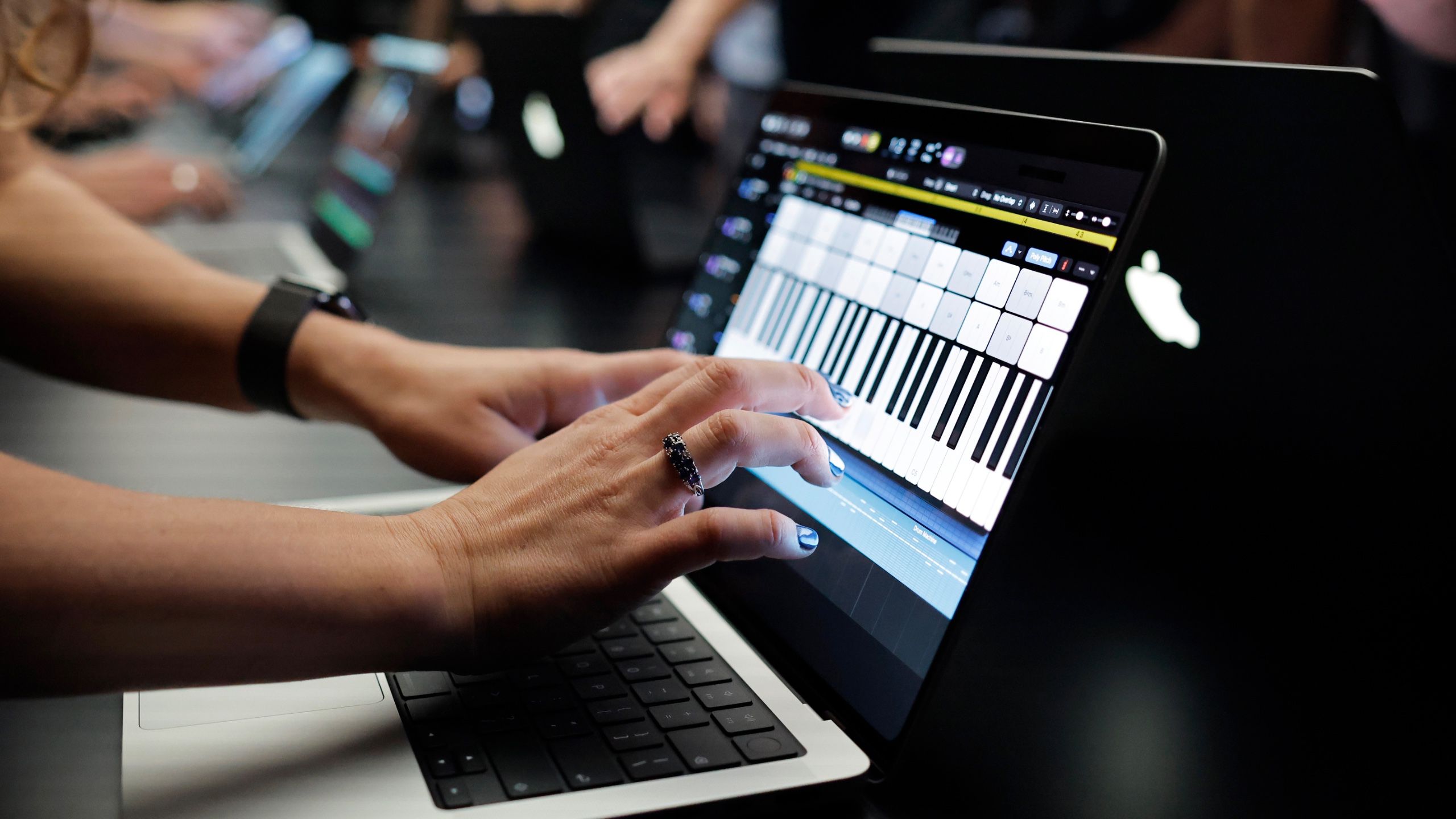
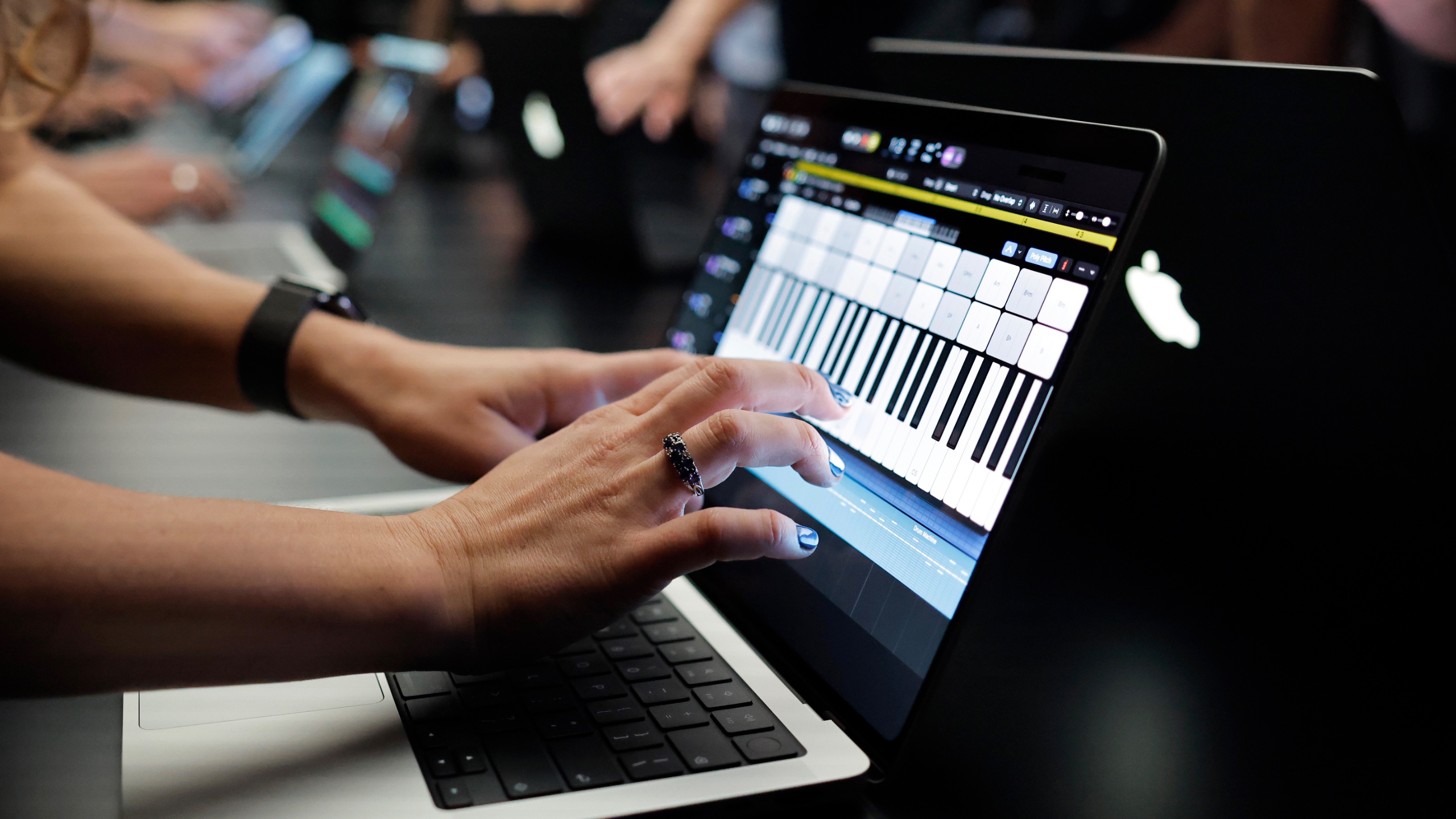
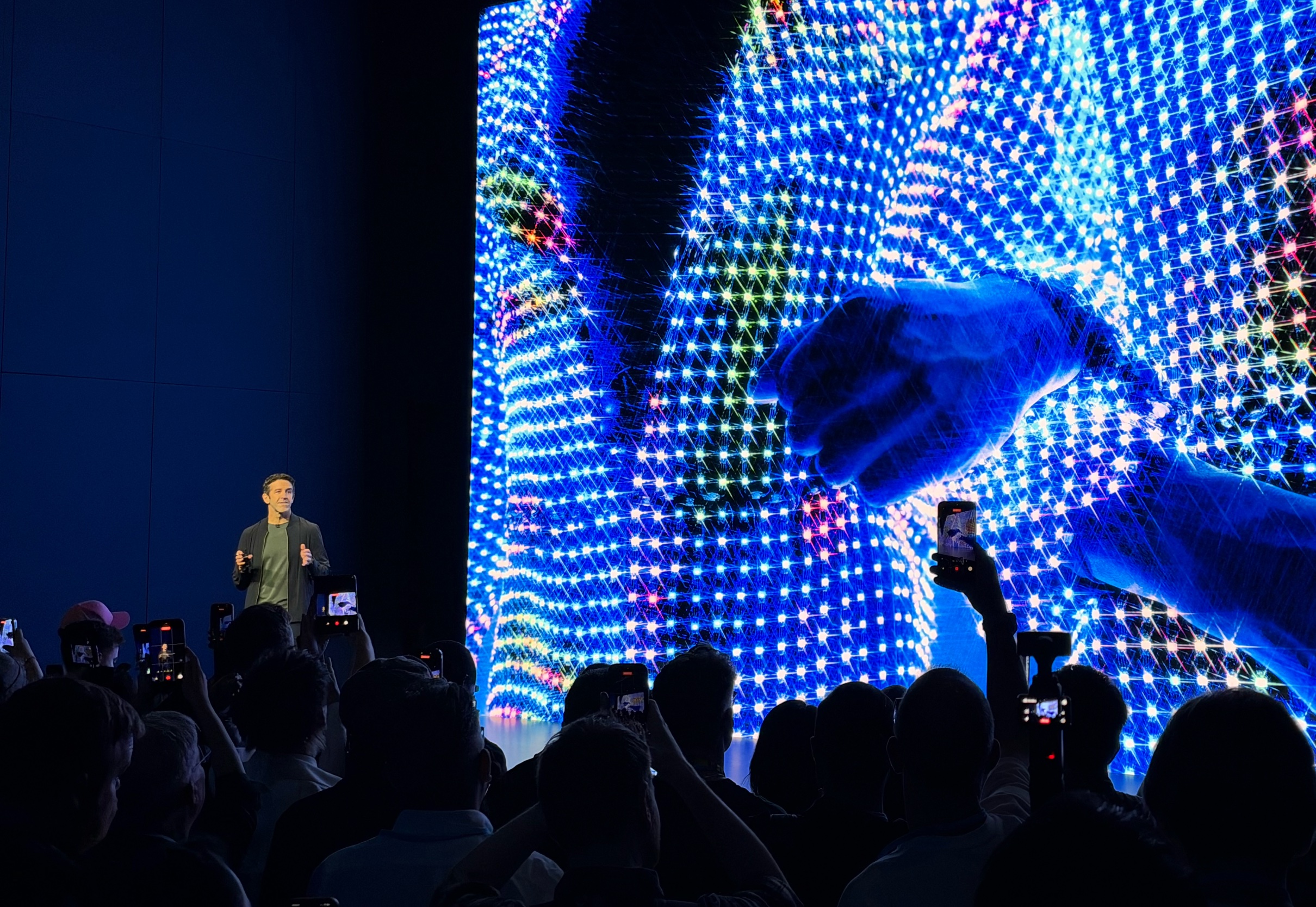
Yesterday, in Los Angeles, Apple CEO John Ternus and his executive team stepped onto the stage to unveil the MacBook Pro with PROLED XDR Display. Amid a wave of hardware updates—including the crowd-pleasing return of the illuminated Apple logo—the inclusion of touch input was quietly woven into the narrative. Rather than framing the laptop as a disruptive, touch-first hybrid, Apple introduced the capability as a refined, natural expansion of the user’s toolkit. Initial hands-on testing at the event immediately put to rest fears of sluggish performance or poor calibration, confirming that years of clandestine research and development had finally yielded a viable product.
Supporting Context & Metrics: Hardware Engineering and UI Adaptations
Integrating a touch layer into a high-brightness, high-density professional display without introducing visual distortion, excessive weight, or battery drain is a monumental engineering challenge. Apple’s approach relies heavily on custom hardware architecture and subtle, yet brilliant, software adaptations.
The PROLED XDR Display and Hinge Redesign
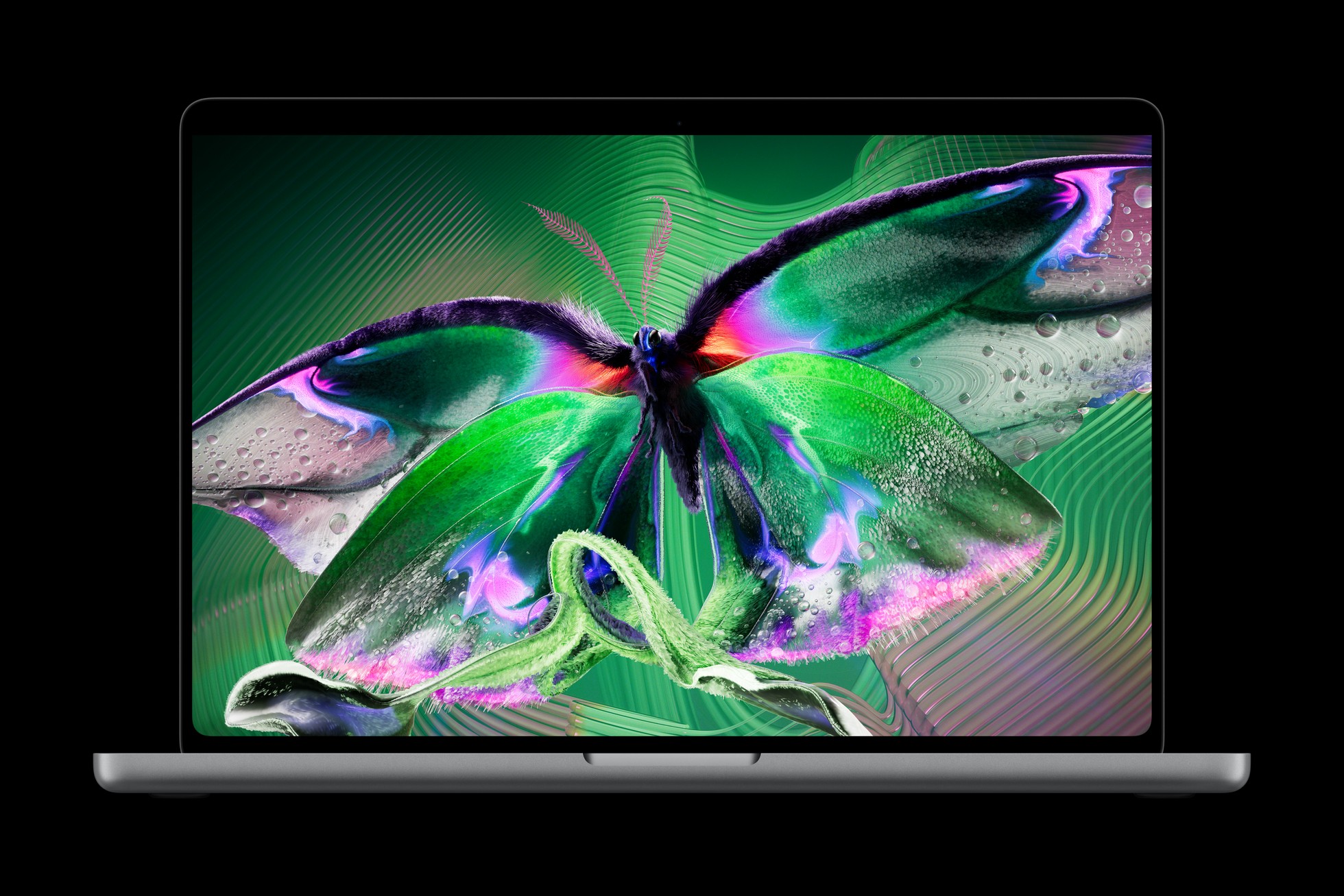
At the heart of the new machine is the PROLED XDR panel—a proprietary display technology that pushes peak brightness and contrast ratios to unprecedented heights. However, adding touch sensitivity to a vertical screen introduces a persistent physical problem: screen wobble. Every tap or swipe exerts torque on the display hinges, causing the upper chassis to bounce.
To combat this, Apple engineers completely redesigned the clutch hinge mechanism. By increasing torsional resistance and tightening tolerances, the display holds firm under moderate finger pressure. While minor rebound is still observable during aggressive inputs, it is remarkably well-controlled compared to early Windows touch laptops.
Software Intelligence and User Interface Adjustments
The success of a touchscreen Mac ultimately hinges on software. macOS was architected for pixel-precise mouse pointers and trackpad gestures, not human fingertips. Apple solved this by introducing contextual UI scaling.
- Dynamic Target Enlargement: When a user initiates a touch action near UI elements—such as close, minimize, and maximize window buttons—those targets subtly and instantaneously expand, mitigating accidental misclicks.
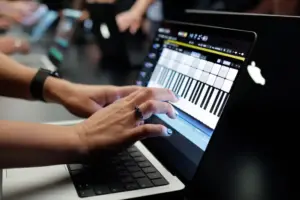
- Latency Elimination: During demonstrations using Logic Pro, testers noted zero perceptible input lag when playing a virtual onscreen keyboard.
- Optimized Creative Workflows: Scrubbing through a dense video timeline in Final Cut Pro, pinching to zoom on high-resolution photography in Lightroom, or navigating complex 3D viewports in CAD software suddenly feel remarkably intuitive when paired with multi-touch gestures.
Official Statements and Industry Reception
Reactions from the technology and design communities have been overwhelmingly fascinated, if occasionally cautious. Industry analysts point out that Apple’s marketing strategy is deliberately understated. By burying the touch capability beneath the broader umbrella of the "PROLED XDR Display" marketing moniker, Apple is managing expectations. They are not selling a gimmick; they are offering an advanced pro tool.
"When viewed as a bonus, an additional input option to sit alongside the traditional trackpad and keyboard, touch starts to make sense on the Mac," notes design editor Daniel John. "It’s useful for certain tasks… but it’s clear that, unlike the iPad, the Mac simply isn’t a touch-first device. But for creatives, a brand new input option can only be a good thing."
Competitors and industry observers have also noted the semantic gymnastics surrounding terms like "PROLED," drawing parallels to the introduction of "Apple Intelligence." Yet, beneath the marketing buzzwords lies a profound shift in consumer technology design: Apple is no longer bound by the absolute declarations of its past leaders when consumer utility and manufacturing maturity intersect.
Future Outlook: What the Touchscreen MacBook Means for the Industry
The launch of the MacBook Pro with PROLED XDR Display marks a watershed moment that will undoubtedly reshape the laptop market for the next decade.
- The Death of Dogma in Tech Design: Apple’s willingness to reverse its stance on touch-enabled laptops demonstrates a mature corporate mindset. Future product cycles will likely see this technology trickle down from the "Pro" tier into the mainstream MacBook Air lineup, assuming consumer adoption remains strong.
- Pressure on Competitors: Windows manufacturers who pioneered touchscreen laptops—often criticized for lacking cohesive software optimization—now face a new kind of competition. Apple has raised the bar for hardware stability (addressing screen wobble) and software UI adaptation (dynamic touch targets), forcing PC makers to refine their own hybrid operating systems.
- The Creative Workflow Evolution: For digital artists, video editors, and audio engineers, the hybrid input model bridges the gap between desktop power and tablet versatility. While the keyboard and trackpad remain the primary workhorses for long-form text editing and coding, touch input offers an expressive, tactile layer that accelerates specialized tasks.
As pre-orders roll in at a starting price of $2,899, the ultimate verdict will rest in the hands of the professionals who rely on these machines day in and day out. One thing is certain: the debate over whether laptops need touchscreens is officially over. Apple has spoken—not with a defensive press release, but with a piece of hardware that proves even the most entrenched rules are meant to be broken.