Executive Overview
Google Messages, the default communication hub for millions of Android users globally, is on the precipice of a significant functional overhaul. Recent technical investigations into the application’s latest beta builds have unveiled a suite of quality-of-life improvements that address long-standing user frustrations. These updates, primarily focused on voice note playback flexibility and the removal of restrictive limits on chat pinning, signal Google’s intent to evolve its messaging ecosystem into a more robust, productivity-oriented tool.
As the platform continues to compete with third-party encrypted messaging services like WhatsApp and Telegram, these incremental yet impactful changes suggest a shift toward a more seamless, multitasking-friendly user experience. While these features currently exist as latent code within the app’s APK (Android Package) files, their presence indicates a clear trajectory for the future of Google’s communication suite.
Detailed Chronology: Unpacking the APK Teardown
The insights into these upcoming features stem from meticulous APK teardowns—a process where developers and tech journalists deconstruct the installation files of the Google Messages app to uncover hidden or unfinished features.
The Voice Note Revolution
Historically, Google Messages has treated voice notes as "locked" content. Users often find that audio playback is tethered to the specific conversation window; navigating away to check a different thread or responding to a colleague in another chat frequently causes the audio stream to terminate abruptly.
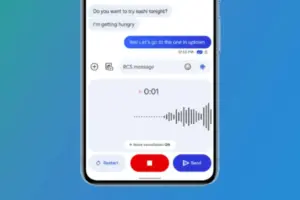
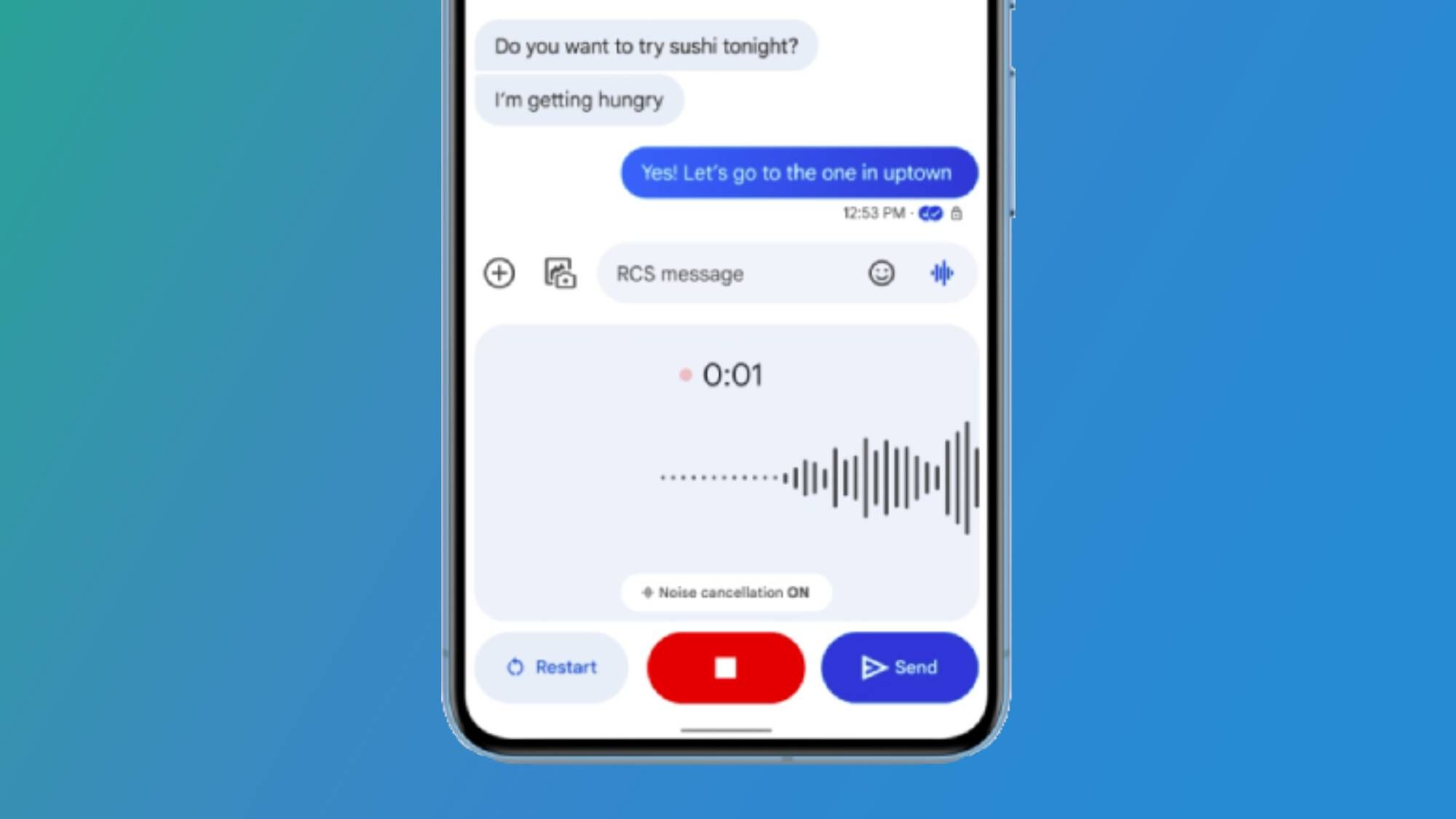
According to recent findings by Android Authority, this limitation is being dismantled. The code reveals a new "persistent playback" mechanism that allows audio to continue streaming even when the user exits the original chat. This change is monumental for power users who manage multiple conversations simultaneously, as it allows for asynchronous multitasking—listening to a long-form audio message while actively drafting a response elsewhere.
Beyond playback continuity, the teardown identified an expanded notification center interface. The proposed UI includes:
- Integrated Playback Controls: New play, pause, and skip buttons directly within the system notification shade.
- Granular Seek Options: Support for 5-second to 30-second skip and rewind intervals, providing users with surgical control over audio navigation.
The Aesthetics of Utility
Google is also experimenting with a visual refresh for voice note icons. Current indicators rely on a waveform-style icon, which is set to be replaced by a standard, more universally recognized microphone symbol. While some analysts worry this could be conflated with the app’s voice-to-text dictation feature, the broader consensus is that this shift prioritizes clarity over stylistic abstraction.
Supporting Context: Why These Changes Matter
To understand the significance of these updates, one must look at the current landscape of mobile communication.
The Burden of Restricted Pinning
For years, the six-pin limit in Google Messages has been a point of contention for users who manage high volumes of correspondence. In a digital environment where communication is often fragmented across personal, professional, and group threads, being forced to choose only six "priority" chats has proven insufficient for many.
The proposed solution discovered in the beta code is both elegant and adaptive. Google appears to be implementing a dynamic layout system:
- The Tile Design: Retains the modern, visual-heavy layout for users with six or fewer pinned conversations.
- The List Reversion: Automatically triggers a transition to a compact list-based layout when a user exceeds the six-pin threshold.
This hybrid approach allows the app to maintain its modern aesthetic while scaling to accommodate the needs of power users. Historically, Google Messages supported up to 20 pins, and while current code strings do not explicitly confirm this exact number, the move toward a list-based format strongly implies the reinstatement of a higher capacity.
Metrics of Engagement
User feedback loops have consistently identified "multitasking friction" as a primary reason for churn toward alternative platforms. By enhancing voice note capabilities, Google is effectively closing the feature gap between its default SMS/RCS client and dedicated instant messaging apps. For users who rely on RCS (Rich Communication Services) for high-fidelity messaging, these updates are not just "nice to have"—they are essential for maintaining professional and personal workflows.
Official Statements and Industry Perspective
While Google has maintained its standard silence regarding unannounced features, the patterns observed in recent beta cycles mirror the company’s "feature flag" strategy. This approach involves embedding code in production builds that remain dormant until triggered by a server-side switch.
Industry experts note that Google’s aggressive development cycle for Messages is likely tied to its broader push for universal RCS adoption. By making the app more powerful and flexible, Google incentivizes holdouts—particularly those who have migrated to third-party apps—to return to the native messaging experience.
"Google is finally treating Messages like a modern productivity app," says one industry analyst. "For too long, the barrier to entry for power users was the lack of basic features like background audio or flexible pinning. If these changes go live, the argument for using a third-party app solely for ‘better features’ becomes significantly weaker."
Future Outlook: What Lies Ahead
As we look toward the next several months, the integration of these features will likely proceed in phases.
The Phased Rollout
- Beta Testing: The features will likely remain in the beta channel, where Google will monitor for battery drain issues—a common concern with persistent background audio—and UI stability.
- Server-Side Activation: Once stability is confirmed, Google will likely push a server-side update, making these features available to the general public without requiring a separate app update from the Play Store.
- Refinement: Following public feedback, we can expect further iterations, potentially including faster playback speeds (1.5x, 2.0x) for voice notes, which remains a glaring omission compared to competitors like WhatsApp.
The Bigger Picture
These developments highlight a broader trend in Android’s evolution: the transition of "system apps" into "service-oriented platforms." Google Messages is no longer just a conduit for SMS; it is an intelligent, feature-rich interface that competes for the user’s attention in an increasingly crowded app market.
For the end user, these changes represent a triumph of functionality over stagnation. Whether it is the ability to listen to a voice note while checking an address or finally being able to pin that seventh, eighth, or ninth essential conversation to the top of your list, these updates promise to make the daily experience of managing communication significantly more fluid.
While there is always a risk that Google may pivot or shelve these projects before a full-scale launch, the depth of the implementation found in current beta builds suggests these features are well beyond the experimental phase. As the Android ecosystem continues to mature, Google Messages is positioning itself to be not just the default, but the preferred choice for communication.
Disclaimer: As with all features identified through APK teardowns, these functionalities are subject to change, delay, or cancellation at Google’s discretion. Users are advised to keep their Google Messages app updated via the Play Store to ensure access to the latest stable features as they are officially released.